Gaming Tech & Consoles
How to Update PS5 Controller Firmware Using a PC
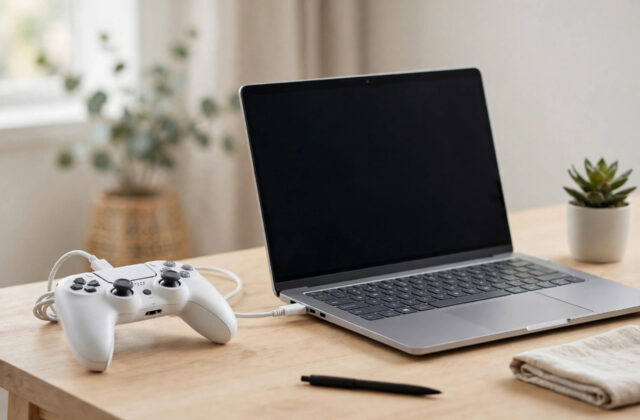
You do not need a PS5 nearby to keep your DualSense controller up to date. Sony provides a free Windows app that…
October 20, 2026

Category
Step-by-step tech guides, fixes and how-tos — from Wi-Fi and Windows to AI tools, apps and smart devices. Every guide is written to solve one problem clearly.
You do not need a PS5 nearby to keep your DualSense controller up to date. Sony provides a free Windows app that…
Few things ruin a gaming session faster than your controller cutting out mid-match. A DualSense that keeps disconnecting can have several causes,…
Light stick drift on an Xbox controller does not always mean the hardware is dying. Xbox controllers include a built-in recalibration tool,…
Stick drift is the most frustrating DualSense problem: your character walks on their own, the camera slowly spins, or menus scroll without…
The DualSense is one of the most comfortable controllers ever made, and it works beautifully with PC games too. Windows supports it…
Screen tearing happens when a game renders frames at a pace your TV cannot match, so the picture splits for a split…
Many modern PS5 games can run at 120 frames per second, which makes movement smoother and aiming feel more responsive. The catch…
A PlayStation Network account holds your games, trophies, friends, wallet funds, and save data, so creating it safely matters as much as…
Unboxing a new PS5 is exciting, but the first setup decides how smooth everything runs afterwards. A rushed setup can leave you…
Most Mac users open Calculator, work out a quick sum, and close it again without a second thought. It looks like a…