Printers & Office Tech
How to Print on Both Sides Automatically With an HP Duplex Printer
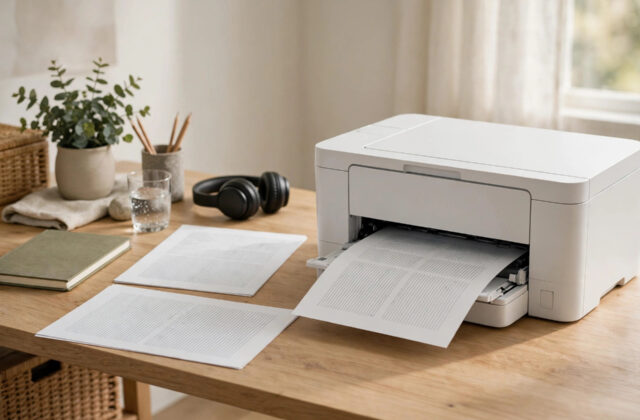
Printing on both sides of the paper saves money, cuts paper use in half, and makes reports, assignments, and booklets look much…
November 9, 2026

Category
Step-by-step tech guides, fixes and how-tos — from Wi-Fi and Windows to AI tools, apps and smart devices. Every guide is written to solve one problem clearly.
Printing on both sides of the paper saves money, cuts paper use in half, and makes reports, assignments, and booklets look much…
Few printer messages are as insulting as “Used or Counterfeit Cartridge Detected” — especially when the cartridge in your HP OfficeJet Pro…
You refilled your HP cartridges or bought quality remanufactured ones, fitted them — and the printer rejects them, saying the cartridge is…
It is 3 a.m. and your HP printer suddenly whirs, clicks, and lights up like it is about to print — then…
Your HP printer used to start within seconds of clicking Print. Now, on Windows 11 over USB, a simple document takes minutes…
New laptop, trusty HP LaserJet, and a setup program that spins forever before announcing it cannot find your printer. This is one…
Owners of older HP Photosmart printers know this message well: “Ink System Failure — error 0xc18a0206”, sometimes with instructions to turn the…
Your HP OfficeJet has full colour cartridges, the photos look fine when you copy them on the printer itself, yet everything printed…
Every time you print a document, your HP printer follows it with an extra page — a status report, configuration sheet, or…
Blurry text that looks printed twice — every letter with a faint shadow copy beside it — is one of the most…