
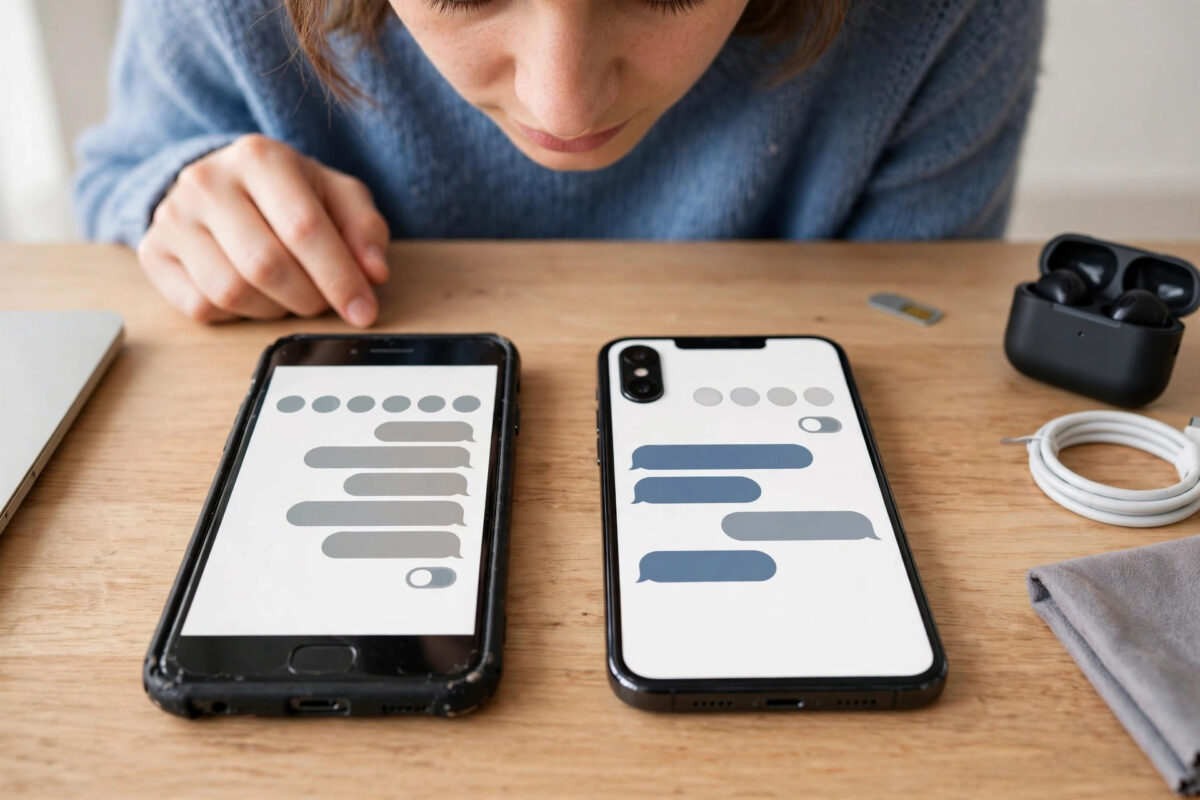
You have set up your new phone, signed in to Messenger, and most chats are waiting for you — except the ones that mattered most. Your secret conversations are missing. Many people immediately assume those private messages are deleted forever.
Secret conversations work differently from normal Messenger chats, which is why they do not follow you to a new phone. Understanding how they are stored shows what can be recovered, what cannot, and how to protect yourself next time.
Quick Answer
Messenger secret conversations are tied to the specific device where they were created and do not transfer automatically to a new phone. If you still have your old phone with the chats on it, you can view them there and manually save anything important. If the old device is wiped, lost, or reset, those secret conversations generally cannot be restored, because the encryption keys existed only on that device. New secret conversations can be started fresh on your new phone.
How Secret Conversations Are Different
A secret conversation is an older form of device-specific encrypted chat in Messenger. When you start one, your phone and the other person’s phone exchange encryption keys that live on those two devices only. The messages are not stored in a form that Facebook can move between your phones for you.
Normal chats are linked to your account in the cloud, which is why they appear when you sign in anywhere. Secret conversations were deliberately designed not to work that way. That gives strong privacy, but change your device without a plan and the conversation does not come with you.
Secret Conversations vs Newer Encrypted Chats
Messenger has been moving toward end-to-end encrypted chats that use secure storage, PINs, and recovery codes to restore history across devices. Classic secret conversations do not benefit from that system in the same way, so treat them as a different system with different recovery rules.
Check First: Is the Chat Really Gone?
Before assuming the worst, rule out simple explanations. Sometimes the conversation is present but hidden by how the new phone displays your inbox.
- Use Messenger’s search bar on the new phone and type the person’s name exactly.
- Scroll through your full chat list rather than relying only on the recent chats shown at the top.
- Check archived chats, in case the conversation was archived on your account view.
- Make sure you are signed in to the correct Facebook account, especially if you have more than one.
- Ask whether you previously used secret conversations on a tablet or second phone as well as your main phone — the chats may live on that device instead.
If the person appears with a normal chat but no secret conversation thread, that strongly suggests the secret thread stayed on the old device, which is the usual outcome after a phone switch.
If You Still Have Your Old Phone
This is the best-case situation. Act carefully before wiping or handing in the old device — as long as Messenger is still signed in there, your secret conversations should still open.
- Charge the old phone and connect it to Wi-Fi, but do not reset it or delete Messenger.
- Open Messenger and confirm the secret conversations are visible and readable.
- Decide what you need to keep — usually important details such as addresses, dates, or photos — and save it in a secure notes app or password manager.
- Save important photos or files from the chat to your device storage, then back them up securely.
- Tell the other person you have changed phones, so they understand why you are starting a fresh thread.
- Only wipe or trade in the old phone once you are certain nothing important remains on it.
The official explanation of how these chats are linked to a device is covered in the Messenger Help Centre guide to secret conversations, which confirms why signing in on a new phone does not bring them across.
If Your Old Phone Is Lost, Broken, or Already Wiped
Honesty matters here: if the only device holding the keys is gone or has been factory reset, there is no official recovery tool, backup file, or support request that can rebuild those secret conversations. Facebook does not hold a readable copy it can send you, because that is the entire point of the encryption design.
- Phone lost or stolen: Secure your Facebook account by changing your password and reviewing logged-in devices, then accept that the secret threads on that phone are not recoverable.
- Phone broken but not wiped: If the phone can be repaired without resetting its storage, your chats may still be there when it powers on. Ask the repair shop clearly not to factory reset it.
- Phone already traded in or reset: A factory reset removes the app data and keys. Treat the conversations as gone and focus on starting fresh.
- Cloud backup of your whole phone: A general phone backup does not reliably restore secret conversation keys in a usable form, so do not count on it. This surprises many people, but app-level encryption is designed to resist exactly that kind of copying.
One option people forget: the other person still has their own copy of the conversation on their device. They cannot transfer the encrypted thread to your new phone, but with their agreement they can share back specific information you need, such as a photo or an address, in a new chat.
How to Start Fresh on Your New Phone
Once you have saved what you can — or accepted what is lost — setting up properly on the new phone takes only a few minutes.
- Update Messenger to the latest version from your official app store.
- Open a chat with the person and start a new encrypted or secret conversation using the option your app version provides.
- Send a short message explaining you have a new phone, so the fresh thread makes sense later.
- If your app offers secure storage setup with a PIN and recovery code, complete it carefully and save the recovery details in a password manager.
- Test disappearing message settings and other privacy options, since they do not carry over automatically.
If you are still in the middle of moving phones generally, our complete guide to backing up chat history from messaging apps explains which apps can be backed up to the cloud and which ones, like secret conversations, need manual preparation before you switch.
How to Avoid This Problem Next Time
You cannot make classic secret conversations transferable, but you can make your next phone change painless with a simple routine.
- Before switching phones, open your secret conversations on the old device and save anything you would genuinely miss.
- Never wipe your old phone on the same day you set up the new one. Keep it for a week until you are sure nothing is missing.
- Prefer Messenger’s newer encrypted chats with secure storage for important conversations, and complete the PIN and recovery code setup properly.
- Store recovery codes in a password manager, not on the phone itself.
- Keep truly important information — contracts, addresses, bookings — in a proper secure place rather than only inside any chat app.
Meta’s wider guidance on protecting chats across devices is available in the Messenger Help Centre information about secure storage, which is worth reading before your next upgrade if encrypted chats matter to you.
Common Mistakes to Avoid
- Wiping the old phone at the shop: Trade-in staff often reset devices immediately. Always check your chats first and delay the wipe.
- Trusting apps that promise secret chat recovery: No third-party tool can recover keys from a wiped device. These offers are scams that target people at a stressful moment.
- Assuming a phone backup covers everything: Standard backups are excellent for photos and settings but do not guarantee recovery of device-bound encrypted chats.
- Signing out of Messenger on the old phone too early: Keep the old session alive until you have checked and saved everything you need.
- Keeping the only copy of vital information in a secret chat: Secret chats are for privacy, not for long-term storage. Save important details elsewhere securely.
Conclusion
Secret conversations protect your privacy by living only on the devices that created them — and that same design means they do not follow you to a new phone. If your old phone still works, your recovery path is simple: open the chats there and save what matters before wiping anything. If the old device is gone or reset, those particular threads cannot honestly be restored, and anyone promising otherwise should not be trusted. Start fresh on the new phone, set up modern encrypted chat recovery properly, and next time you upgrade, check your private chats before the old phone leaves your hands.
Frequently Asked Questions
Why did my normal chats transfer but my secret conversations did not?
Normal chats are stored with your account and load on any device when you sign in. Secret conversations are encrypted with keys stored only on the original devices, so a new phone has no way to open the old thread.
Can Facebook support restore my secret conversations for me?
No. Facebook does not keep a readable copy of secret conversations or their device keys, so support has nothing to restore. This is a deliberate result of how the encryption is designed.
Does the other person still have our secret conversation?
Yes, usually. Their copy stays on their device. They cannot send the encrypted thread to your new phone, but they can share specific photos or details again in a new conversation if you ask.
Will a backup of my old phone bring the chats back if I restore it?
Generally, no. Restoring a general phone backup onto a new device does not reliably restore the secret conversation keys in a working form. Treat manual saving from the old phone as the only dependable method.
How do I start a secret or encrypted conversation on my new phone?
Open the person’s chat, use the conversation options to start an encrypted or secret conversation as offered by your app version, and complete any secure storage setup with a PIN and saved recovery code right away.



Leave a Reply