
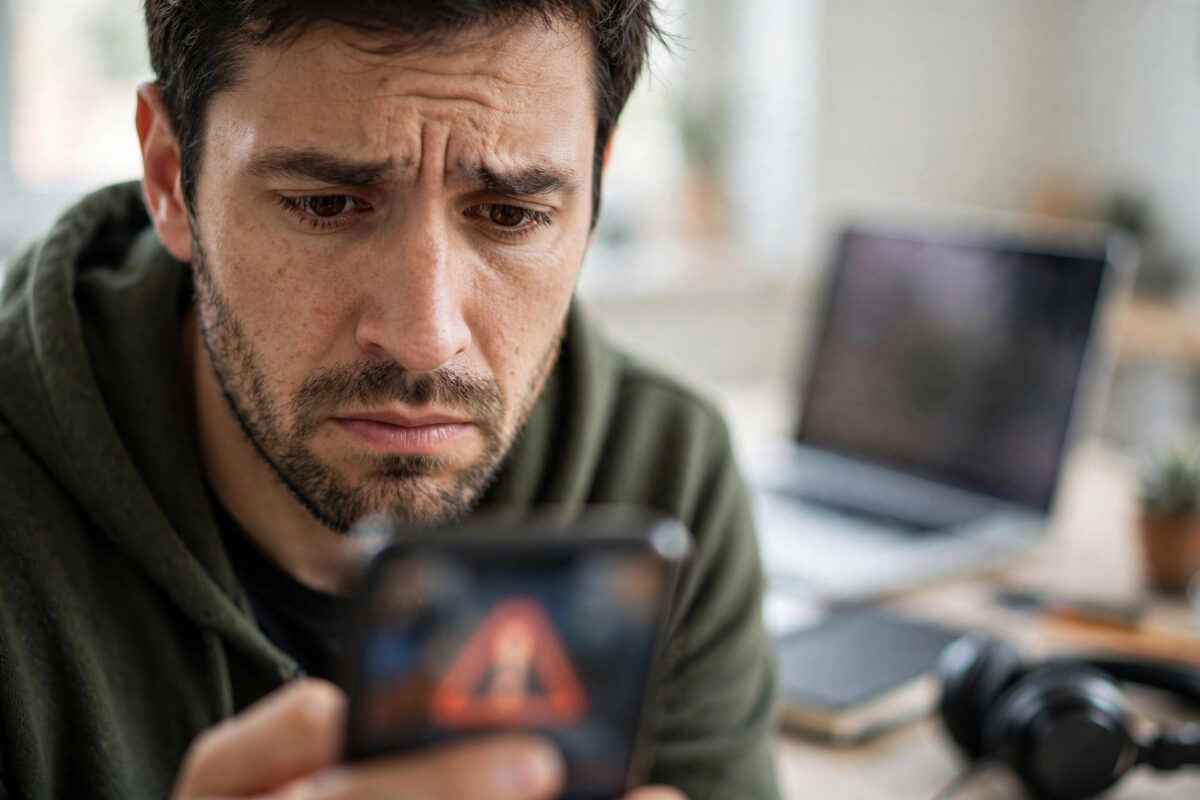
A message saying “your account will be deleted” can cause instant panic. It may arrive by email, text message, direct message, or a pop-up, and it often gives you a short deadline like 24 hours to act. That fear and urgency is exactly what scammers want.
Real platforms do sometimes send warnings about inactive accounts or policy violations. Phishing messages copy those warnings to trick you into entering your password on a fake website.
This guide gives you a calm, step-by-step method to verify any account deletion message before you click anything or share any information.
Quick Answer
To verify a “your account will be deleted” message is real and not phishing, do not click its link. Instead, open the official app or type the official website address yourself, sign in, and check your account notifications and security settings there. A real deletion warning will also appear inside the official app or account center, while a phishing message only exists in email or text and uses a fake sender address and a suspicious link.
How Phishing Deletion Messages Usually Look
Phishing messages follow a pattern once you learn to spot it. They use fear, urgency, and a look-alike design to rush you.
- The message says your account will be deleted, suspended, or permanently locked within 12 to 48 hours if you do not act now.
- It asks you to verify your identity, confirm your password, or appeal the decision by clicking a button or link.
- The sender name looks official, such as Instagram Security or Apple Support, but the actual email address or phone number behind it is strange or unrelated.
- The link looks almost correct but has extra words, misspellings, or a different ending, such as instagram-security-help.com instead of instagram.com.
- The writing has spelling mistakes, odd spacing, or generic greetings like Dear User instead of your name or username.
- It arrives in a place the platform would not normally use, for example an Instagram deletion warning sent only by SMS from an unknown mobile number.
None of these signs alone proves a message is fake, but two or three together is a strong warning. Always verify through the official app.
How Real Platform Notices Usually Work
Real platforms want you to act inside their own system, where they can confirm it is really you. A genuine notice from Meta, Google, Apple, TikTok, or WhatsApp will typically also appear as an in-app notification, a banner when you sign in, or a message in the official support inbox.
Real notices explain the specific reason and give you a way to appeal inside the app. They never ask for your password by email, a fee to stop deletion, or a six-digit login code.
The Instagram Help Center guidance on phishing and suspicious messages advises users to check official emails from Instagram inside the app under Settings, and to never click links in suspicious messages.
Step-by-Step: Verify the Message Without Clicking Its Link
Use this process for any platform, whether the message claims to be from Instagram, Facebook, Google, Apple, TikTok, X, or WhatsApp.
- Stop and do not click any link, button, or attachment in the message. Do not reply with personal information.
- Take a screenshot of the message for your records.
- Check the sender carefully. On email, tap or hover over the sender name to reveal the full email address. Compare it letter by letter with the official domain, such as @instagram.com, @facebookmail.com, @google.com, or @apple.com. Look for extra letters, numbers, or different spellings.
- Check the link without opening it. On a computer, hover over the link to see the real destination at the bottom of the window. On a phone, long-press carefully to preview the link address without opening it, if your app supports link preview. If the domain is not the exact official domain, do not open it.
- Close the message and open the official app directly from your Home Screen, or type the official website address yourself in your browser, such as instagram.com or accounts.google.com.
- Sign in normally and check for warnings. Look at in-app notifications, the support or help inbox, account status, and security alerts. For Instagram and Facebook, check Settings, then Accounts Center, then Password and Security, and also check the official emails section in Security settings if available.
- Search for an account status page. Many platforms have an Account Status, Account Health, or Security Checkup page that shows real violations and deletion risks. If that page says your account is in good standing, the message was almost certainly phishing.
- If there is no warning inside the official account, treat the external message as phishing. Delete it and report it in your email or messaging app as phishing or spam.
- If there is a real warning inside the official app, follow the appeal or verification steps only inside that app or on the official website you opened yourself. Never return to the link in the original message.
Platform-Specific Checks You Can Do
Instagram and Facebook
Open Instagram, go to Settings and Privacy, then Accounts Center, then Password and Security, then Recent Emails. Instagram lists genuine security emails it sent in the last 14 days. If the deletion email is not listed there, it did not come from Instagram. On Facebook, check your Support Inbox and Account Quality pages for any real violation notice.
Google and YouTube
Open your Google Account at myaccount.google.com by typing it yourself. Check Security and notifications for any deletion warning. An email alone with no matching in-app alert is suspicious.
Apple Account
Apple warnings should also appear on your trusted device in Settings under your name. Check there instead of using an email link. You can also review the Apple Support advice on recognizing and avoiding phishing messages and fake support calls to compare the message you received with known scam patterns.
TikTok, X, and WhatsApp
Open the app and check the official inbox and account status. WhatsApp never sends deletion warnings from an unknown number asking for your code. Real notices appear as in-app banners or from verified official accounts.
For a deeper look at keeping your social accounts secure after a scare, see our guide on how to secure your Instagram account after a hacking attempt for password and two-factor steps you can apply to any platform.
What to Do If You Already Clicked or Entered Your Password
Act quickly, but do not panic.
- On the official app or website that you open yourself, change your password immediately to a strong, unique one.
- Turn on two-factor authentication if it is not already on, using an authenticator app where possible.
- Log out all other sessions from the security settings. This forces the attacker out if they signed in.
- Check and fix your recovery email and phone number. Attackers often change these to lock you out later.
- Review recent posts, messages, and account changes for anything you did not do, and report it through the official app.
- If you entered bank or card details on the fake site, contact your bank immediately and follow their fraud process.
- Warn friends if the attacker may have messaged them from your account asking for money or codes.
Common Mistakes to Avoid
- Clicking first to see what happens: Even opening a fake verification page can lead you to enter details in a rush. Always verify inside the official app first.
- Trusting a logo or professional design: Scammers copy logos, colors, and layouts perfectly. Design proves nothing. The sender domain and in-app confirmation are what matter.
- Sharing a login code: No real platform support team will ask for your six-digit code, password, or recovery code by email, text, or direct message. Anyone who asks is a scammer.
- Calling a phone number from the message: Fake support numbers in phishing messages connect you to scammers, not the platform. Use only contact options inside the official app or website.
- Ignoring the message completely without checking: Most deletion messages are phishing, but a small number reflect a real account status issue. Checking inside the official app gives you certainty without risk.
Conclusion
A “your account will be deleted” message is designed to make you act before you think. Your best defense is a simple habit: never use the link in the message, always go to the official app or website yourself, and look for the same warning there.
If the warning exists inside your account, handle it there calmly and officially. If it does not exist, the message is phishing, and you can delete and report it with confidence. That habit protects your accounts from the most common theft trick.
Frequently Asked Questions
How can I tell if an account deletion email address is fake?
Reveal the full sender email address and compare it exactly with the official domain. Fake addresses use extra words, misspellings, or unrelated domains, such as support@instagram-secure-help.com. Also check the recent official emails list inside the app where available.
Will Instagram delete my account without warning in the app?
For policy or security actions Instagram normally shows warnings, appeal options, and account status information inside the app and Accounts Center. A warning that only exists in an external email or text with a link, and nowhere in the app, is very likely phishing.
What should I do with a phishing deletion message?
Do not click its links or reply. Report it as phishing or spam in your email or messaging app, then delete it. If you want extra peace of mind, change your password in the official app and check that two-factor authentication is on.
Can a real platform ask for my password to stop account deletion?
No. Real platforms will ask you to sign in normally on their official app or website, but they will never ask you to send your password, login code, or recovery code in an email, text, or direct message to stop a deletion.
Why do scammers use account deletion threats so often?
Deletion threats create fear and a short deadline, so people click quickly without checking. Scammers use that rush to steal passwords on fake pages. Slowing down and verifying inside the official app removes the pressure and stops the attack.


Leave a Reply