
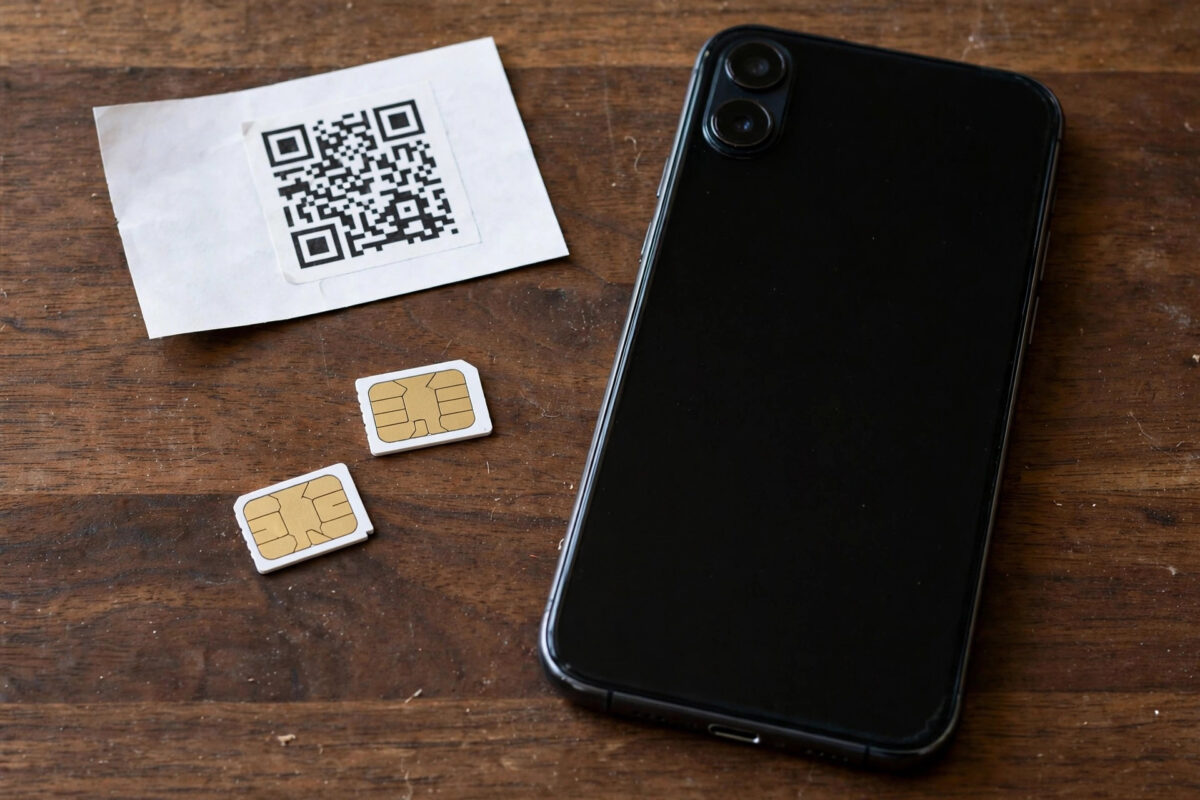
Dual SIM phones let you run two numbers and two plans in one handset, and smart users exploit this to cut costs: one SIM with cheap calls, another with a big data allowance, or a local SIM alongside a travel SIM. But two SIMs also create confusion. Only one can usually carry data at a time, the wrong SIM can quietly burn expensive pay-as-you-go credit, and settings buried in menus decide which plan you are really using. This guide explains how dual SIM data works, how to assign each SIM its job on Android and iPhone, and how to manage two different data plans without nasty surprises.
Quick Answer
To use two SIM cards with different data plans, insert both SIMs (or one physical SIM and one eSIM), then in your phone’s SIM settings choose which SIM is the default for mobile data, which is for calls, and which is for texts. Only one SIM normally provides data at a time, but most phones can auto-switch to the other SIM if the first loses signal. Rotate the data role when one plan runs low, and keep an eye on each plan’s balance separately.
How Dual SIM Phones Actually Work
Most modern dual SIM phones are “dual standby”. Both SIMs listen for calls and texts, but they share radio hardware, so when one line is on a call, the other may be unreachable, and only one SIM connects to mobile data at any moment. Some newer phones offer a data switching feature that automatically moves data to the second SIM when the primary loses coverage, which is genuinely useful in patchy areas but can also eat the second plan’s allowance without you noticing.
The second SIM can be physical or an eSIM. Many phones now offer one tray slot plus eSIM, or even two eSIMs. Android brands have supported dual SIM for years; iPhones from the XS onwards support one physical SIM plus eSIM, or dual eSIM on recent models. Apple explains its arrangement in its Dual SIM support guide.
Set Up Two SIMs on Android
- Insert both SIMs, or install the second as an eSIM, then open Settings and tap Network and Internet, then SIMs (Samsung: Settings, Connections, SIM Manager).
- Label each SIM clearly, for example “Calls” and “Data”, and give them different colours if the phone offers it. Clear labels prevent expensive mistakes later.
- Set default SIM for mobile data to the SIM with the generous data plan.
- Set the default SIM for calls and texts according to which plan is cheaper for each, or choose “Ask every time” if you like choosing per call.
- Decide about auto data switching. Turn it on if you need uninterrupted data in weak areas, off if the second SIM is expensive pay-as-you-go.
- Check each SIM’s APN settings are present and correct, because each SIM stores its own list.
Set Up Two SIMs on iPhone
- With both lines active, open Settings, then Mobile Data.
- Tap Mobile Data at the top and select which line provides data.
- The setting Allow Mobile Data Switching lets the iPhone use the other line for data automatically when the first is weak or during calls. Turn it off if the second line is costly.
- Under Default Voice Line, choose which number your calls use by default, and label both lines under their settings pages so the phone app shows “Personal” and “Data” instead of confusing numbers.
- In the Contacts app, you can assign a preferred line per person, useful if work contacts should always be called from your work number.
Smart Strategies for Two Different Data Plans
The Big Plan + Cheap Calls Combo
Keep your main number on a plan with cheap or unlimited calls and texts, and add a data-heavy SIM from a budget network purely for data. In settings, that budget SIM becomes the data default while your main number handles calls. This is often far cheaper than one premium plan that bundles everything.
The Home + Travel Combo
At home, your normal SIM does everything. Abroad, install a local or travel eSIM and flip the data default to it, keeping your home SIM alive for receiving bank codes and calls. Our guide on what roaming means and how to avoid high charges explains the cost traps to dodge while doing this.
The Coverage Backup Combo
Two SIMs on different networks mean that when one network has no signal, the other often does. Enable auto data switching and the phone bridges the gap by itself. Rural workers and delivery drivers use this trick to stay online all day. Note the two SIMs must be on genuinely different networks, not two brands sharing the same parent network.
Managing Balances and Renewals
Each plan keeps its own allowance, renewal date, and balance, and your phone only tracks raw usage per SIM, not the official balances. Keep both providers’ apps installed, and set the phone’s per-SIM data counters to each plan’s own cycle dates so warnings fire correctly. Our guide on how to check your remaining mobile data balance covers the methods for each SIM. A monthly calendar note of the two renewal dates prevents the classic mistake of topping up the plan that was not about to expire.
Common Mistakes to Avoid
- Leaving auto data switching on with an expensive second SIM. One weak-signal afternoon can drain pricey credit silently.
- Forgetting which SIM a hotspot uses. The hotspot always shares the current data SIM’s allowance.
- Unlabelled SIMs. “SIM 1” and “SIM 2” invite mistakes. Rename them the day you set up.
- Assuming both SIMs can use 5G at once. On many phones, using two SIMs limits one or both to 4G, or disables 5G on the second line. Check your model’s dual SIM specifications.
- Letting the “backup” SIM expire. Unused pay-as-you-go SIMs are deactivated after months of inactivity. Make a small chargeable action on it now and then to keep it alive.
Work and Personal: The Separation Bonus
Beyond saving money, two SIMs buy you a cleaner life. A work number that lives on its own SIM can be silenced after hours — most phones let you schedule a SIM off or set it to not disturb — while your personal line stays reachable for family. Employers increasingly accept this arrangement instead of issuing a second handset, and freelancers gain a professional number for clients without carrying two phones. When you change jobs, the work SIM comes out or the eSIM profile is deleted, and your personal number, photos, and apps are untouched. Just agree the arrangement with your employer first if the work line is theirs, and keep work accounts and personal accounts properly separated inside the phone as well, so a handset change never blurs the boundary you created the second SIM for.
Conclusion
Two SIMs with different plans work brilliantly when each has a clear job: set the data default deliberately, label everything, manage the auto-switch feature, and track both balances. Spend ten minutes on the setup and the phone quietly saves you money every month while giving you a backup network in your pocket.
Frequently Asked Questions
Can both SIMs use mobile data at the same time?
On almost all phones, no. One SIM provides data while the other stands by for calls and texts. A few phones can use the second SIM briefly during a call on the first, but not for two full data connections at once.
Does using two SIMs drain the battery faster?
Slightly, because the phone maintains two network registrations. The difference is small on modern phones, though it grows in weak signal areas where both radios work harder.
Can I have two SIMs from the same network?
Yes, for example a work line and a personal line. You just lose the coverage backup advantage, since both lines share the same towers.
Which SIM does my hotspot use?
The one currently set as the mobile data SIM. If the phone auto-switches data to the other SIM, the hotspot follows it, so watch the setting when travelling.
Can I use WhatsApp with two numbers on one phone?
WhatsApp registers one number per app, but many Android phones offer dual app or app clone features that run a second copy for the other number. WhatsApp Business is another legitimate way to run the second line.



[…] you want both numbers to work over Wi-Fi. If you use two lines for different purposes, our guide on using two SIM cards with different data plans explains how the settings […]