
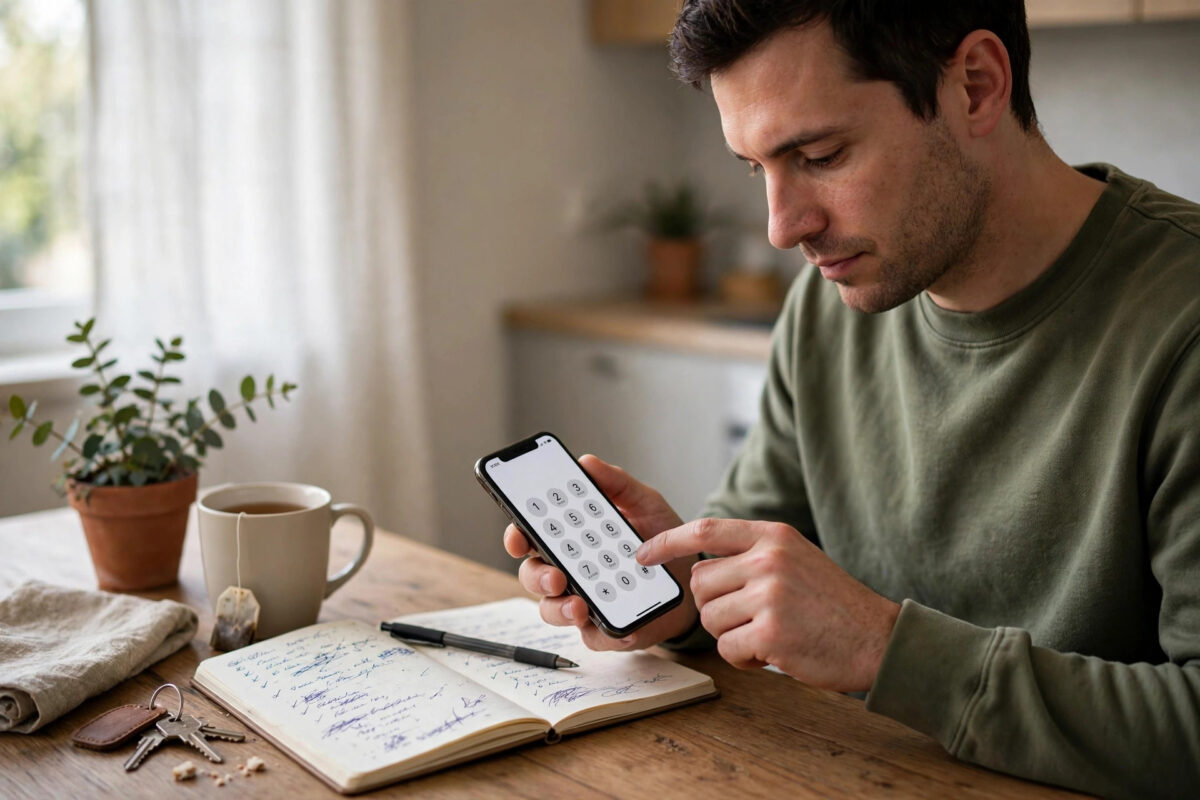
Voicemail made sense in 2005. In 2026, most callers who cannot reach you simply hang up and send a WhatsApp or text instead — leaving voicemail as a minor nuisance of missed-call notifications, PIN prompts, and charges for listening while abroad. If you would rather callers got a clean ring-out and reached you by message, you can switch voicemail off entirely. Here is how, network by network and setting by setting.
Quick Answer
To disable voicemail on your mobile number, the most reliable route is your network’s app, website account settings, or a call to customer services asking for voicemail to be removed. Many networks also accept dialler codes — commonly ##002# to cancel all diverts, which stops calls being sent to voicemail — though the code alone does not fully remove the service on every network, so confirm in your account settings afterwards.
What Disabling Voicemail Actually Changes
Voicemail works through call diversion: when you do not answer, are busy, or are unreachable, the network forwards the call to your mailbox instead of ending it. Disable voicemail and the call simply rings until the caller gives up, or ends with a network announcement that the call could not be connected. Nothing else changes — your calls, texts, and data behave identically, callers can still reach you normally, and you can switch the service back on at any time.
One consequence to know: without voicemail, callers have no way to leave a spoken message, and you will not get “missed call” voicemail notifications either — though your phone’s own call log still records every missed call, which is how most people follow up in practice.
Method 1: Your Network’s App or Website (Most Reliable)
- Log into your network’s official app or website.
- Open your plan or call settings section — voicemail controls are usually labelled “Voicemail”, “Call settings”, or “Services”.
- Switch voicemail OFF and save.
- Test it: call your number from another phone, let it ring out, and confirm no mailbox answers.
If the toggle is not offered self-service on your tariff, an in-app chat or a short call to customer services will get it removed — ask them to “completely disable voicemail on the line” so the request is unambiguous. Network help pages document their own paths; O2’s voicemail help pages, for example, explain how voicemail is managed and switched off on that network, and the other major networks publish equivalents.
Method 2: Dialler Codes to Cancel Diverts
GSM networks share a family of standard codes you type into the dialler like a phone number:
- ##002# then call — cancels ALL active call diverts, including the ones that send unanswered, busy, and unreachable calls to voicemail.
- ##61# — cancels the divert for unanswered calls only.
- ##62# — cancels the divert when your phone is unreachable (off or out of signal).
- ##67# — cancels the divert when you are busy on another call.
- *#21# — checks whether unconditional forwarding is active, a good diagnostic if calls never seem to ring your phone at all.
After using ##002#, some networks keep the mailbox provisioned but unreachable, which is all most people want; others require the account-level switch-off from Method 1 as well. Test from another phone to see which situation you have. If calls are not reaching you properly in the first place, our guide on why calls drop mid-conversation covers the related faults worth ruling out.
Method 3: On-Phone Settings (Partial Fix)
Some Android phones (Samsung and Pixel among them) expose call forwarding settings under Phone app, Settings, then Supplementary services or Calling accounts. Setting every forwarding option to “Off” stops diversions from the handset side. iPhones show call forwarding under Settings, Phone, Call Forwarding, but this controls only unconditional forwarding — voicemail diverts are network-side, so iPhone users should rely on Methods 1 and 2.
Before You Switch It Off: Two Sensible Checks
- Listen to any stored messages first. Disabling the service can delete existing messages permanently, including any you meant to keep.
- Think about who calls you. Employers, doctors, and delivery drivers sometimes rely on voicemail; if those callers matter, extend your ring time instead (most networks let you lengthen the ring before voicemail answers, often to 30 seconds).
Common Mistakes to Avoid
- Assuming deleting the voicemail app or visual voicemail disables the service. The mailbox lives on the network, not the phone — switch it off at network level.
- Forgetting stored messages are deleted. Save anything important first.
- Testing from the same phone. Always verify from a second phone or ask someone to call you.
- Disabling diverts while abroad and expecting missed-call texts — with no mailbox and no diverts, callers simply hear the ring end; set expectations with important contacts.
Alternatives Worth Considering Before You Switch Off
Voicemail is not the only way to catch people who cannot reach you, and for some users these alternatives serve better than a bare ring-out. Missed-call alert texts, which many networks send free when a caller tries you while your phone is off or out of coverage, tell you who called without any mailbox at all. Visual voicemail, on supported phones and networks, keeps messages but presents them as a tappable list you can skim in seconds — removing the “call a number and press buttons” chore that makes traditional voicemail feel dated. Call-screening features on Pixel and Samsung phones go further, answering unknown callers with an assistant that transcribes their reason for calling, so genuine callers get through and time-wasters filter themselves out.
If your real complaint is only the cost of listening to messages abroad, note that visual voicemail and voicemail-to-text or email services sidestep those charges too, since messages arrive as data or email attachments. Weigh these options honestly: disable voicemail entirely if you truly never use it, but if you only hate the friction, one of these modern replacements may be the smarter middle path.
What Callers Hear After You Switch Off
Be aware that the caller experience differs slightly by network: most callers simply hear ringing until they hang up, while some networks play a short announcement that the person is unavailable and the call ends. Neither outcome confuses anyone for long — in an age of messaging apps, callers instinctively follow up with a text. If a particular caller matters (an elderly relative, for example), a quick heads-up that you no longer use voicemail saves them wondering whether their message was received.
Conclusion
Turning voicemail off is a five-minute job: use your network’s app or support line for the complete account-level switch-off, or ##002# to cancel the diverts that feed the mailbox, then test from another phone. Callers will ring out and message you instead — which, in 2026, is what they were going to do anyway.
Frequently Asked Questions
Can I turn voicemail back on later?
Yes, at any time, through the same app, website, or customer services route. Some networks also offer a dialler code or voicemail activation number; reactivating restores a fresh empty mailbox, though previously deleted messages cannot be recovered.
Why does voicemail still answer after I cancelled diverts with ##002#?
Some networks reapply default diverts, or retain a network-level “voicemail on no reply” service that codes cannot remove. In that case only the account-level switch-off in the app or via customer services will stop it completely.
Does disabling voicemail affect missed call alerts?
Your phone’s call log still shows every missed call as normal. What you lose are the separate voicemail notifications and any SMS alerts the network sent when a message was left, since no messages can be left any more.
Will callers be charged if my voicemail is off?
Callers pay their normal rate only if a call connects. With voicemail off, an unanswered call never connects, so they are not charged — a small side benefit for people calling you from abroad.
Can I keep voicemail but make it ring longer first?
Yes. Most networks let you set the ring duration before diversion, typically in 5-second steps up to 30 seconds, via a dialler code specific to the network or through their app. It is the ideal compromise if you miss calls while crossing the room.



Leave a Reply