
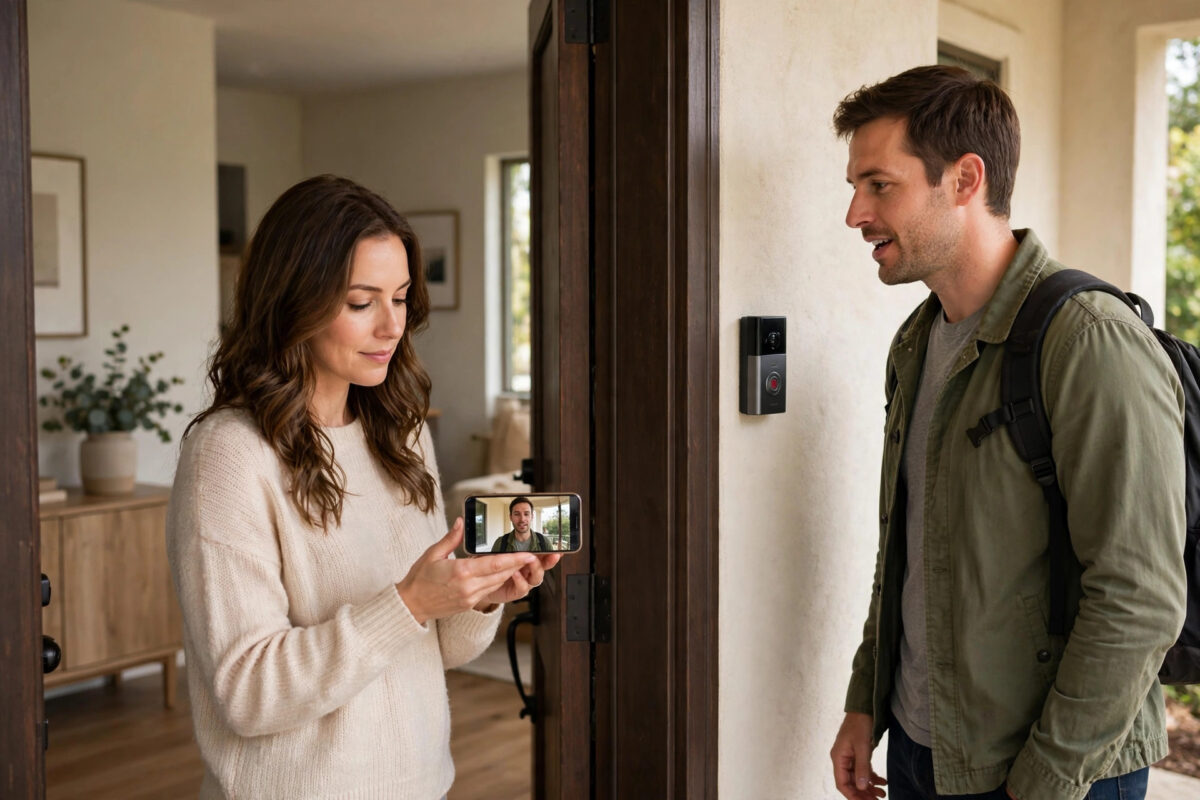
You press the talk button on your doorbell camera, say hello to a visitor, and immediately hear your own voice bouncing back at you — sometimes twice, sometimes with a squeal on top. The visitor hears it too, words overlap, and a simple conversation turns into everyone talking, pausing, and talking over each other again.
Echo on two-way audio is one of the most common doorbell frustrations, and it rarely means the doorbell is faulty. It happens because sound from a speaker is picked up again by a microphone and sent back through the system, with phone volume, network delay, and doorbell placement all playing a part. Work through the causes in order and most homes can make doorbell conversations clear again.
Quick Answer
Turn your phone volume down to about half, move a few steps away from the doorbell itself when talking through the app, and make sure only one phone or tablet is using live view at a time. Keep the app and doorbell firmware updated, use a strong Wi-Fi signal at the door, and speak in short turns, pausing before you reply. If the echo continues, restart both devices and test with headphones, which often proves whether the phone speaker is feeding back into its own microphone.
What Causes Echo on a Doorbell Camera
Two-way audio is a loop. Your voice travels from your phone, through the internet, out of the doorbell speaker, and into the air at your front door. Your visitor replies, the doorbell microphone picks that up, and it plays from your phone speaker. Echo appears whenever part of that loop leaks into itself.
The Phone-End Feedback Loop
The most common leak is at your end. If your phone volume is high, your phone microphone can hear the visitor’s voice from your phone speaker and send it back to the doorbell. The visitor then hears themselves delayed. This is worse on loudspeaker mode and in rooms with hard walls.
Standing Too Close to the Doorbell
The second classic cause surprises people: using the talk feature while standing just behind the front door. You are effectively in the same acoustic space as the doorbell, so the loop is very short and very loud.
Network Delay and Processing
All smart doorbells add a small delay. On a weak Wi-Fi connection at the front door, that delay grows and becomes uneven. Echo cancellation software cannot keep up when delay jumps around, so echo slips through. This is why a doorbell can sound fine one day and echo badly when the network is busy.
Step-by-Step Fixes to Try in Order
- Lower the phone volume. Before your next test call, set your phone media volume to roughly forty to sixty percent. This single change fixes a large share of echo cases instantly.
- Move away from the door. Step into another room, close the interior door if you can, and keep several metres and at least one wall between you and the doorbell while you test.
- Check that only one device is viewing. Make sure no other phone, tablet, Echo Show, or Nest Hub in the house has the same live feed open with its microphone or speaker active. Two open feeds in one home create instant feedback.
- Update everything. Update the doorbell app from your app store and check for doorbell firmware updates in the device settings. Audio fixes and better echo cancellation are common firmware improvements.
- Restart the doorbell and your phone. Restart the phone normally. Restart the doorbell from the app if it offers it, or by briefly cutting its power or removing and refitting the battery on battery models, following your manual.
- Test with headphones. Plug in wired headphones or connect earbuds and have a test conversation. If the echo vanishes, the problem is speaker-to-microphone feedback at the phone end, and lower volume or headphones are your practical solution.
- Improve Wi-Fi at the front door. Check the doorbell’s signal strength in its app. If it is weak, move the router closer to the front of the house, remove obstacles, or add a mesh point or extender near the hall. Test the doorbell on the 2.4 GHz network if your brand recommends it for range.
- Adjust speaker and microphone levels if available. Some brands expose doorbell speaker volume in settings. Lowering the doorbell speaker slightly can stop its microphone from hearing its own output in a small, echoing porch.
- Retest with a real visitor position. Have someone stand where a visitor naturally stands, about a step back from the door, not with their mouth right against the doorbell. Talk in turns and judge the result fairly.
Brand help pages echo the same advice. The Ring support guide to troubleshooting audio and sound issues and the Google Nest help on doorbell audio and talk features both point to volume, distance, updates, and connection quality as the first checks, which matches the order above.
Fixing Echo in a Porch or Hallway That Bounces Sound
Some front doors are simply echoey places. A small enclosed porch with hard walls, or a doorbell mounted in a corner, will reflect sound sharply. If it is mounted on a thin panel or hollow door, the surface can vibrate and feed sound back into the microphone.
Check that the doorbell is mounted firmly with no wobble. Lowering its speaker volume helps most in these spaces. So does asking visitors to stand a natural step back, in open air rather than a reflective corner. If your doorbell offers echo controls, enable echo cancellation and avoid audio boost while troubleshooting.
For a fuller setup check, our guide on improving video doorbell Wi-Fi signal and audio quality covers router placement and mounting checks that affect both picture and sound at front doors.
How to Talk So Echo Stays Low
Even a well-set-up doorbell is half-duplex in practice: it handles turn-taking better than overlapping speech. A few habits make conversations noticeably clearer.
- Speak in one or two short sentences, then release the talk button if your app uses push-to-talk, and wait a full second before speaking again.
- Ask the visitor to step slightly back and speak at a normal volume rather than leaning in and shouting at the doorbell.
- Do not talk over the visitor’s first words. The delay means they finished slightly before you heard them finish.
- If echo builds mid-conversation, mute for two seconds. Breaking the loop lets the echo cancellation settle, and the next exchange is usually clean.
Common Mistakes to Avoid
- Testing from right behind the front door. This almost guarantees echo and tells you nothing about how a real remote conversation will sound. Always test from another room or from away from home.
- Turning every volume to maximum. Loud phone and loud doorbell speakers are the top cause of feedback loops. Start low and raise only as needed.
- Opening the feed on two screens. A phone plus a smart display showing the same doorbell in earshot of each other will howl or echo even on expensive systems.
- Blaming the doorbell before checking Wi-Fi. A weak, unstable signal at the door causes delay jumps that defeat echo cancellation. Check signal strength early.
- Ignoring a loose mount. A vibrating, rattling doorbell cannot produce clean audio. Tighten the mount before changing a dozen settings.
- Expecting phone-call perfection. Some short delay is normal for cloud doorbells. The goal is clear turn-taking without your voice returning, not zero delay.
When Echo Points to a Real Fault
If echo is constant at low volumes, on a strong network, and especially if it comes with crackling or one-way audio, a hardware issue becomes more likely. Moisture or a damaged speaker can present this way. Dry the doorbell gently and check for debris over the microphone holes. If a factory reset does not help, contact the manufacturer’s support with your test results.
Conclusion
Doorbell echo is usually a loop you can break with simple changes: phone volume down, distance from the door, one open feed only, updated software, and a stronger Wi-Fi signal at the front of the house. Tighten the mount, lower the doorbell speaker a touch in echoing porches, and talk in calm turns with a short pause. Test each fix with a helper standing where visitors stand, and you will find that most echo disappears long before you need to think about replacing the doorbell.
Frequently Asked Questions
Why do I hear my own voice back when I talk through my doorbell?
Your voice is being picked up again by a microphone and returned to you — usually your phone microphone hearing its own speaker, or you standing too close to the doorbell. Lower the phone volume, move into another room, and test with headphones to confirm the cause.
Does weak Wi-Fi really cause audio echo?
Yes, indirectly. A weak connection makes the audio delay longer and less steady, and the echo cancellation software depends on a steady delay to subtract your voice. Improving the signal at the front door often reduces echo even when nothing else changes.
Why is the echo worse when I am at home than when I am out?
At home you are often near the doorbell, so its speaker and your phone are in connected spaces and the loop is short and strong. Away from home there is no acoustic path back, so the same settings usually sound much cleaner.
Will headphones stop doorbell echo completely?
Headphones remove the phone speaker from the air, so your phone microphone can no longer hear it, which stops the most common type of echo. If echo remains with headphones, look at doorbell speaker volume, mounting, and network quality instead.
Should I reset my doorbell if echo will not stop?
Only as a last step, after updates, restarts, volume changes, and a Wi-Fi check. Note your settings first, because a reset removes them. If echo with crackling or one-way audio survives a reset, contact the manufacturer, as a hardware fault is likely.



Leave a Reply