
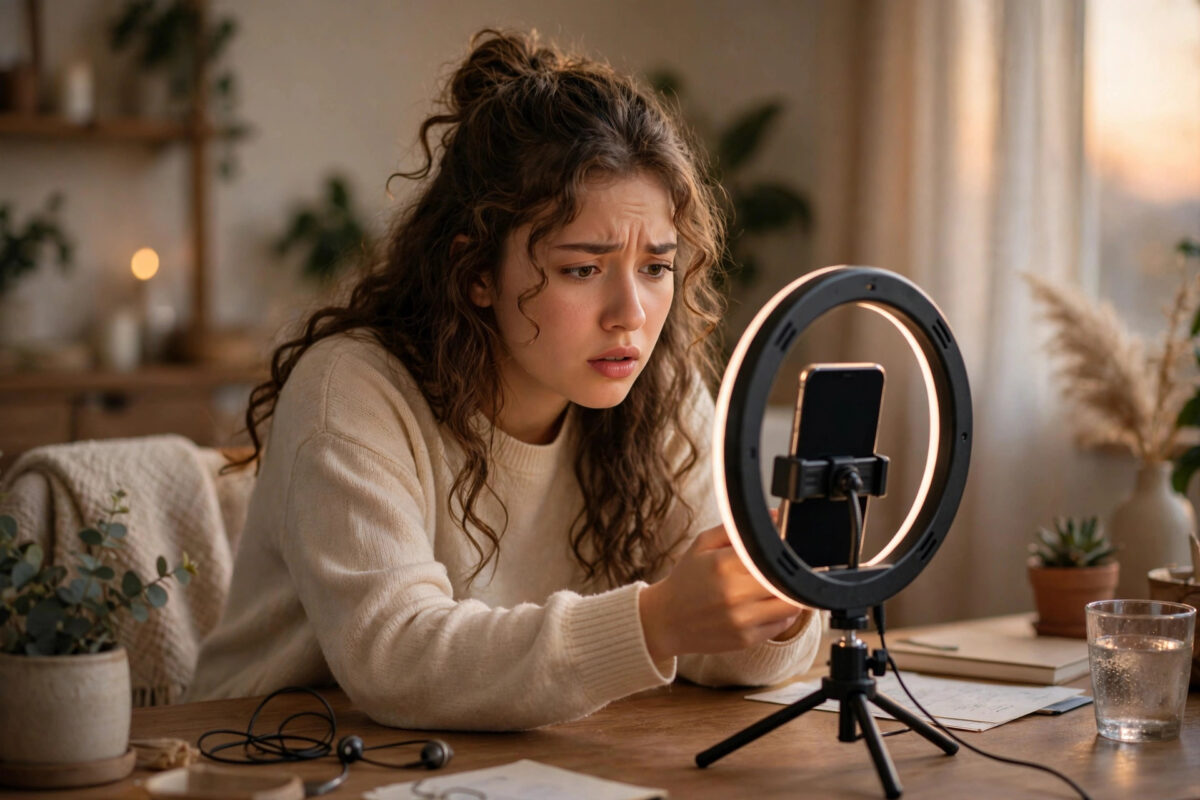
Reaching 1,000 followers on TikTok feels like a milestone. For many creators, it is the moment the LIVE button finally appears. So it is confusing and frustrating when that button suddenly disappears again, even though your follower count has not dropped.
TikTok LIVE access is not based on follower count alone. Age checks, account standing, region, recent rule breaks, and app glitches can all remove the option without a clear warning. In most cases, access comes back once you find and fix the real cause.
Quick Answer
If TikTok LIVE disappeared even though you have 1,000 followers, check your account standing first, confirm you are 18 or older in your profile, and make sure you are not using a VPN or a business feature that hides LIVE. Update the app, clear the cache, log out and back in, and wait 24 to 48 hours if you recently had a video removed or a LIVE warning. If nothing was violated, report the problem inside TikTok settings so the team can restore access.
Why TikTok LIVE Disappears After 1,000 Followers
Many people think 1,000 followers is the only rule. In reality, it is only the starting point. TikTok also checks several other conditions every time you open the app, and if one of them fails, the LIVE option can vanish.
The Main Requirements TikTok Checks
- You have at least 1,000 followers on that exact account
- You are at least 18 years old, and your date of birth in TikTok confirms it
- Your account is in good standing with no active LIVE restrictions
- LIVE is available in your country or region
- You are using a personal creator account, not a restricted or under-review account
- Your app is up to date and properly signed in
If any item changes, LIVE can disappear. Changing your date of birth, switching regions, or receiving a strike can trigger a fresh check, often with no notification.
Temporary Restrictions Are Very Common
The most common reason is a temporary LIVE ban after a stream was reported, music triggered a copyright flag, a guest broke the rules, or the system flagged your stream wrongly. Short restrictions last from 24 hours to seven days. During the restriction, the LIVE button may be missing completely instead of showing a warning.
You can learn more about how account features work in our guide to fixing a TikTok account that is not eligible for LIVE, which explains eligibility checks in detail.
Step 1: Check Your Account Status and Standing
Start here. If your account has a warning, cache clearing will not bring LIVE back early.
- Open TikTok and tap Profile at the bottom right.
- Tap the three-line menu at the top right and choose Settings and privacy.
- Look for Account check or Support, depending on your app version.
- Open Account status and read every section carefully.
- Check for notes about LIVE, community guidelines strikes, or features that are limited.
- Also open your inbox and tap System notifications to see warnings you may have missed.
If you see a restriction with a date, your only fix is to wait until it ends. If the decision was wrong, use the appeal option next to the violation — a successful appeal often restores LIVE faster.
Step 2: Confirm Your Age and Account Details
TikTok raised the minimum age for hosting a LIVE to 18 in most regions. If your account was created when you were younger, or if your birth date was entered incorrectly, LIVE can disappear on your 1,000-follower milestone or after an update.
- Go to Profile, then tap Edit profile.
- Check the name, username, and account type shown there.
- If your birth date is wrong, you cannot always edit it directly in the app. You may need to contact support with ID.
- Make sure you are not logged into a second, younger account by mistake. Many users have two accounts and check the wrong one.
Do not use a fake date of birth. TikTok can ask for ID verification, and a mismatch can lead to permanent loss of LIVE access. If you are genuinely 18 or older and the date is wrong, fix it honestly through support.
Step 3: Rule Out App and Device Glitches
Sometimes nothing is wrong with your account. A corrupted cache or old app version can hide the LIVE button.
- Open your phone’s app store and check for a TikTok update. Install it if one is waiting.
- In TikTok, go to Settings and privacy, then scroll to Free up space.
- Tap Clear next to Cache. This does not delete your drafts stored on the device in most versions, but save important drafts first to be safe.
- Close TikTok fully, restart your phone, and open TikTok again.
- Tap the plus button in the centre and swipe across the bottom options to see if LIVE appears.
- If it is still missing, log out, restart the app, and log back in with the correct account.
Test on a different connection too. Turn off Wi-Fi and try mobile data. Also turn off any VPN, as TikTok checks your region from your connection and a VPN can hide the feature.
Step 4: Check Region, VPN, and Account Type Issues
LIVE is not available everywhere. Travelling or using a SIM from another country can change what you see.
- Turn off VPN and proxy apps completely, then restart TikTok
- Check that your phone’s date, time, and region are set correctly
- Avoid switching your app store country just to test features
- If you recently changed from a business account back to a personal account, wait a full day and check again
- If you joined a creator network or agency recently, ask them if they changed any account settings
Official eligibility details are listed on the TikTok Support pages about TikTok LIVE, and they are worth reading if you travel often. The TikTok Community Guidelines also explain which LIVE behaviour leads to restrictions, including rules for guests and gifts.
Step 5: Report the Problem to TikTok Properly
If your account is clean, you are over 18, you have well over 1,000 followers, and LIVE is still missing after two days, report it. A clear report gets a better result than a short complaint.
- Go to Settings and privacy, then tap Report a problem.
- Choose LIVE, then the option about starting a LIVE or LIVE permissions.
- Explain in simple words that you have over 1,000 followers, you are 18 or older, your account status shows no restriction, and the LIVE button disappeared on a specific date.
- Add a screenshot of your follower count and a screenshot of the create screen where LIVE should appear.
- Submit the report and keep an eye on your TikTok inbox for a reply.
Submit once, wait at least 48 hours, then follow up once. While you wait, keep posting normal videos and avoid anything that could add a new strike.
How Long Does It Take for LIVE to Come Back?
It depends on the cause. A glitch often fixes itself within hours after an update or cache clear. A short restriction may lift in one to seven days. An age check or support review can take several days. Stay above 1,000 followers, keep the account clean, and avoid refreshing the LIVE button every hour.
Common Mistakes to Avoid
- Buying followers to reach 1,000 again: Fake followers can trigger a review and often drop off, which makes the problem worse.
- Going LIVE through third-party tools: Unofficial streaming keys and modified apps can lead to a permanent ban.
- Letting underage guests host or appear improperly: You are responsible for what happens on your LIVE, including guests.
- Ignoring a small warning: Repeated small violations add up to a longer LIVE restriction.
- Creating a new account in anger: You lose your audience, and the new account still needs 1,000 real followers and an age check.
- Changing your birth date with false information: This creates bigger problems if TikTok later asks for ID.
Conclusion
When TikTok LIVE disappears despite having 1,000 followers, the cause is usually a hidden check rather than your follower count. Start with account status, confirm your age, clear out app glitches, remove any VPN, and only then report the issue with clear screenshots. Most creators get LIVE back without needing a new account.
Frequently Asked Questions
Why did my TikTok LIVE disappear overnight with no warning?
This often happens after an automatic review, a small restriction, or an app update that triggers a fresh eligibility check. Check Account status and System notifications first, update the app, and wait 24 hours. If your account is clean and LIVE is still missing after two days, report the problem in settings.
Can I lose LIVE if my followers drop below 1,000?
Yes. If your count falls below 1,000, you will normally lose the ability to start a new LIVE until you go above the threshold again. A small dip of a few followers should not affect you if you stay above 1,000. Focus on keeping real followers rather than chasing the exact number.
Does a video removal affect my LIVE access?
It can. A removed video adds a strike to your account, and strikes can limit features including LIVE. One minor strike may only cause a short limit, while repeated or serious strikes cause longer bans. Check the violation details and appeal if the removal was a mistake.
I am 18 but TikTok still says I am not eligible. What should I do?
Your birth date on file may be wrong, or TikTok may need identity verification. Contact support through Report a problem, explain the error clearly, and be ready to provide ID. Do not use another person’s ID or a false date, as that can lead to a permanent restriction.
Will reinstalling TikTok bring LIVE back?
Reinstalling can fix a corrupted app install, but it will not lift a restriction or fix an age issue. Try updating and clearing the cache first. If you do reinstall, make sure you know your login details and save any drafts stored only on your phone before you delete the app.



Leave a Reply