
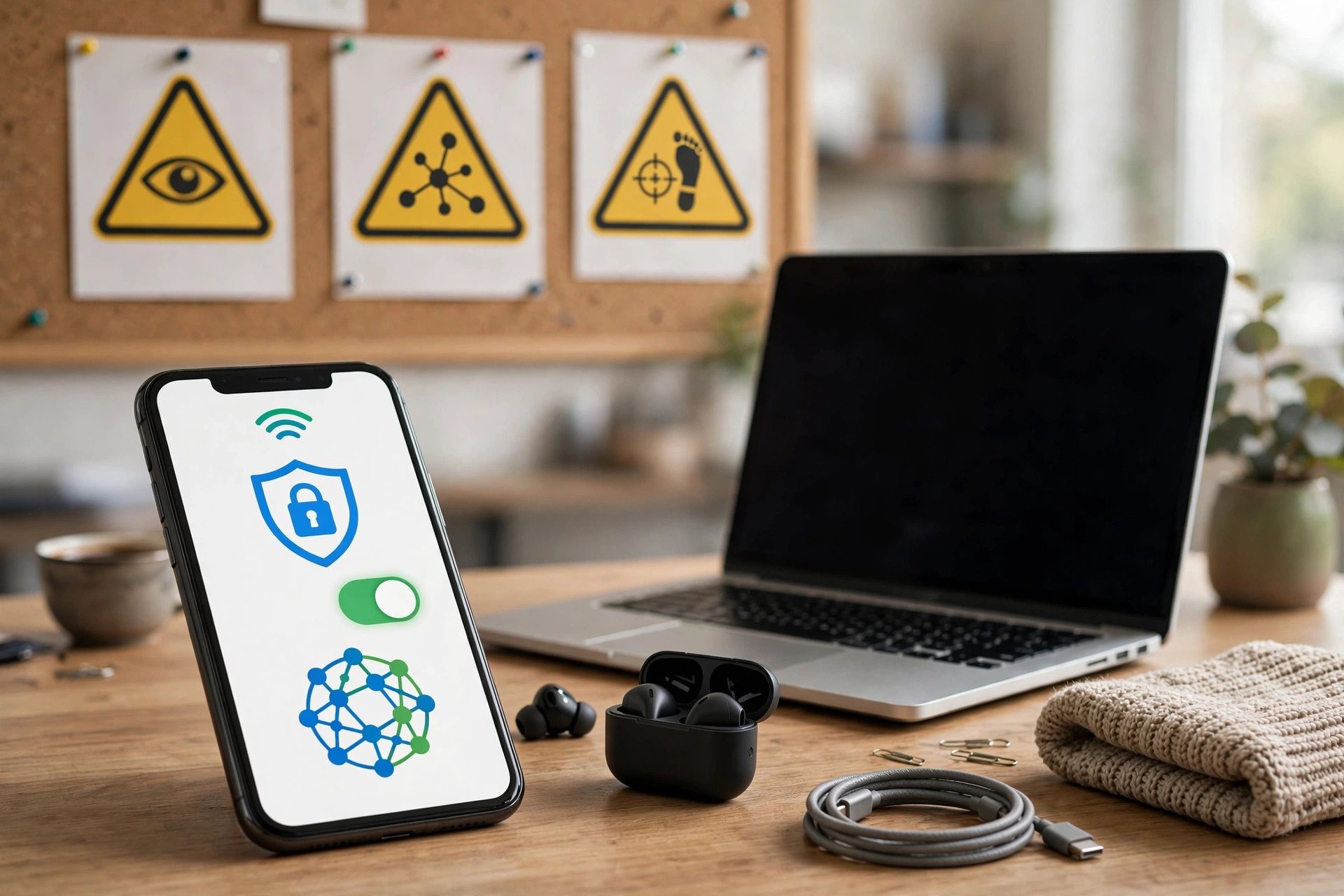
A Virtual Private Network promises privacy: it encrypts your connection and hides your browsing from your internet provider and public Wi-Fi snoopers. So when an app offers all of that completely free, forever, it is fair to ask an obvious question — how does the company behind it pay its bills?
Running a VPN is expensive. Servers in dozens of countries, bandwidth, app development, and support staff all cost real money every month. If you are not paying with money, many free providers make you pay in another way: with your data, your attention, or your device’s resources.
Not every free VPN is dishonest, and a few reputable paid companies offer limited free plans as a taste of their service. But the wider free VPN market has a long record of logging, advertising, and selling information. Understanding those business models helps you choose a paid service that actually protects you.
Quick Answer
Free VPNs sell or share user data because they still need income to run servers. Many log browsing activity, inject adverts, or share data with partners. To choose a safe paid VPN, pick a provider with a clear no-logs policy, independent audits, strong encryption, a kill switch, and transparent ownership.
How a VPN Is Supposed to Work
When you connect to a VPN, your device creates an encrypted tunnel to a VPN server. Your traffic travels through that tunnel and leaves the internet from the server’s location, so websites see the server’s IP address instead of yours. Your internet provider can see that you are using a VPN, but not the pages you visit inside the tunnel.
That design means you are shifting trust, not removing it. Instead of trusting your internet provider alone, you are also trusting the VPN company. If that company records everything you do and sells it, the VPN has not protected your privacy — it has simply moved your data to a new buyer.
Why Free VPNs Sell User Data
1. Data Is the Product
The most common model is straightforward. The provider logs connection times, IP addresses, device details, and sometimes the websites you visit, then packages insights for advertisers and data brokers. Even when a privacy policy says data is “anonymised”, research has repeatedly shown that browsing patterns can often be linked back to individuals, especially when combined with other datasets.
2. Advertising and Tracking Inside the App
Other free VPNs earn money by showing adverts and embedding third-party trackers in their own app. Those trackers can collect information about your device and behaviour before the VPN tunnel even starts. Some providers have also injected ads into web pages, which undermines the security the VPN is meant to provide.
3. Selling Your Bandwidth
A more troubling model turns your device into an exit point for other people’s traffic. Your connection and IP address may be resold to third parties, meaning strangers’ activity can appear to come from your home. If that activity breaks rules or the law, the address linked to it is yours.
4. Weak Security and Hidden Owners
Investigations into popular free VPN apps have found vague privacy policies, undisclosed owners, and data flowing to companies in other countries without users realising. Some apps requested dangerous phone permissions that had nothing to do with running a VPN. A free price tag should never be an excuse for secrecy about who runs the service.
For a balanced overview of how VPNs work and their limits, read the overview of virtual private networks and how they handle traffic before you commit to any provider.
Warning Signs in a Free VPN
- A vague or contradictory privacy policy that promises “no logs” in the app store but admits to logging in the small print.
- Unlimited free service with no paid plan and no clear explanation of how the company earns money.
- Too many permissions on mobile, such as access to contacts, messages, or precise location.
- No independent audit, no published owner, and no physical company address you can verify.
- Constant pop-ups pushing unrelated apps, cleaners, or lottery-style offers.
If you spot two or more of these signs, uninstall the app, change important passwords from a trusted connection, and check which permissions you granted it.
How to Choose a Safe Paid VPN
A paid VPN is not automatically trustworthy, but paying customers give a provider a honest business model. Vet any service with this step-by-step checklist before you subscribe:
- Read the no-logs policy carefully. Look for specific language: no logging of browsing activity, DNS queries, or connection IP addresses. Vague marketing claims are not enough.
- Check for independent audits. Reputable providers pay external security firms to test their no-logs claims and server setup, and they publish summaries of the results.
- Confirm strong, modern protocols. Choose a service offering WireGuard or OpenVPN, with AES-256 or equivalent encryption. Avoid outdated protocols such as PPTP.
- Require a kill switch. This feature blocks your connection if the VPN drops, so your real IP address and traffic are not exposed by accident.
- Look for useful extras. DNS leak protection, a built-in tracker blocker, and support for all your devices under one subscription are worth having.
- Check ownership and jurisdiction. A transparent company with a clear legal base and a history of challenging data requests in court is a better bet than an anonymous operator.
- Test before you commit long term. Use the money-back guarantee period to check speeds, test for leaks on a trusted test site, and try the cancellation process. Buy monthly first, not for three years.
- Compare the real renewal price. Introductory discounts are common. Make sure the standard renewal price still fits your budget.
Our home privacy and security guides on Network Ustad explain these checks in plain language alongside other everyday protections for your household.
What a VPN Does Not Do
Even the best paid VPN has limits. It does not make you anonymous if you sign in to accounts with your real name, it does not stop a website you visit from tracking you with cookies, and it does not protect you from phishing emails or malware you download yourself. Think of a VPN as one layer — alongside strong passwords, two-factor authentication, updated software, and a cautious approach to links and downloads.
Common Mistakes to Avoid
- Assuming paid always means private. Some paid services still log heavily. Always read the policy and audit record.
- Choosing only on speed or price. The fastest server is useless if the provider keeps and sells your history.
- Leaving the VPN off on public Wi-Fi. Cafés, hotels, and airports are exactly where a VPN earns its keep. Turn on auto-connect on untrusted networks.
- Using a VPN to break the law or a service’s rules. A VPN is a privacy tool, not a shield for wrongdoing, and providers terminate accounts for abuse.
- Forgetting the kill switch. Enable it in settings the day you install the app, not after your first dropped connection.
Conclusion
Free VPNs are rarely truly free. Servers cost money, and when users do not pay, their data, attention, and bandwidth often become the payment instead. A small number of limited free plans from established paid providers can be safe for occasional use, but unlimited free services deserve deep suspicion.
Choose a paid VPN the way you would choose anyone you trust with sensitive information: clear policies, independent proof, transparent ownership, and strong technical basics. Pay monthly at first, test it properly, and keep it as one sensible layer in your wider online safety.
Frequently Asked Questions
Are all free VPNs unsafe?
No, but the risk is much higher. Limited free tiers from well-known paid providers, funded by subscribers, are generally safer than standalone free apps with no visible income. Even then, expect data caps and fewer servers.
Can a VPN provider see what I do online?
Technically, traffic passes through its servers, so you must trust its no-logs policy. That is why independent audits, a good legal track record, and transparent ownership matter more than marketing promises.
Will a paid VPN slow down my connection?
A little, because encryption and routing add work. A good provider on a nearby server usually costs only a small percentage of speed, which most people do not notice for browsing and streaming.
Do I need a VPN at home, or only on public Wi-Fi?
Public Wi-Fi is the highest-risk setting, so a VPN is most valuable there. At home it mainly limits what your internet provider can see and can help on shared networks. It is useful, but less essential.
How much should I pay for a good VPN?
Prices vary, but a reputable service typically costs a few pounds or dollars per month on a longer plan, and more if you pay monthly. Be wary of lifetime deals — sustainable privacy services need ongoing income.



Leave a Reply