
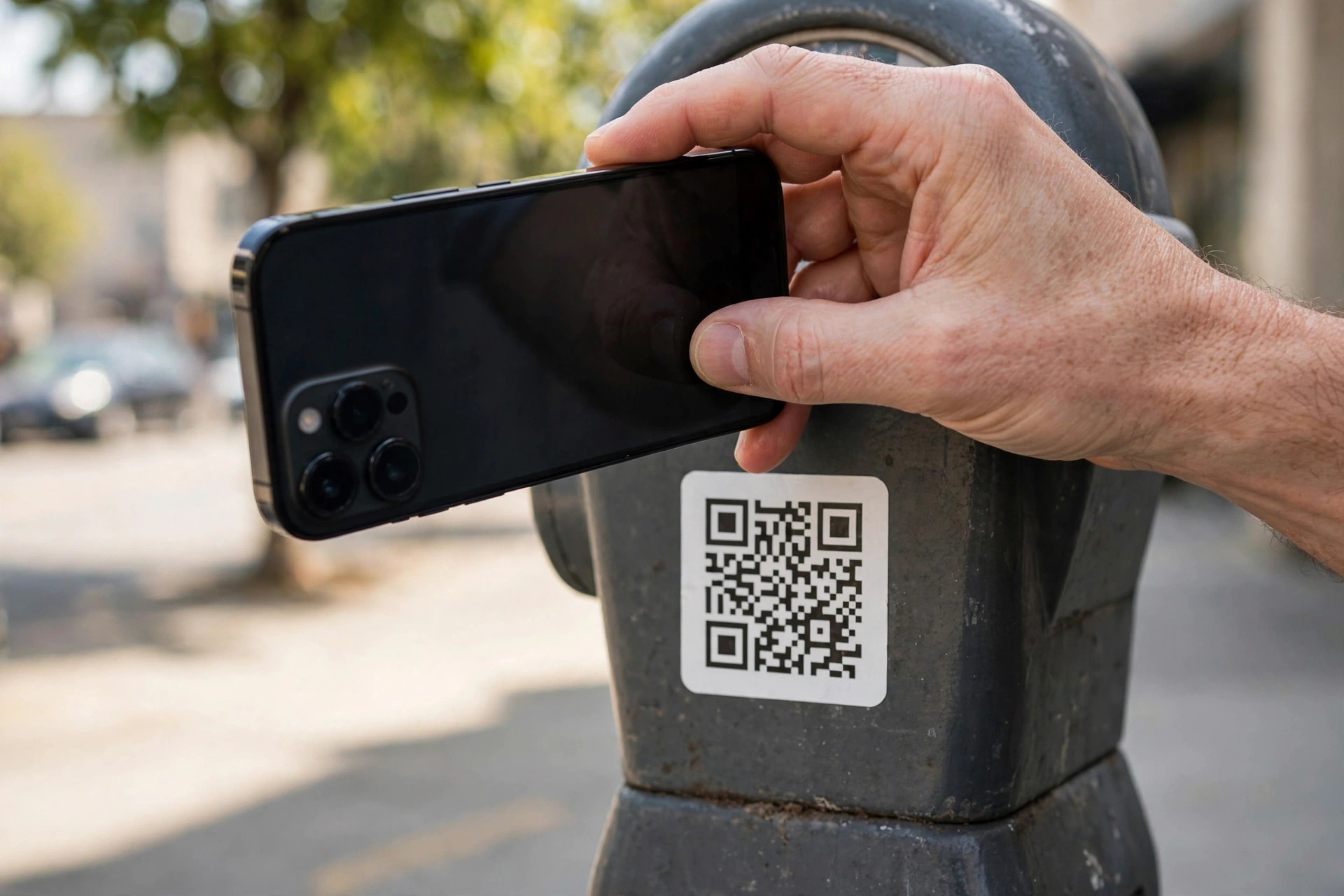
QR codes are everywhere now — on restaurant tables, parking meters, posters, delivery parcels, and emails. You point your phone camera, tap the link, and you are done. That convenience is exactly why criminals love them. A printed square carries no visible clue about where it leads, and phones are designed to open the result quickly.
Fake QR codes are used to steal money and passwords. A sticker placed over a genuine parking code can send you to a convincing copy of the payment page. A code in an unexpected email can lead to a fake sign-in screen designed to harvest your work account. The good news is that a few careful habits, taking only seconds, stop most of these tricks.
This guide explains how QR code scams work, how to check a code before you trust it, and what to do if you think you have already scanned a bad one.
Quick Answer
A QR code is safer to scan when you expected it, it is printed as part of the original sign or document rather than stuck on top, and your phone’s preview shows the real, correctly spelled website of the organisation. Never enter passwords or payment details after scanning a code from an unexpected email or a sticker that looks tampered with.
How QR Code Scams Work
A QR code is simply text — usually a web address — encoded in a pattern your camera can read. The code itself cannot tell you whether that address is honest. Scammers exploit this in a few common ways:
- Sticker overlays. A fake code is stuck over a real one on a parking meter, charging point, menu, or poster. You pay the criminal instead of the business.
- Phishing emails and letters. A message claims you must scan a code to verify an account, receive a parcel, or set up two-factor authentication. The urgency is manufactured to stop you thinking.
- Fake payment requests. A code at a market stall, taxi, or charity collection sends money to the wrong account, sometimes changing the amount.
- Malicious downloads. Some codes push you to install an app outside the official app stores, or open a page that tries to download a harmful file.
Security agencies regularly warn about these tricks. You can read current advice on recognising phishing in the CISA guide to recognising and reporting phishing attempts, which covers QR-based lures alongside email scams.
How to Check a QR Code Before You Scan
Build this short routine into every scan. It takes less time than ordering a coffee:
- Ask whether you expected it. Did you ask for this code, or did it arrive out of the blue in an email, text, or letter? Unexpected codes deserve the most suspicion.
- Inspect the physical code. In person, look closely and run a finger over it. Is it a sticker with raised edges placed over another code? Is it peeling, crooked, or printed on different paper from the rest of the sign? If so, do not scan it.
- Check the source. On a poster or table, does the code sit inside the business’s own branded material, or is it a loose printout taped nearby? Ask a member of staff if you are unsure.
- Preview the address before opening it. Most phone cameras show the link first — do not tap automatically. Read the preview carefully, letter by letter.
- Verify the domain spelling. Look for swapped letters, extra words, or a strange ending. A real company uses its main domain; a fake often uses something like a hyphenated copy or a cheap, unfamiliar extension.
- Be extra careful if it asks for sensitive information. A menu code should show a menu. A parking code should show a small payment for parking. If a scan suddenly asks for your email password, bank login, or a large payment, stop immediately.
- Go direct instead when in doubt. Type the organisation’s address yourself, open its official app, or pay at the till or machine with a card. Skipping the code costs seconds and removes the risk entirely.
Use Your Phone’s Built-In Protections
Modern phones help if you let them. Keep your phone’s operating system and browser up to date, use the built-in camera scanner rather than a random free QR app filled with adverts, and never allow a scanned page to install software. On Android, only install apps from the Play Store; on iPhone, only from the App Store. If a code tries to push a download, close the page.
Safer Ways to Pay and Sign In
Many QR scams succeed at the payment or login moment, so change what happens at that point. For parking and charging, prefer the provider’s official app downloaded from the app store, or pay by card at the machine itself. For restaurant menus, scanning to view a menu is low risk — but ordering and paying through an unfamiliar page deserves the domain check above.
For account security codes, be especially strict. Legitimate two-factor setup codes appear inside an account you have already signed in to yourself, on a screen you navigated to. A code emailed to you out of nowhere asking you to “re-authenticate” is a classic phishing pattern. Our everyday online safety guides on Network Ustad cover similar checks for suspicious links, messages, and sign-in pages.
What to Do If You Scanned a Suspicious Code
- Stop and disconnect. If a page looks wrong, close it. If you downloaded a file, do not open it. Turn on airplane mode if a strange app installed itself and you cannot close it.
- Do not enter more information. If you already typed a password on a fake page, change that password immediately from the real website or app, and turn on two-factor authentication.
- Contact your bank if money is involved. If you paid a scammer or entered card details, call the number on the back of your card straight away. Fast reporting gives you the best chance of stopping the payment.
- Run a security check. Use your phone’s built-in security scan, delete any app the code pushed you to install, and review recent sign-ins on your important accounts.
- Report it. Tell the business whose code was tampered with, and report the message or site through your country’s fraud reporting service so others are warned.
Common Mistakes to Avoid
- Tapping the link preview without reading it. The preview is your one chance to spot a fake domain before the page opens. Always read it.
- Trusting a code because it looks professional. QR codes are free to generate and easy to print neatly. A tidy sticker means nothing.
- Scanning codes from unexpected emails. Banks, parcel firms, and employers rarely ask you to verify anything by QR code out of the blue.
- Using third-party QR scanner apps. Many are ad-heavy and some are outright malicious. Your phone camera already does the job safely.
- Paying quickly under pressure. A queue behind you at a parking meter is exactly the moment to slow down for ten seconds and check.
Conclusion
QR codes themselves are not dangerous — they are just a shortcut to a link, and links can be honest or dishonest. Treat every code the way you would treat a link in a strange email: check where it came from, read the address before opening it, and refuse to enter passwords or payment details when anything feels off.
With those three habits, you can keep enjoying the convenience of QR codes for menus, travel, and tickets while leaving scammers with very little to work with.
Frequently Asked Questions
Can a QR code infect my phone just by scanning it?
Simply scanning usually only reveals a link; the risk begins when you open the page, download a file, or enter information. Keep your phone updated, never install apps a code pushes at you, and the risk from scanning alone stays very low.
How can I see where a QR code leads before opening it?
Point your built-in camera at the code and wait for the preview banner showing the address. Read it carefully before tapping. Some browsers and security apps also offer a preview or safe-scan option for extra confidence.
Are QR codes on restaurant tables safe?
Usually, yes, especially when printed on the table tent or menu itself. Still, glance for a sticker placed over the original, and if the code asks for anything beyond viewing a menu or a normal card payment, check the domain first.
What should I do if a parking QR code looks tampered with?
Do not scan it. Pay by card at the machine, use the provider’s official app, or look for another meter. Tell the car park operator or local authority — your report may protect the next driver.
Can I check a QR code in an email without scanning it?
Yes. Do not scan it at all. Instead, open the organisation’s real app or type its address yourself and check your account there. If the claimed problem does not exist in your account, the email was a scam.



Leave a Reply