
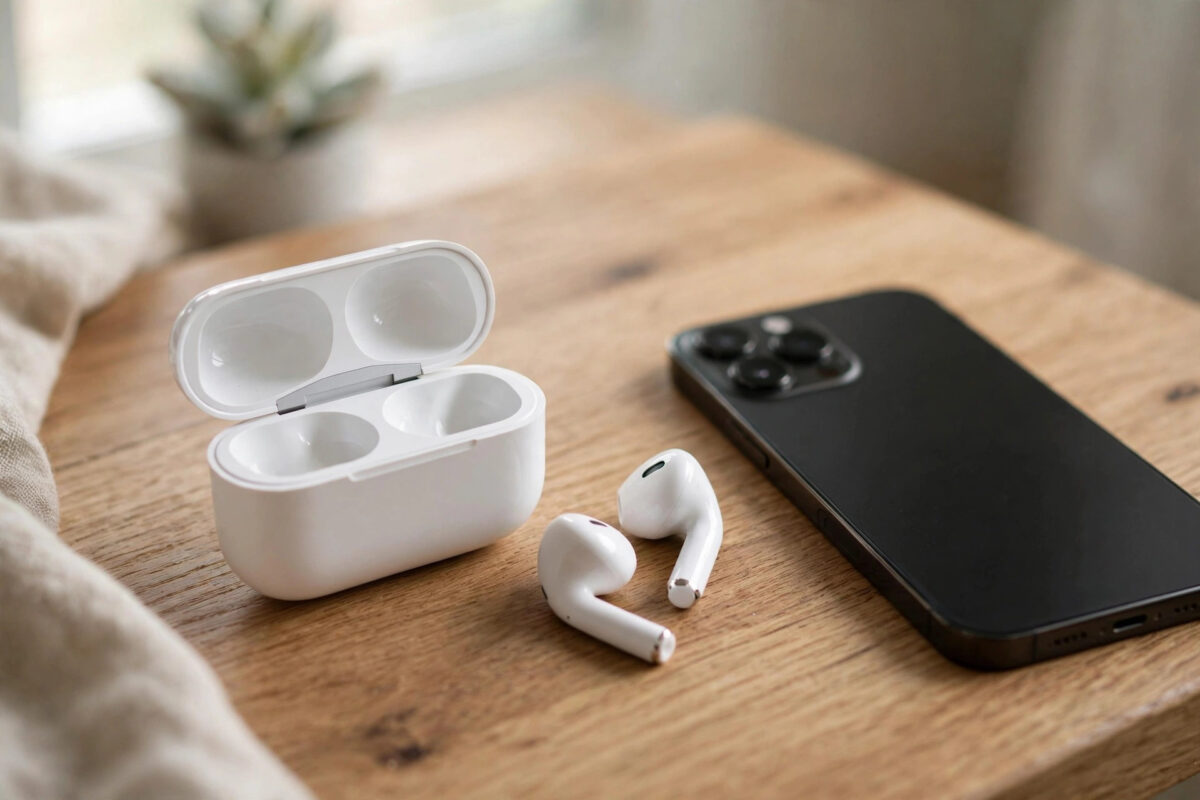
It is a strange and annoying feeling. You take both AirPods out of the case at the same time, you use them together for the same songs and calls, and yet one side dies an hour before the other. If one of your AirPods always runs out of battery first, you are not imagining it, and in most cases the cause is simple and fixable at home.
Quick Answer
One AirPod usually drains faster because it does more work than the other, for example handling the microphone during calls, or because its battery has aged unevenly, the earbud is dirty, or the two earbuds are running different firmware. You can fix most cases by forgetting and re-pairing your AirPods, cleaning the contacts in the case, turning off automatic ear detection for a test, and resetting the AirPods to factory settings. If one side still dies much sooner after a full clean and reset, that earbud’s battery is likely worn out and needs service.
Why One AirPod Uses More Power Than the Other
Your two AirPods look identical, but they do not share the workload equally. Understanding the reasons makes the fixes much easier to follow.
One earbud handles the microphone
During phone calls, FaceTime calls, and Siri requests, only one AirPod uses its microphone at a time. By default your iPhone picks that earbud automatically, and it often picks the same side again and again. The earbud with the active microphone works harder, so it loses charge faster. This is the single most common reason for uneven battery drain, and on its own it is completely normal.
The batteries age at different speeds
AirPods use tiny lithium-ion batteries. Small batteries wear out faster than big ones, and no two batteries age in exactly the same way. If you often use one earbud on its own for calls, that side completes more charge cycles and loses capacity sooner. After two or three years of heavy use, a gap of 20 to 30 percent between the two sides is sadly common.
Dirt blocks proper charging in the case
Each AirPod charges through small metal contacts at the bottom of the stem. Earwax, dust, and pocket lint can coat those contacts or build up inside the charging case. The dirty earbud then sits in the case without charging properly, so it starts the day with less power than its partner even though both looked fully charged.
Firmware or connection problems
Occasionally the two earbuds end up on slightly different firmware behaviour after an update is interrupted, or one earbud keeps reconnecting in the background. A struggling Bluetooth connection makes an AirPod work harder to stay linked to your iPhone 18 or older model, and that extra effort drains the battery quietly while you listen.
How to Fix One AirPod Draining Faster
Work through these steps in order. Most people solve the problem in the first three steps, and none of them can harm your AirPods.
- Charge both earbuds fully. Place both AirPods in the case, connect the case to power, and leave everything closed for at least 30 minutes. Note the charge level of each side when you open the case near your iPhone.
- Clean the earbuds and the case. Wipe the metal ring at the bottom of each stem with a dry, soft, lint-free cloth. Use a dry cotton swab inside the case wells. Never use water or cleaning sprays on the contacts.
- Balance the microphone. Go to Settings, then Bluetooth, tap the information icon next to your AirPods, and open Microphone. Set it to Always Left or Always Right for a week, choosing the stronger earbud, so the weaker side gets a rest. You can also switch it manually from time to time to share the load.
- Turn off features that wake one side. In the same AirPods settings screen, try turning off Automatic Ear Detection and Personalised Volume for a few days. Also set Noise Control to the same mode for both sides if you use AirPods Pro.
- Forget and re-pair your AirPods. With the earbuds in the case, go to Settings, Bluetooth, tap the information icon, and choose Forget This Device. Then hold the case open near your iPhone and pair them again as if they were new.
- Reset the AirPods. Put both earbuds in the case, close the lid for 30 seconds, open it, then press and hold the setup button on the case until the light flashes amber and then white. Pair them again afterwards.
- Update your iPhone. AirPods firmware updates arrive through iOS, so install the latest version of iOS 27 in Settings, General, Software Update, then leave your AirPods charging near your iPhone so the update can install.
Apple explains the expected listening times for each model in its guide to charging your AirPods and learning about battery life, which is a useful reference when you judge whether your battery gap is normal or a fault.
How to Check Whether the Problem Is Fixed
After the reset, use your AirPods normally for a full day and watch the battery widget on your iPhone. A small difference of 5 to 10 percent between the sides by the end of a long session is normal, especially after calls. A gap of 25 percent or more, or one side dying while the other still shows half a charge, points to a worn battery in the weaker earbud.
It also helps to learn how the battery system on your phone itself reports its health, so read our guide on how to check your iPhone battery health and maximum capacity for the full picture of how Apple measures battery ageing across its devices.
Common Mistakes to Avoid
- Using only one earbud all the time. Single-earbud use is handy for calls, but doing it for months ages one battery far faster than the other.
- Cleaning with water or alcohol. Liquids can damage the mesh and the charging contacts. Dry tools only, as Apple recommends in its advice on cleaning your AirPods safely without damaging them.
- Storing AirPods outside the case. An earbud left on a desk stays awake and searching for a connection, so it drains to empty and harms the battery.
- Ignoring a swollen or hot earbud. Heat, swelling, or a case that will not close is a safety issue. Stop using the earbud and contact Apple Support.
- Buying a single cheap replacement earbud online. Unmatched earbuds from unofficial sellers often refuse to pair or charge correctly together.
When to Contact Apple for a Replacement
If a clean, a reset, and a fresh pairing do not close the gap, the weaker earbud’s battery has probably reached the end of its life. AirPod batteries cannot be replaced at home. Apple offers battery service for a fee, and AppleCare can reduce that cost. A single replacement earbud from Apple is matched to your case and firmware, so both sides work together properly afterwards.
Conclusion
One AirPod draining faster than the other is usually caused by microphone duty, uneven battery ageing, dirty charging contacts, or a software glitch. Clean the contacts, balance the microphone setting, and reset and re-pair the earbuds, and most uneven drain problems disappear. If the gap stays large after all of that, the honest answer is a worn-out battery, and Apple service is the right next step.
Frequently Asked Questions
Is it normal for one AirPod to die before the other?
A small difference is normal because one earbud handles the microphone and Siri. A difference of around 10 percent after heavy use is fine. One side dying an hour or more before the other is not normal and is worth fixing.
Can I replace just one AirPod battery?
No, the battery inside an AirPod cannot be swapped at home. Apple can provide battery service or a replacement earbud that is matched to your existing case and the other earbud.
Does resetting AirPods delete anything on my iPhone?
No. A reset only removes the AirPods pairing and their settings. Your music, calls, photos, and apps on your iPhone are not touched, and you simply pair the AirPods again afterwards.
Why does my left AirPod always drain faster?
The left side is often the default microphone earbud, and many people also take the left earbud out first. Change the microphone setting to the right side for a while and clean both stems to balance things out.
How long should AirPods batteries last?
With regular use, most AirPods give good service for two to four years before battery capacity drops noticeably. Keeping them clean, stored in the case, and away from heat helps them reach the longer end of that range.



Leave a Reply