
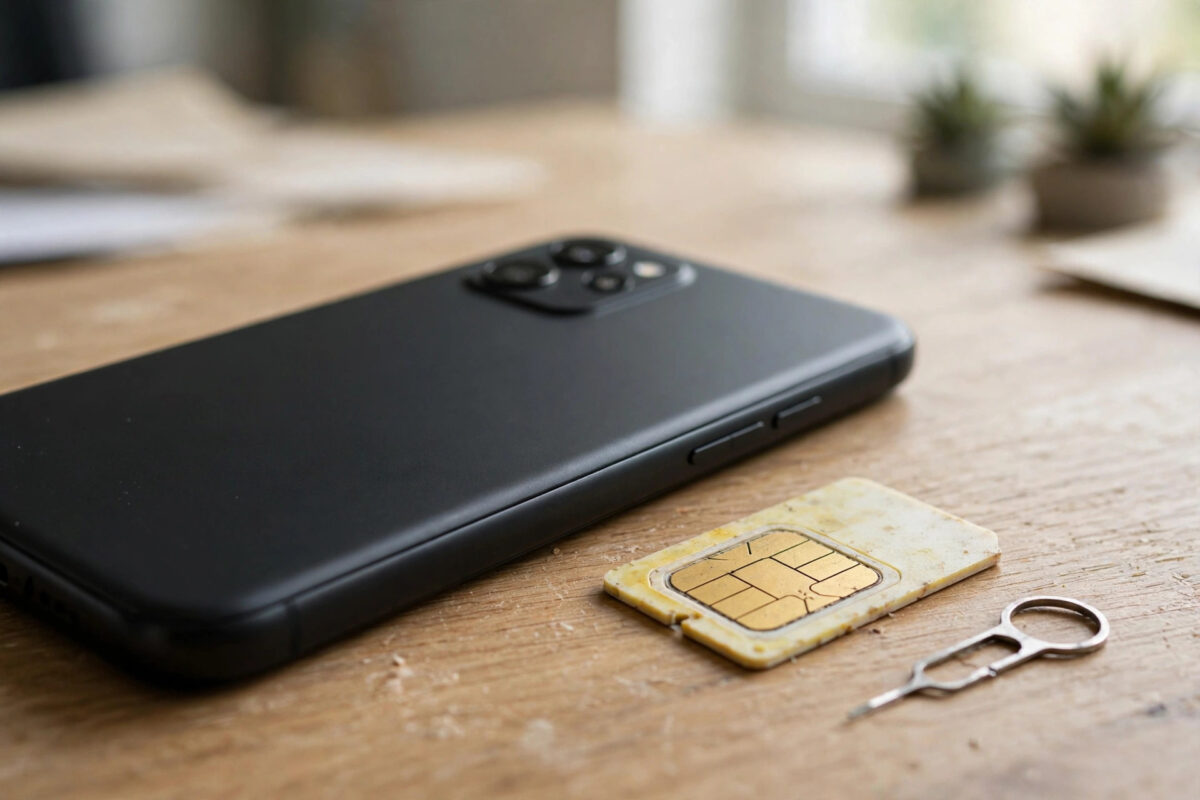
SIM cards are going digital. Instead of a tiny plastic chip that you swap with a pin, many modern phones now carry an eSIM — a built-in chip that you programme with a network profile by scanning a code. By 2026, eSIM support is standard on most flagship phones and is spreading fast through mid-range models too. Here is what an eSIM is, how it works, and how to find out whether your phone supports it.
Quick Answer
An eSIM is a digital SIM built into your phone that stores your mobile plan electronically, with no physical card to insert. Most recent iPhones (XS and later), Google Pixel phones (Pixel 3 and later), Samsung Galaxy S20 and newer flagships, and many recent mid-range models support eSIM. You can check in Settings under your SIM or mobile network options for an “Add eSIM” entry.
How an eSIM Actually Works
A traditional SIM card carries your subscriber identity on a removable chip. An eSIM (embedded SIM) solders that chip permanently into the phone’s circuit board. Your network sends the same identity information as a downloadable profile, usually delivered through a QR code, an app, or an activation code sent by email.
Your phone can store several eSIM profiles at once — often eight or more — although only one or two can be active at the same time, depending on the model. Switching between them is done in settings, in seconds, with no tools and no waiting for a card in the post. The GSMA’s overview of eSIM technology explains the global standard that all networks and manufacturers follow, which is why an eSIM bought in one country works in phones sold in another.
Which Phones Support eSIM?
Apple iPhone
Every iPhone from the XS, XS Max, and XR onward supports eSIM. Models sold in the United States from the iPhone 14 onwards are eSIM-only, with no physical SIM tray at all. Most iPhones support Dual SIM using one physical SIM plus one eSIM, or two eSIMs.
Samsung Galaxy
Samsung added eSIM to the Galaxy S20 series and includes it on most S, Z Fold, and Z Flip models since then. Support varies by region and carrier version, so a Galaxy phone bought in one market may occasionally lack it — always check before relying on it.
Google Pixel
Pixel 3 and later support eSIM, and recent Pixel models allow two active eSIM profiles at once, removing the need for a physical card entirely.
Other brands
Motorola, Sony, Honor, and Oppo include eSIM on many recent mid-range and premium models. Budget phones are increasingly adding it in 2026, but it is still not universal. Laptops, tablets such as cellular iPads, and most modern smartwatches also use eSIM.
How to Check If Your Phone Supports eSIM
- Open Settings and search for “eSIM” or “Add SIM”.
- On iPhone: Settings, then Mobile Service — an “Add eSIM” option means support.
- On Android: Settings, then Network and Internet, then SIMs — look for “Download a SIM instead” or “Add eSIM”.
- Dial *#06# — if an EID number (a long number starting with 89) appears alongside the IMEI, your phone has an eSIM.
If your phone supports eSIM and your network offers it, moving your number across is quick — see our walkthrough on how to switch your number to a new SIM with eSIM for the full process.
Advantages and Drawbacks of eSIM
- Faster setup: activate a plan in minutes without waiting for delivery.
- Great for travel: buy a local data eSIM before you fly and land connected.
- Two numbers, one phone: keep work and personal lines active together.
- Harder to lose or damage: there is no tiny card to misplace.
- Drawback: swapping phones is less instant — you must transfer or re-download the profile.
- Drawback: a few networks still charge for, or restrict, eSIM transfers between devices.
Common Mistakes to Avoid
- Deleting an eSIM profile casually. Deleting usually cancels that line’s connection and you may need a new QR code to restore it.
- Scanning the QR code on the wrong phone. Most codes are single-use and bound to the first device.
- Assuming every variant supports eSIM. Regional and carrier-locked versions can differ, so check the EID in settings.
- Forgetting roaming settings when travelling. Set the travel eSIM as the data line and turn off data on your home line to avoid charges.
How You Actually Get and Activate an eSIM
There are three common activation routes. The classic method is the QR code: your network emails or displays a code, you open your phone’s “Add eSIM” screen, scan it with the camera, and the profile downloads in under a minute. The second route is a carrier app — many networks now push the profile directly to your phone from their app with a couple of taps and no code at all. The third is manual entry, where the network provides an activation address and code to type in, useful when the camera cannot scan.
On iPhone you will find the entry point at Settings, Mobile Service, Add eSIM; on Android it is usually Settings, Network and Internet, SIMs, then the plus or “Add eSIM” option. Keep the phone on Wi-Fi during activation, since the profile itself is downloaded over the internet before the mobile connection exists.
eSIM and Travel: The Killer Feature
The use case that converted most people is travel. Instead of hunting for a SIM shop at the airport or paying roaming rates, you buy a data eSIM for your destination before departure — from your own network, a local carrier, or a travel eSIM store — install it alongside your home line, and land already connected. Your home number stays active for calls and bank verification texts, while all data runs on the cheap local profile. For anyone who travels more than once a year, this alone justifies checking eSIM support before buying a phone.
eSIM and Your Privacy and Security
An eSIM cannot be physically removed, which changes the theft equation in your favour: a thief cannot pop out your SIM to stop tracking or to intercept a fresh set of verification codes on another device, and your number stays attached to the locked handset while you arrange a block. Networks also verify identity before issuing a replacement eSIM profile, which — combined with account security — makes fraudulent SIM swaps harder than with a pocketable plastic card. None of this replaces a strong account password, but it quietly removes several of the old SIM’s weakest points.
Conclusion
An eSIM replaces the plastic SIM with a downloadable profile on a chip already inside your phone. If you own a recent iPhone, Pixel, or Galaxy flagship, you almost certainly have one; a quick look in settings or a *#06# check for an EID number confirms it. With instant activation, multiple stored profiles, and painless travel data, eSIM is steadily becoming the default way phones connect.
Frequently Asked Questions
Can I use an eSIM and a physical SIM at the same time?
Yes, on most phones that have both. This Dual SIM setup lets you keep your main number on one line and data or a second number on the other, each with its own settings.
Is an eSIM less secure than a physical SIM?
No. eSIM profiles are encrypted and protected by the same standards, and a thief cannot simply remove your SIM and put it in another phone — a real benefit if your phone is stolen.
Can I convert my physical SIM to an eSIM?
Usually yes. iPhones offer a “Convert to eSIM” option for supported networks, and many Android phones and carrier apps offer the same. Your number and plan stay unchanged.
What happens to my eSIM if I reset my phone?
Most phones ask whether to keep or erase eSIM profiles during a reset. Choose to keep them unless you are selling the phone — erasing means contacting your network for a fresh activation code.
Do all networks offer eSIM?
Most major networks do in 2026, including for pay-as-you-go in many cases, but smaller virtual networks may still be physical-SIM only. Check your network’s help pages before switching your line over.



Leave a Reply