
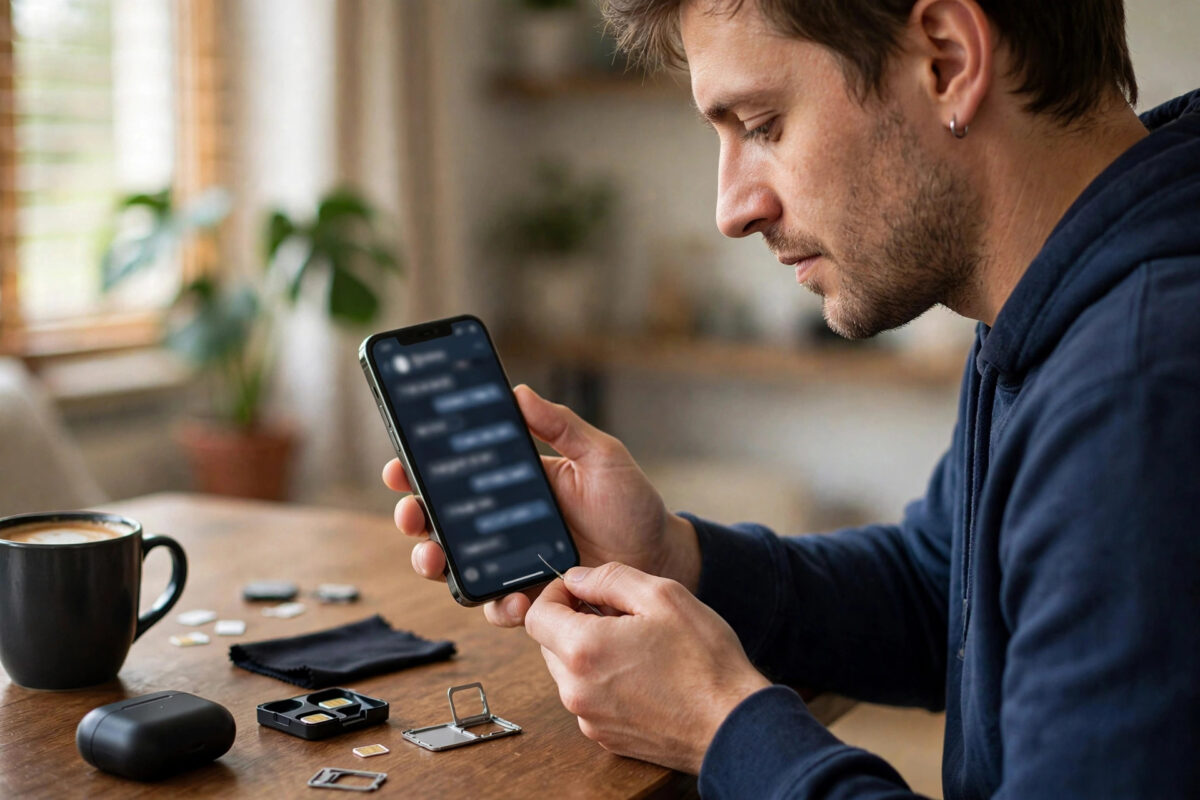
Changing your SIM card — a new network, a replacement for a lost card, or a switch to eSIM — raises an immediate worry: what happens to WhatsApp? Your chats, groups, business contacts, and years of messages feel tied to that little card. The short answer is reassuring: almost nothing happens, because WhatsApp is tied to your phone number and your phone, not to the physical SIM itself. But there are a few situations worth understanding before you swap.
Quick Answer
When you change your SIM card but keep the same phone number, WhatsApp keeps working exactly as before — your profile, chats, and groups are untouched, because the account is linked to the number and stored on the phone and in backups. If you also change your NUMBER, use WhatsApp’s built-in “Change Number” feature before switching, so your account, chats, and groups move to the new number and your contacts are notified.
Why the SIM Card Itself Does Not Matter to WhatsApp
When you registered for WhatsApp, the app verified your phone number with a code and created an account under that number. From then on, the account lives in three places: on WhatsApp’s servers (tied to the number), in the app data on your phone (your chats and media), and in your cloud backup (Google Drive for Android, iCloud for iPhone). The physical SIM is just the current delivery route for calls and texts to that number. Replace it with another SIM carrying the same number — a network replacement SIM, for instance — and from WhatsApp’s perspective, nothing has changed at all.
This is also why WhatsApp keeps working on Wi-Fi with no SIM in the phone, and why you can travel on a local data SIM or eSIM while your WhatsApp carries on with your home number. WhatsApp’s own official help centre documents the account and number-change behaviour described in this guide.
Scenario 1: New SIM, Same Number
This covers replacement SIMs after loss or damage, switching from physical SIM to eSIM on the same line, and moving your number to a new network with a PAC transfer.
- Insert the new SIM (or activate the eSIM) and confirm calls and data work.
- Open WhatsApp — it simply continues; no re-registration is needed in most cases.
- If WhatsApp does ask to verify, it sends a code to your number, which now arrives on the new SIM — enter it and everything is restored.
- Your chats, groups, status, and profile are exactly as you left them.
Scenario 2: New SIM, New Number
If your number itself is changing, do NOT simply register the new number as a fresh account — that orphans your chats and removes you from groups. Use the built-in migration instead:
- With the OLD SIM still active, open WhatsApp, then Settings, then Account, then “Change Number”.
- Enter your old number and your new number; WhatsApp moves your account, profile, and group memberships to the new number.
- Choose whether to notify your contacts — individuals, or everyone.
- Now switch to the new SIM and verify the new number when prompted.
- Your chat history stays on the phone; back it up first for extra safety.
Why the order matters: the change-number process needs to verify you control the old account while it is still reachable. And if the number changed because the phone was stolen, our guide on reporting a stolen phone and blocking its SIM explains the security steps to take alongside.
Scenario 3: New Phone as Well
SIM change plus phone change means your chats must travel too. Back up on the old phone first (WhatsApp Settings, Chats, Chat Backup), then install WhatsApp on the new phone, verify the number, and accept the restore prompt. Android-to-Android uses Google Drive; iPhone-to-iPhone uses iCloud; cross-platform moves use WhatsApp’s official transfer tools during phone setup.
Watch Out For These Situations
- Two-step verification PIN: if you set one, you will need it when re-verifying. Forgotten PINs reset via the email you registered — set that up before you need it.
- Recycled numbers: if you abandon a number, someone else eventually gets it, and when they register WhatsApp they get a fresh account — but delete your account first if you are giving the number up permanently.
- Business accounts: WhatsApp Business follows the same rules, but update any printed materials and listings if the number changes.
- Verification codes going to the old SIM: complete any pending verifications before deactivating the old line.
Common Mistakes to Avoid
- Registering the new number as a brand-new account instead of using Change Number — your groups and history appear lost.
- Deactivating the old SIM before migrating, which can lock you out of verification.
- Skipping the backup before a phone change because “the SIM has my chats” — it does not; chats live on the phone and in cloud backups.
- Panicking when contacts see a “changed number” notice — that is WhatsApp working correctly after a proper migration.
WhatsApp on Dual-SIM Phones and Linked Devices
Dual-SIM users ask a common question: can WhatsApp use both numbers? The main WhatsApp app registers one number per app instance. Many Android phones offer dual-app or app-clone features that run a second copy, and WhatsApp Business can serve as the second account on the same phone with its own number. Either way, each registration is independent — changing one SIM does not disturb the account registered to the other number. Linked devices (WhatsApp Web, desktop, and companion phones) follow the primary account: swap SIMs as you like, and your linked sessions keep working, since they authenticate against the account, not the card.
If Your SIM Change Comes With a Country Change
Moving abroad and taking a local SIM is the scenario where people most often break things unnecessarily. You do not need to change your WhatsApp number to your new local one — most expats keep their original number on WhatsApp for years while the phone runs a local SIM for data. Change the registered number only if you are abandoning the old number for good, because the old number will eventually be recycled and its new owner will register their own fresh WhatsApp account with it.
Conclusion
A SIM swap on its own does nothing to WhatsApp: same number, same account, same chats. The only case needing care is when the number changes too — then use Change Number while the old SIM is still active, and everything follows you. Keep a fresh backup before any big change and your messages are safe whatever hardware you move to.
Frequently Asked Questions
Will I lose my WhatsApp chats if I change my SIM card?
No. Chats are stored on your phone and in your cloud backup, not on the SIM. A SIM change with the same number leaves everything untouched, and even with a new phone, restoring your backup brings the full history back.
Can I use WhatsApp with a data-only SIM or eSIM while travelling?
Yes. WhatsApp works over any data connection and keeps using your registered home number for your identity, even when the data comes from a travel SIM with a completely different number — a favourite trick for cheap travel data.
What happens if I put my SIM in a new phone and open WhatsApp there?
WhatsApp registers on the new phone after verification and logs out on the old one (for the primary phone registration). Restore your backup during setup to bring your chats across; the old phone keeps local copies until you remove them.
Does changing my number remove me from WhatsApp groups?
Not if you use the Change Number feature — your group memberships transfer to the new number seamlessly and a notice appears in each group. Registering fresh, by contrast, leaves your old identity in the groups and starts you with none.
Why is WhatsApp asking me to verify after a SIM change?
Occasionally the app detects a new SIM or device fingerprint and asks for a fresh code as a security measure. The code arrives by SMS or call on your number — on the new SIM — and entering it restores normal use in under a minute.



Leave a Reply