
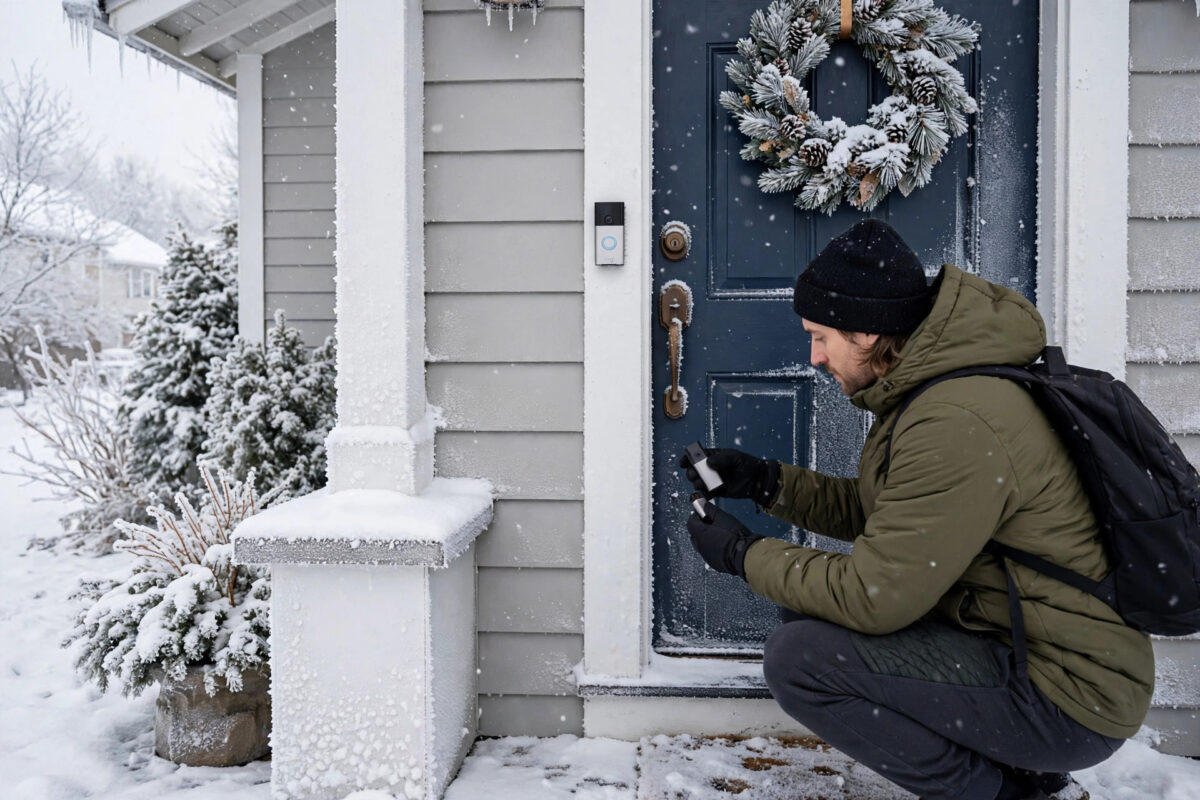
In summer your Ring doorbell battery lasts for months. Then the first cold snap arrives and suddenly you are recharging it every couple of weeks, or the app starts warning about low power just when dark evenings make the doorbell feel most important. Cold weather genuinely is harder on doorbell batteries, but the size of the drop tells you a lot about what else you can fix.
All rechargeable batteries lose efficiency in the cold. The trick is knowing how much of your winter battery drain is simple chemistry, how much is your doorbell working harder in worse conditions, and which settings and habits claw the most life back. This guide covers all three, in practical order.
Quick Answer
To extend Ring doorbell battery life in cold winter weather, reduce motion events, shorten video recording length, lower motion sensitivity in busy areas, and keep the Wi-Fi signal strong so the doorbell does not waste power reconnecting. Bring the battery indoors to warm up before charging, because a very cold battery will not charge properly, and consider wired or solar power if winters are long.
Why Cold Weather Drains Doorbell Batteries Faster
Ring doorbells use lithium-ion batteries, and lithium-ion chemistry slows down as temperature falls. The battery holds the same charge in theory, but it can deliver less of it at a time, so the usable capacity shrinks. At freezing temperatures the drop is noticeable, and well below freezing the doorbell may even shut down to protect the battery, then revive when it warms up.
Winter adds a second problem on top of chemistry. Nights are longer, so the infrared night vision, which uses extra power, runs for more hours. Visitors, deliveries, and passing traffic in the dark trigger more recordings with lights and night vision active. Your doorbell is not just weaker in winter. It is also working a longer, harder shift.
What Is Normal and What Is Not
- Normal: Battery life roughly halving in a cold month compared with a mild one, with no other changes.
- Normal: Slower charging, or charging that pauses, when the battery itself is very cold.
- Not normal: Losing most of the charge in a few days. That points to excessive motion events, a poor Wi-Fi signal, or a failing battery.
- Not normal: The battery percentage dropping while the doorbell is plugged in or hardwired. That needs the wiring and settings checks below.
Step 1: Cut Down Motion Events
Every motion event wakes the doorbell, powers the camera, turns on night vision if it is dark, records, and uploads a video over Wi-Fi. Nothing else in daily use comes close to that power cost. In winter, when deliveries peak and weather moves trees, gates, and decorations, event counts can double without you noticing.
- Open the Ring app and check the event history for one full day. Count how many events are people you care about versus cars, animals, and weather.
- Reduce motion sensitivity one step at a time and retest for a day after each change.
- Draw tighter motion zones that cover your path and doorstep but exclude the road, pavement, and moving bushes.
- Use people-only or smart detection options if your plan and model offer them, so passing vehicles stop waking the camera.
- Schedule motion snoozes or reduced schedules for predictable busy periods, such as school run times on your street.
Small reductions add up fast. Cutting forty pointless events a day can be worth more than every other tip in this guide combined.
Step 2: Shorten Recordings and Adjust Advanced Settings
Recording length is a direct battery cost per event. If your doorbell records for the maximum time on every trigger, it spends far longer with the camera and radio fully powered. Set the video recording length to a moderate value that still captures a visitor arriving and leaving, rather than the longest option by default.
Review snapshot and advanced motion features too. Frequent snapshot captures through the day and night are individually cheap but constant, and in midwinter they run mostly in darkness with night vision support. Keep the features you value, but know that each always-on extra trims a little more from a battery that winter has already weakened.
Step 3: Strengthen the Wi-Fi Signal at the Door
A weak Wi-Fi connection is a silent battery killer. When the signal is poor, the doorbell uses more power to transmit, retries uploads, and spends longer awake for every event. Cold weather often arrives with closed windows and doors that further change how the signal reaches an outside device.
Check the signal reading in Device Health and aim for a healthy result rather than a borderline one. Following the practical steps for improving Wi-Fi signal strength around your home and front door, such as moving the router higher or adding a hallway extender, often improves winter battery life as a welcome side effect, because every upload becomes quicker and cheaper in power.
Step 4: Charge the Battery the Cold-Weather Way
How you charge matters as much as how often. A lithium-ion battery that is near or below freezing will charge very slowly or refuse to charge until it warms up, which is a built-in protection, not a fault. Owners sometimes plug in a freezing battery, see no progress, and assume it has died.
- Remove the battery or bring the doorbell inside during the coldest part of the day.
- Let it sit at room temperature for at least an hour before connecting the charger.
- Charge fully indoors, until the indicator shows a complete charge, rather than topping up briefly.
- Refit it during daylight if possible, confirm the app shows a healthy percentage, and check the doorbell reconnects cleanly.
Keeping a spare charged battery indoors is the simplest winter upgrade of all. Swapping takes a minute, the cold battery warms up safely inside, and the doorbell never sits dead on the wall while a charge crawls along in a freezing porch.
Step 5: Consider Wired or Solar Help for Long Winters
If your winters are long and your doorbell position allows it, reducing reliance on the battery is the permanent fix. Hardwiring a battery doorbell to a suitable doorbell transformer trickle-charges it continuously, although in extreme cold the battery can still lose ground slowly because charging efficiency falls and usage rises. Even then, hardwired units need charging far less often.
A Ring solar panel or solar mount is the other option for positions that get decent daylight. Winter sun is weaker and days are shorter, so solar will not perform as it does in June, but even a modest daily top-up stretches the interval between manual charges considerably. Mount it facing the best available light and keep it clear of frost and dirt.
For the exact power options and requirements for your model, check the official Ring support site with battery and power guidance for doorbells before buying accessories, because compatibility varies between doorbell generations.
Common Mistakes to Avoid
- Charging a frozen battery and panicking: Warm it indoors first. Slow or paused charging in deep cold is protective behaviour.
- Turning sensitivity to maximum for winter security: It feels safer but creates endless events that flatten the battery, leaving you with no doorbell at all.
- Blaming the battery for a signal problem: Replacing a healthy battery changes nothing if weak Wi-Fi is draining it. Check the signal reading first.
- Ignoring event history: Guessing at fixes without counting real events wastes effort. The history always shows the true drain.
- Leaving a spare battery in a cold garage: Spares should live indoors at room temperature, charged and ready to swap.
Conclusion
Cold weather will always shorten Ring doorbell battery life, but it should not turn months into days. Cut wasted motion events, keep recordings sensibly short, give the doorbell a strong Wi-Fi signal so it works less for every upload, and charge batteries warm and fully indoors. Add a spare battery, solar help, or hardwiring if your winters are severe. With those habits in place, your doorbell will get through the coldest weeks awake, watching, and ready, instead of dying quietly on the wall.
Frequently Asked Questions
At what temperature does a Ring battery stop working?
Performance falls steadily as temperatures approach freezing, and in severe cold well below zero the battery can stop delivering power until it warms up again. Exact behaviour varies by model, but if a dead doorbell revives indoors, temperature was almost certainly the cause.
Why will my Ring battery not charge in winter?
Lithium-ion batteries protect themselves by refusing or slowing charging when very cold, because charging a frozen cell can damage it. Bring the battery indoors, let it reach room temperature for an hour or more, and then charge it. It should then charge normally.
Does hardwiring completely solve winter battery drain?
It helps a great deal by trickle-charging the battery continuously, but in extreme cold usage can still slightly outpace charging for short periods. Most hardwired owners go from frequent winter charging to rarely thinking about the battery at all.
How long should a Ring battery last in winter?
It depends heavily on motion events and temperature, but a busy doorbell in a cold month lasting a few weeks per charge is common, while a quiet doorbell with good settings can still manage a couple of months. Days per charge is the pattern that signals a fixable problem.
Is a solar panel worth it in winter?
For a doorbell position with reasonable daylight, yes, as a top-up rather than a complete solution. Shorter, weaker winter sun means it extends the time between manual charges instead of eliminating them, which is still a valuable improvement during the hardest months.



Leave a Reply