
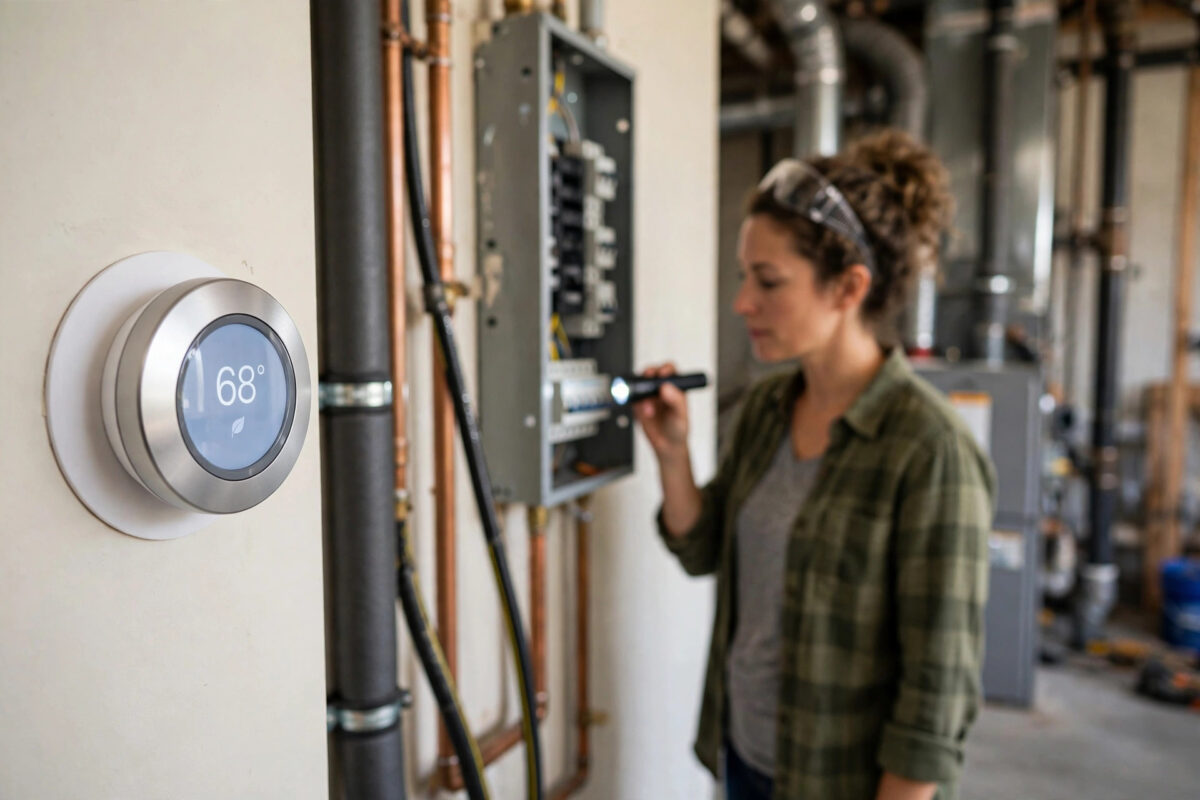
Few heating messages are more worrying than a Nest thermostat showing error E74, with the words no power to Rh wire. The screen may refuse to heat, the house starts to cool, and the warning sounds like serious wiring damage. In many homes, though, E74 has a simple cause such as a tripped breaker, a blown furnace fuse, an open service switch, or a float switch that has shut the system down for safety.
Safety note: Turn off power to your heating and cooling system at the breaker before you touch, remove, or adjust any thermostat wire. Heating systems can also have a separate switch near the furnace or boiler. Switch that off too, and never work on wiring if you feel unsure. If you smell burning, see damaged or melted wires, or find water around electrical parts, stop and call a qualified professional.
Quick Answer
Error E74 means your Nest thermostat is not detecting power on the Rh wire, which normally supplies 24-volt power from your heating system. Start by checking that the breaker and the furnace or air handler switch are on, that the access panel is fully closed, and that no float switch or condensate pump has tripped. If power is on everywhere and the error stays, turn off power at the breaker before checking that the Rh wire is firmly seated, then call a heating professional if the fault remains.
What the Rh Wire Does and Why E74 Appears
In a typical system, R wires carry low-voltage power from the heating or cooling equipment to the thermostat. Rh is the power wire linked to heating, while Rc is linked to cooling on systems that have separate transformers. The W wire calls for heat, Y calls for cooling, G runs the fan, and C, the common wire, provides a steady return path for power.
When the thermostat expects power on Rh and finds none, it shows E74 and often stops calling for heat. It cannot tell whether power was lost at a breaker, a fuse, a safety switch, or a loose wire, so search from the power source outward.
Causes That Show Up Again and Again
- Tripped breaker or blown fuse: The heating equipment has lost mains power, so it cannot send low-voltage power to the thermostat.
- Service switch off: Someone turned off the wall switch near the furnace, air handler, or boiler, sometimes by accident.
- Open access panel: Many furnaces cut power when the blower door is not fitted correctly, thanks to a safety interlock switch.
- Float switch tripped: A blocked condensate drain fills a tray or float, and the switch stops the system to prevent water damage.
- Loose or misplaced Rh wire: The wire is not fully pushed into the Rh terminal, is in the wrong terminal, or has a damaged end.
- Blown low-voltage fuse on the control board: A small automotive-style fuse on the furnace board, often 3 or 5 amp, protects the thermostat circuit.
Step 1: Safe Checks That Need No Tools
Do these first; they solve many E74 cases.
- Check the breaker box: Look for a tripped breaker labelled furnace, air handler, boiler, or HVAC. Switch it fully off, then back on, once. If it trips again straight away, stop and call a professional.
- Check the service switch: Find the switch on or near the heating equipment. It can look like a normal light switch. Make sure it is on.
- Check the thermostat display history: Note whether E74 appeared after a power cut, a service visit, a filter change, or very hot or cold weather. Recent events are strong clues.
- Check the access panels: Make sure every furnace or air handler panel is seated and latched. Do not open panels while power is on.
- Look for water: Check around the indoor unit, condensate pump, and drain tray for standing water or a raised float switch. Do not touch electrical parts if water is present.
- Wait and watch: Restore power if you found a switch off, give the system a few minutes, and see whether E74 clears on its own.
Step 2: Check the Condensate Drain and Float Switch
Blocked drains are a classic summer cause of E74. As condensate backs up, a float rises and cuts power to prevent a leak. The thermostat then reports no power, though the real problem is water.
Look for a small pump near the indoor unit, a drain tray, or a float switch on a pipe. If the pump reservoir is full, the drain line may be blocked. If you are not sure which parts you can open safely, book a service visit. Never bypass a float switch; it prevents expensive water damage.
Step 3: Inspect the Rh Wire, With Power Off
Safety reminder: Switch off power at the breaker and at the equipment service switch before removing the thermostat from its base. Confirm the display goes blank. If the display stays lit from battery power, the wires may still be safe to handle at low voltage after the breaker is off, but treat every wire with care and never touch mains wiring inside the furnace.
- Take a clear photo of the thermostat wiring before changing anything, showing each wire colour and terminal label.
- Gently pull the thermostat display off its base and look at the Rh terminal.
- Check that the wire is the correct one for Rh, that bare copper is not broken, and that insulation is not trapped under the connector.
- Press the terminal tab, reseat the wire fully so copper makes solid contact, and release the tab. Give the wire a very light tug to confirm it is held.
- Check nearby wires for looseness while you are there, but do not move wires between terminals based on colour alone. Wire colours are not always standard in older homes.
- Refit the thermostat, restore power at the switch and breaker, and wait several minutes to see whether E74 clears.
The official wiring diagrams and error explanations on the official Google Nest thermostat support pages are worth checking against your photo, especially if your system has both Rh and Rc wires or a jumper fitted by a previous installer.
Step 4: The Furnace Fuse and Control Board
Inside many furnaces there is a low-voltage fuse on the control board. If it blows, the thermostat loses R power instantly. Replacing it involves opening equipment panels, near mains voltage parts.
For most homeowners, this is the right place to call a professional. Fuses blow for a reason, such as a short in the wiring, and replacing one without finding the cause often leads to a second blown fuse. A technician can test the circuit and confirm the transformer voltage.
What If You Recently Installed or Moved the Thermostat?
If E74 appeared straight after installation, suspect wiring first. Common installation problems include putting the heating power wire into Rc instead of Rh, leaving a jumper in place when the instructions say to remove it, or seating a wire on its insulation instead of bare copper. Compare your photo with the old thermostat photo, if you took one, and with the wiring reported in the Google Home or Nest app equipment test.
While you work on heating faults, it also helps to keep the rest of your smart home setup simple and reliable. If you are adding voice control for routines and temperature checks, our step-by-step guide to setting up a smart speaker with Alexa or Google Home shows a clean setup order that avoids common account and network mix-ups.
Common Mistakes to Avoid
- Touching wires with power on: Always switch off at the breaker first. Low-voltage mistakes can blow the control board fuse or damage the thermostat.
- Swapping Rh and Rc to see what happens: Guessing with power wires can damage equipment. Diagnose, do not experiment.
- Resetting the breaker repeatedly: A breaker that trips again is reporting a fault. Stop and call a professional.
- Bypassing safety switches: Float switches and door interlocks exist to prevent water damage and injury. Never tape or jumper them out of the way.
- Trusting wire colours alone: Previous installers may not have followed the standard colours. Labels and photos matter more.
- Ignoring water: If a float switch tripped, fixing only the electrical side leaves the blocked drain to trip it again.
Conclusion
Error E74 simply means your Nest thermostat cannot see power on the Rh wire. Work from the outside in: breaker, service switch, panels, and float switch first, then, with power safely off, the seating of the Rh wire itself. Many cases end at one of those simple checks. If the breaker keeps tripping, a fuse has blown, wires look damaged, or the error returns after reseating, bring in a qualified heating professional. Protecting the equipment, and yourself, is worth more than winning an argument with an error code.
Frequently Asked Questions
Is error E74 dangerous?
E74 itself is a power detection warning, not proof of danger, but the causes can include electrical faults. Turn off power before touching wires, and stop for burning smells, damaged wires, water near electrics, or a breaker that keeps tripping.
Can a dirty air filter cause E74?
Indirectly, yes. A badly clogged filter can overheat a furnace and trip a high-limit safety switch, which cuts power to the thermostat circuit on some systems. Check and replace a dirty filter as part of your diagnosis.
Why did E74 appear after a thunderstorm or power cut?
Surges and outages can trip breakers and blow the small low-voltage fuse on the furnace control board. Check the breaker and switches first, and if those are fine, a technician should test the fuse and transformer.
Do I need both Rh and Rc wires connected?
Only systems with separate heating and cooling transformers use both. Many systems have a single R wire, and the thermostat handles the rest internally. Follow the wiring shown in the app setup for your exact system rather than copying a neighbour’s setup.
How long after restoring power should E74 take to clear?
Usually within a few minutes once the thermostat detects stable power again. Give it up to ten minutes after restoring power and reseating the wire before deciding the fault is still present.



Leave a Reply