
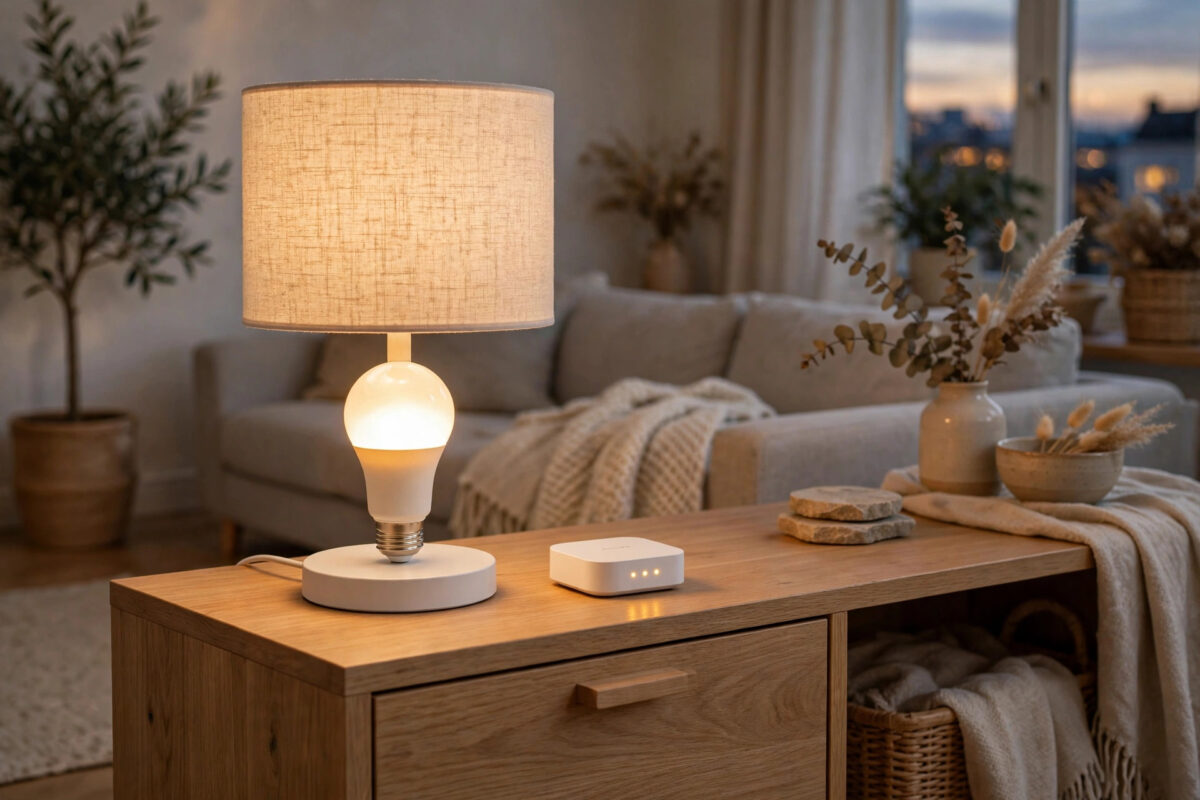
IKEA TRÅDFRI bulbs are popular for a good reason. They cost less than many big-brand smart bulbs, they come in many shapes, and they speak Zigbee, so they can pair directly with a Philips Hue Bridge. For many homes that mix works well. For others, the result is annoying flicker, buzzing at low brightness, or bulbs that flash when they should sit calmly on a warm evening setting.
If your TRÅDFRI bulbs flicker on a Hue Bridge, you are not imagining it, and you do not always need to replace them. The flicker usually comes from firmware gaps, dimming differences, power issues, or a weak Zigbee link. This guide explains each cause in plain language and gives you fixes in a sensible order.
Quick Answer
Update the TRÅDFRI bulb firmware using an IKEA hub or gateway first, then re-pair it with the Hue Bridge and keep it away from traditional dimmer switches. Avoid very low brightness levels where flicker is worst, and improve the Zigbee signal by adding a mains-powered bulb or plug between the bridge and the flickering bulb. If one bulb still flickers after all of that, test it in a different fitting to rule out a faulty bulb or lamp.
Why TRÅDFRI Bulbs Flicker on a Hue Bridge
Hue and TRÅDFRI both use Zigbee, but that does not mean they behave in exactly the same way. Think of it as two people speaking the same language with different accents. Basic commands, like on, off, and brightness, usually translate well. Small details, like how smoothly a bulb fades at very low brightness, can differ.
There are four common reasons for flicker in this mix of brands.
- Outdated bulb firmware: Early TRÅDFRI firmware had known dimming and stability issues that later updates improved.
- Low brightness behaviour: Some IKEA bulbs are less smooth below about 20 to 25 percent brightness, especially with colour temperature changes.
- Power problems: Wall dimmers, loose fittings, and some lamp shades with built-in dimmers feed the bulb uneven power.
- Weak mesh signal: A bulb at the edge of the network may receive broken commands, which can look like flicker or random flashing.
Knowing which cause fits your home matters. A bulb that flickers only at low brightness points to dimming behaviour. A bulb that flickers at full brightness in one lamp only points to power or a faulty fitting.
Step 1: Update the Bulb Firmware the IKEA Way
This is the most important step, and it is the one many people miss. A Hue Bridge cannot update IKEA bulb firmware. Only IKEA’s own system can do that.
- If you own a DIRIGERA hub or the older TRÅDFRI gateway, connect the flickering bulb to that hub first.
- Open the IKEA Home smart app and check for firmware updates for the bulb.
- Install any update and leave the bulb powered while it finishes. Do not switch it off during the update.
- Once updated, remove the bulb from the IKEA system so it is free to pair again.
- Reset the bulb by switching it on and off six times in a row, ending with it on. It should flash or dim briefly to show the reset worked.
- Add it back to the Hue Bridge using the Hue app search, keeping it close to the bridge during pairing.
If you do not own an IKEA hub, ask whether a friend does, or consider whether one problem bulb is worth the cost of a hub. For a house full of TRÅDFRI bulbs, the hub quickly pays for itself in updates alone. The IKEA smart home support pages for TRÅDFRI and DIRIGERA help explain the current update process for each hub.
Step 2: Remove Dimmers and Check the Fitting
Smart bulbs want clean, full power. They do their own dimming inside the bulb. Anything else that tries to dim them from the wall will fight that system.
- Check whether the lamp or wall switch has a traditional dimmer. If it does, set it to full power permanently, replace it with a plain switch, or move the bulb to a non-dimmer lamp.
- Turn the power off, remove the bulb, and check the fitting for dust, looseness, or a bent contact.
- Screw or fit the bulb back firmly. A loose bulb can flicker in a way that looks exactly like a software problem.
- Test the same bulb in a simple table lamp with no dimmer. If the flicker stops, the original lamp or switch was the problem.
- Test a known good Hue bulb in the original fitting. If that flickers too, the fitting or wiring needs attention from a qualified electrician.
For more help separating power issues from network issues, our guide on fixing smart bulbs that flicker in any smart home system walks through fitting and voltage checks in detail.
Step 3: Adjust Brightness Habits and Hue Settings
Some flicker only appears at the very bottom of the brightness range. Many TRÅDFRI bulbs are happiest when you respect a small floor.
Practical Settings to Try
- Set your evening scenes to 25 percent or higher for IKEA bulbs, instead of 5 or 10 percent.
- Use a warm colour temperature for low scenes. Rapid changes between cool and warm at low brightness can look uneven on some models.
- Turn off any fast fade or entertainment effect for rooms that use TRÅDFRI bulbs. Hue entertainment areas and rapid third-party effects ask more of the bulb than slow, normal fades.
- In the Hue app, check the bulb’s power-on behaviour and set it to a simple, steady setting while you test.
Live with these settings for two or three evenings. If the flicker is gone at sensible brightness levels, you have a workable result without spending anything.
Step 4: Strengthen the Zigbee Mesh
Hue and TRÅDFRI bulbs help each other by passing Zigbee messages along, but only when they are mains-powered and switched on at the wall. A flickering bulb at the far end of a house may simply be struggling to hear the bridge clearly.
- Count the distance and walls between the bridge and the bulb. Thick brick, metal doors, and large appliances weaken the signal.
- Add a mains-powered smart bulb or smart plug roughly halfway between them to act as a repeater.
- Leave wall switches on. A bulb switched off at the wall cannot repeat the signal for others.
- In the Hue app, consider changing the Zigbee channel if your Wi-Fi is very busy on 2.4 GHz. After the change, give the network time to settle.
- Move the bridge away from the router by at least a metre if they sit side by side, as very close placement can cause interference.
Common Mistakes and Helpful Tips
- Expecting Hue to update IKEA bulbs: It cannot. Firmware is the top fix, and it needs IKEA’s own hub and app.
- Mixing many bulb types in one entertainment area: Fast light effects expose small timing differences between brands. Keep entertainment areas to one brand where possible.
- Testing for only a few seconds: Some flicker appears after the bulb warms up. Test a fix for at least fifteen minutes.
- Ignoring one bad bulb: If five bulbs are fine and one flickers everywhere you try it, that bulb is probably faulty. Replace that single bulb rather than rebuilding the whole setup.
- Using enclosed fittings that trap heat: Heat shortens smart bulb life and can cause unstable behaviour. Check that the fitting allows some airflow.
A useful tip is to label updated bulbs with a small note of the date. In a mixed home it is easy to forget which bulbs have had fresh firmware and which have not.
Conclusion
TRÅDFRI bulbs flickering on a Hue Bridge usually come down to firmware, dimmers, low brightness limits, or a weak mesh signal. Update the bulbs through an IKEA hub, remove traditional dimmers from the circuit, keep scenes above the rough low end, and give the Zigbee network a clear path. Test one change at a time so you know what actually helped. Most mixed Hue and IKEA homes settle down well with these steps, and you keep the savings that made IKEA bulbs attractive in the first place.
Frequently Asked Questions
Are TRÅDFRI bulbs officially supported on a Hue Bridge?
They pair because both systems use Zigbee, and many people run them together successfully. However, support is limited. Hue cannot update IKEA firmware, and some advanced Hue features may not work perfectly with IKEA bulbs, so results vary by model.
Why does the flicker only happen at low brightness?
Low brightness is the hardest job for a smart bulb. Small differences in how IKEA and Hue handle dimming curves show up there first. Raising your lowest scenes to around 25 percent often removes the visible flicker without changing the mood of the room much.
How do I reset a TRÅDFRI bulb before re-pairing?
Turn the bulb on and off six times in a row at the wall switch or lamp switch, ending with the bulb on. It should give a brief flash or pulse. Then search for it in the Hue app straight away while it is close to the bridge.
Can one flickering bulb affect the others?
One faulty bulb does not usually make healthy bulbs flicker. However, if the flickering bulb is an important repeater in the middle of your mesh, its problems can make bulbs beyond it less reliable. Fix or replace it and the rest of the chain often improves.
Should I move all my IKEA bulbs back to an IKEA hub?
Only if flicker and missing features bother you more than the convenience of one app. Many homes run a stable mix after firmware updates. If you want perfect dimming and full features from every bulb, keeping each brand on its own system is the cleanest choice.



Leave a Reply