
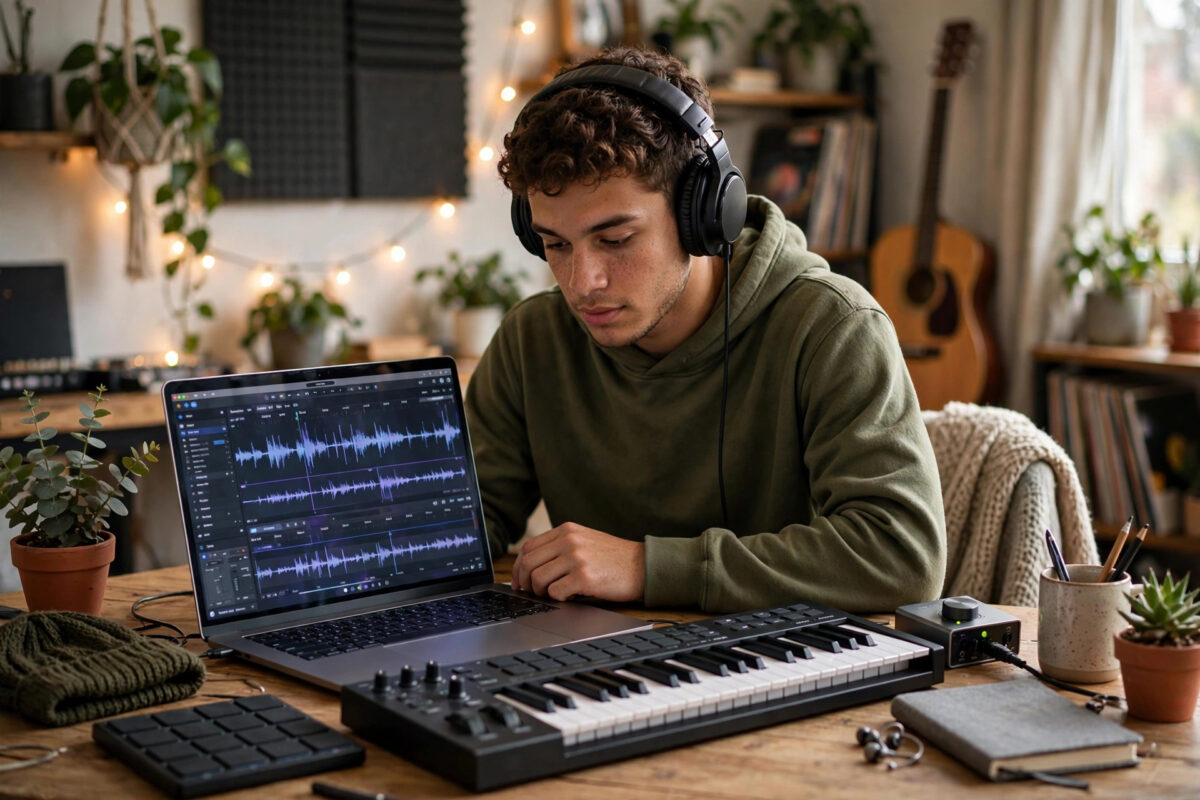
You no longer need a studio, expensive instruments, or years of music theory to make a song. AI music generator apps can turn a short text description — a mood, a genre, a few lyrics — into a full track with melody, harmony, drums, and even vocals in under a minute.
For content creators, indie artists, teachers, and curious beginners, that speed is exciting and a little overwhelming. With dozens of apps promising instant hits, the real skill is knowing how to prompt well, shape the raw output, and finish a track that actually sounds like yours.
This practical guide walks you through creating music with AI step by step, from choosing an app to exporting a polished song you can share, while being honest about quality, rights, and the limits of the technology.
Quick Answer
To create music with AI generator apps, pick a tool that matches your goal, describe the genre, mood, tempo, instruments, and structure in a clear prompt, generate several versions, then edit, extend, and mix the best one before exporting. Add your own lyrics, vocals, or live instruments to make the result original and safe to publish.
What AI Music Generator Apps Actually Do
These apps use models trained on large collections of music to predict what should come next: which chords fit a melody, how a drum pattern drives a chorus, or how a vocal line should rise. When you give a prompt, the model composes new audio that follows the patterns it learned.
Some tools generate complete songs from text, including sung lyrics. Others work like smart instruments: they create backing tracks, loops, beats, or melodies that you arrange yourself in a timeline editor. Both approaches are useful, but they suit different creators.
Text-to-Song Generators
Text-to-song tools are the fastest route from idea to listenable track. You type a style description, paste or generate lyrics, choose settings like duration or vocal type, and receive one or more finished versions. They are ideal for demos, social content, jingles, and exploring song ideas quickly.
AI Composition and Beat Tools
Composition tools give you more control. You might generate a chord progression, layer a bassline, adjust tempo and key, and export individual stems — separate files for drums, bass, melody, and vocals — into a digital audio workstation for detailed editing.
If you enjoy this blend of creativity and technology, you will find more hands-on tutorials among the creative technology guides on Network Ustad, covering tools for writing, video, and design as well.
How to Create Music With AI: Step by Step
The workflow below works in almost any app. Take your time on the prompt and selection stages — they decide the quality of everything that follows.
Step 1: Define Your Song Before You Generate
- Choose the purpose: a full song, a background track for video, a ringtone, a study loop, or a demo for a band.
- Pick a genre and one or two reference moods, such as upbeat pop, calm lo-fi, cinematic piano, or energetic electronic dance music.
- Decide tempo and length. Slow ballads sit at lower beats per minute, while dance tracks are faster. Short clips are easier to perfect than long songs.
- Write or outline lyrics if vocals matter. Even rough lines about a clear theme produce better results than vague instructions.
Step 2: Choose the Right App for Your Goal
- For instant full songs with vocals, choose a text-to-song generator with lyric support and style controls.
- For video background music, choose a tool with mood-based generation, loop options, and a clear commercial licence on paid plans.
- For serious production, choose a tool that exports stems or MIDI so you can edit notes and sounds in your usual software.
- Start on a free tier to test quality and workflow. Most apps offer a free tier with limited credits or shorter tracks, while paid plans unlock longer songs, commercial rights, and higher-quality downloads.
Step 3: Write a Prompt That Gets Good Results
- Lead with genre and mood: warm acoustic folk, hopeful and intimate, for example.
- Add instruments and production style: fingerpicked guitar, soft piano, light percussion, modern clean mix.
- Describe structure: gentle verse, rising pre-chorus, memorable chorus, short instrumental break.
- Specify vocals if needed: female vocal, relaxed delivery, clear English pronunciation — or mark the track instrumental.
- Generate at least four versions. AI output varies a lot, and the best chorus often appears in the take you almost skipped.
Step 4: Shape, Extend, and Edit the Best Version
- Pick the version with the strongest melody and fewest glitches, even if another take has better sound quality.
- Use extend or continue features to build a full structure rather than accepting a single short clip as the whole song.
- Trim awkward intros, fade endings cleanly, and remove sections where vocals garble words or instruments clash.
- If stems are available, lower or mute weak elements and add your own guitar, keyboard, or vocal recording on top.
Step 5: Mix, Export, and Share
- Listen on headphones and ordinary phone speakers. A mix that only sounds good on one device is not finished.
- Balance the vocal against the instruments and add light effects only if your app supports them. Avoid burying problems under heavy reverb.
- Export in the highest quality your plan allows, typically WAV for archiving and MP3 for sharing.
- Keep your prompt, lyrics, and project files saved. They are useful proof of your creative process if rights questions ever arise.
Writing Lyrics That AI Sings Well
AI singers handle simple, well-structured lyrics far better than dense poetry. Clear phrasing helps the model place words naturally on the melody.
Lyric Tips for Better Vocal Output
Keep lines short and similar in length within each section. Mark sections clearly with labels like Verse, Chorus, and Bridge if the app supports them. Avoid tongue-twisters, long lists of names, and lines packed with internal rhymes that force unnatural speed.
Singability matters too. Open vowel sounds on high notes feel more natural, and repeating a simple chorus hook makes a song memorable. If the generator writes lyrics for you, edit them — generic lines about shining bright and feeling alive are the AI equivalent of filler, and your own specific details will always sound more human. For background on how generative systems compose, the research summaries linked from Wikipedia’s overview of music and artificial intelligence explain the main approaches in accessible terms.
Understanding Rights and Licensing
Who owns an AI-generated song, and where you can use it, depends on the app’s terms and your subscription level.
What to Check Before Publishing
- Whether your plan grants commercial use, monetisation on video platforms, and distribution to streaming services.
- Whether the app claims any ownership or licence over your output, and whether free-tier tracks carry restrictions or attribution requirements.
- Whether you supplied original lyrics or recordings. Your own original inputs generally strengthen your position compared with fully generic output.
- Platform rules. Streaming and video services increasingly ask creators to disclose AI involvement, so check current disclosure requirements before uploading.
When a project matters commercially, read the full terms on the tool’s official website rather than relying on summaries. The official pages for a service such as Suno’s AI music platform set out its current plan and licensing details, and those terms can change as the market matures.
Common Mistakes With AI Music Generators
Accepting the first generation. The first output is a draft, not a result. Generating multiple versions and combining the strongest sections is where quality comes from.
Writing vague prompts. A prompt like make a nice song gives the model nothing to work with. Genre, mood, instruments, tempo, and structure should all be named.
Ignoring garbled vocals. Listeners forgive a simple melody but not mumbled or mispronounced words in the chorus. Regenerate or edit any section where lyrics are unclear.
Publishing without checking the licence. A track made on a free tier may not be cleared for monetised videos or streaming. Check rights before a release, not after a takedown.
Removing the human element entirely. The most forgettable AI songs are untouched outputs. One real vocal take, a live instrument, or personally written lyrics can transform a generic track into something recognisably yours.
Conclusion
AI music generators have lowered the barrier to making songs almost to zero, but they have not removed the need for taste. The creators getting the best results treat AI as a fast collaborator: they brief it clearly, generate widely, select ruthlessly, and finish tracks with their own editing and performance.
Start small with one short song this week. Write a specific prompt, generate several versions, polish the best one, and check the licence before you share it. With that workflow, you will be surprised how quickly rough ideas become music you are genuinely proud to play for other people.
Frequently Asked Questions
Do I need music theory to use AI music apps?
No. Most apps are designed for beginners and need only a text description. Basic ideas like tempo, verse, and chorus help you prompt better and edit more confidently, but you can learn those as you create.
Can I sell songs made with AI generators?
Often yes on paid plans that include commercial rights, but it depends on the app’s terms and how much original input you contributed. Always confirm commercial use, streaming distribution, and ownership terms for your exact plan before selling.
Why do the vocals sometimes sound strange?
Vocals are the hardest element to generate. Long or complex lines, unusual words, and rapid delivery increase errors. Shorter lines, clearer lyrics, and regenerating weak sections usually fix most problems.
What is the difference between free and paid plans?
Free tiers typically limit track length, number of generations, and download quality, and may restrict commercial use. Paid plans generally add more credits, longer and higher-quality exports, stem downloads, and fuller licensing rights.
Can AI music replace real musicians?
For background tracks and quick demos it can fill some roles, but live performance, emotional nuance, and original artistry remain distinctly human strengths. Most working creators use AI to speed up ideas, not to eliminate musicians from the process.



Leave a Reply