
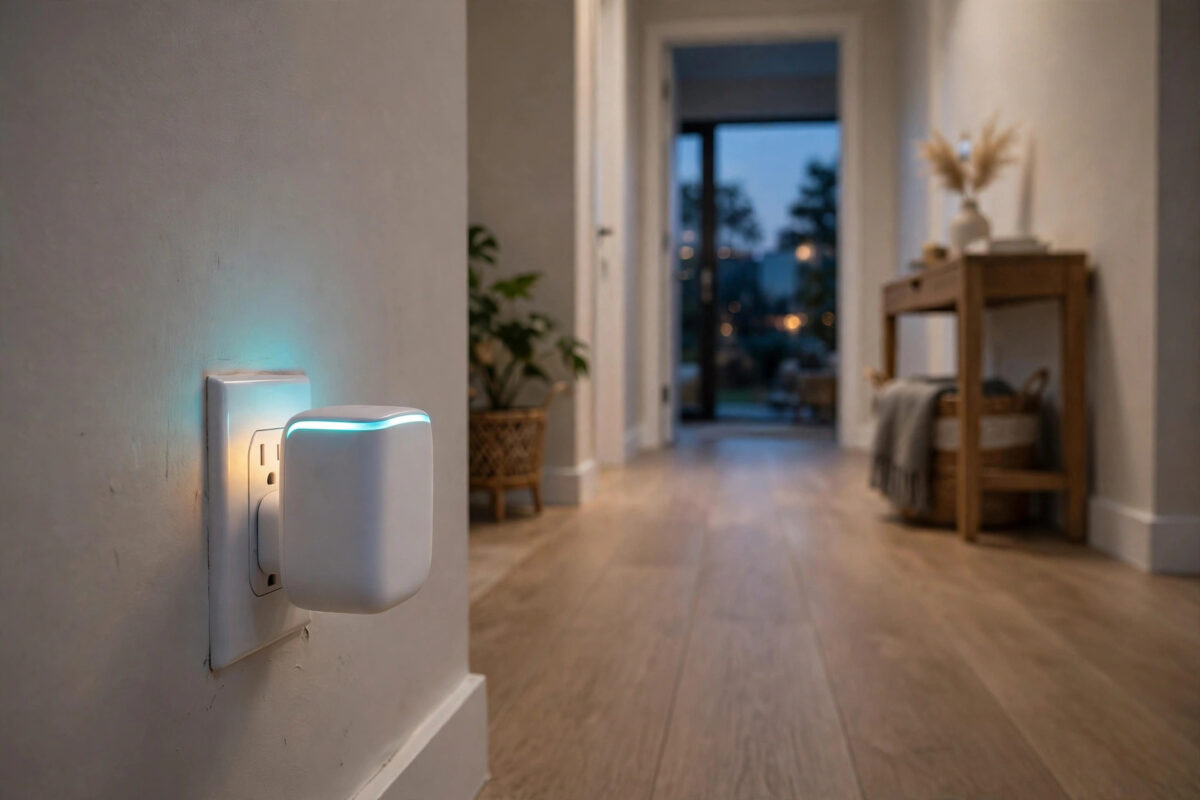
Your front door sensor works perfectly. The one on the back door, the shed, or the far bedroom keeps going offline. The hub has not moved. The sensor has a new battery. The problem is distance and walls.
Zigbee was made to solve this with a mesh. Some devices do not just use the network — they carry it. Those devices are called repeaters, or routers. Add the right ones in the right places, and far sensors get a clear path back to the hub.
This guide explains which devices repeat, which do not, and where to put them.
Quick Answer
Almost all mains-powered Zigbee devices act as repeaters: smart plugs, in-wall switches and relays, many smart bulbs, and dedicated Zigbee routers. Battery sensors and remotes do not repeat. Place a repeater halfway between the hub and the far sensor, keep it powered at all times, and add a second one if the sensor is behind several thick walls.
How Zigbee Repeaters Work
In a Zigbee network there are three roles. The hub is the coordinator. It starts the network. Mains-powered devices are routers. They stay awake and pass messages for others. Battery devices are end devices. They sleep most of the time to save power and only talk to a parent — the hub or a nearby router.
A far sensor cannot shout all the way to the hub. It whispers to its parent. The parent passes the message on. If each hop is short, the message arrives quickly and reliably. That is why one plug in a hallway can fix three sensors at once.
This is different from Wi-Fi extenders. You do not pair the sensor to the plug by name in most systems. The mesh sorts out the route. Your job is to place good repeaters so a good route exists. If you also have Wi-Fi weak spots, the placement thinking is similar to our guide to fixing dead zones around the home.
Which Devices Act as Zigbee Repeaters?
Reliable Repeaters for Most Homes
- Smart plugs: The best first choice. They are cheap, easy to move, and stay on. A plug in a hallway or landing can serve a whole floor.
- Dedicated Zigbee routers: Small USB or plug-in routers made only to repeat. They do nothing else, so nobody turns them off by mistake.
- In-wall switches, dimmers, and relays: Good repeaters because they are always powered and fixed in place. Useful in rooms where a plug would look messy.
- Mains-powered smart bulbs: Most Zigbee bulbs repeat while they have power. They work well in hallways and landings that stay switched on.
- Some powered sensors and alarms: Mains-powered sirens, range extenders, and some powered detectors also route. Check the product page for the word router or repeater.
Devices That Do Not Repeat
- Battery door, window, motion, temperature, and leak sensors
- Battery buttons, remotes, and wireless switches
- Battery locks — most sleep to save power and do not route for others
- Any device that is turned off at the wall or unplugged
A simple rule helps: if it has a battery and sleeps, it does not repeat. If it plugs into the mains and stays awake, it almost always does.
Choosing the Right Repeater
Not all repeaters are equal. A few points make a real difference for far sensors:
- Match your hub system: Buy Zigbee devices that work with your hub brand. A plug that joins your hub cleanly will route for sensors on the same hub.
- Pick plugs for key spots: For a sensor that matters, like a front door or freezer alarm, rely on a plug or dedicated router, not a bulb on a normal light switch.
- Check the brand mix: Most standard Zigbee devices work across brands, but some older bulbs are poor routers for certain sensors. If a far sensor still fails behind one bulb, try a plug from a different brand in that spot.
- Do not overload one repeater: One plug can serve many sensors, but a house with 30 or 40 battery devices should have several repeaters spread out, not one in the middle doing all the work.
Brands explain this in their own guides too. For example, Philips Hue guidance on extending a Zigbee network shows how powered Hue devices form a mesh with a bridge.
Where to Place Repeaters for Far Rooms
Placement matters more than buying the most expensive device.
The Halfway Rule
Place the first repeater about halfway between the hub and the far sensor. In a typical house, that means every 5 to 8 metres, or one room apart through normal internal walls. Through brick, concrete, or a floor, keep hops shorter.
- Stand at the hub and walk towards the far sensor.
- Note the walls, floors, and big metal objects on the path.
- Put a plug in the last room where the signal is still strong, not in the weak room itself.
- After 10 to 15 minutes, check the far sensor. If needed, add a second repeater one room closer to the sensor.
Good and Bad Spots
- Good: Hallways, landings, open shelves, plug sockets at waist height, rooms that link two parts of the house.
- Bad: Inside cupboards, behind fridges, on the floor behind a sofa, inside a garage with a metal door between it and the house, next to the router.
- For upstairs sensors: A plug on the landing or in a bedroom above the hub often fixes the whole floor.
- For a shed or garage: You may need a repeater by the back door inside the house, and another just inside the outbuilding, as long as power there is safe and dry.
Setting Up and Testing Your New Mesh
- Add the repeater to your hub first, in the place where it will live.
- Leave it powered for at least 15 minutes. Some networks take longer to update routes.
- Now remove and re-pair the far sensor in its final place, or trigger it and wait. Some sensors find the new parent on their own within a few hours.
- Test the sensor several times over the day. Check the history in the app for gaps, not just one live test.
- If you added a bulb as a repeater, label the switch or use a switch guard so it stays on.
Give the mesh time. Zigbee routes can take hours to settle after a big change. Judge the result after a full day and night, with doors open and closed as normal.
How Many Repeaters Do You Need?
There is no single number, but these patterns work for most houses:
- Flat or small house: Often just the hub plus one hallway plug.
- Two-storey house: One repeater per floor, plus one for a far extension or loft room.
- Long or L-shaped house: A chain of two or three plugs from the hub to the far end.
- Thick stone or foil-insulated walls: More, shorter hops. Plan for a repeater in each main room.
It is better to have a few well-placed plugs than many devices crowded near the hub. Spread them out like street lights along a road.
Mistakes to Avoid
- Relying on a bulb that gets switched off: When the light switch goes off, the repeater and all sensors behind it go offline.
- Putting the repeater in the dead spot itself: If the plug cannot reach the hub well, it cannot help the sensor. Move it one room closer to the hub.
- Expecting battery devices to help: Adding more battery sensors does not extend the mesh at all.
- Turning plugs off to save power: Smart plugs use very little power to route. Turning them off breaks the path.
- Mixing networks: A repeater on one hub does not help sensors on a different hub. Each hub builds its own mesh.
- Testing only once: One good test proves nothing. Check over 24 hours before you decide it is fixed.
Conclusion
Far sensors fail because the last hop is too long. Mains-powered plugs, switches, bulbs, and dedicated routers fix that by carrying the Zigbee mesh into every part of the house. Place them halfway, keep them powered, and give the network time to find the new route. Start with one hallway plug, test for a day, and add a second only if you need it. That simple chain is what turns a flaky far sensor into a reliable one.
Frequently Asked Questions
Do all smart plugs repeat Zigbee?
Almost all Zigbee smart plugs do, because they are mains powered and stay awake. Check the listing for Zigbee router or repeater if you want to be sure. Wi-Fi plugs do not repeat Zigbee at all — they are on a different network.
Can I use a USB Zigbee repeater?
Yes, small USB routers work well in hallways and near computers or TV boxes with a USB port that stays powered. Make sure the USB port does not turn off when the TV or computer sleeps, or the repeater will vanish at night.
How close should a repeater be to a sensor?
In an open room, 5 to 8 metres is comfortable. Through one normal wall, aim for less. Through brick, concrete, or a floor, place the repeater in the next room or on the landing, not two rooms away.
Will a repeater help a sensor in my garden?
It can help if there is a repeater near the back wall of the house and the outdoor sensor is rated for outdoor use. Weather, distance, and metal fences weaken the signal a lot outdoors, so keep expectations modest and test carefully.
Do I need to re-pair sensors after adding a repeater?
Often not, but re-pairing the problem sensor in its final place helps it pick the new, closer parent straight away. If a sensor has failed for days, a clean re-pair through the new repeater is the fastest way to prove the fix.



Leave a Reply