
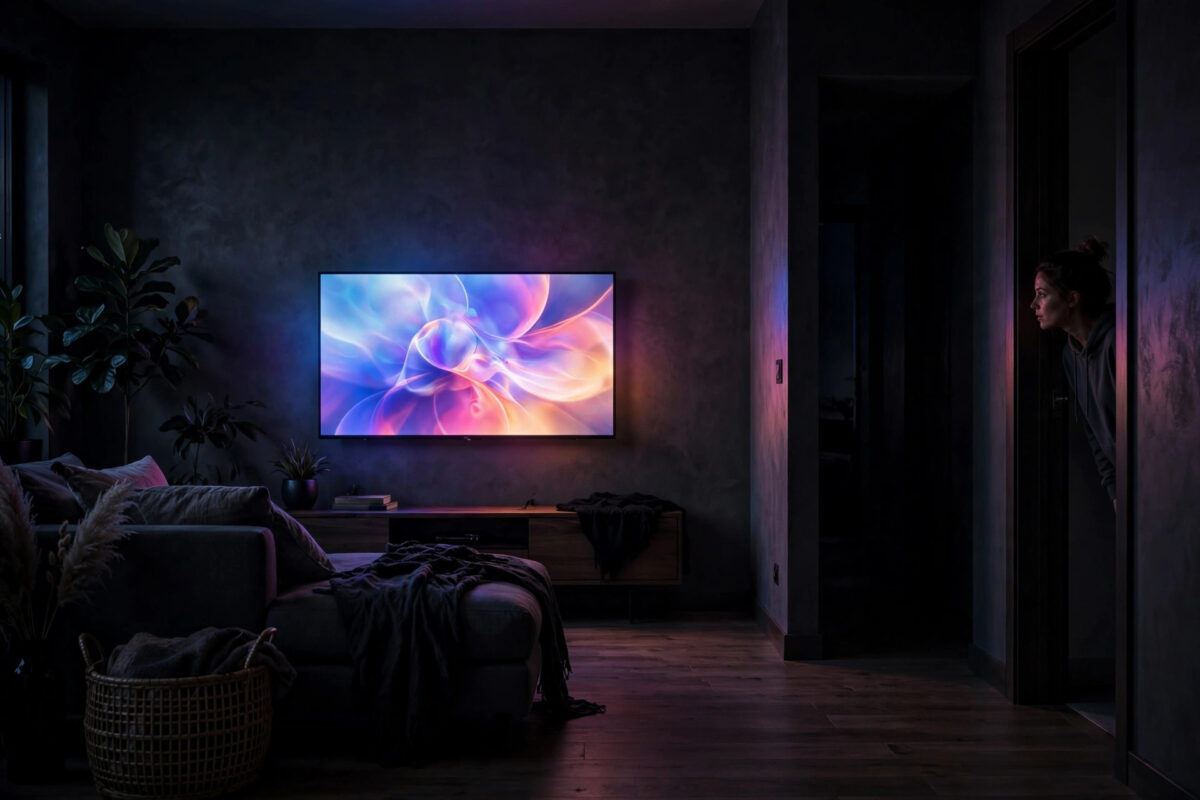
You wake at 3 a.m. to a glowing screen and muffled voices from the living room — but nobody is there, and you definitely switched the TV off before bed. A smart TV that turns itself on at night is unsettling, but it is almost never broken or haunted. It is responding to a signal, a schedule, or another device in your home. This guide lists the causes in order of likelihood and how to stop each one.
Quick Answer
Smart TVs turn on by themselves because of HDMI-CEC signals from connected devices (a cable box, console, or streaming stick waking up), wake-up timers or scheduled updates, network wake commands from apps, or a sticking remote/power button. Turn off HDMI-CEC (or disconnect the culprit device), disable wake timers and auto-on features in settings, and your TV should stay off until you switch it on.
Cause 1: HDMI-CEC — Another Device Is Waking It
HDMI-CEC lets devices control each other over the HDMI cable: press a button on your streaming stick remote and the TV wakes to the right input. The flip side is that any connected device can wake the TV when it stirs — cable and satellite boxes rebooting for their own overnight updates are the classic offenders, followed by games consoles downloading updates, Apple TVs, and AV receivers.
The test: For two nights, unplug the HDMI cables (or power) of your connected boxes before bed, leaving just the TV. If the TV stays off, one of those devices is the culprit — reconnect them one per night to find which. The fix: turn off CEC in the waking device’s settings, or disable CEC on the TV (Settings > General > External Device Manager / HDMI-CEC — the name varies: Anynet+ on Samsung, SimpLink on LG, Bravia Sync on Sony). Disabling it on the TV stops all CEC wake-ups at once, at the cost of losing one-remote conveniences. A middle path is an HDMI CEC-blocking adapter on the offending device’s cable.
Cause 2: Timers and Scheduled Features
- On timer / wake-up timer: Many TVs have an alarm-style “On Timer” in Settings > Timers — sometimes set accidentally, sometimes left over from a shop demo. Check it is off.
- Scheduled recordings and guide updates: TVs with recording features power up to refresh the programme guide or prepare for timers, usually briefly and with the screen dark on some models — but others light the panel.
- Software update checks: Automatic updates are normally silent and invisible, but on some models the TV fully wakes to install and restart. If wake-ups started after an update, check the update settings and set updates to manual or daytime. Our guide on updating smart TV software explains where these options live on each brand.
- Hotel/demo modes and retail settings: A TV left in Store mode may run attract loops or scheduled demos. Switch it to Home mode.
Cause 3: Network Wake — Apps, Casting, and Voice Assistants
Most smart TVs listen on the network even in standby. Things that can wake them:
- Casting: A phone on your Wi-Fi tapping Cast — even by accident from a pocket, or a guest’s phone — wakes many TVs instantly. AirPlay and Chromecast both do this.
- Companion apps: TV remote apps on household phones can send a wake command when opened.
- Voice assistants: A misheard “wake word” can trigger an assistant routine that includes the TV, especially if the TV is in a smart home scene. Review your routines in Alexa/Google Home.
The fix: In the TV’s network settings, turn off options named “Wake on Wi-Fi”, “Wake on LAN/WLAN”, “Network remote control”, or “Mobile device connection” — wording varies. Keep them off unless you genuinely cast to wake the TV. If wake-ups persist, note the exact time; matching it against your router’s connected-device logs or a box’s update schedule usually identifies the sender.
Cause 4: The Remote or Power Button
A remote with a sticking power button, low batteries causing repeated signals, or a second remote buried in the sofa can send power toggles at random. Bluetooth remotes paired to the TV can also reconnect oddly. Test by taking the remote’s batteries out overnight (and putting the remote in another room). Also check the TV’s physical power button is not jammed or being pressed by a soundbar or pet. If you suspect remote troubles generally, our guide on fixing a remote control that stopped working covers cleaning and re-pairing steps.
Cause 5: Power Events and Failing Hardware
Brief overnight power cuts or surges can make some TVs power on when electricity returns, rather than returning to standby. If your clocks also reset overnight, this is your answer — a surge-protected socket helps, and some TVs have a “power on after outage” behaviour you cannot change. Rarely, a failing power board or main board causes phantom switch-ons along with other symptoms (random shutdowns, flicker, clicking). If the TV misbehaves in other ways too, especially out of warranty tests above failing, treat it as a repair case.
A Simple Diagnostic Plan
- Night 1: Remove remote batteries; note whether the TV wakes.
- Night 2: Disconnect all HDMI devices; note the result.
- Night 3: Disable network wake options (or unplug Ethernet / note the Wi-Fi setting); note the result.
- Whichever night stays dark names the cause — apply the matching permanent fix from the sections above.
Changing one thing per night feels slow, but it is the only way to be sure, and three nights of tests beats months of 3 a.m. surprises. Guidance from manufacturers, such as Samsung’s support article on TVs turning themselves on, follows the same elimination approach.
Common Mistakes to Avoid
- Blaming the TV first: The TV is usually the messenger. Connected boxes wake far more TVs than faulty TVs wake themselves.
- Turning everything off at once: You will fix it but never know the cause, and lose features you liked (like CEC one-remote control) unnecessarily.
- Forgetting the on-timer: It is set more often than people think — by children exploring menus, or left from store setup.
- Ignoring power cuts: Check other appliances’ clocks before deep troubleshooting.
- Leaving casting open to the whole network: On shared or guest networks, anyone’s phone can wake the TV. Restrict or disable network wake.
Conclusion
A TV that wakes at night is following an instruction from somewhere: a box over HDMI-CEC, a timer, a network command, a remote, or the power supply. Diagnose one variable per night, apply the targeted fix, and silence returns. Start with the HDMI devices and the on-timer — between them they account for the great majority of ghost switch-ons.
Frequently Asked Questions
Can a smart TV turn on by itself due to a virus?
It is extremely unlikely. TVs run closed systems and malware on them is rare; wake-ups are virtually always caused by CEC signals, timers, network wake, remotes, or power events. Work through those before worrying about anything malicious.
Why does my TV turn on at the same time every night?
A scheduled event: an on-timer, a cable box’s nightly reboot/update window, a programme-guide update, or a smart home routine. Same-time regularity is your best clue — check timers on the TV and the update schedule of connected boxes first.
Will turning off HDMI-CEC stop my TV waking up?
If a connected device is the cause, yes — CEC is the channel it uses. You will lose conveniences like automatic input switching and one-remote volume/power control, so consider disabling CEC only on the guilty device instead.
My TV turns on when the power comes back after a cut. Can I stop that?
On some models there is no setting for it. Options are a surge protector with a master switch, a smart plug you control (though the TV then cannot be woken by its remote until the plug is on), or simply accepting it if cuts are rare.
Could my neighbour’s remote or phone be turning my TV on?
A neighbour’s infrared remote through a window is theoretically possible but very rare. More plausible on shared building networks: a phone on the same Wi-Fi casting to your TV. Disabling network wake and keeping your Wi-Fi password private solves it.


Leave a Reply