
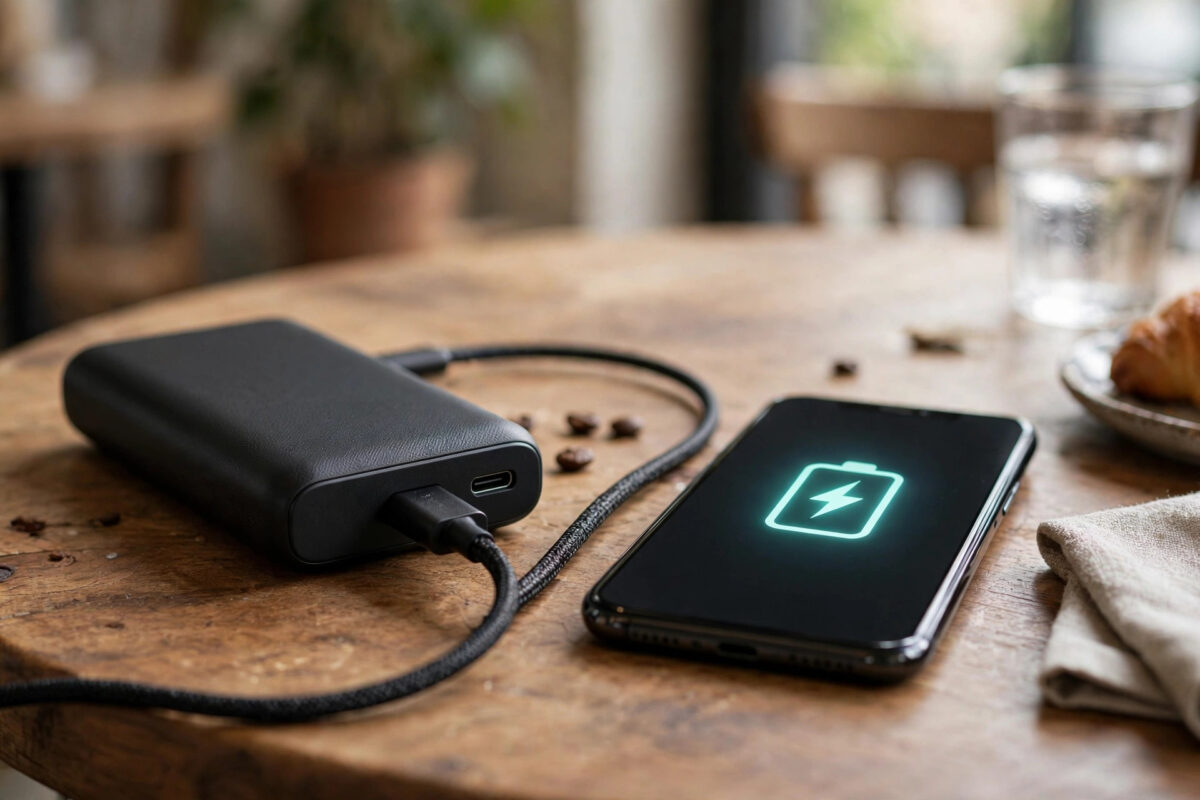
You plug your phone into your power bank expecting the same fast top-up you get from the wall charger, and instead the percentage creeps up painfully slowly — sometimes barely holding its own while you use the phone. Slow power bank charging is extremely common, and it usually comes down to a mismatch somewhere: the bank’s output, the cable, the phone’s limits, or the bank’s own age. This guide helps you find which one is slowing you down.
Quick Answer
A power bank charges slowly when it cannot deliver, or your phone cannot accept, high-wattage power: the bank may be a basic 5W/10W model, the cable may not support fast charging, the phone and bank may not share a fast-charge standard (USB Power Delivery or Quick Charge), or heat and an ageing battery are throttling it. Use a USB-C PD power bank of 20W or more with a quality short cable for the fastest results.
How Charging Speed Actually Works
Charging speed is measured in watts (volts × amps), and the final speed is set by the slowest link in the chain: power bank, cable, and phone. A phone that supports 25W fast charging still only charges at 10W from a 10W bank. Phone and charger also “negotiate” using standards:
- USB Power Delivery (USB PD): The universal standard used by iPhones, Google Pixels, Samsung phones, and most modern devices — over USB-C.
- Qualcomm Quick Charge (QC): Common on many Android phones; some banks support both PD and QC.
- Brand-specific systems: OnePlus/Oppo (SUPERVOOC), Xiaomi (HyperCharge) and others reach their headline speeds only with their own chargers and cables; a generic power bank falls back to standard PD speeds.
If the bank and phone share no fast standard, both drop to a basic 5W or 10W — safe, but slow. This negotiation mismatch is the single most common reason a “fast” power bank charges slowly.
Cause 1: The Power Bank Itself Is Low-Power
Many cheap or older power banks output only 5V/1A (5W) or 5V/2A (10W) per port — fine in 2016, slow for today’s large batteries. Check the small print on the bank for its output ratings: you want to see something like “USB-C: 5V/3A, 9V/2.2A (20W)” for modern fast charging. Also note that multi-port banks share their total output: a “30W” bank may deliver 30W to one port but only 15W each when two devices are plugged in. Finally, a nearly-empty bank can taper its output as its own battery fades.
Cause 2: The Cable
Cables are not all equal, and the thin free cable in the box is a frequent culprit:
- Use the shortest, best-quality cable you have; long, thin cables lose voltage over distance.
- For USB-C fast charging above 60W, cables need an e-marker chip — not relevant for phones, but crucial for laptops.
- Damaged or worn connectors make intermittent contact that drops the phone back to slow charging repeatedly.
- Try the cable that came with your phone first when testing; it is guaranteed to match the phone’s standard.
Swapping the cable takes ten seconds and fixes a surprising share of slow-charging complaints — test it before blaming the bank. The USB Implementers Forum’s Power Delivery pages explain the PD standard and its wattage tiers if you want the technical detail.
Cause 3: Heat, Age, and the Bank’s Own Battery
Lithium batteries charge cautiously when hot or cold. A power bank left in a hot car or used in direct sun will throttle its output to protect itself; so will the phone — phones routinely slow charging when their temperature rises or when you are gaming or navigating while charging. Age matters too: after a few hundred cycles, a bank’s cells lose capacity and internal resistance rises, so output sags. A bank that now gives your phone barely one full charge and delivers it slowly is telling you it is wearing out — batteries age in all gadgets, a pattern we also cover with drone packs in our guide on what to do about swollen drone batteries.
Cause 4: The Phone Is Busy or Nearly Full
Two phone behaviours look like a slow power bank but are not:
- Using the phone while charging: Navigation, gaming, video calls, and a bright screen can consume power nearly as fast as a small bank supplies it. Net charging crawls even though the bank is working normally.
- The last 20% is deliberately slow: All phones taper charging speed as they approach 100% to protect battery health, and features like iPhone’s Optimised Charging or Android’s adaptive charging intentionally slow overnight charging further. A bank that races to 60% then slows is behaving exactly as designed.
How to Get the Fastest Charge From Any Power Bank
- Match standards: choose a USB-C PD bank (20W minimum for phones, 45–65W for larger devices) from a reputable brand.
- Use one port at a time for maximum speed.
- Use a short, quality cable rated for fast charging.
- Keep both bank and phone cool and out of the sun while charging.
- Leave the phone alone, or at least close heavy apps, during the top-up.
- Recharge the power bank itself with a proper wall charger so it starts full — a half-charged bank delivers less and runs out mid-charge.
Common Mistakes to Avoid
- Judging by the bank’s capacity number: 20,000mAh says nothing about speed — check watts and standards, not just capacity.
- Expecting brand-specific speeds: A 120W Xiaomi phone will not charge at 120W from a generic bank. PD speeds (still fast) are what you get.
- Using the longest cable you own: Length and thinness cost real speed.
- Charging in a hot bag or car: Heat throttles everything and ages the bank faster.
- Assuming slow means broken: Test with a different cable, a different port, and the phone idle before replacing hardware.
Why the Power Bank Itself Recharges Slowly, Too
The same mismatch logic applies in reverse when you refill the bank. A big 20,000mAh bank charged from an old 5W phone plug can take ten hours or more to refill, which is why banks often seem “never ready”. Check the bank’s input rating as well as its output: a bank with 18W or faster USB-C input, refilled from a proper PD wall charger, typically refills in three to four hours. Use the input port the manual specifies (on many models the USB-C port is both in and out, but on others it is output-only), and avoid charging the bank from a laptop’s low-power USB port if you are in a hurry. Some banks support pass-through charging — powering your phone while the bank itself charges — which is convenient overnight in hotels, though it generates extra heat, so treat it as an occasional convenience rather than a daily habit.
Conclusion
Slow power bank charging is almost always a chain problem — find the slowest link. Match USB PD standards between bank and phone, use a short quality cable and a single port, keep everything cool, and remember that phones deliberately slow down near full and while in heavy use. With those pieces aligned, a modern 20W+ power bank should take most phones from empty to around 50% in roughly half an hour.
Frequently Asked Questions
How long should a power bank take to charge my phone?
With a 20W USB PD bank and a compatible phone, expect roughly 50% in 30 minutes and a full charge in 1.5–2 hours, depending on battery size. A basic 10W bank typically needs 2.5–3.5 hours for a full charge.
Why does my power bank charge my old phone fast but my new phone slowly?
Your new phone probably uses a different or higher fast-charge standard than the bank supports, so they fall back to a basic slow speed. Check both devices’ standards (USB PD version, Quick Charge version) — matching them restores fast charging.
Can a power bank damage my phone by charging too fast?
No. Phone and bank negotiate a safe voltage and current before charging; the phone only ever draws what it is designed to accept. Reputable banks also include over-temperature and short-circuit protection. Avoid unbranded ultra-cheap banks with no safety certifications.
Why does my power bank lose charge so quickly itself?
All lithium batteries self-discharge slowly and lose capacity with age and heat exposure. If an idle bank is flat within a couple of weeks, or its capacity has clearly halved, its cells are worn and replacement is the realistic answer.
Does wireless power bank charging charge more slowly?
Yes, noticeably. MagSafe-style and Qi charging typically deliver 7.5–15W with more heat and energy loss than a cable. Use wireless for convenience top-ups and a cable when speed matters.



Leave a Reply