
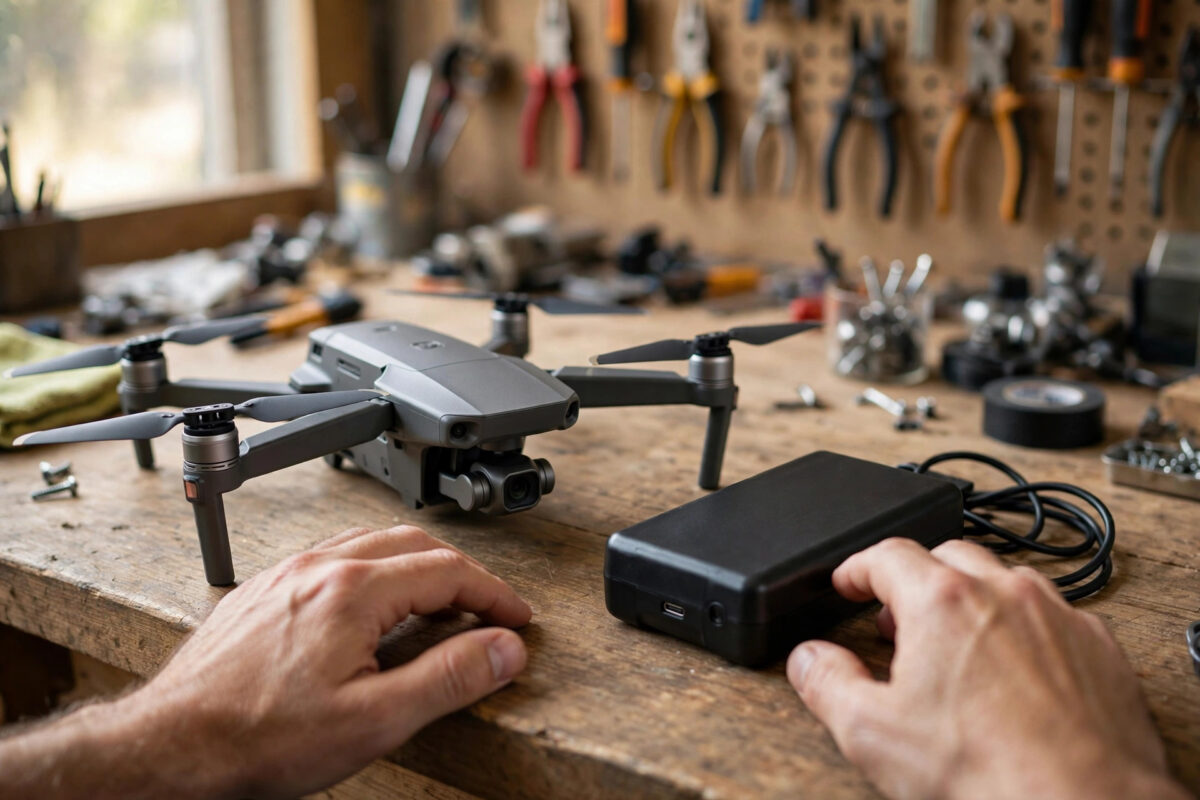
You pick up your drone for a weekend flight and notice the battery looks… puffy. The casing no longer sits flat, the battery is tight in its compartment, or the pack rocks on the table instead of lying flat. A swollen drone battery is not a small cosmetic issue — it is a warning sign from a damaged lithium polymer (LiPo) battery, and how you handle it in the next few minutes matters for your safety.
Quick Answer
Stop using the battery immediately: do not fly with it, do not charge it, and do not try to squeeze it back into the drone. Move it to a fireproof container or a LiPo-safe bag on a non-flammable surface away from heat, let it cool, and then dispose of it through a battery recycling or hazardous waste service. A swollen LiPo battery cannot be repaired and must never be punctured, bent, or thrown in household rubbish.
Why Drone Batteries Swell
Drone batteries are lithium polymer packs chosen because they are light and can deliver huge bursts of power for motors. Inside each cell, chemical reactions during charging and discharging slowly produce small amounts of gas. In a healthy battery this process is minimal, but several things accelerate it:
- Age and cycle count: After a few hundred flights, internal wear generates more gas and capacity falls.
- Heat: Leaving batteries in a hot car, flying hard on hot days, or charging a still-warm pack speeds up the breakdown of the electrolyte.
- Overcharging and deep discharging: Chargers and flight habits that push cells beyond their safe voltage range damage them internally.
- Storing fully charged for months: LiPo cells degrade fastest when left sitting at 100% charge, which is why intelligent flight batteries discharge themselves to a storage level after a few days.
- Physical damage: A crash, drop, or puncture can damage the cell layers and start swelling days later.
The gas inflates the sealed pouch of the cell — pilots call it “puffing”. Once it starts, the process does not reverse.
Signs Your Battery Is Swollen
- The battery no longer slides smoothly into the drone, or the latch feels forced.
- The pack rocks when placed on a flat table instead of sitting still.
- The plastic shell shows gaps, bulges, or a separating seam.
- The battery feels soft or spongy when gently pressed (do not squeeze hard — just note the feel).
- Flight time has dropped sharply, or the drone reports cell voltage errors and uneven cell readings in the app.
What to Do Right Now: Step by Step
Step 1: Stop and Separate
If you notice swelling, stop. Do not charge the battery “one last time” and do not fly it to drain it — a stressed pack under load is when thermal runaway (fire) is most likely. If the battery is in the drone, remove it carefully without forcing it; if it is stuck, do not lever it with tools. Let everything cool for at least an hour.
Step 2: Store It Safely
Place the battery in a LiPo-safe charging bag, a metal ammo box with the seal removed or vented, or a ceramic or metal container with a loose lid, on a concrete or tiled surface away from anything flammable. Keep it somewhere cool and dry, away from children and pets, until you can dispose of it. Never store a swollen pack loose in a drawer or with your other batteries.
Step 3: Do Not Attempt Repairs
There is no safe fix. Never puncture the pack to “let the gas out” — the gas is flammable, the electrolyte is toxic, and puncturing can cause immediate fire. Never put it in a freezer or salt water as some old forum posts suggest; major manufacturers such as DJI’s battery support pages advise against using damaged batteries at all and direct users to proper disposal.
Step 4: Dispose of It Properly
Swollen batteries are hazardous waste. Take the pack, ideally in its fireproof container, to a local household hazardous waste site, an electronics retailer with a battery take-back scheme, or a dedicated recycling point such as those listed by Call2Recycle’s battery recycling locator in North America (similar schemes operate in the UK and EU through council recycling centres). Tell staff the battery is swollen so they can handle it correctly. Never post a swollen battery and never put it in a standard battery recycling tube.
Step 5: Check Your Other Batteries
Swelling in one pack is a reminder to inspect the rest. Check every battery for the signs above, review their cycle counts in your flight app, and retire any pack with uneven cell voltages, damage, or a big drop in flight time.
How to Stop Your Next Batteries From Swelling
- Store at storage charge: Keep packs around 40–60% if they will sit for more than a week, and use the auto-discharge feature on intelligent batteries.
- Cool before charging: Wait at least 20–30 minutes after a flight before plugging in.
- Avoid heat: Never leave batteries in a hot car or direct sun, and store them at room temperature.
- Land with reserve: Regularly draining to near zero strains cells; plan to land around 20–25%.
- Retire crashes: Any battery involved in a hard crash gets inspected, monitored on its next few careful charges, and retired at the first sign of change. Battery behaviour has a lot in common with the slow-charging and heat problems we cover in our guide on why power banks charge slowly — heat and age are the enemies of every lithium pack.
Common Mistakes to Avoid
- Flying “just one more time”: A swollen battery can fail or catch fire under load.
- Squeezing it back into shape: Pressure on a damaged pouch can short the cell.
- Charging to check if it still works: Charging is the highest-risk moment for a damaged pack.
- Binning it at home: LiPo fires in rubbish trucks and waste plants are a real and growing problem.
- Ignoring mild puffing: Slight swelling is the early stage of the same failure, not a different, harmless condition.
Conclusion
A swollen drone battery is the battery telling you it has reached the end of its life. Treat it calmly and seriously: stop using it, isolate it somewhere fireproof, and hand it to a proper hazardous waste or battery recycling service. Then adopt storage-charge, cool-down, and heat-avoidance habits, and your replacement batteries should give you many more safe flights before they age out gracefully.
Frequently Asked Questions
Can a swollen drone battery explode?
It can catch fire, especially if it is charged, flown, punctured, or crushed after swelling. “Thermal runaway” produces intense flames and toxic smoke. Handled gently, stored in a fireproof container, and disposed of promptly, the risk stays low — but it is never zero, which is why fast, careful action matters.
Is a slightly puffy battery still safe to use?
No. Any visible swelling means internal damage and gas build-up. Manufacturers advise retiring the pack at the first sign of puffing, even if it still charges and flies normally.
Should I discharge a swollen battery before disposal?
Most recycling centres accept packs as they are and prefer you do not attach loads or chargers to a damaged battery. Keep it at whatever charge it has, isolate it, and let professionals handle it. If your local scheme asks for terminals to be taped, cover them with electrical tape.
How long do drone batteries normally last?
Typically 200–400 charge cycles or two to four years of regular use, whichever comes first, depending on heat, storage habits, and how hard they are flown. Capacity fade and mild voltage imbalance usually appear before visible swelling.
My battery only swells when warm after a flight. Is that normal?
Batteries can feel warm after flight, but visible bulging is not normal at any temperature. If the pack changes shape when warm and stays changed as it cools, treat it as swollen and retire it.



Leave a Reply