
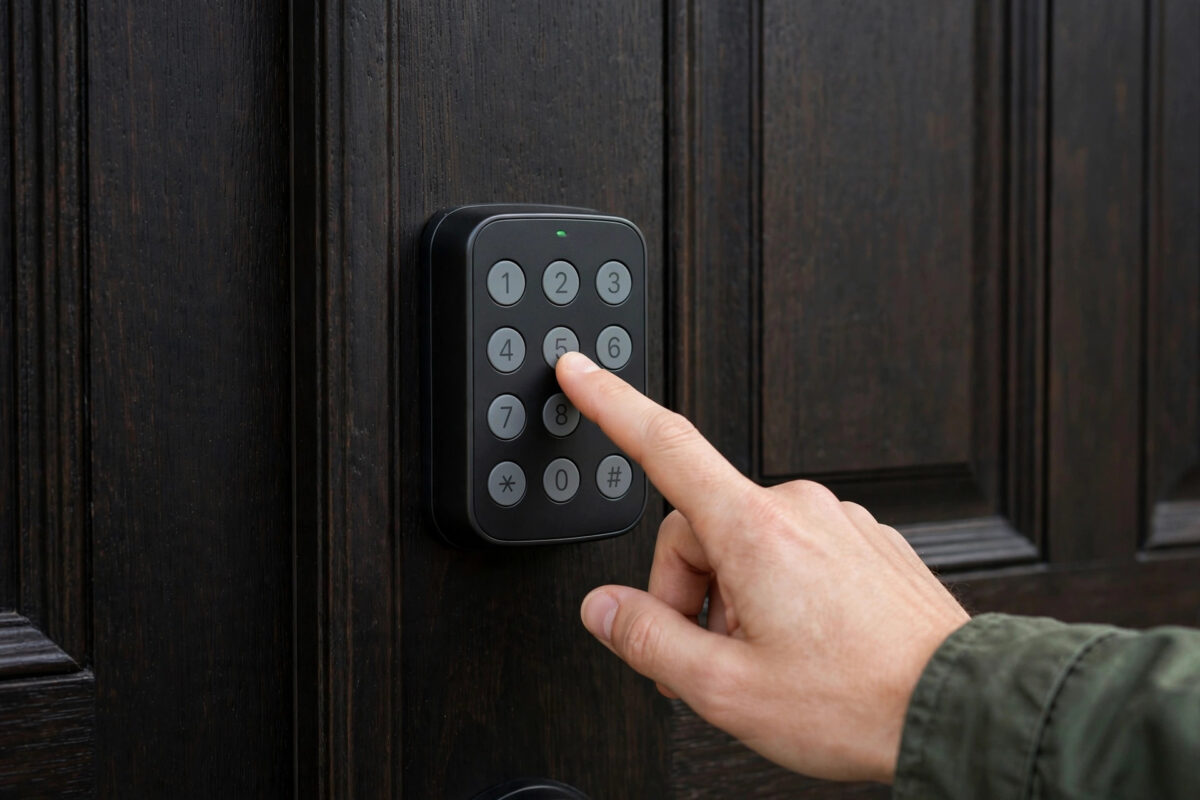
A firmware update should make your Schlage Encode work better. Sometimes it does the opposite. The lock beeps, the bolt moves a little, and then it stops. Or it says it is locked when it is not.
This is a common problem. In most cases, the lock has not broken. It has simply forgotten which way your door opens. That setting is called door handing. When the lock loses it, it pushes the bolt the wrong way or with the wrong force.
The good news is that you can fix this at home. You do not need new parts. You do not need to call a locksmith. A full recalibration takes about ten minutes if you follow the steps in order.
Quick Answer
Open the door and keep it open during the whole process. Remove the battery cover, take out one battery for ten seconds, and put it back to restart the lock. Then run the door handing process from the Schlage Home app or with the keypad steps in this guide, so the lock can learn the open and close positions again. Test the lock three times with the door open first, then three times with the door closed.
Why a Firmware Update Can Break Locking
The Schlage Encode stores a small map of your door in its memory. It knows how far the bolt must travel. It knows if the door handle is on the left or the right. It also knows how much force is normal.
A firmware update rewrites part of that memory. If power dips during the update, or if the app closes too soon, that map can be lost or damaged. The lock then acts confused.
You may see these signs:
- The bolt extends only halfway and then pulls back.
- The lock beeps three times and flashes red.
- The app says “jammed” even though nothing blocks the door.
- Auto-lock works once, then fails the next time.
- The keypad locks the door, but the app shows it as unlocked.
None of these signs mean the motor is dead. They mean the lock needs to learn your door again. That learning process is recalibration.
What You Need Before You Start
- Fresh AA batteries, in case the old ones are low.
- Your phone with the Schlage Home app signed in.
- Your programming code, if you use one.
- A small flat tool to slide off the battery cover.
- Five to ten quiet minutes with no one using the door.
Check the batteries before you blame the software. Low batteries cause more failed locks than any update. If the batteries are more than six months old, or if the lock sounds slow and weak, replace all four. Never mix old and new batteries.
Prepare the Door for Recalibration
Step 1: Open the door and keep it open
This is the most important rule. The bolt must be able to move freely with no pressure. If the door is closed and the frame is tight, the lock will learn the wrong position.
Use a door stop or a heavy object to hold the door open. Make sure children or pets will not swing it shut while you work.
Step 2: Check the bolt and strike by hand
Turn the thumb turn slowly by hand. The bolt should slide in and out with light, smooth force.
If it feels stiff, gritty, or stuck, fix that first. Clean dust from the bolt hole in the frame. Check that the strike plate screws are tight. A lock cannot calibrate well if the door itself is hard to lock by hand.
Step 3: Line up the door
Close the door gently and look at the gap. The bolt should line up with the hole in the frame. If the door has dropped, the bolt will hit the edge of the plate. That alone can look like a software fault.
How to Recalibrate the Schlage Encode Step by Step
Follow these steps in order. Do not skip steps, even if the lock seems to work halfway through.
- Restart the lock. Slide off the inside battery cover. Remove one battery. Wait a full ten seconds. Put the battery back. You should hear a beep and see lights. This clears a stuck update state.
- Check for a finished update. Open the Schlage Home app. Go to your lock settings and check the firmware status. If an update is still pending, let it finish with the door open and your phone nearby. Do not lock the door from the app during the update.
- Start door handing in the app. In the app, open lock settings and look for door handing, calibration, or lock setup, depending on your app version. Start the process and follow the prompts. The bolt will extend and retract a few times. This is normal. Do not touch the door.
- Let the bolt learn both ends. The lock needs to find the fully open and fully closed ends of travel. It may pause, beep, and try again. Give it up to two minutes. If you stop it early, it will store a bad map again.
- If the app method fails, use a factory reset of handing only. Disconnect the batteries, press and hold the outside Schlage button while you reconnect the batteries, then release it when prompted by the lights, as described in the manual. This forces a fresh handing cycle on many Encode models. Your codes and Wi-Fi settings should stay saved with this method, but check them after.
- Wait for the success signal. A green check or a happy beep pattern means the lock stored the new map. A red X means it failed. If it fails, keep the door open, check hand-turn smoothness again, and run the process a second time.
- Test with the door open. Lock and unlock from the keypad three times. Then lock and unlock from the app three times. Every cycle should be smooth, fast, and quiet, with no extra beeps.
- Test with the door closed. Close the door normally. Do not push or lift it. Lock and unlock three more times. If it only works when you push the door hard, the problem is alignment, not software.
For model-specific button sequences and light meanings, check Schlage’s official support pages before you try a full factory reset. A full reset erases codes and Wi-Fi, so use it only as a last step.
If the Lock Still Fails After Recalibration
The bolt works open but jams closed
This points to the frame, not the firmware. The hole for the bolt may be too shallow or off-centre. Mark the bolt tip with lipstick or tape, close the door, and try to lock. The mark shows where the bolt hits. Adjust the strike plate a little at a time, or deepen the hole slightly.
The app says jammed but the bolt moved fully
Delete the lock’s error state by unlocking from the thumb turn once by hand. Then run one more handing cycle. Also check that your door sensor settings in the app match how your lock is installed.
The lock goes offline after the update
Recalibration fixes the bolt, not Wi-Fi. Move closer with your phone, confirm your home Wi-Fi is on the 2.4 GHz band the lock expects, and rejoin the network in the app if needed. Weak Wi-Fi can also make an update look failed when it is only slow.
If you are choosing a replacement or a second lock for another door, our guide to the best smart locks for home security compares handing, battery life, and app quality side by side.
Good Habits After Any Firmware Update
- Always update with fresh batteries and the door open.
- Keep the app open until it says the update is complete.
- Run one open-door and one closed-door test right after every update.
- Turn on auto-lock only after manual tests pass.
- Write down the date of the update, so you can link any new problem to it.
Mistakes to Avoid
- Calibrating with the door closed: The lock learns a strained position and will jam again within a day.
- Helping the bolt by hand during handing: Your hand changes the force the lock measures. Let the motor do all the work.
- Doing a full factory reset first: You lose codes, schedules, and Wi-Fi for no reason. Try handing first.
- Ignoring a stiff thumb turn: Software cannot fix a dirty bolt or a dropped door.
- Testing only once: A bad calibration often passes once and fails on the third try. Always test three times.
Conclusion
When a Schlage Encode fails to lock after a firmware update, the cause is usually lost door handing, not a broken lock. Restart the lock, run the handing process with the door held open, and test it several times before you close the door. Fix any stiffness or strike plate problems you find along the way. With a clean recalibration, the bolt should move smoothly again and the app status should match real life.
Frequently Asked Questions
Will recalibration delete my access codes?
No. A handing or calibration cycle does not delete codes or schedules. Only a full factory reset erases them, so avoid a full reset unless support tells you to do one.
How long does recalibration take?
The handing cycle itself takes one to two minutes. With battery checks and testing, plan for about ten minutes in total.
Why does my lock work with the door open but not closed?
The bolt is hitting the frame or strike plate when the door is closed. The lock learned correctly, but the door alignment is off. Adjust the strike plate or the bolt hole.
Should I replace the batteries before recalibrating?
Yes, if they are old or the motor sounds weak. Low power is a top cause of failed handing, and fresh batteries make the result reliable.
What if recalibration fails twice in a row?
Check the thumb turn for stiffness, confirm the door stays fully open, and try once more. If it still fails with a red X, contact Schlage support with your model and firmware version ready.



Leave a Reply