
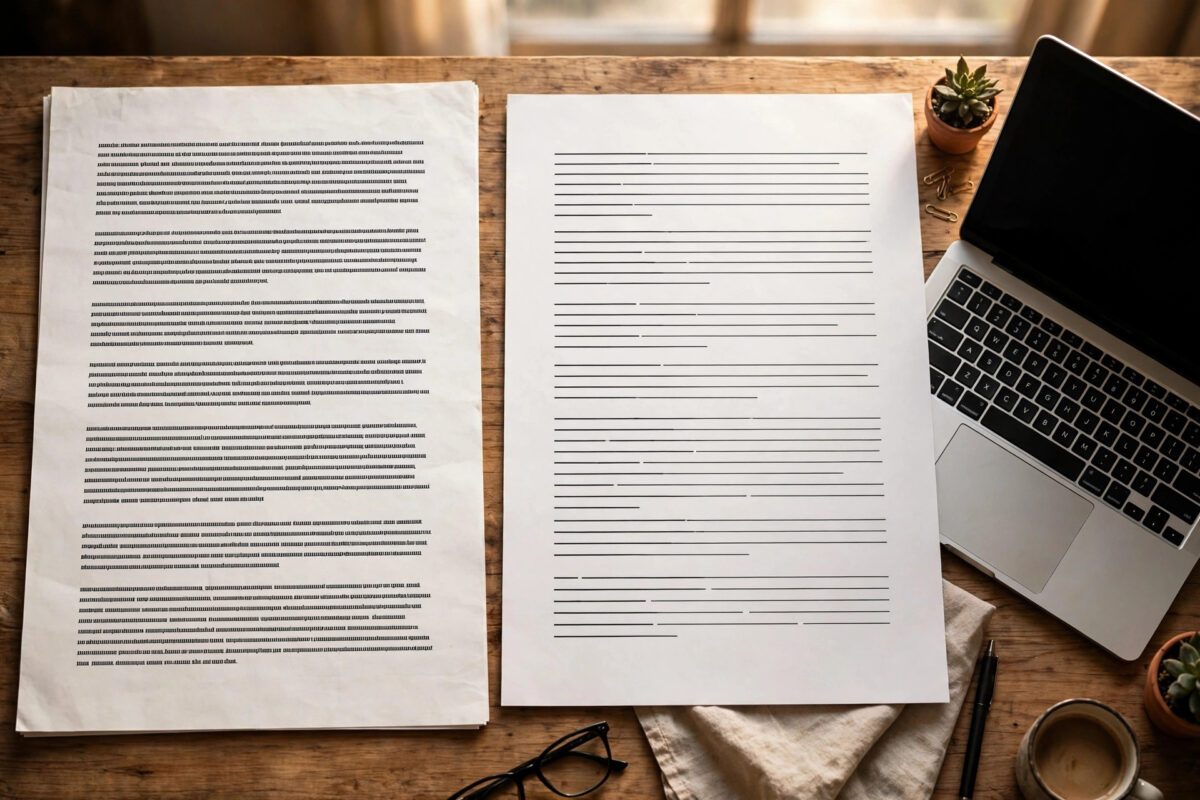
You create a document on one computer and it looks neat and tidy. Then you open the same file in LibreOffice and everything shifts. Headings look bolder, lines end in different places, a two-page document suddenly becomes three pages, and the font does not quite look like the font you chose. It can feel as if the file changed itself overnight.
The file has not changed. What changed is the program reading it, and more importantly, the fonts available to that program. Fonts are the single biggest reason documents look different between Microsoft Word and LibreOffice, and thankfully most of the causes are easy to fix once you understand them. This guide explains what is happening and walks you through the practical fixes in order.
Quick Answer
LibreOffice looks different mainly because the exact font used in Word is missing on your system, so LibreOffice silently substitutes a similar-looking font with different spacing. Install the missing fonts, especially the Microsoft core fonts, embed fonts in shared documents, and avoid relying on exact line breaks when a document will be opened in both programs.
How Font Substitution Works
A document file does not normally contain the font itself. It contains the name of the font, such as Calibri or Times New Roman, plus instructions about size and style. When a program opens the file, it looks for that named font on your computer. If it finds it, the document looks as intended. If it cannot find it, the program picks the closest match it has.
That substitute is never a perfect twin. Letters may be slightly wider, spacing between letters may differ, and line height may change. Each small difference adds up across a page. A paragraph that filled exactly five lines in Word may fill six lines in the substitute, pushing everything after it downwards. Tables are especially sensitive because a slightly wider font can push text onto a second line inside a cell.
On Linux, the classic substitution pairs are well known. Liberation Serif stands in for Times New Roman, Liberation Sans for Arial, and Carlito for Calibri. These fonts were designed to have the same basic widths, which helps a lot, but the shapes and on-screen rendering still look noticeably different to a careful eye.
Check Which Font Is Actually Being Used
Before changing anything, find out whether substitution is happening in your document. You do not need to guess.
- Open the document in LibreOffice Writer.
- Click inside a paragraph that looks wrong.
- Look at the font name box in the toolbar. If the name appears in italics, that font is not installed and a substitute is being used.
- Open Tools > Options > LibreOffice > Fonts to see the replacement table, which lists which fonts are swapped for which.
You can also select all the text with Ctrl+A and note the fonts listed in a mixed document. Many shared documents quietly use three or four fonts, and only one of them may be missing. Fixing that one font can repair most of the layout in one step.
Fix 1: Install the Missing Fonts
The most reliable fix is to give your system the real fonts the document asks for. If colleagues create files in Word using Calibri, Aptos, Arial, or Times New Roman, having those fonts installed removes substitution entirely.
- On Ubuntu, install the Microsoft core fonts package, which covers Arial, Times New Roman, Verdana, Georgia, and several others.
- For Calibri and Cambria, note that these are Microsoft fonts with licensing limits. Many people legally obtain them through a Windows installation or an Office copy they own.
- Install any downloaded font by double-clicking the
.ttfor.otffile and choosing Install, or copy it into the~/.local/share/fontsfolder. - After installing, close LibreOffice completely and reopen it, because it only reads the font list at startup.
- Refresh the font cache in a terminal with
fc-cache -fif a new font does not appear.
Our step-by-step guide to installing Microsoft fonts on Ubuntu for everyday documents walks through the installer screens and licence agreement if you want extra detail on that part.
Fix 2: Adjust the Font Replacement Table
Sometimes you cannot install the exact font, perhaps for licensing reasons. Then your next best option is to choose the substitute yourself instead of letting LibreOffice guess.
- Open Tools > Options > LibreOffice > Fonts.
- Type the missing font name in the Font box, for example a rare corporate font.
- In the Replace With box, choose a font you have that looks closest in size and weight.
- Tick both the Always and Screen Only options as needed, then click the tick button to add the rule.
- Click Apply and OK, then check the document again.
Choosing a metrically similar replacement matters more than choosing one that merely looks pretty. A replacement with the same letter widths will preserve line breaks and page count, which is what most people actually care about when sharing documents.
The official LibreOffice help on font replacement settings explains each option in this dialog in detail if you want to fine-tune the rules further.
Fix 3: Embed Fonts When You Share Files
If you are the person sending the document, you can save the receiver a lot of trouble by embedding the fonts inside the file. The file becomes larger, but it carries its fonts with it.
- Open File > Properties.
- Go to the Font tab.
- Tick Embed Fonts in the Document.
- Click OK and save the file.
Embedding works best with fonts that allow it. Some commercial fonts block embedding by licence, and LibreOffice respects that restriction. Test by sending the file to another machine or opening it after temporarily moving the font, if you need certainty before an important deadline.
Other Reasons Documents Look Different
Rendering and anti-aliasing
Even with identical fonts, screens render text differently. Windows uses its own smoothing system, while Linux desktops use FreeType with settings that vary between distributions. Text may look thinner, heavier, or slightly softer. This affects appearance on screen far more than it affects printing, so check a printed page or a PDF export before worrying.
Default templates and styles
Word and LibreOffice have different default fonts in their blank templates. A document typed without choosing any font will inherit different defaults in each program. Setting an explicit font in your styles removes this difference completely.
Printer metrics and page setup
Older documents sometimes tie line breaks to printer measurements. Different default printers can nudge layout. Check File > Printer Settings and the page style margins if a document reflows even with the right fonts installed.
Export to PDF for an exact copy
When the layout must not move at all, export to PDF. A PDF freezes fonts and positions, so it looks the same everywhere. Use PDF for final versions, application forms, and anything being printed, and keep the editable document for future changes.
For background on how the two suites handle files differently, the Document Foundation comparison of LibreOffice and Microsoft Office features is a useful, honest reference.
Tips for Documents That Travel Between Word and LibreOffice
- Agree on common fonts. If a group shares documents often, pick fonts everyone has, such as Arial or Liberation fonts, and use them consistently.
- Use styles, not manual formatting. Heading and body styles travel between programs far better than hand-set sizes on every paragraph.
- Leave a little breathing room. Avoid designs where one extra line ruins everything. Slightly generous spacing makes documents robust.
- Check page count early. After opening an important shared document, compare its page count with the expected number before editing.
- Keep a PDF reference. Ask the sender for a PDF copy alongside the editable file, so you can see exactly what they intended.
Conclusion
When fonts look different between Word and LibreOffice, the cause is almost always a missing font and a silent substitution behind the scenes. Check for italic font names in the toolbar, install the fonts your documents actually use, set sensible replacement rules for any you cannot install, and embed fonts in files you send to others. With those steps done, shared documents keep their layout, their page count, and their intended look on both programs.
Frequently Asked Questions
Why is my document longer in LibreOffice than in Word?
A substitute font is usually slightly wider or taller than the original, so paragraphs take more lines and pages grow. Installing the original font, especially for the body text, normally restores the original page count straight away.
Is Liberation Serif exactly the same as Times New Roman?
It has the same letter widths, so line breaks and page layout match closely, but the letter shapes are not identical and it can look a little different on screen. For layout-sensitive work, installing the real Times New Roman is still the better option.
Can I make LibreOffice use Calibri by default?
Yes, if Calibri is installed, set it in your default template through Tools > Options > LibreOffice Writer > Basic Fonts. If it is not installed, choose Carlito instead, which was designed to match Calibri’s measurements.
Does embedding fonts always work?
No. Some fonts carry licence restrictions that prevent embedding, and very old programs may ignore embedded fonts. Embedding helps in most modern LibreOffice and Word setups, but sending a PDF remains the safest choice for a fixed layout.
Why does text look thinner on Linux even with the right font?
Linux and Windows smooth on-screen text differently, so the same font can appear lighter or heavier. This is a screen rendering difference only. Printed output and PDF exports from both systems will look much more alike.
Leave a Reply