
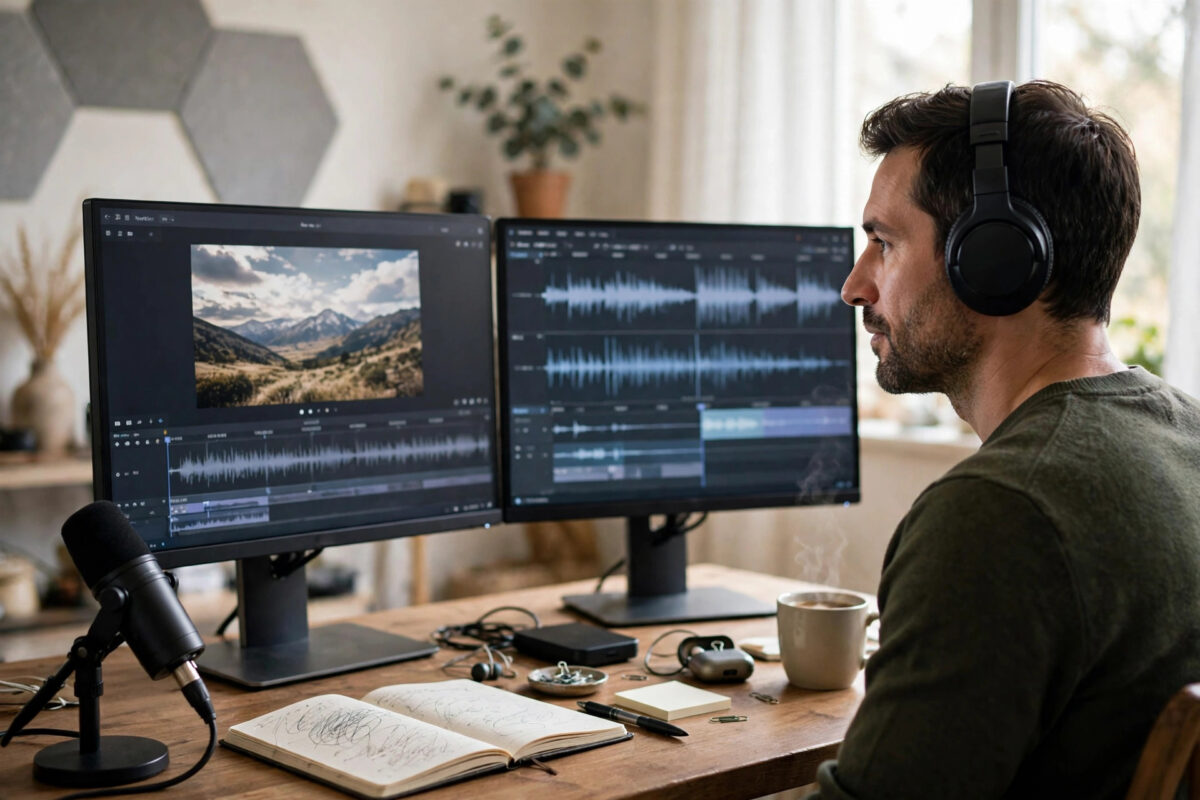
A video you made in English could be finding viewers in Spanish, Hindi, Portuguese or Arabic right now — if only they could understand it. Recording yourself again in five languages is not realistic. AI dubbing is: it transcribes your video, translates the script, and re-voices it in the target language, often in a clone of your own voice, with lip movements adjusted to match.
This guide explains how AI video translation works, which tools do it best, and the step-by-step process for dubbing your first video without it sounding like a robot.
Quick Answer
To translate a video with AI dubbing, upload it to a tool such as HeyGen, Rask AI or ElevenLabs Dubbing, choose the target language, and let the AI transcribe, translate and re-voice the speech — usually in a clone of the original speaker’s voice. Review the translated transcript for mistakes, adjust any wrong phrases, generate the dub, and check that the timing and tone feel natural before publishing. Always get consent from everyone whose voice is cloned, and follow each platform’s rules on labelling AI-translated content.
How AI Dubbing Works
AI dubbing chains together four technologies. First, speech recognition transcribes what is said and when. Second, machine translation converts the script into the target language, ideally keeping the meaning and roughly the same length so it fits the same time slots. Third, a text-to-speech voice — often a clone of the original speaker — performs the new script with similar tone and emotion. Fourth, some tools adjust the video itself, subtly reshaping mouth movements so the lips match the new words.
The result is not magic. Jokes, idioms and cultural references can translate awkwardly, and very fast or emotional speech is harder to dub well. But for tutorials, explainers, product videos, courses and business content, modern dubbing is good enough that many viewers never realise the original was in another language.
The Best AI Dubbing Tools
1. HeyGen — best for presenter-style videos
HeyGen’s video translator is built for talking-head and business videos. Upload a video on the HeyGen website, pick from a wide list of languages, and it returns a dubbed version with your cloned voice and optional lip-sync. It suits course creators, marketers and companies localising training content.
2. Rask AI — best for volume and many languages
Rask AI focuses purely on localisation, supporting a very large language list, multi-speaker videos, and both dubbing and translated subtitles. It handles interviews and podcasts where several people speak, and its editor lets you fix translations line by line.
3. ElevenLabs Dubbing — best voice quality
ElevenLabs built its reputation on realistic voices, and its dubbing feature carries that quality into translation, preserving the speaker’s character across languages. It is a strong pick when how the voice sounds matters as much as the words, and it pairs naturally with the workflow in our guide to cloning your own voice with an AI tool safely.
4. YouTube’s own tools — best free starting point
YouTube offers auto-translated subtitles to every creator, and its newer audio-track features let larger channels upload or generate alternate language audio. Even if you dub with an outside tool, uploading the result as an additional audio track on YouTube is often the cleanest way to publish it.
How to Dub a Video Step by Step
- Start with clean source audio. Dubbing quality is built on transcription quality. Use the clearest version of your video; remove heavy background music if you can, because music under speech confuses every stage of the process.
- Upload and select languages. Choose the original language (or let the tool detect it) and your target language. If you are testing, start with one language and judge the result before dubbing into five.
- Review the original transcript. Fix names, brand terms and technical words the transcription got wrong. Errors here become translation errors later.
- Review the translated script. If you know the target language, read it. If not, check at least the numbers, names and key claims against the original, and use the tool’s glossary feature for words that must stay untranslated, like product names.
- Choose the voice. Use the cloned original voice for authenticity, or a native stock voice if the clone sounds strained in that language. Listen to a preview paragraph before committing.
- Generate and watch the full video. Never publish from the preview alone. Watch for timing drift, odd pauses, mispronounced names and places where the emotion feels wrong.
- Add matching subtitles. Publish the dub together with subtitles in the same language, so viewers can read along and search engines can understand the content.
- Label and publish. Follow the platform’s disclosure rules for AI-generated or AI-translated content, and mention the available languages in your title or description so new audiences find it.
Tips for Natural-Sounding Dubs
- Translate meaning, not word order. If you can edit the translation, prefer the phrase a native speaker would actually say, even if it is shorter or longer than the original.
- Keep sentences short in the original. When you record future videos with dubbing in mind, speak in clear, complete sentences with small pauses — every dubbing tool handles this better.
- Protect names and numbers. Prices, dates and brand names are where AI translation makes its costliest mistakes. Double-check every single one.
- Test with one native speaker. Before launching a dubbed channel or course, ask a native speaker to watch five minutes. They will catch awkward phrasing no tool flags.
- Dub your proven content first. Translate the videos that already perform best in your own language — the demand is already proven.
Common Mistakes to Avoid
- Publishing without reviewing the translation. One wrong word can change a claim, a price or an instruction. Unchecked dubs are a reputation risk.
- Cloning someone else’s voice without consent. Dubbing a guest, client or co-host requires their permission, exactly like any other voice cloning.
- Dubbing over loud music. Music and effects mixed with speech degrade transcription and produce muddy dubs. Keep a clean voice track of your originals.
- Expecting jokes to survive. Humour, slang and wordplay rarely translate directly. Adapt or accept that some lines will land differently.
- Forgetting the metadata. A dubbed video with an English-only title and description is invisible to its new audience. Translate titles, descriptions and subtitles too.
Conclusion
AI dubbing turns one video into many, letting your content cross language borders without a film crew. Choose a tool that fits your format — HeyGen for presenters, Rask for volume, ElevenLabs for voice quality — then do the unglamorous work that separates good dubs from bad ones: clean audio, checked transcripts, protected names and a full watch-through before publishing. Done carefully, a dubbed video feels less like a translation and more like you simply speak another language.
Frequently Asked Questions
How accurate is AI video dubbing?
For clear speech in major languages, the translation and voice quality are very good, especially for educational and business content. Idioms, jokes and emotional performances still need a human review, and rarer languages vary more in quality.
Can AI dubbing keep my own voice in another language?
Yes. Tools like HeyGen and ElevenLabs clone your voice from the original audio and perform the translation in that clone, so you sound like yourself speaking the new language. Your consent is built into the process since it is your own recording.
How much does AI dubbing cost?
Most tools charge by the minute of video, either through subscriptions or credits, with short free trials or a few free minutes to test. A typical creator translating a handful of videos a month spends roughly the price of a streaming subscription.
Does YouTube support dubbed audio tracks?
Yes. YouTube supports multiple audio tracks on one video, and it has been rolling out auto-dubbing features to creators. Uploading your own AI dub as an extra audio track keeps all languages on a single video page.
Is it legal to dub someone else’s video?
Only with the rights holder’s permission. Dubbing is a translation of copyrighted work and uses the speakers’ voices, so you need consent for both the content and the voices before publishing.



Leave a Reply