
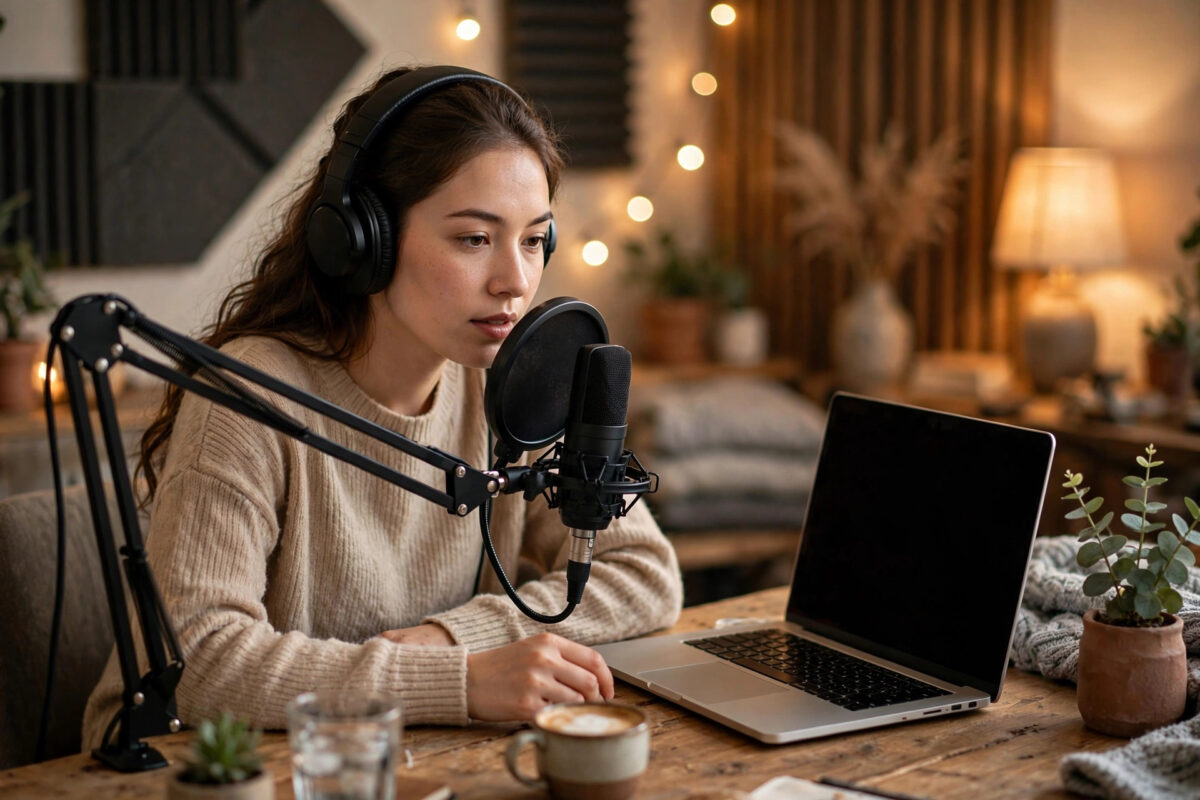
AI voice cloning can copy a voice from a short recording and make it say anything you type. Creators use it for videos, podcasts and audiobooks. Businesses use it for training and support content. But the same technology is also used in scams, which is why doing it safely and legally matters just as much as doing it well.
This guide walks you through cloning your own voice step by step, explains the consent and safety rules you must follow, and shows how to protect yourself from other people misusing the technology.
Quick Answer
To clone your own voice safely, use a reputable tool such as ElevenLabs, record 1–3 minutes of clean audio of only your own voice, complete the tool’s live voice verification, and generate speech only for content you have the right to create. Never clone another person’s voice without their clear, provable permission, never use a clone to impersonate anyone, and store your recordings and account login securely, because a stolen voice model can be abused exactly like a stolen password.
What Is AI Voice Cloning?
Voice cloning trains an AI model on samples of a person’s voice until it learns the tone, accent, pace and character of that voice. After training, you type text and the model reads it aloud in the cloned voice. Modern tools need surprisingly little audio — some work from under a minute of speech — and the results can sound almost identical to the real person.
There are two common types. Instant cloning works from a short sample and is ready in minutes. Professional cloning uses longer, studio-quality recordings and produces a more accurate, expressive copy. For most creators, instant cloning is more than good enough.
How to Clone Your Own Voice Step by Step
- Choose a reputable tool. Start with ElevenLabs, the most widely used voice cloning platform, which requires a live verification recording before it will clone a voice. Avoid unknown free sites that ask you to upload voice samples with no checks — they may keep or misuse your voice data.
- Prepare a quiet recording space. Background noise becomes part of the clone. Record in a small room with soft furnishings, close the windows, and turn off fans and TVs. If your recording still has noise, clean it first with an AI background noise removal tool before uploading.
- Record your sample. Speak naturally for 1–3 minutes at a normal pace, as if talking to a friend. Read varied sentences — questions, statements, some emotion — rather than one flat paragraph. Keep the microphone about a hand’s width from your mouth.
- Upload and verify. Upload the sample, then complete the verification step: the tool asks you to read a short phrase aloud live, proving the voice is yours and you are present and consenting.
- Name and save your voice. Give the clone a clear private name. Keep it unlisted — never publish your voice model to public libraries.
- Generate a test. Type a few sentences and listen. If the clone sounds muffled or robotic, re-record a cleaner, more expressive sample rather than generating more from a bad base.
- Use it responsibly. Generate your narration, download it, and label AI-generated audio where platforms or laws require disclosure.
The Safety and Consent Rules You Must Follow
Only clone voices you own or have permission for
Your own voice is fine. Anyone else’s voice — a celebrity, a colleague, a family member, a client — requires their clear permission, ideally written. “They probably wouldn’t mind” is not permission. Many platforms will ban your account, and in a growing number of places impersonation with AI is against the law.
Never use a clone to deceive
Fraud calls using cloned voices of relatives are one of the most common AI scams. Even as a joke, calling someone while pretending to be another person can cause real harm and real legal trouble. Use clones for content creation, accessibility and convenience — never for impersonation, fake evidence, or misleading endorsements.
Protect your voice model like a password
Turn on two-factor authentication on your cloning account. Do not share your login. Delete old test clones you no longer need. If a platform lets you set usage controls or block your voice from being cloned by others, switch those protections on.
Agree a family safety word
Because scammers can clone voices from a few seconds of social media video, many families now choose a secret code word. If a “relative” calls asking urgently for money, ask for the word. If they cannot give it, hang up and call the real person back on their known number.
Tips for a More Realistic Clone
- Record more variety. Two minutes of expressive speech beats ten minutes of flat reading.
- Match the energy of your content. A calm sample makes a calm narrator. Record the way you want the clone to sound.
- Write for the ear. Short sentences, contractions and natural pauses in your text make generated speech sound far more human.
- Generate in short chunks. Long blocks can drift in tone. Producing paragraph by paragraph keeps quality consistent — the same workflow we recommend in our guide to creating natural AI voiceovers with ElevenLabs.
Good Legitimate Uses for Your Own Clone
It helps to remember how much honest work a personal voice clone can do. YouTubers re-record a single misspoken sentence instead of reshooting a whole segment. Podcasters fix a name they pronounced wrong without booking the studio again. Teachers turn written lessons into audio for students who learn better by listening. People who have lost the ability to speak comfortably — through illness or surgery — use banking and cloning tools to communicate in a voice that still sounds like them. These are the uses worth protecting, and they are exactly why following consent rules matters: the technology stays available and trusted when people use it well.
Common Mistakes to Avoid
- Cloning from noisy audio. Fans, echo and street noise get baked into the model and cannot be removed later.
- Using celebrity or client voices without written consent. This is the fastest route to a banned account and legal letters.
- Uploading voice samples to random free websites. You may be handing a copy of your voice to people with no safeguards at all.
- Publishing the clone publicly. If your voice model leaks, anyone can make “you” say anything. Keep it private.
- Forgetting disclosure. Many platforms require AI-generated content to be labelled. A short note in your description keeps you compliant and honest with your audience.
Conclusion
Voice cloning is a genuinely useful tool when it is your voice, your content, and your responsibility. Record a clean sample, use a reputable platform with verification, keep your model private and secured, and never cross the consent line with anyone else’s voice. Follow those rules and you get all the benefits — fast narration, consistent audio, content in your own voice even when you cannot record — without the risks that give this technology a bad name.
Frequently Asked Questions
Is it legal to clone my own voice?
Yes. Cloning your own voice for your own content is legal in most places. Trouble starts when you clone someone else’s voice without consent or use any clone to deceive, impersonate or defraud.
How much audio do I need to clone a voice?
Instant cloning typically needs 30 seconds to 3 minutes of clear speech. Professional cloning uses 30 minutes or more of high-quality audio for a more accurate and expressive result.
Can someone clone my voice from my social media videos?
Unfortunately, a short clean clip can be enough for basic cloning. Reduce the risk by being careful with public voice recordings, and agree a family code word so relatives can spot scam calls.
Which tool is safest for voice cloning?
Tools that require live verification — where you must read a phrase aloud to prove the voice is yours — are the safest choice. ElevenLabs is the best-known example. Avoid sites with no verification at all.
Should I tell my audience when I use a cloned voice?
Yes. Many platforms require AI content to be disclosed, and audiences respect honesty. A simple note such as “narration generated with AI in my own voice” is usually enough.



[…] ElevenLabs built its reputation on realistic voices, and its dubbing feature carries that quality into translation, preserving the speaker’s character across languages. It is a strong pick when how the voice sounds matters as much as the words, and it pairs naturally with the workflow in our guide to cloning your own voice with an AI tool safely. […]