
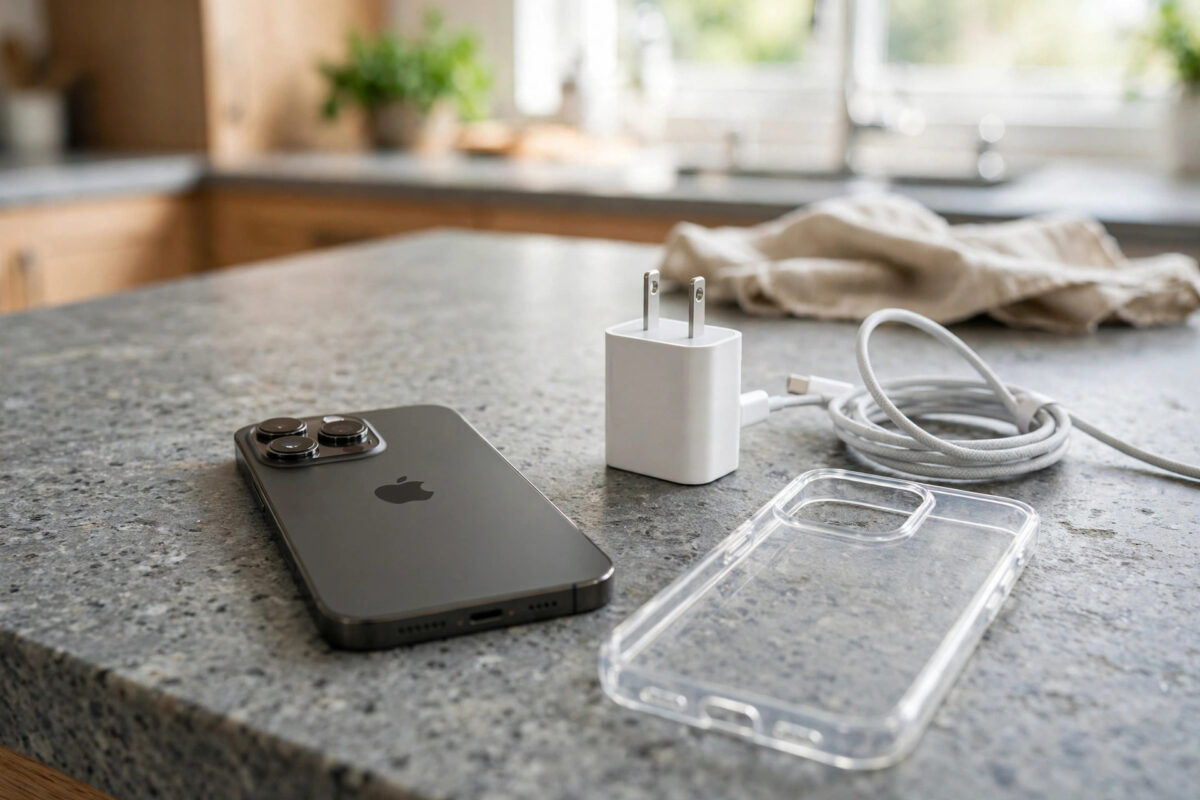
Most iPhones get slightly warm while charging, and that is nothing to worry about. But if your phone becomes uncomfortably hot, shows a temperature warning, or stops charging until it cools down, something is wrong. Heat is the number one enemy of battery life, so a phone that regularly cooks itself while plugged in will age its battery far faster than it should. Here is how to find the cause and stop it.
Quick Answer
To stop your iPhone overheating while charging, remove its case, move it off soft surfaces and out of sunlight, and use a genuine or certified charger. Avoid using the phone for gaming, video or navigation while it charges, turn on Airplane Mode for faster, cooler charging, and check Settings > Battery for an app working hard in the background.
Why iPhones Get Hot While Charging
Charging turns electrical energy into stored chemical energy, and some of that energy always escapes as heat. Fast charging pushes power in quickly, so it makes more heat than slow charging. Wireless and MagSafe charging are less efficient again, which is why a phone on a charging pad often feels warmer than one on a cable. Add a thick case that traps the heat, a hot room, or a processor busy with games or software updates, and the temperature climbs quickly.
iPhones protect themselves. If the inside gets too hot, charging slows or pauses, the screen may dim, and in extreme cases you will see a message saying the iPhone needs to cool down before you can use it. These protections prevent damage, but regular overheating still quietly wears the battery out.
Step-by-Step: Cool Your iPhone Down
- Unplug it and take the case off. A case acts like a blanket. Removing it lets heat escape straight away.
- Move it to a cool, hard, shaded surface. Never charge on a bed, sofa or in direct sun, all of which trap heat.
- Stop using heavy apps. Put the phone down and let it charge in peace. Gaming and video streaming while fast charging is the most common cause of serious heat.
- Turn on Airplane Mode if you do not need calls for a while. Radios searching for weak signal generate a lot of heat.
- Check for a stuck app. Go to Settings > Battery and look for an app using far more power than its screen time justifies.
- Restart the phone if it stays hot after unplugging, to clear any runaway background process.
Check Your Charger and Cable
Cheap, unbranded chargers and damaged cables are a frequent hidden cause of overheating. A poor-quality adapter may deliver unstable power, and a frayed cable creates resistance that turns into heat at the connector. Use the adapter Apple recommends for your model or a certified USB-C charger from a known brand. If the plug or cable itself feels hot, stop using it immediately and replace it.
Also look inside the charging port. Pocket lint packed into the port can make the connector sit at an angle and create a poor connection, which generates heat and slow charging. Our guide on why an iPhone charges slowly even with a fast charger covers port problems and charger checks in more detail.
Settings That Reduce Charging Heat
A few settings can help a phone that runs warm. Optimised Battery Charging reduces the time the battery spends in the stressful final phase of charging. Low Power Mode cuts background activity while the phone charges. Turning off Background App Refresh for apps you rarely use also reduces processor load. None of these replace the basics of a good charger and a cool spot, but together they make a real difference.
Apple notes that iPhone is designed to work best between 0° and 35°C, and its advice on maximising battery performance includes keeping the phone away from high temperatures whenever possible.
Mistakes to Avoid
Never put a hot iPhone in a fridge or freezer, or run it under cold water. Sudden temperature shocks can crack components and cause condensation inside the phone, turning a small problem into a dead device. Also avoid the common habit of charging under a pillow overnight; it traps heat for hours and is a genuine fire risk. Finally, do not ignore repeated temperature warnings. If the phone overheats while charging slowly, on a hard surface, with a genuine charger and no apps running, the battery itself may be failing and swelling, and that needs a repair shop, not a settings change.
When to Get Help
A battery that is swelling can push the screen up slightly or make the back of the phone bulge. If you notice that, stop charging the phone and take it to Apple or an authorised repairer promptly. The same applies if the phone shows the temperature warning every single charge even in cool conditions.
Everyday Habits That Keep Charging Cool
Once you have fixed an overheating episode, a few habits keep it from coming back. Charge on hard, open surfaces like a desk or shelf rather than the bed or sofa. If you charge overnight, a standard-speed charger runs cooler than a fast charger and the battery will be full by morning anyway. Keep the charging spot out of sunny windowsills and away from radiators. In summer, if your room is very hot, charging a little less often and in shorter sessions is kinder than one long, hot charge.
Charging habits inside the phone matter too. Large downloads, big iOS updates and cloud photo uploads all make the processor work while charging; when you can, start those on Wi-Fi while the phone sits cool and plugged in, rather than stacked on top of gaming or navigation. If you use your phone as a sat-nav on a sunny dashboard, expect heat and help it: aim a vent at the phone and remove the case for the journey. Small changes like these, repeated daily, are what separate a battery that lasts four years from one begging for replacement in two.
Conclusion
An iPhone that overheats while charging is usually suffering from a trapped-heat problem: a case, a soft surface, a cheap charger, or heavy use while plugged in. Remove the case, charge on a cool hard surface with a proper charger, and let the phone rest while it fills up. Those simple habits keep temperatures safe and protect your battery for the long term.
Charging in Cars and Hot Climates
Cars are the harshest common charging environment: sunlight through glass, a warm dashboard, navigation running, music streaming and a charger all at once. If you charge while driving, mount the phone in front of an air vent, keep the case off in summer, and accept slower charging rather than fighting for fast charging in a hot cabin. In hot climates generally, prefer charging in the coolest room you have, during the coolest part of the day if your routine allows, and avoid leaving the phone charging in a parked car under any circumstances. A phone left in a hot car can exceed its safe temperature range even while switched off, so take it with you.
Frequently Asked Questions
Is it normal for an iPhone to get warm while fast charging?
Yes, mild warmth during fast charging is normal, especially in the first half of the charge when power flows fastest. It should feel warm, not hot, and it should never be too uncomfortable to hold.
Does wireless charging make overheating worse?
Wireless charging is less efficient than a cable, so more energy becomes heat. A misaligned phone on a pad gets hotter still. If heat is a problem for you, a wired charger is the cooler choice.
Why does my iPhone stop charging at 80% when it is hot?
iOS pauses or limits charging when the battery temperature is too high, often around the 80% mark, to protect the battery. Once the phone cools down, charging resumes automatically.
Can overheating permanently damage the battery?
Yes. Regular exposure to high temperatures permanently reduces the battery’s maximum capacity and can shorten its life by months. One hot afternoon will not ruin it, but a daily habit of charging in heat will.
Should I remove my case every time I charge?
If your phone regularly gets hot, yes, especially for overnight or wireless charging. Thin cases in cool rooms are usually fine, but thick rugged or wallet cases trap enough heat to matter.



Leave a Reply