
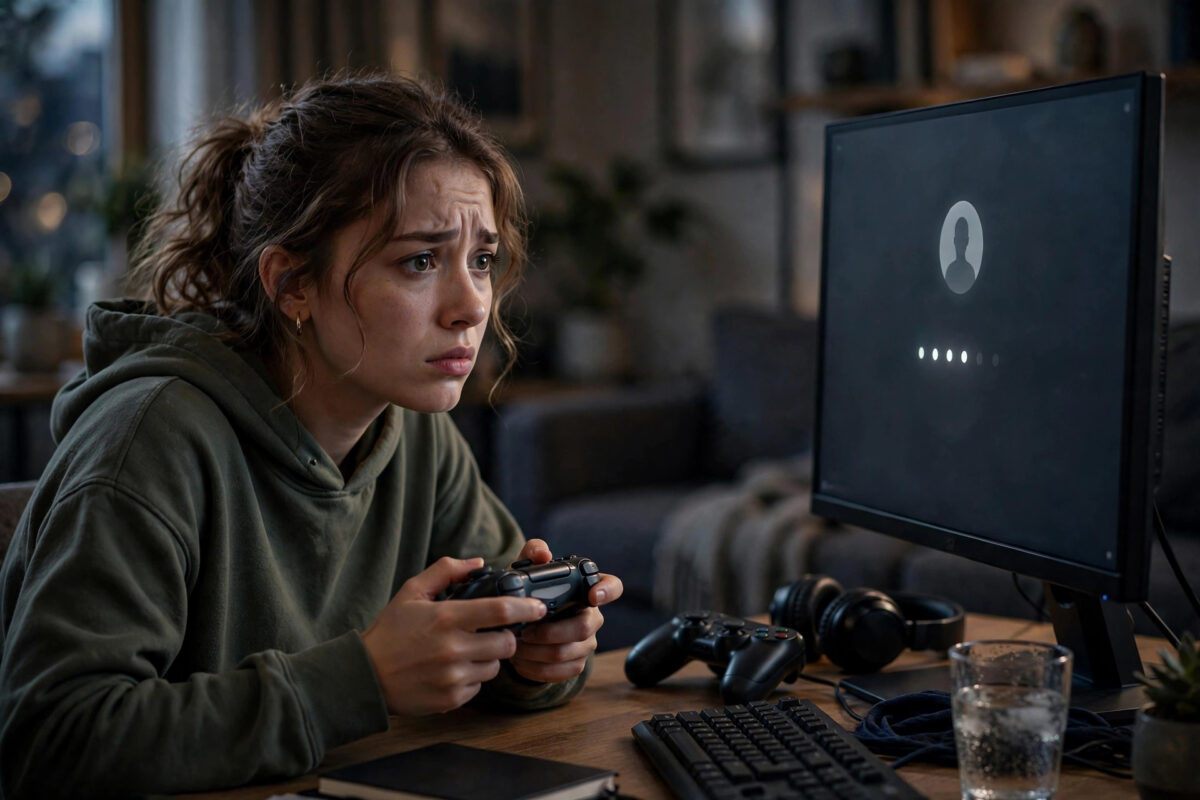
Losing access to your PlayStation or Xbox account is stressful. Years of game saves, trophies, achievements, digital purchases, and friends lists are tied to that one login. If someone else has taken control, every minute matters because the hacker can change your email, spend your wallet funds, or trade away rare items.
The good news is that both Sony and Microsoft have clear recovery systems. If you act quickly and can prove the account is yours, you have a strong chance of getting it back. This guide walks you through the exact steps for PlayStation Network and Xbox, what to do if your email was changed, and how to lock the account down so it does not happen again.
Quick Answer
If your PlayStation or Xbox account is hacked, reset the password immediately using the official recovery page, even if your email was changed. For PlayStation, use the account recovery form and contact PlayStation Support with your original email, console serial number, and purchase history. For Xbox, use the Microsoft account recovery form and provide as much proof as possible. Then enable two-factor authentication and remove unknown devices right away.
Signs Your Account Has Been Hacked
Sometimes the signs are obvious, and sometimes they are small. Watch for these warning signals:
- You cannot sign in even though you are sure the password is correct.
- You receive emails about a password, email, or security change you did not make.
- Games, add-ons, or currency purchases appear that you never bought.
- Your friends say they received strange messages from your account.
- Your profile name, avatar, or online ID was changed without your permission.
- You are signed out on all your consoles at the same time.
If you notice any of these, do not wait. Start recovery straight away from a safe phone or computer that the hacker does not have access to.
How to Recover a Hacked PlayStation Account
Step 1: Try a Password Reset First
This works if the hacker changed your password but left your email address the same.
- Go to the official PlayStation sign-in page on your phone or PC.
- Select the option for trouble signing in, then choose to reset your password.
- Enter the email address linked to your PSN account.
- Check your inbox for the reset link and open it quickly, as it expires.
- Create a strong new password you have never used before.
- Sign in on your console and check your account details.
If the reset email arrives, change your date of birth security question and check whether your email address on file is still yours.
Step 2: Recover the Account If Your Email Was Changed
Hackers often change the email so the reset link goes to them. In that case, a normal reset will not help.
- Check your original inbox for an email from PlayStation about an email change. That message often contains a link to reverse the change.
- Click that reversal link as soon as possible if you find it.
- If there is no link, go to PlayStation Support and start a live chat or call.
- Explain that your account was compromised and your sign-in ID was changed.
The support team will ask you to prove ownership. Have these details ready before you contact them:
- Your original sign-in email and online ID
- The serial number of the console where you created the account or play most often
- Details of recent purchases, including order numbers or the last four digits of a payment card used
- Your date of birth used on the account
You can reach the team through the official PlayStation Support help centre for account and security issues, which lists the current contact options for your region.
Step 3: Secure the PlayStation Account After Recovery
Getting back in is only half the job. Lock it down immediately:
- Change your password again to something long and unique.
- Turn on two-step verification in Account Management under Security.
- Sign out of all devices from the security settings.
- Check your payment methods and remove any card you do not recognise.
- Review your purchase history and report unauthorised charges to support.
- Check your linked accounts, such as Epic, EA, or Ubisoft, and change those passwords too if they shared the same password.
How to Recover a Hacked Xbox Account
Step 1: Try the Microsoft Password Reset
Your Xbox account is a Microsoft account, so recovery goes through Microsoft.
- Go to the Microsoft account sign-in page.
- Enter your email, phone number, or Skype name linked to the account.
- Choose the forgotten password option.
- Select where to receive a security code, such as your backup email or phone.
- Enter the code and set a new strong password.
- Sign back in on your Xbox and check for unknown activity.
If you still have access to a trusted device where you are signed in, use it to change the password and security info without a full recovery form.
Step 2: Use the Microsoft Account Recovery Form
If the hacker changed your email, phone, and password, you will need the full recovery form. This is the most important step for Xbox users.
- Open the Microsoft account recovery form on a device and location you have used before, if possible.
- Enter the hacked email address and a different contact email where Microsoft can reach you.
- Fill in as much information as you can remember, even old passwords.
- Add details such as your Xbox gamertag, console ID, recent purchases on the Microsoft Store, and subjects of emails you sent if you also used the account for Outlook.
- Submit the form and wait for a reply, which usually arrives within 24 hours.
If the first attempt fails, you can try again up to twice a day. Each time, add more accurate details. Guessing wildly hurts your chances, so leave a field blank if you truly do not know it, rather than inventing an answer. The official guidance on the Xbox Support guide for compromised Microsoft accounts explains what happens next and how account recovery decisions are made.
Step 3: Secure the Xbox Account After Recovery
- Review and update your security info, removing any email or phone number that is not yours.
- Turn on two-step verification for the Microsoft account.
- Go to your Microsoft account devices page and remove consoles or PCs you do not recognise.
- Check your order history and subscriptions, and cancel anything the hacker added.
- Change passwords on other services that used the same password.
For long-term protection, follow a full setup using our guide on how to enable two-factor authentication on PSN and Xbox accounts step by step so a stolen password alone is never enough again.
What to Do About Money Spent by the Hacker
Act quickly if wallet funds or your bank card were used.
- On PlayStation: Contact PlayStation Support before contacting your bank. A bank chargeback can lead to your account being banned until the debt is cleared.
- On Xbox: Check your Microsoft order history and request a refund for unauthorised purchases through your account page or Xbox Support.
- For both: Call your bank to block further charges if the hacker still has your card details, and ask for a new card number.
- Save screenshots and emails about every unauthorised transaction as evidence.
Do not delete purchase emails until the case is closed. Support teams use order numbers to trace what happened.
Common Mistakes to Avoid
- Waiting too long: The longer a hacker keeps the account, the more details they can change, which makes proof harder.
- Using unofficial recovery sites: Websites that promise instant recovery for a fee are scams. Only use PlayStation, Xbox, and Microsoft domains.
- Reusing the same password: If you set the same password again, the hacker may still have it from another data leak.
- Doing a bank chargeback first on PlayStation: This can lock the account. Talk to PlayStation Support first about unauthorised charges.
- Submitting the Microsoft form from a new location with guessed answers: Use a familiar device and network, and only provide facts you are confident about.
- Forgetting linked accounts: Hackers often move from PSN or Xbox into linked EA, Epic, or Activision accounts. Secure those too.
Conclusion
A hacked PlayStation or Xbox account feels personal because it holds years of progress and purchases. The recovery path is clear: try a password reset first, use the reversal email if your sign-in ID was changed on PlayStation, or complete the Microsoft recovery form carefully for Xbox. Once you are back in, change everything, remove unknown devices, and switch on two-step protection the same day. Keep your purchase receipts and console serial numbers stored safely offline, as that proof is what gets accounts returned fastest.
Frequently Asked Questions
How long does it take to recover a hacked PSN or Xbox account?
A simple password reset takes a few minutes. A full recovery with support can take from a few hours to several days, depending on how much proof you can provide and how busy the support team is.
Can I recover my account if the hacker changed my email address?
Yes. On PlayStation, check your old inbox for a change notification with a reversal link, or contact support with your serial number and purchase history. On Xbox, use the Microsoft recovery form with a new contact email.
Will I lose my games and purchases after a hack?
In most cases, no. Digital purchases stay tied to the account itself. Once you regain control, your library, trophies, and achievements should return, unless the hacker managed to get the account permanently banned.
What if Microsoft rejects my recovery form?
You can submit it again with more accurate information, up to twice per day. Try from a device and location you used often with the account, and add gamertag, console, and purchase details you missed the first time.
Should I create a brand new account instead?
Only as a last resort. A new account loses all your purchases, saves, and progress. Exhaust the official recovery options first, as most owners do get their original accounts back.



[…] your account was ever taken over before, pair this setup with the steps in our guide on how to recover a hacked PlayStation or Xbox account safely to remove old devices and sessions as […]