
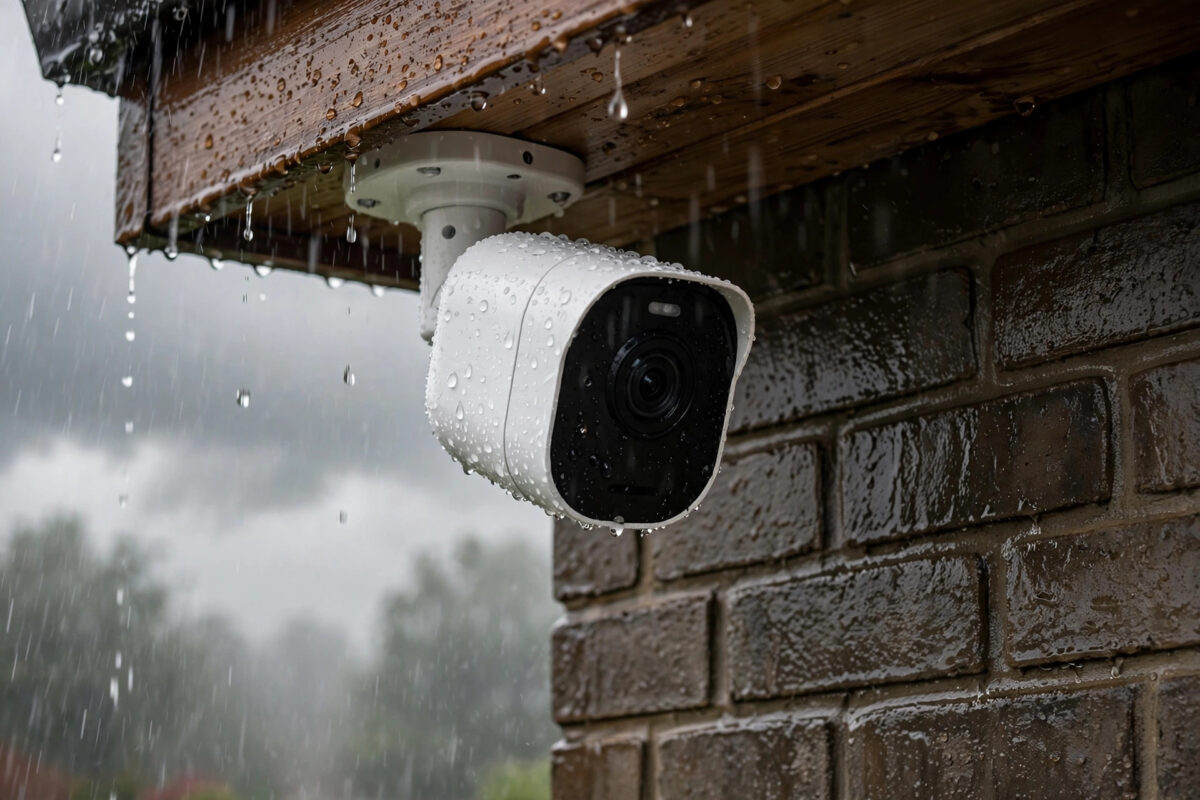
Rainy weather should not take your security camera offline. Yet many Arlo owners see the same pattern. The rain starts, the wind picks up, and minutes later the app shows the camera as offline. When the weather clears, the camera often comes back on its own.
That pattern is a strong clue. It usually points to water getting in where it should not, a weak Wi-Fi signal that gets worse in wet conditions, or a cold, low battery. The good news is that most rain-related problems can be fixed at home without replacing the camera.
Quick Answer
An Arlo camera that goes offline when it rains is usually suffering from water entering the battery compartment or charging port, a marginal Wi-Fi signal weakened by wet walls, or a battery that sags in cold wet weather. Dry the camera fully, check and restore the seal, reposition it under cover, and move it closer to your router or base station. If the housing is cracked, contact Arlo support about a replacement.
Why Rain Makes an Arlo Camera Go Offline
Water Getting Into the Camera Body
Most outdoor Arlo cameras are weather resistant, not waterproof forever. Over months outdoors, the rubber seal around the battery door can harden, twist, or collect grit. A small gap is enough for wind-driven rain to push moisture inside. Once water reaches the battery contacts, the camera may shut down or lose power completely.
A Weak Signal That Gets Worse When Wet
Wi-Fi has to pass through your exterior wall to reach an outdoor camera. A wet brick or rendered wall absorbs more signal than a dry one. If your camera already showed only one or two bars, rain can be the final push that drops the connection. Thick walls, metal cladding, and a camera on the far side of the house make this more likely.
Battery Problems in Cold, Wet Weather
Rechargeable batteries deliver less power when cold. A battery that is already low will drop faster on a cold rainy night. Some cameras also stop charging when they detect moisture in the port or when the temperature falls too low, so the camera looks dead until it warms and dries out.
Problems at the Router End
Storms often bring brief power flickers. A router or SmartHub that reboots badly, or a broadband line that drops in heavy rain, can take every camera offline at once. If all your cameras fail together, look indoors first.
Step-by-Step Fixes to Try First
- Check if other cameras are offline too. If every device is offline, restart your router and Arlo base station or SmartHub. Wait two full minutes before checking the app again.
- Look at the last recorded clip. If the image fogged up or showed droplets before the camera dropped, moisture is very likely involved.
- Check the battery level. If it was below 20 percent, a low battery plus cold rain is a common combination.
- Bring the camera inside in a dry window. Wipe the outside dry with a soft cloth before opening it.
- Open the battery compartment carefully. Look for droplets, dampness, or white and green corrosion on the contacts. Any moisture inside confirms water is getting in.
- Dry everything slowly at room temperature. Leave the camera and battery in a warm dry room for 12 to 24 hours. Do not use high heat, and do not charge a damp battery.
- Clean the contacts gently. Once dry, wipe them with a dry cotton bud. Light corrosion can be cleaned with a bud barely dampened with isopropyl alcohol. Let it evaporate fully.
- Recharge indoors to full. Use the official cable inside the house. This rules out solar panel and outdoor cable problems.
- Test indoors overnight. If it stays online indoors but fails outside in rain, the problem is the location, seal, or outdoor signal, not the electronics.
Fix the Seal and the Mounting Position
If you found moisture inside, drying alone is not a lasting fix. The next rain will do the same thing unless you close the entry point.
- Run a clean finger around the seal. It should feel soft, even, and fully seated in its groove.
- Remove any grit or twisted sections. A twisted seal is a very common cause after a hurried battery change.
- Replace the battery door or housing if the seal is cracked, flattened, or missing. Do not rely on tape.
- Close the camera until it latches fully. A half-closed housing looks fine from the ground but leaks in driving rain.
- Mount under an eave, porch roof, or a camera rain cover where possible, and angle the camera slightly downward so water runs off the front.
- Keep the charging port facing down or sideways, never up, and add a drip loop in any cable so water drips off before reaching the port.
For wider help, see our guide on improving Wi-Fi signal strength for outdoor security cameras, which covers placement and base station positioning in detail.
Strengthen the Wi-Fi Connection
If the camera stays dry inside but still drops in wet weather, focus on signal. The aim is enough headroom that a wet wall does not push it over the edge.
- Check signal strength on a dry day. A weak reading in the app is your main clue.
- Move the base station if you use one. Place it closer to the camera side of the house, raised up, away from thick walls and large metal objects.
- Reduce distance and obstacles. Moving a camera two or three metres closer, or to the other side of a metal gate or downpipe, can make a clear difference.
- Use a mesh node carefully. A node placed indoors near the exterior wall can help cameras that connect directly to Wi-Fi.
- Check for broadband drops in rain. If your whole internet fails in heavy rain, speak to your provider. Water in an external junction box is a provider repair, not a camera fault.
You can also follow the Arlo offline camera troubleshooting guide for model-specific steps and LED meanings.
Power Options That Handle Wet Weather Better
- Wired power: Where an outdoor-rated adapter is available for your model, wired power removes low-battery shutdowns completely.
- Solar panel with care: A panel helps in summer but produces very little on short, cloudy days. Keep it clean and do not treat it as a fix for a leaking camera.
- Spare battery rotation: Keep a charged spare indoors in winter. Swapping in a warm, full battery on a dry day is safer than charging outside in rain.
- Replace an old battery: A battery several years old that no longer holds a full charge will fail first in cold weather.
Common Mistakes to Avoid
- Charging a wet camera: Plugging in while the port is damp can cause corrosion. Always dry first.
- Using high heat to dry it: Radiators and hot hair dryers can warp seals and damage the battery. Slow room-temperature drying is safer.
- Sealing the camera in tape or plastic: This traps condensation inside, blocks sensors, and often makes things worse.
- Resetting as the first step: A factory reset will not fix a leak or weak signal, and it means setting everything up again.
- Ignoring the swap test: Swap the failing camera’s position with a working one. If the problem moves with the camera, the camera or seal is at fault. If it stays at the location, the signal or mount is at fault.
If you find water inside a correctly closed camera, the housing is cracked, or the camera will not power on after a full day of drying and a full indoor charge, contact support through Arlo official customer support with clear photos of any damage.
Conclusion
A camera that goes offline every time it rains is telling you something specific. In most homes the cause is moisture past a tired seal, a Wi-Fi signal that was already weak and gets worse through wet walls, or a cold low battery giving up. Dry the camera properly, restore the seal, shelter the mount, and give the signal more headroom. Test indoors first, then outside in light rain. Done in that order, these steps fix the large majority of rain-related Arlo dropouts and help you spot the rare case where the camera itself needs replacing.
Frequently Asked Questions
Are Arlo cameras supposed to work in the rain?
Yes. Outdoor Arlo models are weather resistant and should work in rain when correctly closed and mounted. Repeated failures in rain are not normal and usually point to a seal, signal, or battery issue that can be fixed.
Can rain damage an Arlo camera permanently?
It can if water gets inside repeatedly, because moisture corrodes contacts and electronics over time. A single brief exposure dried out quickly often causes no lasting harm, which is why prompt drying matters.
Why does my Arlo camera come back online after the rain stops?
As the camera and wall dry, power and signal both improve. A damp connection may work again and a dry wall absorbs less signal. This on-off pattern is a classic sign of moisture or a marginal signal, not total hardware failure.
Should I bring my Arlo camera inside during every storm?
Not normally. A healthy, well-mounted camera should stay outside in typical rain. Bring it in only for drying and testing, or during extreme weather that could damage the mount.
Will a Wi-Fi extender stop my camera going offline in rain?
It helps only if weak signal is part of the problem. It gives the connection more headroom in wet conditions, but it will not fix water entering the camera, so check for moisture first.



Leave a Reply