
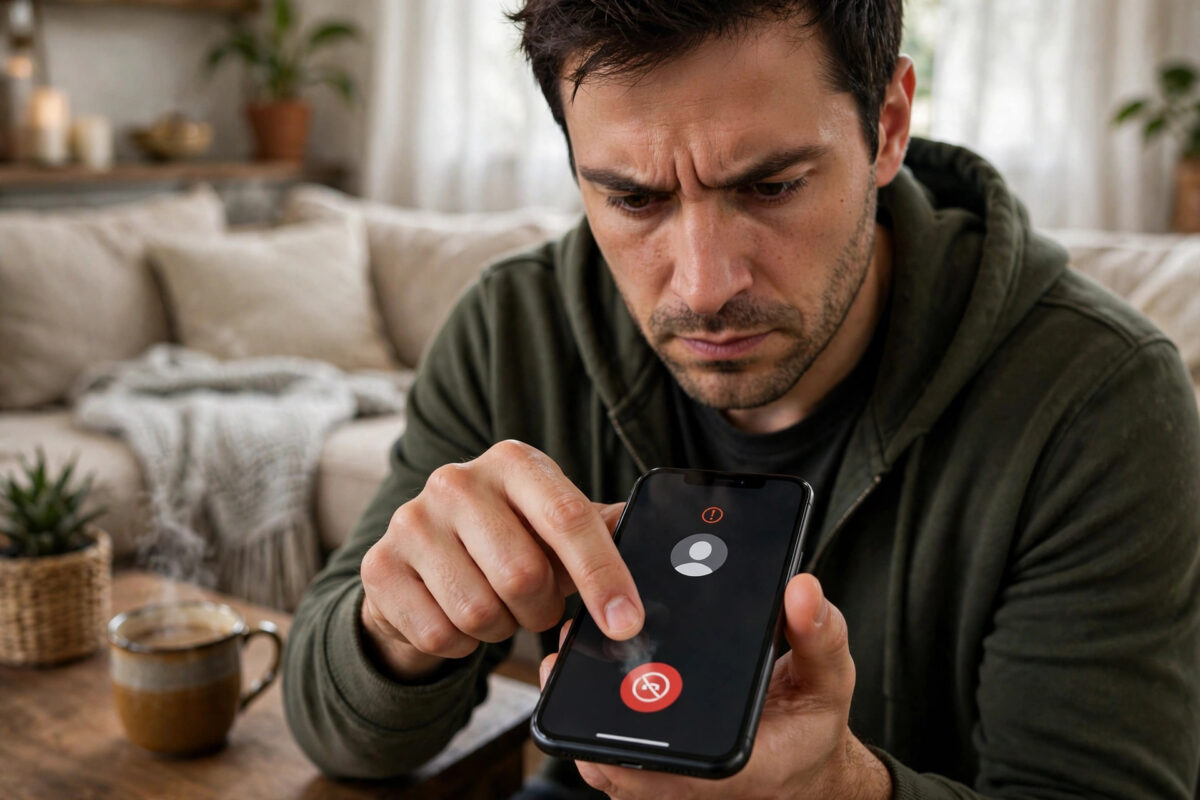
Spam calls and junk texts interrupt your day, waste your attention, and increasingly carry scams designed to steal money or account access. The good news is your iPhone has a layered defence: blocking for specific numbers, filtering for unknown senders, and silencing for unknown callers.
No single switch stops all spam, because spammers constantly change numbers. But combining the built-in tools cuts the disturbance to a fraction, and makes the remaining attempts harmless and easy to report.
This guide takes you through blocking individual offenders, setting up message filtering, reporting junk properly so it helps everyone, and the extra mile options from carriers and settings.
Quick Answer
To block a spam number on iPhone, open Phone, Recents (or the message thread in Messages), tap the info icon next to the number, scroll down and tap Block this Caller. Then turn on Settings, Messages, Filter Unknown Senders to sort texts from strangers into a separate list, and Settings, Phone, Silence Unknown Callers to stop unknown numbers ringing at all.
Block a Specific Number (Calls, Messages and FaceTime)
Blocking is total and instant: a blocked number cannot call you, text you, or FaceTime you, and they are not told they are blocked. Use it for persistent offenders.
- From Phone: open Recents, tap the ‘i’ icon beside the number, scroll down, tap Block this Caller, and confirm.
- From Messages: open the conversation, tap the number or name at the top, tap Info, then Block this Caller.
- From FaceTime: open the app, tap the ‘i’ beside the contact, and block from there.
- To review or undo: Settings, Phone, Blocked Contacts shows the full list, where you can add numbers manually or swipe to unblock.
Blocking works best against a person or company using the same number. Robocall operations rotate numbers constantly, which is why the next layers matter more for them.
Filter Unknown Senders in Messages
Text spam feels more invasive because it lands in the same inbox as your family. Filtering separates strangers into their own list and mutes their notifications.
- Open Settings and tap Messages (inside Apps on the newest iOS versions).
- Turn on Filter Unknown Senders.
- Open Messages: you now have filter views, typically Transactions, Promotions and Junk alongside your known conversations, depending on version and region.
- Check the filtered lists occasionally for genuine messages, such as delivery codes from new services.
Important detail: verification codes from banks and services come from unknown numbers, so they land in the filtered view too. When you are expecting a code, check the Transactions or Unknown Senders list rather than assuming the code never arrived.
Report Junk So It Actually Helps
In Messages, conversations from unknown senders often show a Report Junk link under the message. Using it deletes the conversation and sends the details to Apple (and in supported regions, to carriers), which improves filtering for everyone.
- Tap Report Junk when offered, rather than just deleting, for obvious spam and phishing texts.
- Never tap links in spam texts, even to ‘unsubscribe’. Interacting confirms your number is active and invites more.
- For scam calls impersonating banks or government, report them to your national fraud reporting service as well; in the UK that is Action Fraud, in the US the FTC.
- Forward suspicious texts to your carrier’s spam number if they offer one (7726 in the UK and US spells SPAM on the keypad).
That 7726 forwarding trick is genuinely effective: carriers aggregate reports to block campaigns at network level, protecting people who never report a thing.
Add the Silence Layer and Carrier Tools
With blocking and filtering in place, add the preventive layer: unknown callers who are not blocked specifically should still not be able to ring you.
- Turn on Settings, Phone, Silence Unknown Callers so first-time numbers go to voicemail silently. Our guide to silencing unknown callers explains exactly who can still get through.
- Ask your carrier about free spam protection: many networks label or block known scam numbers automatically, sometimes via their own app.
- Register your number on your country’s do-not-call list (TPS in the UK, Do Not Call Registry in the US). It will not stop criminals, but it stops legitimate telemarketers and gives you complaint rights.
- Consider a reputable call-screening app only if spam remains severe; weigh the privacy cost of sharing your call data with it.
Recognising Scam Patterns Before They Cost You
Blocking tools handle volume; your judgement handles the dangerous minority that get through. Modern phone scams follow recognisable scripts, and knowing them is the strongest defence of all. The bank fraud call claims unusual activity and asks you to move money to a ‘safe account’: real banks never do this. The delivery text claims a parcel fee is owed and links to a payment page: couriers do not collect fees by text link. The family emergency message (‘Hi Mum, I broke my phone, text this number’) exploits worry to rush you into sending money to a stranger.
Every one of these relies on urgency and secrecy. The counter-move is always the same: slow down, end the contact, and reach the organisation through its official number or app, never through the details the message provided. If the claim was real, it survives being checked properly; scams collapse the moment you verify independently.
Share these patterns with the vulnerable people in your life, especially elderly relatives, and set up their phones with the blocking, filtering and silencing layers from this guide while you are there. Ten minutes of setup plus knowing the scripts prevents the vast majority of phone fraud losses.
Common Mistakes and Helpful Tips
- Never call a spam number back to complain. You confirm the line is live and staffed, and some scam numbers charge premium rates.
- Do not say your name or ‘yes’ to unknown callers who ask leading questions; hang up and block.
- Blocking your own bank’s real number by accident causes chaos. Check the number carefully before blocking, and review Blocked Contacts if an expected call never arrives.
- Keep a short note of which ‘unknown’ numbers turned out genuine (school, surgery, delivery firm) and add them to Contacts, so future contact is smooth.
Apple’s support site covers blocking and filtering behaviour across iOS versions. See the official Apple page on blocking calls and messages for the menu paths on your version.
Conclusion
You cannot stop spammers existing, but you can stop them reaching you: block persistent numbers, filter unknown senders out of your main Messages list, silence unknown callers so the phone never rings for strangers, and report junk through Messages and 7726 so networks kill campaigns at the source. Set all of it up once, review your filtered lists weekly for the first month, and your iPhone becomes a much quieter, safer device.
Frequently Asked Questions
Does a blocked number know I blocked them?
No notification is sent. Their calls go to voicemail on many networks (though you will not receive those voicemails) or simply fail to ring through, and their texts appear to send but never arrive. From their side it looks like you never respond.
Why do I still get spam from new numbers after blocking?
Spam operations rotate through thousands of numbers, so blocking one rarely stops the campaign. That is normal. Filtering, silencing and carrier-level blocking handle the volume; individual blocking is for specific repeat offenders and real people you want to cut off.
Filter Unknown Senders hid my bank code. Where is it?
In Messages, tap Filters (or the filter control) and look in Transactions or Unknown Senders. The code is there; it simply did not interrupt you. When expecting a code, open that list proactively, or add the service’s sending number to Contacts if it is stable.
Can I block texts from email addresses and unknown senders entirely?
You can block specific email-based senders the same way as numbers, from the conversation’s info screen. The filter already removes all unknown senders from your main list and notifications, which gives the practical effect without deleting anything.
Is answering one spam call dangerous?
Answering alone does not harm your phone, but it marks your number as active, which increases future calls. Never share codes, passwords or payment details, never install anything a caller suggests, and hang up on pressure tactics. Report the number afterwards.



Leave a Reply