
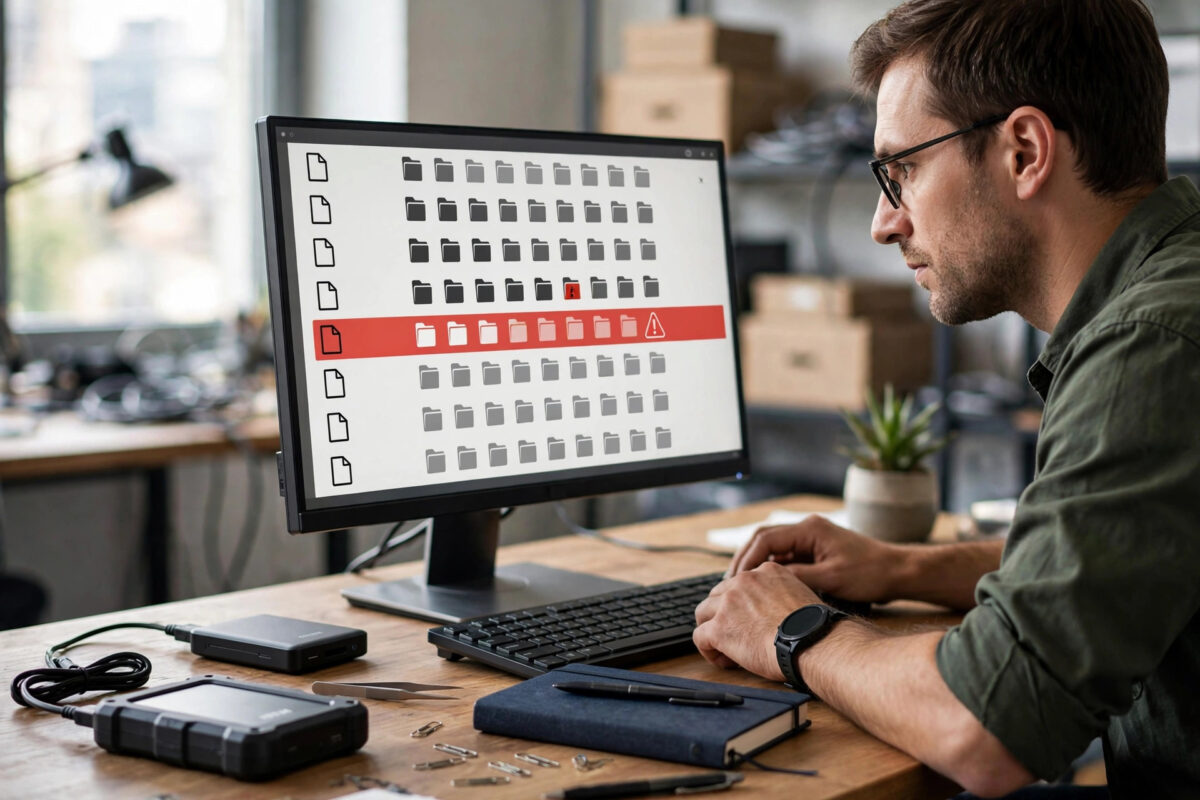
Multi-part RAR archives split one large set of files into pieces such as part01, part02, and part03. If one part is missing, most tools refuse to extract anything, even when 95% of the data is sitting on your drive.
Your options depend on whether the archive was created with recovery data, and whether you can get the missing part back.
Quick Answer
First try to re-download or find the exact missing part with the same name and size as the set; that is the only fix that guarantees a full extraction. If that is impossible, open part01 in WinRAR and try Repair, and check whether recovery volumes (.rev files) were included. Without the missing part or recovery data, you can usually only salvage files that were fully stored in the parts you still have.
How Multi-Part RAR Archives Work
A multi-part RAR archive is one logical archive cut into sequential pieces that depend on each other. Extraction starts at part01 and reads across the boundaries in order. A large file inside may span several parts.
There are two common naming styles:
- New style: name.part01.rar, name.part02.rar, name.part03.rar and so on. Always start extraction from part01.
- Old style: name.rar, then name.r00, name.r01 and so on. Start from the .rar file.
A missing middle part breaks everything that crosses it. A missing last part is less damaging if your files ended before it. Missing part01 is worst, because it holds the header.
RAR has two built-in protections that other formats often lack. A recovery record adds extra repair data inside the archive. Recovery volumes are separate .rev files that can rebuild a missing part entirely, if enough of them are present. Both protections only exist if the person who created the archive enabled them.
First Check: Can You Get the Missing Part Back?
Before any repair tool, spend a few minutes on recovery of the part itself. This step gives the only perfect result.
- List all parts you have and find the gap. Sort the folder by name and check the sequence number by number.
- Check the Recycle Bin, your Downloads folder, and any backup or cloud folder for the missing file name. Confirm its size matches the other full parts — all parts except the last are usually exactly the same size.
- Go back to the original source and re-download only that part if the site offers individual part links. Use the exact same release and version. A part from a different upload with the same video or software name will not fit, because its compressed data and checksums differ.
- If a download manager shows the part as paused or failed, resume it rather than starting the whole set again.
If the missing part was deleted a moment ago from the same drive, stop using that drive at once. Deleted-file recovery works best before new data overwrites the space. Our guide on how to recover deleted files on Windows 11 covers the safe process, including the rule to recover to a different drive, never onto the same drive you are recovering from.
Work Safely: Copies and Disk Space
RAR repair and extraction need room and can change expectations quickly. Set up safely:
- Work on copies. Copy the whole part set to a working folder and repair or extract from the copies. Always work on a copy of a damaged archive before repairing, so a failed attempt does not damage your only set.
- Extract to a different healthy drive with enough free space for the full unpacked size, which is often much larger than the compressed parts. Never recover onto the same drive you are copying from if that drive is failing or nearly full.
- Stop using a failing drive. If a part is missing because the drive dropped files, clicks, or keeps disconnecting, copy all remaining parts to a healthy drive first and do all further work there.
- Keep the incomplete set until the extracted files are tested. Do not delete parts after a seemingly successful extraction.
Method 1: Rebuild a Missing Part With Recovery Volumes
If your folder contains .rev files, you are in luck. Recovery volumes were designed for exactly this situation. One .rev file can rebuild one missing or damaged part, two .rev files can rebuild two parts, and so on.
- Count the .rev files and count the missing parts. You need at least as many recovery volumes as missing parts.
- Place all parts and all .rev files in the same folder, with their original names.
- Double-click any .rev file, or open it with WinRAR. WinRAR will check the set and rebuild the missing part automatically.
- Wait for the rebuild to finish and confirm the missing part now appears in the folder with the correct name and size.
- Open part01 and run Test before extracting, to confirm the whole archive now passes.
Get WinRAR from the WinRAR official website. If you have no .rev files, this method is not available — they cannot be created after the fact.
Method 2: Repair With WinRAR’s Recovery Record
- Open part01.rar in WinRAR. If part01 itself is the missing part, this method cannot start, and salvage chances are very low.
- Choose Tools and then Repair archive. WinRAR will ask where to save the repaired set and whether to treat it as RAR or ZIP. Keep it as RAR.
- If the archive was created with a recovery record, WinRAR will use that data and name the output with a fixed or rebuilt prefix.
- Test the repaired set fully before extracting. A repair that completes is not a guarantee; only a passed test is.
- Extract from the repaired set to your safe destination drive.
Be realistic: a recovery record corrects limited damage, but cannot invent an entire missing part of 500MB or 1GB without recovery volumes. A large file spanning the missing part almost never extracts fully — salvage what is whole instead.
Method 3: Salvage Files That Are Complete in the Parts You Have
Many archives contain several independent files — episodes, photos, documents, or songs. Files that end before the missing part can often be extracted perfectly, even though the set as a whole is incomplete.
Extract With Keep Broken Files
- Open part01 in WinRAR.
- Select the files you want and click Extract To.
- In the options, enable Keep broken files. In 7-Zip, extraction will similarly keep partial output when possible, reporting errors for the damaged entries.
- Extract to the safe drive and read the error report file by file.
- Separate the results into two folders: verified good and partial. Test or open each file. Files extracted with no error before the gap are your verified good set.
- Files fully inside parts before the gap: Usually recover perfectly. These are a real win.
- The file that crosses into the missing part: Will be truncated. A video may play up to the break, a document will usually fail. Mark it partial and do not trust it for important use.
- Files after the gap: Usually cannot be reached, because extraction reads in order.
- One large file spanning all parts: Without the missing part or recovery data, you will only get the portion before the gap, which is rarely usable as a finished file.
A Note on Solid Archives
Some archives are solid, meaning all files are compressed as one continuous stream. Damage can then affect every file after it, so salvage is limited and finding the missing part matters even more.
What Will Not Work
Renaming another part to the missing number does not work, because the data and checksums differ. Online repair sites cannot rebuild a whole missing part, and uploading private archive pieces to unknown sites is a privacy risk.
Common Mistakes to Avoid
- Starting extraction from the wrong part: Always start from part01 or the first .rar file. Starting in the middle gives misleading errors.
- Renaming or renumbering parts: The set must keep its original names and order for any repair or rebuild to work.
- Repairing your only copy: Work on a copy of the set. Keep the original parts untouched until extraction is verified.
- Ignoring file sizes: All middle parts should be the same size. A part that is smaller than the others, other than the last part, is itself a warning sign of a truncated download.
- Trusting a file extracted with errors: Especially for installers and documents, an error means download again or find the missing part. Do not install from a salvaged set.
Conclusion
The best fix is the simplest: find or re-download the exact missing part. Recovery volumes can rebuild it completely, and a recovery record can repair limited damage. Without those protections, salvage files wholly before the gap and test everything — a file spanning the missing part cannot be made whole from data you do not have.
Frequently Asked Questions
Can I extract a RAR set if part01 is missing?
Almost never. Part01 holds the header and start of the data, so tools have no entry point. Find that exact part01 again, or rebuild it from a recovery volume if one was provided.
How many .rev files do I need to fix one missing part?
One recovery volume can rebuild one missing or damaged part. Place all parts and recovery volumes together with their original names and open a .rev file in WinRAR to start the rebuild. You need at least as many .rev files as missing parts.
Will Keep broken files give me a working result?
It gives you whatever data can be read, including truncated files. Any file extracted with an error must be treated as partial and untrusted until you open and test it fully.
Can I use a part from another download of the same file?
Only if it comes from the identical original set — same creator, split size, and version. Parts from different uploads do not match and WinRAR will reject them.
Is 7-Zip or WinRAR better for a missing-part archive?
WinRAR is the better tool here because RAR is its native format and only WinRAR fully supports repair and recovery volumes. 7-Zip is excellent for testing and salvaging readable files, but it cannot rebuild a missing part from recovery volumes.


Leave a Reply