
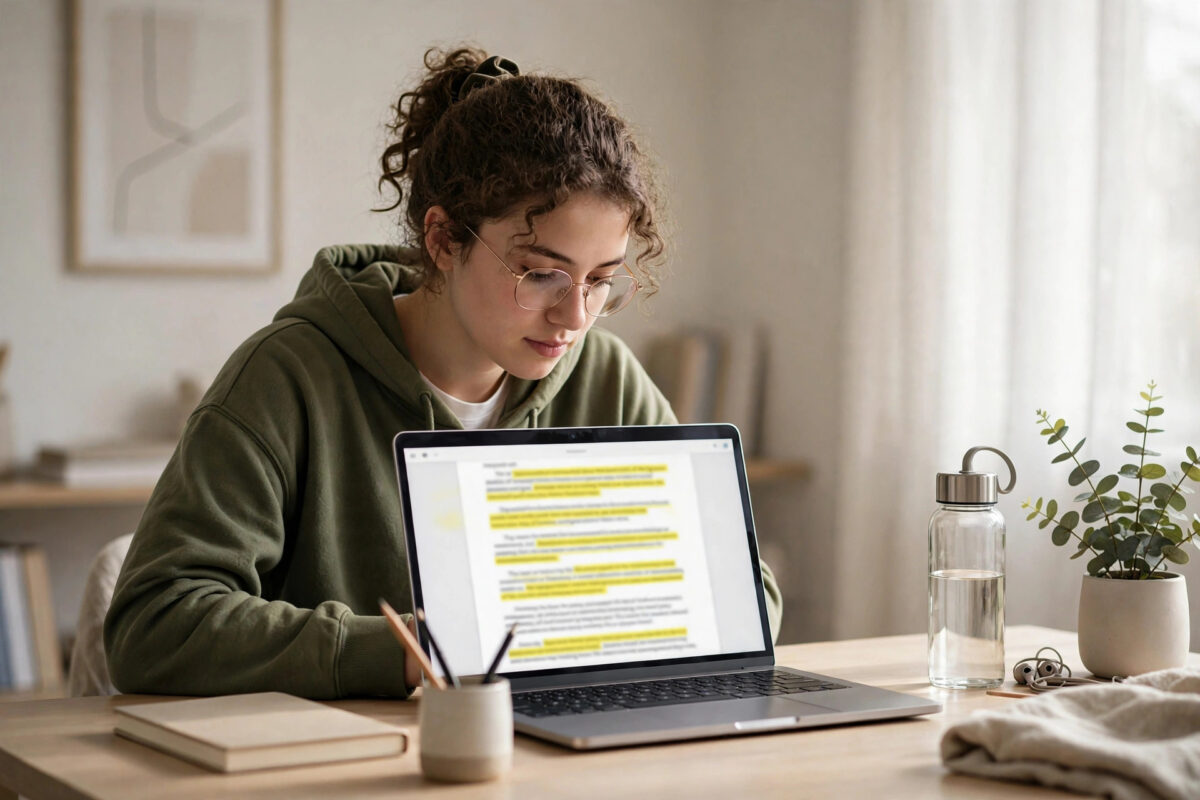
Submitting an assignment, article, or report without checking it first is risky. Even when you write everything yourself, a forgotten quotation, a closely paraphrased paragraph, or a template phrase can look like copied work. Teachers, editors, and clients now run documents through detection software as a routine step, so it makes sense to run the same check yourself before anyone else does.
The good news is that you do not need a paid subscription to get a useful first check. Several reliable free tools will scan a Word document, PDF, or plain text file, highlight matching passages, and show you the sources they match. Used properly, they help you fix weak paraphrasing, add missing citations, and hand in work you can defend with confidence.
This guide explains how free checkers work, the step-by-step process for checking a document properly, and how to fix anything that gets flagged.
Quick Answer
To check plagiarism for free, upload or paste your document into a reputable free checker such as the free tiers of well-known scanning tools, review every highlighted match, and rewrite or cite anything that is copied. Always run a second check with a different tool and finish with a manual search of any suspicious sentences in quotation marks.
What Plagiarism Checkers Actually Do
A plagiarism checker does not judge your intentions. It compares the words in your document against a large index of web pages, published articles, books, and sometimes academic papers. When it finds a sequence of words that matches another source closely enough, it marks that passage and links it to the original page.
The final report gives you a similarity percentage. That number is widely misunderstood. Common phrases, correctly quoted material, and reference lists all count toward the score, while a short copied paragraph can hide inside a low overall percentage.
What a Similarity Score Can and Cannot Tell You
Use the score as a starting point, not a verdict. Read every highlighted section in context. Ask three questions: Is this a common phrase anyone would write? Is it quoted and cited correctly? Or is it someone else’s idea expressed in words that are still too close to the source? Only the third case is a real problem, but it is the one you must fix before submitting.
Before You Check: Prepare Your Document Properly
A few minutes of preparation will give you a far more accurate result and protect your privacy at the same time.
- Save a separate copy of your document for checking, so the original file stays untouched.
- Remove your name, student number, email address, and any other personal details from the checking copy if the tool stores uploads.
- Keep your reference list in the file for the first check, then run a second check without it if references are inflating the score.
- Make sure the file format is supported. Most free tools accept .docx, .pdf, and .txt files, but scanned PDFs saved as images cannot be read and will return a false clean result.
- Check the word limit. Many free versions only scan the first 500 to 1,000 words, so longer documents need to be checked in sections.
Method 1: Check With a Free Online Plagiarism Checker
Online checkers are the fastest option for most people because there is nothing to install. The exact screens vary, but the workflow is almost identical on every reputable service.
- Open the checker’s website in your browser and look for the upload or paste-text box on the home page.
- Choose Upload File and select your prepared document, or copy the text from your word processor and paste it into the box.
- Confirm that the word count shown by the tool matches your document. If it is much lower, the file may not have loaded fully.
- Select Check Plagiarism or the equivalent start button and wait for the scan to finish. Do not close the tab during the scan.
- Open the full report. Work through the highlighted passages one by one instead of looking only at the headline percentage.
- For each match, open the source link and compare the wording side by side with your own.
- Download or screenshot the report if you need a record, then delete your uploaded file from the service if it offers a remove or delete option.
Repeat the process with a second checker, because different tools index different sources.
Method 2: Check Inside Google Docs and Microsoft Word
If you already write in Google Docs or Word, add-ons and built-in research tools give you a convenient second layer of checking without moving your file to an unfamiliar website.
Using Google Docs
- Open your document in Google Docs and select Extensions > Add-ons > Get add-ons.
- Search for a plagiarism or originality checker with strong reviews and a clear privacy policy, then install it.
- Open the add-on from the Extensions menu, run the scan, and review the matches it lists in the sidebar.
- Use Tools > Explore to search the web for phrases you are unsure about and to insert properly formatted citations.
Using Microsoft Word
- Open the document and select Home > Editor to review spelling, clarity, and style issues first.
- Select Review > Check Document where available, and use the similarity features offered in Microsoft 365 versions of Word and Word for the web.
- Highlight any sentence you suspect is too close to a source, right-click, and search for it online to compare the original wording.
For background reading on academic integrity, the guidance collected at Network Ustad’s technology guides and software tutorials is a useful companion alongside this process. For definitions and citation standards, you can also review Wikipedia’s overview of plagiarism and its forms, which explains the difference between direct copying, paraphrasing without credit, and self-plagiarism.
Method 3: Run a Manual Spot Check for Free
Manual checking sounds old-fashioned, but it catches problems automated tools miss, especially in short documents and in work built from a small number of sources.
- Pick the sentences in your document that sound the least like your normal writing voice.
- Copy each sentence, paste it into a search engine inside quotation marks, and review the results.
- Repeat the test with distinctive phrases of six to eight words from different paragraphs.
- Check your introduction and conclusion carefully. These sections are where writers most often borrow wording without noticing.
- Search for the key claims and statistics you used and confirm each one has a citation next to it.
How to Fix Flagged Passages Correctly
Finding a match is only half the job. Swapping a few words for synonyms still counts as plagiarism, so fix flagged passages properly instead.
Rewrite in Your Own Structure
Close the source, write down the idea in your own words from understanding, then check your new version against the source only to confirm the meaning is accurate. Changing the sentence structure matters more than changing individual words. If the original lists three points in one order, explain them in the order that fits your argument.
Quote When the Wording Matters
When an author’s exact phrasing matters, quote it: add quotation marks, keep it short, and include a full citation in the required style.
Add Missing Citations
Some flags are ideas or data you described in your own words but forgot to credit. Add the citation, re-run the check, and keep a list of every source you consulted.
Protecting Your Privacy While Using Free Tools
Before pasting an unpublished assignment or client draft into any checker, read its privacy policy. Look for a clear statement that files are deleted after scanning and are not added to a comparison database. Never upload documents containing passwords, financial records, or confidential client material.
Common Mistakes to Avoid
- Trusting one score: A single percentage from a single tool is not proof of originality. Always read the detailed matches.
- Checking only part of the file: Free word limits often cut off the scan silently. Verify the checked word count matches your document.
- Using synonym spinners: Spinning copied text produces unnatural writing and still counts as plagiarism.
- Ignoring the reference list effect: Bibliographies raise similarity scores legitimately. Understand the number before panicking.
- Uploading the only copy: Always keep your original file separate and backed up before using any online tool.
- Assuming free means complete: Paid academic databases are not fully covered by free tools, so combine methods for important work.
Conclusion
Checking plagiarism for free is entirely practical if you treat it as a process rather than a single button. Prepare a safe copy of your document, run it through a reputable free checker, confirm the result with a second tool or a Google Docs add-on, and finish with manual searches of your most distinctive sentences. Then fix every real problem by rewriting from understanding, quoting honestly, and citing completely. That routine takes fifteen minutes, costs nothing, and turns a hopeful submission into a checked one.
Frequently Asked Questions
Is a 0 percent similarity score realistic?
Not usually. Common phrases, titles, and references produce small matches in almost every document. A very low score with only harmless matches is normal and healthy. What matters is whether any match shows real copied wording or an uncited idea.
Can free checkers detect paraphrased plagiarism?
They detect close wording well but heavily rewritten copying is harder for them to catch. That is why manual review matters. If you borrowed an idea, structure, or argument, credit the source even when the words are entirely your own.
Will uploading my essay mean it gets flagged later as copied?
It can happen with disreputable tools that store uploads in their database. Use services that state files are deleted after scanning, remove personal details first, and avoid unknown sites for important unpublished work.
How long does a free plagiarism check take?
Most short documents scan in under two minutes. Reviewing matches and fixing them usually takes fifteen to thirty minutes in total.
What should I do if my teacher’s checker gives a higher score?
Ask to see the full report rather than only the percentage. Extra matches often come from the reference list, quotations, or common phrases. Show your drafts and source notes as evidence of your writing process.


Leave a Reply