
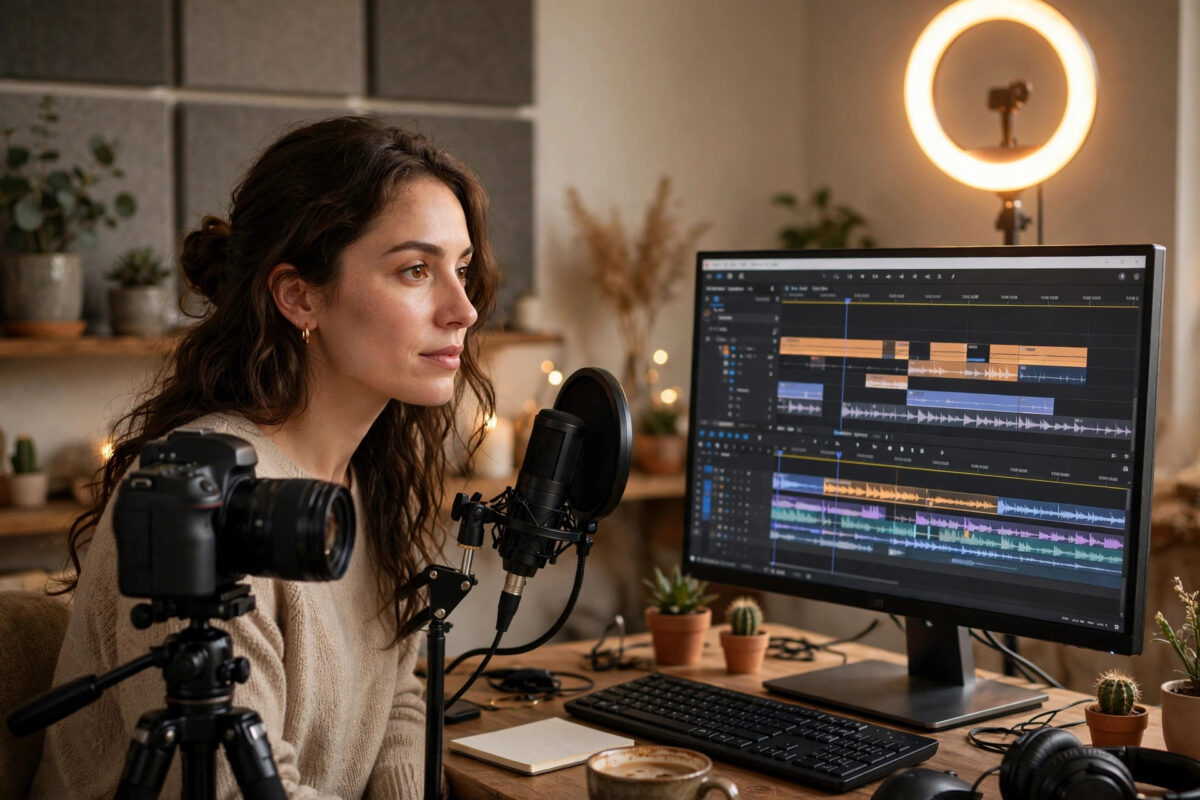
Producing a single good YouTube video used to mean scripting, filming, editing for hours, designing a thumbnail, writing captions, and then somehow finding time to actually think of the next idea. AI tools have compressed almost every one of those steps. Creators who once published twice a month now publish twice a week — not because they work twice as hard, but because software handles the repetitive parts of production.
The challenge is choosing wisely. There are hundreds of AI video tools, many are near-identical, and every one of them claims to be essential. This guide organises the best options by the job they do — ideas and scripts, voiceovers, editing, faceless video creation, captions, thumbnails, and repurposing — so you can build a small, affordable stack that matches your channel instead of subscribing to everything.
Quick Answer
The best AI tools for YouTube depend on your workflow: use ChatGPT or Claude for ideas and scripts, ElevenLabs for realistic voiceovers, Descript or CapCut for fast editing, Pictory or InVideo for faceless videos, and Opus Clip to turn long videos into Shorts. Most offer free tiers or trials, with paid plans unlocking exports, quality, and commercial features. Start with one tool per task and expand only when a bottleneck appears.
Best Tools for Ideas, Research, and Scripts
Every strong video starts before the camera. General AI assistants such as ChatGPT and Claude excel at brainstorming angles, outlining structures, drafting hooks, and turning rough notes into a script in your voice — provided you feed them your topic, audience, and examples of your style rather than asking for a generic script from nothing.
- Generate ten video angles from one topic and pick the one with the clearest viewer promise.
- Ask the assistant to outline the video with a hook, three main sections, and a call to action.
- Draft the script section by section, rewriting anything that sounds robotic in your own words.
- Use trend and keyword tools to check that real search and suggested-traffic demand exists for your title.
Tools like vidIQ and TubeBuddy add YouTube-specific intelligence — keyword scores, competitor analysis, and title testing — with free tiers for beginners and paid tiers for serious analytics. The official YouTube Creators resources remain essential reading alongside any third-party tool, because algorithm guidance from the platform itself outranks speculation.
Best Tools for Voiceovers and Audio
Not everyone wants to record their own voice, and even creators who do can save hours with AI audio tools.
AI Voice Generation
ElevenLabs is the current benchmark for natural-sounding AI narration, with voices in many languages and styles, a limited free plan, and paid tiers based on character volume. Murf and Play.ht are strong alternatives with studio-style editors suited to narration channels. If you clone your own voice — most platforms require a short recording and consent verification — you can correct a misspoken line by typing, instead of re-recording a whole section.
Audio Cleanup
Adobe’s speech enhancement tools and similar AI cleaners remove echo, background noise, and room reverb from ordinary recordings, making a phone microphone in a kitchen sound surprisingly professional. Clean audio matters more to retention than 4K video; always run dialogue through enhancement before publishing.
Best Tools for Editing the Video
Text-Based Editing: Descript
Descript changed editing by transcribing your footage and letting you edit video by editing the transcript — delete a sentence of text and the video cuts itself. It removes filler words automatically, offers an AI voice for corrections, and includes screen recording. For talking-head, podcast, and tutorial channels, it can cut editing time by more than half. A free plan covers light use; paid tiers add hours and features.
All-in-One and Browser Editors: CapCut and Canva
CapCut’s free desktop and web editors include auto-captions, background removal, and smart reframing that are genuinely excellent for Shorts and standard videos alike. Canva’s video editor suits creators who also design their thumbnails and channel art in the same place. Traditional editors are adding AI too — auto-reframe, silence removal, and text-based tools now appear in mainstream software — so check what your current editor already includes before buying anything new.
- Import footage and run automatic transcription first.
- Make the rough cut by deleting text, silences, and mistakes.
- Add captions, since a large share of viewing happens with sound off or low.
- Apply colour and audio presets, then export a draft and watch it fully before publishing.
Best Tools for Faceless and AI-Generated Videos
Faceless channels — history, finance explainers, motivation, listicles — rely on tools that assemble video from a script automatically. Pictory and InVideo take your text, select stock footage, add a voiceover and captions, and produce a complete draft you then polish. Fliki combines voice generation with stock media and is popular for multilingual channels. These platforms typically offer free trials or watermarked free exports, with paid tiers removing watermarks and unlocking premium stock libraries.
Fully Generated Clips
Text-to-video generators such as Runway and similar models create short original clips from prompts. They are best used for B-roll, intros, and visual effects rather than entire videos: generation is still slow, control is imperfect, and costs rise quickly at volume. A practical workflow uses generated clips to fill the gaps stock footage cannot cover.
Whichever stack you choose, keep learning from creators who test these tools daily — the workflow breakdowns at NetworkUstad’s creator technology guides show how individual tools fit into a complete production process.
Best Tools for Shorts, Captions, and Thumbnails
Repurposing Long Videos Into Shorts
Opus Clip analyses a long video, finds the moments most likely to perform as Shorts, and produces captioned, reframed clips automatically. Vizard and Kapwing offer similar repurposing. For channels sitting on a back catalogue of long videos, one afternoon of repurposing can fill a month of Shorts scheduling.
Captions and Thumbnails
Auto-captioning is now built into CapCut, Descript, and YouTube itself, so rarely needs a separate purchase. Thumbnails remain a human-led task supported by AI: generate background concepts with an image generator, test readable text at small size, and use Canva or Photoshop’s AI features for cut-outs and enhancement. A thumbnail you can read at postage-stamp size, with three words or fewer, beats a beautiful one you cannot.
How to Build Your Stack Without Overspending
- List your real bottlenecks — for most creators these are editing time and idea generation, not exotic effects.
- Pick one free or low-cost tool per bottleneck and use it for a full month.
- Upgrade only the tool that saves you measurable hours; cancel anything you open less than weekly.
- Prefer tools with free tiers generous enough to publish real videos before paying.
- Re-check your stack every few months, because features migrate fast and yesterday’s paid extra is often today’s free built-in.
Common Mistakes and Pro Tips
- Publishing raw AI output. AI drafts; you must edit scripts, check facts, and add personal examples, or viewers sense generic content and leave.
- Using AI voices without disclosure where required. YouTube requires disclosure of realistic altered or synthetic content in some cases — check the current policy in YouTube Studio when uploading.
- Ignoring copyright. AI voice clones, music, and generated footage all carry licence terms; keep them documented.
- Buying every tool at once. Overlapping subscriptions are the fastest way to make a small channel unprofitable.
- Letting AI choose every title. Use data tools for demand, but make the final call with your knowledge of your audience.
Pro tip: Measure success by minutes saved per published video, not by how futuristic a tool feels. The best tool is the one that disappears into a routine you can sustain every week.
Conclusion
AI will not build a channel for you, but it removes nearly every mechanical excuse for not publishing. Assistants for scripts, ElevenLabs for voice, Descript or CapCut for editing, Pictory or InVideo for faceless formats, and Opus Clip for Shorts cover the entire production line, most with free ways to start. Build a lean stack around your actual bottlenecks, keep your own judgement firmly in charge of taste and facts, and spend the hours you save on the one thing AI cannot do: understanding your viewers.
Frequently Asked Questions
What is the best free AI tool for making YouTube videos?
CapCut is the strongest free starting point because its editor, auto-captions, and effects cost nothing for core features. Pair it with a free-tier AI assistant for scripts and you can run a complete beginner workflow without paying.
Can I monetise videos made with AI tools?
Generally yes, provided the content is original, transformative, and follows YouTube’s policies, including disclosure rules for realistic synthetic content. Mass-produced, repetitive AI content with no added value risks rejection from the Partner Program.
Which AI voice sounds most realistic for narration?
ElevenLabs is widely regarded as the most natural for long-form narration, with several competitors close behind. Quality also depends on punctuation and delivery settings, so test the same script in two tools before committing.
Do I need separate tools for Shorts?
Not necessarily, but repurposing tools like Opus Clip save substantial time by finding and reframing highlights automatically. If you publish Shorts regularly from long videos, a dedicated tool quickly pays for itself in hours saved.
How much should a beginner spend on AI tools?
Zero at first. Free tiers from CapCut, Canva, and AI assistants cover learning and early publishing. Spend only when a specific paid feature removes a proven bottleneck in your weekly workflow.



Leave a Reply