
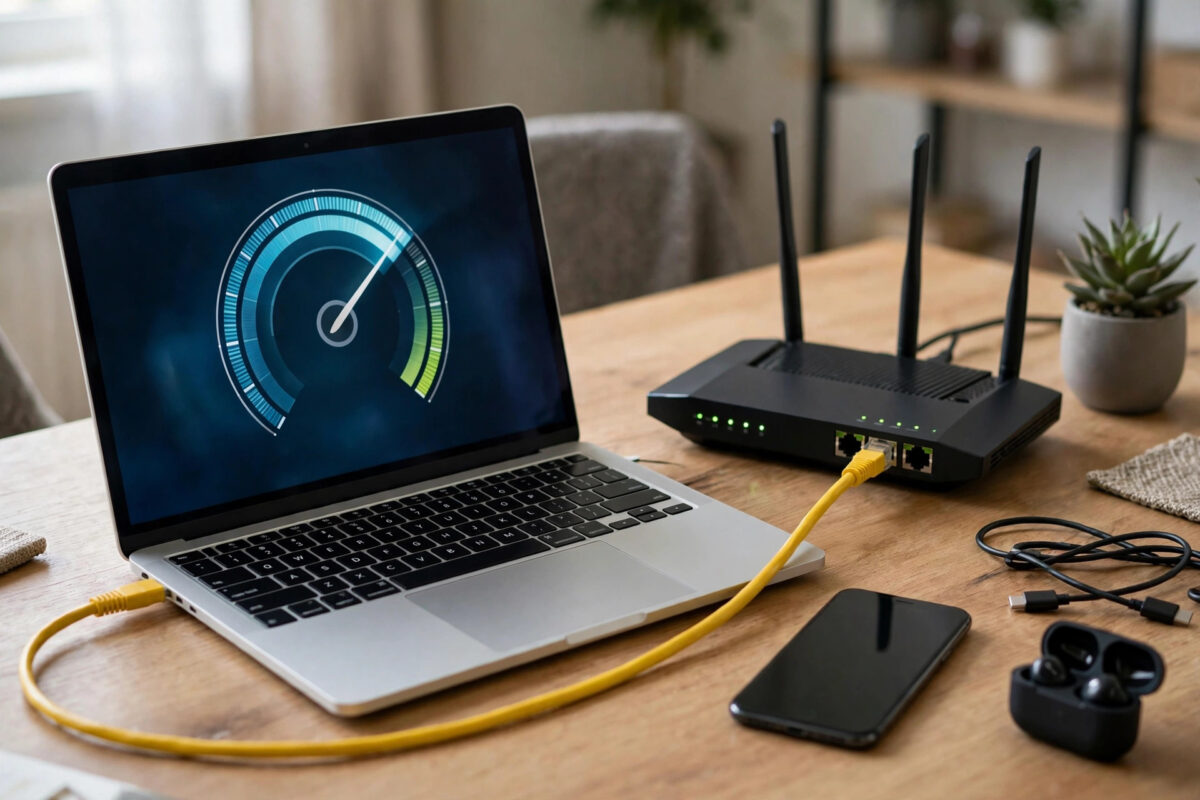
You run a speed test and get 420 Mbps. You run it again a minute later and get 210 Mbps. A third test says 350 Mbps. It is natural to wonder whether your provider is throttling you or whether the tests themselves are unreliable.
In reality, different results every time are completely normal. A speed test is not measuring a fixed pipe in isolation — it is measuring a busy, shared path between your device and a test server at one particular second, and almost every part of that path can change from one test to the next.
This guide explains each factor that moves the number, how large a variation is normal, and how to run a test properly when you need a trustworthy result to show your provider or to decide whether to upgrade your plan.
Quick Answer
Speed tests vary because your Wi-Fi signal, the test server chosen, other devices using your connection, and congestion at your provider all change moment to moment. Variations of 10 to 30 percent are normal. For an accurate result, test wired with a Cat6 cable, close other downloads, and use the same server several times.
What a Speed Test Actually Measures
When you press Go, the test downloads and uploads sample data to a nearby server and calculates how fast that data moved. It measures the slowest link in the whole chain at that moment, not just your broadband line.
That chain includes your device, your Wi-Fi or cable, your router, your provider’s local network, the internet path to the server, and the server itself. A weakness anywhere caps the result.
Single Connection vs Multiple Connections
Most tests, including Speedtest by Ookla with its multi-connection speed measurement, open several data streams at once to saturate your line, which is how you see numbers close to your plan’s headline speed. Some services, such as Netflix’s Fast.com, use a different method and may show lower figures.
A single-connection test is more like one real download. If your multi-connection result is 500 Mbps but the single-connection result is 80 Mbps, that points to congestion or routing problems beyond your home, not to a broken line.
Download, Upload, Ping, and Jitter
Download and upload are throughput. Ping is how long a tiny message takes to go to the server and back, measured in milliseconds. Jitter is how much that ping varies.
A test can show excellent download speed with poor jitter at the same time. That combination is fine for streaming but poor for video calls and gaming, which is why you should never judge a connection on the download number alone.
The Biggest Causes of Variation
Once you know the causes, the changing numbers stop being mysterious. Most swings come from just a few repeat offenders in the home.
Wi-Fi Is the Number One Culprit
Wi-Fi speed changes constantly with distance, walls, interference from neighbours’ networks, and even someone using a microwave. On the 2.4 GHz band you may see 30 to 90 Mbps, while the same router on 5 GHz in the same room can deliver 400 to 700 Mbps.
Move two metres or let another network start a large transfer on the same channel and your next test can halve. This is why Wi-Fi tests are useful for comparing rooms but useless for proving what your broadband line delivers. Our explanation of why Wi-Fi speed is slower than your broadband speed goes deeper into channel width and band differences.
Other People and Devices in Your Home
Your bandwidth is shared. If a console starts a 20GB update, a cloud backup starts uploading, or someone starts a 4K stream between your two tests, the second test gets whatever is left.
A 100 Mbps line shared with an active 4K stream at 25 Mbps and a game download at 50 Mbps leaves only about 25 Mbps for your test. The test is honest — your free bandwidth really was that low at that second.
Different Test Servers and Test Sites
Each test chooses a server, often automatically based on ping. A server 20 miles away on your provider’s own network will almost always be faster than a server 300 miles away on another network.
Two different test websites also use different file sizes, stream counts, and measurement periods. A short test of two to five seconds can be distorted by a slow start, while a longer test gives congestion more time to appear. Expect different sites to differ by 10 to 20 percent even back to back.
Provider and Time-of-Day Effects
Even with a perfect wired setup at home, results change across the day because broadband networks are shared beyond your house too.
Peak-Time Congestion
Between about 7pm and 11pm, your street and your provider’s core network carry far more traffic. Cable networks are especially prone to this because neighbours share local capacity. A line that tests at 360 Mbps at 10am may test at 180 Mbps at 8pm on the same day.
Full-fibre networks suffer less, but they are not immune, particularly on their upload paths and at busy peering points to popular services. The background on how sharing works is covered in the broadband technology overview on Wikipedia, including why access networks are contended by design.
Your Device Can Be the Limit
An older laptop with a slow processor, a phone with an older Wi-Fi chip, or a browser with dozens of tabs and extensions can fail to process data fast enough to show your true speed. Antivirus software scanning the test traffic in real time can also drag results down.
If two devices tested side by side on the same wired connection differ by hundreds of megabits, the slower device is the bottleneck, not the line.
How to Run a Trustworthy Speed Test
When the result actually matters — for a provider complaint, a new line check, or an upgrade decision — follow a fixed procedure so your numbers are comparable.
- Connect a modern laptop directly to the router with a Cat5e or Cat6 Ethernet cable and turn off its Wi-Fi.
- Pause downloads, cloud backups, game updates, and streaming on all other devices in the house.
- Close extra browser tabs and apps, then restart the test device if it has been running for days.
- Choose one test site and manually select the same nearby server for every run.
- Run the test three times, note all three results, and use the middle value as your representative figure.
- Repeat at a peak time in the evening and an off-peak time in the morning if you suspect congestion.
- Record ping and jitter alongside download and upload, plus the date, time, and whether the test was wired or wireless.
With this method, wired results on a healthy line should agree within about 5 to 10 percent. If they still swing wildly, the fault is likely a damaged cable, a failing router, or a genuine line problem worth reporting.
What Variation Is Normal and What Is Not
Normal: Wi-Fi results varying by 20 to 40 percent between rooms or runs, wired results varying by up to 10 percent, and evening speeds 20 to 30 percent below morning speeds on cable networks.
Not normal: wired results repeatedly below 70 percent of your plan’s minimum guaranteed speed, ping jumping from 12ms to over 200ms with no one else active, or upload speed collapsing to near zero. Those patterns deserve a provider investigation with your dated test log as evidence.
Common Mistakes to Avoid
The most common mistake is testing over Wi-Fi in a far bedroom and comparing that number with the wired speed advertised on your plan. You are measuring two different things and the comparison will always disappoint.
Another mistake is running a test while a VPN is connected. A VPN routes your test through its own server, often in another country, and encrypts everything, which can cut the result in half. Disconnect the VPN for line testing.
Do not run multiple tests on different devices at the same time to save time — they will split the bandwidth and all of them will look slow. And do not trust a single test. One result is an anecdote; three wired results at different times are evidence.
Conclusion
Speed tests show different results every time because they measure a live, shared system: your Wi-Fi, your devices, your router, your provider’s busy network, and a test server that may change between runs. Small swings are the system working normally, not a sign of cheating.
When you need the truth about your line, test wired, test alone, test on the same server three times, and look at ping and jitter as well as the headline speed. That disciplined approach turns confusing numbers into a clear picture of your connection.
Frequently Asked Questions
How much should speed test results vary normally?
On a wired connection, expect results within 5 to 10 percent of each other. On Wi-Fi, swings of 20 to 40 percent between tests are normal because signal conditions change constantly. Larger wired swings suggest congestion or a fault.
Which speed test site is the most accurate?
No single site is perfectly accurate, but well-known multi-connection tests give results closest to your line capacity. What matters most is consistency: pick one reputable site, use the same server, and compare its results over time.
Why is my download fast but my upload always different too?
Upload capacity is smaller on most plans, so even one cloud backup or video call uploading at the same time takes a large share of it. That makes upload results look more variable than download results.
Does the time of day really change my speed?
Yes. Evenings are busiest, especially on cable networks, and speeds can fall 20 to 50 percent at peak time in congested areas. Full-fibre usually varies less, but morning and evening tests can still differ noticeably.
Can my router make test results inconsistent?
Yes. An overheating router, old firmware, or a router with a weak processor can throttle or fluctuate under test loads. If wired results are erratic, reboot the router, update its firmware, and retest before blaming the line.



Leave a Reply