
It feels unfair: the 5GHz band is the “fast” one, the one every guide tells you to use, yet walk two rooms away and it fades while the slower, older 2.4GHz band keeps going strong through walls and floors. If you have ever wondered why your router’s fastest network has the shortest legs, the answer is pure physics — and understanding it will help you place your router, choose bands for each device, and stop blaming your hardware for behaving exactly as the laws of radio say it should.
In this explainer we will break down why higher frequencies travel shorter distances, how walls treat the two bands differently, and what you can do with that knowledge to get the best from both.
The Core Reason: Wavelength and Frequency
Wi-Fi travels as radio waves, and the two bands are exactly what their names say: 2.4GHz waves oscillate 2.4 billion times per second; 5GHz waves oscillate 5 billion times per second. Because all radio waves move at the speed of light, the faster-oscillating 5GHz wave has a much shorter wavelength — about 6 centimetres, versus about 12.5 centimetres for 2.4GHz. Shorter wavelengths carry more data per second (that is why 5GHz is faster), but they interact with the physical world very differently, and not in their favour when it comes to distance.
Three Physics Problems That Shrink 5GHz Range
1. Higher Frequencies Lose Energy Faster in Open Air
Even with nothing in the way, a 5GHz signal weakens more quickly as it spreads out than a 2.4GHz signal does. Engineers call this free-space path loss, and it follows directly from the frequency difference: at the same distance, a 5GHz signal arrives noticeably weaker. Double the distance and both signals fade, but 5GHz starts from a disadvantage and hits “too weak to use” sooner.
2. Walls and Obstacles Block Shorter Waves More
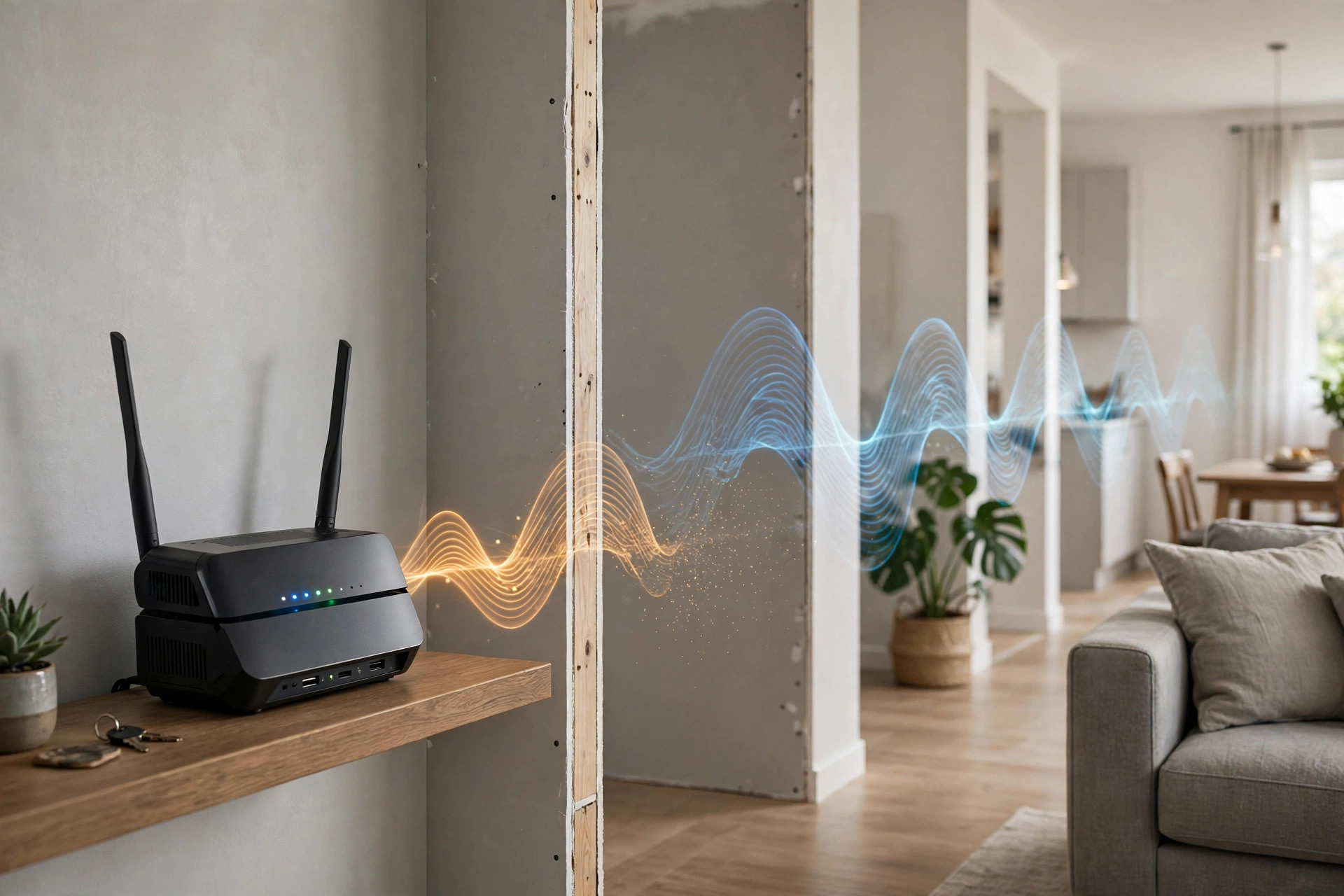
This is the one you feel at home. Longer 2.4GHz waves bend around objects and push through brick, concrete, wood, and plasterboard with modest losses. The shorter 5GHz waves are absorbed and reflected more aggressively by the same materials — a couple of brick walls can knock a healthy 5GHz signal down to nothing while 2.4GHz continues at a usable level. Metal, mirrors, fish tanks, and reinforced concrete are particularly brutal to 5GHz. The technical background on 5GHz Wi-Fi and its propagation traits covers the characteristics in more depth.
3. The Speed-vs-Distance Trade Is Built into the Standard
Wi-Fi constantly negotiates speed based on signal quality. Near the router, 5GHz uses dense modulation to move huge amounts of data. As you walk away and the signal weakens, both bands step down through slower, more robust rates — but 5GHz runs out of headroom sooner and drops off the device entirely, at which point your phone falls back to 2.4GHz or mobile data.
Why 2.4GHz Is Not Simply “Better”
If range were everything, we would all use 2.4GHz — but it has serious downsides. The band offers only three truly non-overlapping channels, and it is shared with Bluetooth, microwave ovens, baby monitors, and every neighbour’s network. In a block of flats, 2.4GHz is a crowded motorway at rush hour: it reaches far, but everyone is crawling. The 5GHz band has many more channels and far less interference, which is why it delivers the big speed numbers near the router. Think of it this way: 5GHz is a sports car that needs a good road nearby; 2.4GHz is a sturdy bicycle that goes almost anywhere, slowly. A well-run home network uses both, which is why dual-band routers exist — and our guides at Network Ustad’s Wi-Fi band and channel explainers show how to get them working together.
Putting the Physics to Work in Your Home
Place the Router for 5GHz First
Because 5GHz is fragile, position your router centrally and elevated, in the area where your fastest devices live — typically the living room and home office — rather than in a corner by the front door. Every wall you remove from the 5GHz path pays off directly in speed.
Assign Devices to the Right Band
Keep bandwidth-hungry, stationary devices near the router (TVs, consoles, work laptops) on 5GHz. Let distant and low-demand gadgets — smart plugs, bulbs, sensors, a phone in the garden — ride 2.4GHz, where range matters and speed does not.
Add Coverage Instead of Complaining About Physics
If your home is large or multi-storey, no router placement defeats the physics entirely. A mesh system or a wired access point puts a fresh 5GHz source in each area, which is the real fix — you are shortening the distance the short waves must travel.
A Simple Experiment to See the Difference Yourself
You do not need laboratory equipment to watch this physics in action — your phone and a free Wi-Fi analyser app are enough. Stand next to your router and note the signal strength of both bands; they will both read strong, perhaps -30 to -40 dBm. Now walk to the far end of the house, closing doors behind you, and check again. The 2.4GHz reading might fall to -65 dBm while the 5GHz signal has slumped to -82 dBm or vanished from the list entirely. Run a speed test at that spot on each band: the “slower” 2.4GHz will often win by a wide margin. This two-minute experiment teaches more than any spec sheet, and it also produces exactly the information you need for router placement — repeat it in a few candidate spots and put the router (or an access point) where the worst room’s numbers look least bad. Numbers beat impressions, because impressions are how a router ends up in the cupboard under the stairs.
Common Mistakes and Tips
Mistake one: judging your new router as faulty because 5GHz dies in the far bedroom — that is expected behaviour, not a defect. Mistake two: forcing every device onto 5GHz “because it is faster,” which leaves distant devices clinging to a whisper of signal that is slower in practice than a strong 2.4GHz link. Mistake three: hiding the router inside a metal cabinet or behind the TV, which murders 5GHz first. A counterintuitive tip: for a video call from a far room, deliberately choosing the 2.4GHz network often gives a steadier result than a barely-there 5GHz connection.
Conclusion
Your 5GHz network is shorter-ranged because higher-frequency radio waves lose energy faster, are blocked more easily by walls, and trade reach for speed by design. That is not a flaw to fix but a fact to design around: keep fast devices close to the router on 5GHz, let 2.4GHz handle the far corners, and add mesh or access points when distance wins. Work with the physics, and both bands will do the job they were built for.
Frequently Asked Questions
How far does 5GHz Wi-Fi typically reach indoors?
Roughly 10–15 metres with a clear path, but two or three solid walls can cut that dramatically. In practice, expect strong 5GHz in the same room and neighbouring rooms, fading beyond that.
Is 2.4GHz always slower than 5GHz in real use?
At close range, yes — 5GHz wins easily. At long range through walls, a strong 2.4GHz connection can outperform a weak, struggling 5GHz one, which is why band choice should depend on location.
What materials block 5GHz the most?
Reinforced concrete, brick, metal, mirrors, and water (fish tanks, water heaters) are the worst offenders. Wood and plasterboard are comparatively gentle.
Will a Wi-Fi 6 router improve my 5GHz range?
Slightly — better radios and features like beamforming help at the margins — but it cannot change the underlying physics. Range problems are solved by placement and additional access points, not a new standard.
Should I disable 2.4GHz to force devices onto the faster band?
No. Distant devices would lose connection entirely or cling to unusable 5GHz signals, and many smart home gadgets only support 2.4GHz. Keep both bands active.



Leave a Reply