
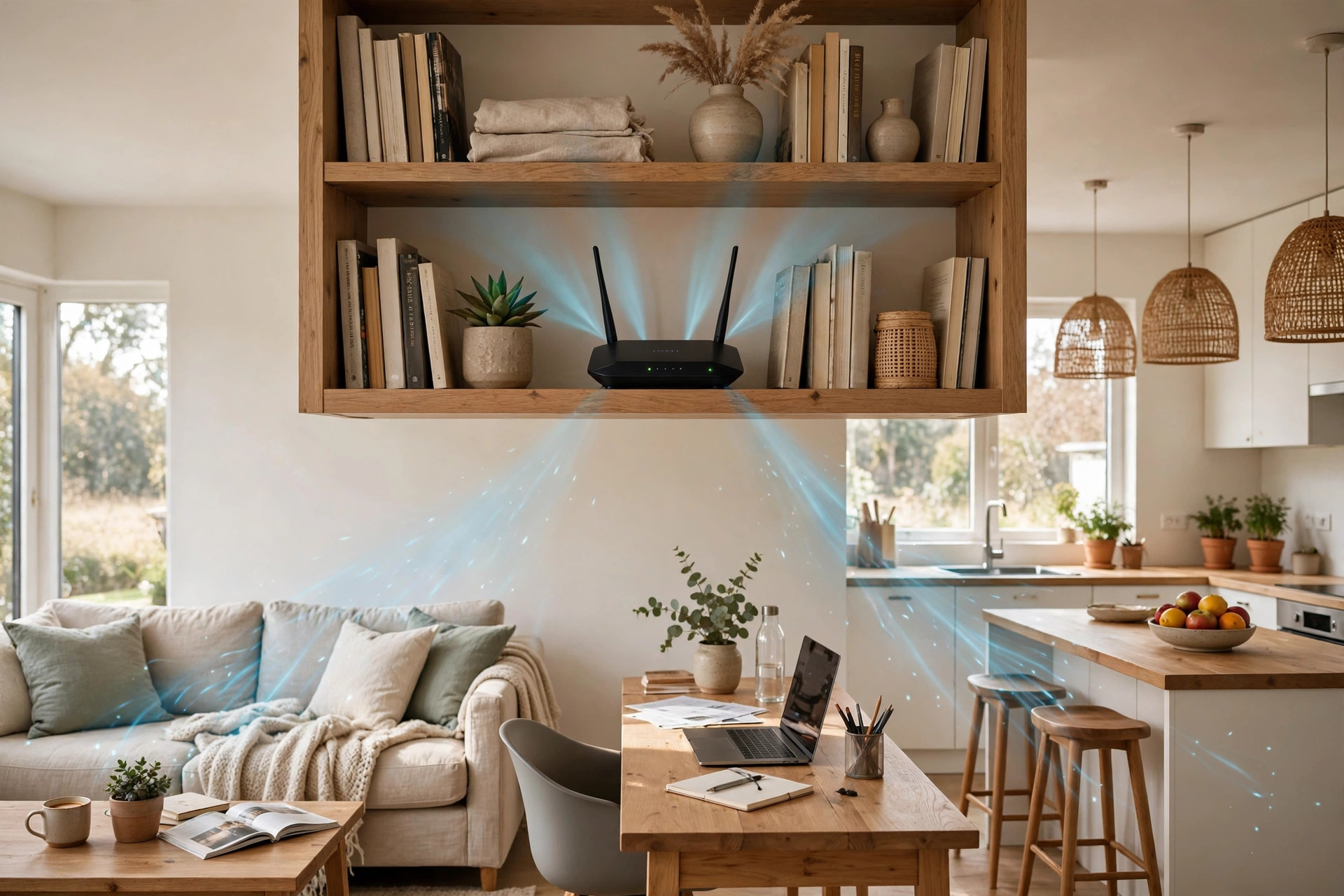
It is one of the most common home internet mistakes, and broadband installers make it every day: the router ends up wherever the line enters the house, usually in a corner, behind the television, or inside a hallway cupboard. Then everyone wonders why the bedroom buffers, the garden office drops out, and the fastest broadband package in the world still feels slow at the far end of the home.
Router position is the cheapest performance upgrade there is. It costs nothing, takes ten minutes, and can transform coverage more than a new router would in the same bad spot. Wi-Fi is radio, and radio follows physical rules about distance, height, walls, and interference. This guide explains those rules in plain terms and gives you a practical placement plan for houses, flats, and two-storey homes.
How Wi-Fi Signal Actually Spreads
Your router’s antennas broadcast in roughly a doughnut-shaped pattern, spreading outwards horizontally much more strongly than straight up or down. The signal is strongest near the router and weakens with distance, and it loses energy every time it passes through something solid. As a rough guide, a plasterboard wall costs a little signal, a brick wall costs a lot, and a reinforced concrete wall or floor can stop a 5GHz signal almost completely.
That is why the 2.4GHz and 5GHz bands behave so differently around the house. The lower 2.4GHz frequencies travel further and cope better with walls, while 5GHz delivers much higher speeds over shorter, clearer paths. The background on how wireless access points radiate and connect explains this pattern in more depth if you want the technical detail. For placement, the lesson is simple: every wall between the router and your chair matters, and walls at a steep angle are thicker in effect than walls the signal passes through head-on.
Other materials matter too. Metal reflects Wi-Fi, so large mirrors, radiators, fridges, and foil-backed insulation can create strange dead spots. Water absorbs it, which is why a big fish tank or a bathroom full of tiles and pipes can weaken a signal more than you would expect. Glass is mostly friendly, wood is moderate, and open air is best of all.
The Core Rules of Good Router Placement
- Put it in the centre of the home. Not the centre of the room where the line arrives, but as close as you can to the middle of the area you actually use. A hallway, landing, or living room near the middle of the house beats a front corner bedroom every time, because the signal has roughly equal distance to travel in every direction.
- Raise it up. Aim for shelf or table height, roughly 1 to 1.5 metres off the floor, or higher on a bookcase. Routers tucked on the floor under furniture waste much of their signal into the ground and the skirting board. On two-storey homes, a router high on the ground floor, or on the first-floor landing, covers both levels far better than one sitting low downstairs.
- Keep it out in the open. Never inside a closed cupboard, behind a TV, inside a metal cabinet, or in a tangle of boxes. If you can see the router from where you sit, the signal can probably reach you too.
- Keep it away from interference. Microwave ovens, baby monitors, Bluetooth hubs, cordless phone bases, and thick bundles of power cables all compete with or disturb Wi-Fi, especially on 2.4GHz. Give the router clear space, ideally a metre or more from large electronics.
- Mind the antennas. If your router has adjustable external antennas, the classic arrangement is one vertical and one at an angle, which helps devices held in different orientations. Built-in antenna routers are designed to sit upright as supplied, so do not lay them on their side unless the manual says so.
- Place it near where speed matters most. Perfect centre is not always possible. If the home office and main TV matter far more than a spare room, bias the position towards them, ideally with line of sight or only one light wall in between.
A Practical Placement Plan, Room by Room
Start by standing in the middle of your home with your phone and honestly mapping where the internet is actually used: desks, sofas, beds, and the kitchen table usually top the list. Then find the most central raised surface near power and, if you use the ISP router as supplied, within reasonable cable reach of the master socket or fibre terminal. Long Ethernet cables are cheap, and a 10-metre cable hidden along skirting often unlocks a far better position than the corner the installer chose.
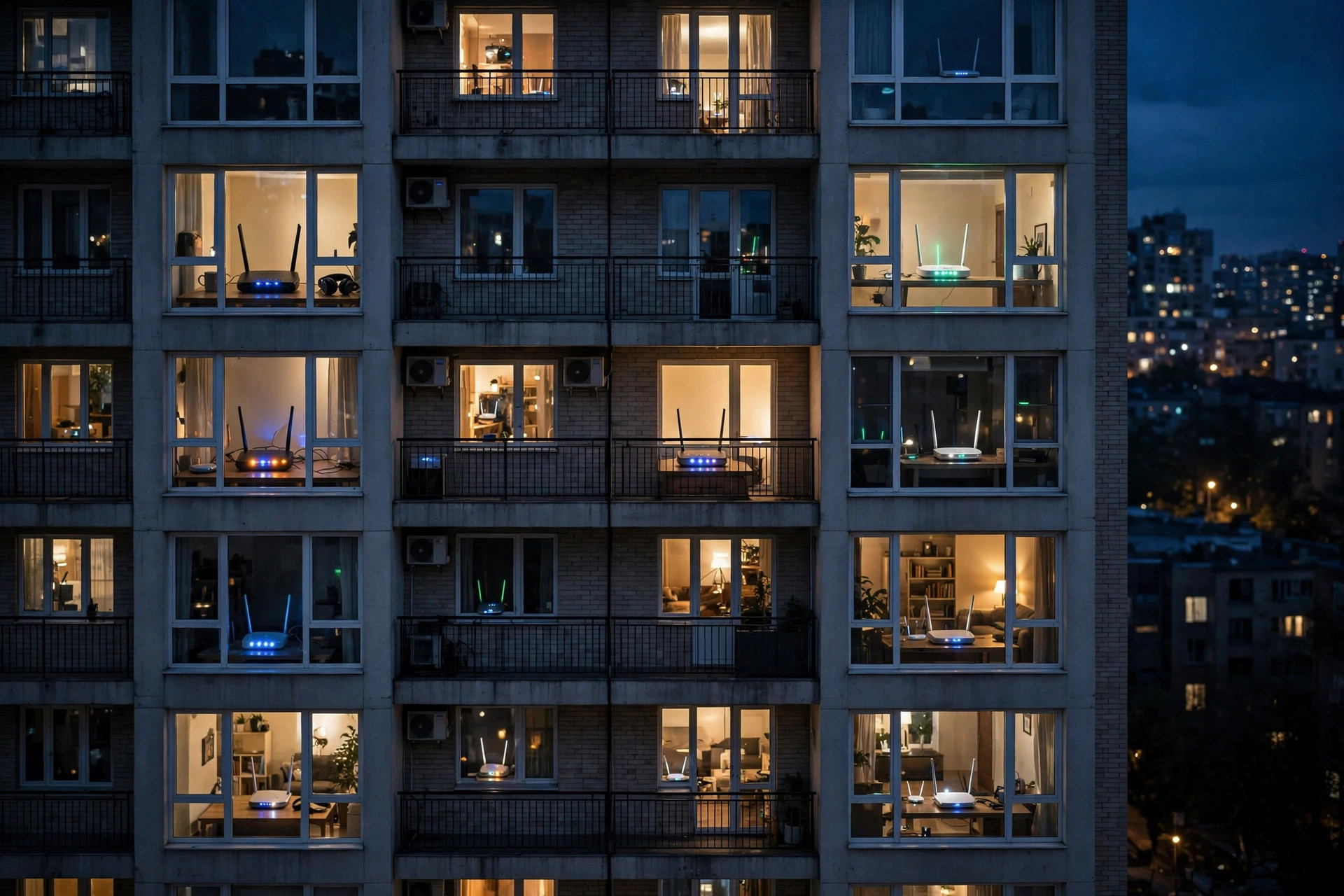
In a flat, the central hallway on a shelf is usually ideal, because flats are single-level and distances are short; the main enemy is neighbouring networks, not range. In a terraced or semi-detached house, a living room or hallway position near the staircase works well, because the stairwell acts as an open shaft that helps signal reach upstairs. In a detached two-storey house, the first-floor landing is often the single best spot in the building, provided you can get power and a cable there.
Test properly before you commit. Run a speed test in each important room, standing where you normally sit, and note the results. Then move the router to your candidate position and test again. Guidance from Google’s support advice on placing Wi-Fi points and routers makes the same point: small moves and real measurements beat guessing. Ten minutes of testing will tell you more than any diagram.
If one position cannot cover everything, do not keep pushing the router into worse and worse compromises. That is the point where a second access point, an extender, or a mesh system earns its money, and our practical guide to setting up a Wi-Fi extender step by step shows how to add coverage to the rooms a single router cannot reach.
Positions to Avoid
- The floor in a corner. Two external walls immediately swallow half your signal and send it into the street and the neighbour’s garden.
- Behind the television. A large TV is a sheet of metal and electronics. It blocks and reflects signal to everything behind it.
- Inside cupboards and cabinets. Even a wooden door costs signal, and enclosed spaces make routers run hot, which can cause slowdowns and random restarts.
- Next to the microwave or in the kitchen generally. Kitchens combine interference, metal appliances, water pipes, and tiled walls, the worst collection of obstacles in the house.
- The basement or loft. Signal spreads horizontally, so extreme high or low positions waste coverage on one level and starve the other.
- On top of other hot electronics. Stacking a router on a games console or amplifier adds heat and electrical noise. Give it its own clear space.
Common Mistakes and Useful Tips
- Assuming a new router fixes a bad position. A powerful router in a cupboard still behaves like a router in a cupboard. Move first, buy later.
- Testing only next to the router. Fast speeds in the same room prove nothing. Always test in the worst room, because that is where placement makes its difference.
- Forgetting upstairs. In two-storey homes, position for both floors from the start. A high shelf or landing position usually serves bedrooms better than the living room below them.
- Hiding it for tidiness. A router on display on a shelf is not ugly enough to justify halving your coverage. If appearance matters, a central open shelf still beats any hidden spot.
- Ignoring the cable option. Moving the router sometimes needs a longer Ethernet or extension lead. That small effort is almost always worth it, and fixed devices like TVs and consoles should be wired whenever possible anyway.
Conclusion
The best place for a router is central, raised, open, and clear of metal, water, and interfering electronics, as close as you can manage to the rooms where fast, stable Wi-Fi matters most. That single decision improves both bands, helps every device in the house, and costs nothing but a few minutes of testing. Map where you use the internet, try the most central raised spot you can reach, measure the results in your worst room, and only consider extra hardware once the router is already in its best possible home.
Frequently Asked Questions
Should my router be upstairs or downstairs in a two-storey house?
Usually high downstairs or on the first-floor landing works best, because the signal spreads out and slightly downwards from a raised position. If most use is in upstairs bedrooms and offices, the landing is often the single best spot in the house.
How high should a router be placed?
Aim for roughly 1 to 1.5 metres, on a shelf, table, or bookcase. Avoid the floor and avoid pushing it right against the ceiling. Waist-to-head height keeps the signal in the zone where people and devices actually are.
Can I put my router in a cupboard if I leave the door open?
It is better than a closed cupboard but still worse than open placement, because the cupboard walls surround the router on several sides and heat builds up. If a cupboard is truly the only option, choose the most central one and test carefully.
Does router position affect 5GHz more than 2.4GHz?
Yes. The 5GHz band is faster but fades much faster through walls and floors, so central, raised, open placement helps it disproportionately. If your 5GHz vanishes in the next room, position is the first thing to fix.
My master socket is in the worst corner. What can I do?
Use a longer cable between the socket or fibre terminal and the router, run neatly along skirting or under carpet edges, or place a mesh system or second access point centrally and connect it back by cable. You are rarely as trapped by the socket as it first appears.

Leave a Reply