
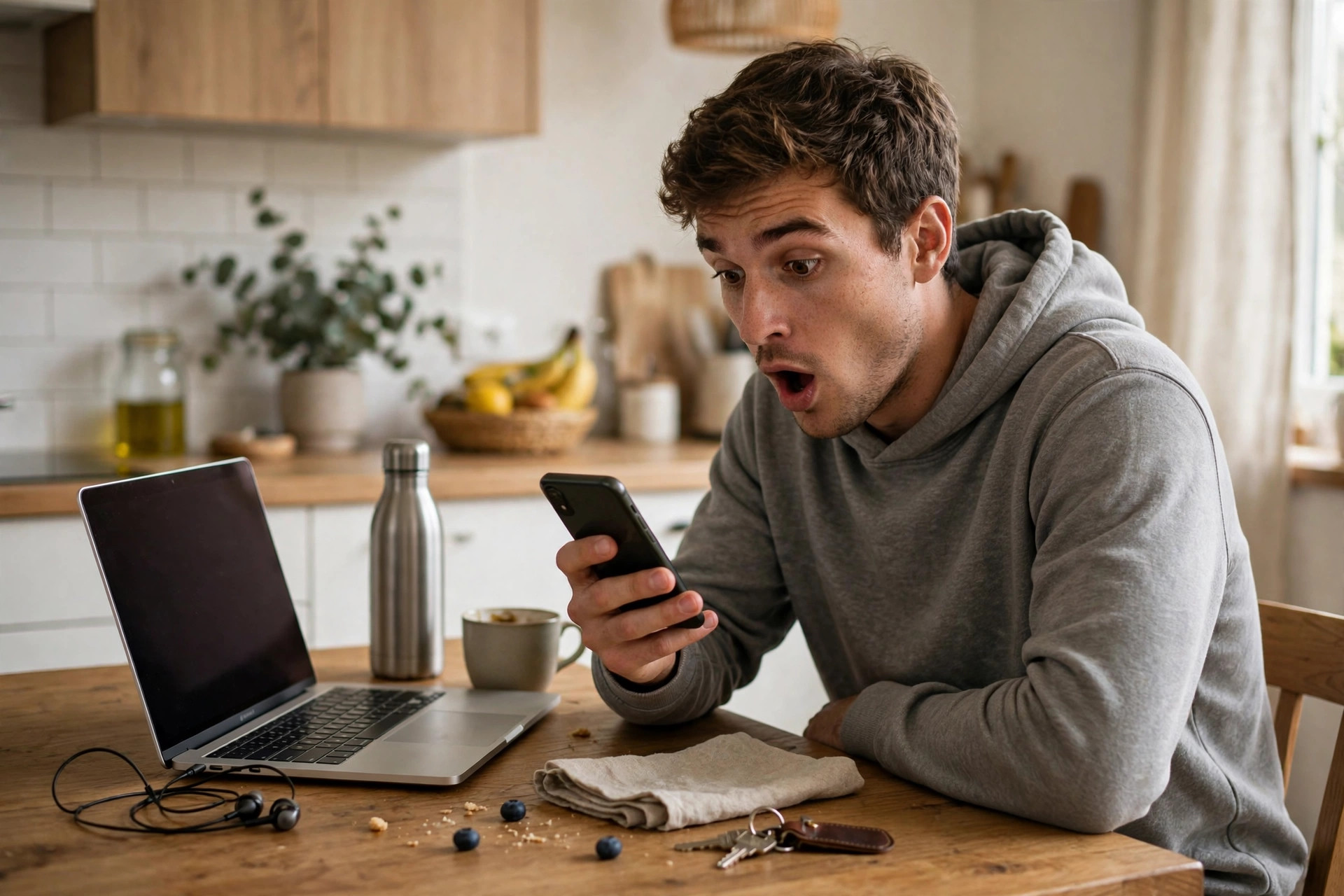
It happens in a split second. A text says a parcel could not be delivered, an email warns that your account will be closed, a message from a friend shares something shocking — and your thumb or mouse clicks before your brain catches up. Then comes the sinking feeling: that link did not look right, the page that opened was strange, or something downloaded that you never asked for.
First, take a breath. Clicking a suspicious link does not automatically mean your device is infected or your accounts are gone. Many malicious links only work if you go further — entering details, downloading a file, or approving something. What you do in the next few minutes matters far more than the click itself. This guide gives you eight calm, ordered steps that contain the damage, check for harm, and secure your accounts properly.
Quick Answer
After clicking a suspicious link, disconnect from the internet if something downloaded or the page behaved strangely, do not enter any information, close the tab, and run a full security scan. Then change important passwords from a clean device, turn on two-factor authentication, check your bank and email accounts for unusual activity, and report the message so others are warned.
First: What Kind of Link Was It?
Not every suspicious click carries the same risk, and a quick assessment helps you respond proportionately. A link that simply opened a web page, which you closed without typing anything, is usually low risk — it may have tried to profile your device or show you a scam page, but it had little to work with. The risk rises sharply if any of the following happened: a file downloaded, the page asked you to install something or allow notifications, you entered a password or payment details, or the device started behaving oddly afterwards.
Work through the eight steps below in order. If you entered banking details or made a payment, skip straight to step five and contact your bank first — that is the one genuinely urgent case.
The 8 Things to Do Immediately
Steps 1–3: Contain the Situation
- Stop and do not interact further. Do not enter information, do not click buttons on the page — including fake Close or Cancel buttons, which can trigger downloads — and do not call any phone number the page displays. Close the tab or the whole browser using your device’s normal controls.
- Disconnect from the internet if something downloaded or installed. Turn on airplane mode on a phone, or unplug the cable and disable Wi-Fi on a computer. This stops potential malware communicating, spreading, or receiving instructions while you clean up.
- Delete any file that downloaded — without opening it. Check your Downloads folder. If a file arrived that you did not expect, delete it and empty the trash or recycle bin. A downloaded file that was never opened can rarely harm you, but there is no reason to keep it.
Steps 4–6: Check and Secure
- Run a full security scan. Reconnect if your scanner needs updates, then run a complete scan, not a quick one. On Windows, Microsoft explains how to run scans and stay protected with Windows Security. On a phone, remove any app installed around the same time that you do not recognise.
- Change important passwords — from a clean device. If you entered any password on the suspicious page, change it immediately, and change it everywhere else you used the same password. Start with email, because email resets everything else, then banking and shopping accounts. Use a different, trusted device if your scan found anything.
- Turn on two-factor authentication and check account activity. Enable two-factor authentication on email, banking, and social accounts while you are there. Review recent logins, sent messages, and account changes for anything you do not recognise, and sign out other sessions where the option exists.
Steps 7–8: Watch and Report
- Check your bank and set alerts. Review recent transactions, however small, and turn on transaction notifications if they are not already enabled. If you entered card or banking details on the page, call your bank now, explain what happened, and ask them to monitor or replace the card.
- Report the message and warn others. Report the text or email as phishing using the built-in report option, which helps providers block it for everyone. If the message appeared to come from a friend, tell them through a different channel — their account may be compromised. The Federal Trade Commission offers clear guidance on recognising phishing and reporting it so the same lure stops working.
Once the immediate steps are done, keep a closer eye on things for a few weeks: bank statements, email login alerts, and any password reset messages you did not request. Our other guides at NetworkUstad’s online safety and troubleshooting hub walk through securing specific accounts and devices in more depth if you find something that needs attention.
If You Already Entered Information
Do not panic, but do escalate. Information entered on a fake page should be treated as already in criminal hands.
- Passwords: Change them everywhere they were reused, from a clean device, and enable two-factor authentication.
- Card details: Contact your bank, ask for the card to be cancelled and replaced, and dispute any transactions you do not recognise.
- Personal details such as address, date of birth, or ID numbers: Be alert for targeted scams in the coming months, consider a fraud alert or credit monitoring where available in your country, and be extra sceptical of calls claiming to be your bank.
- Work accounts or devices: Tell your IT team immediately. This is not about blame — early reporting is what allows them to protect the whole organisation, and they would always rather know.
Common Mistakes to Avoid
- Paying or calling the number on a warning page. Pages claiming your device is infected and demanding payment or a phone call are scams themselves. Close them and scan with your real security software.
- Only changing one password. If the password you entered was reused — and most are — every account sharing it is at risk, not just the one the page imitated.
- Assuming nothing happened because nothing looks wrong. Good malware hides. A full scan and a week of watching account activity is the minimum sensible response.
- Reopening the link to check it again. Curiosity is understandable, but do not revisit the page, forward it to friends to ask their opinion, or open it on another device.
- Feeling too embarrassed to report it at work or to your bank. These scams are professionally designed and catch security experts too. Reporting quickly is the competent response, not an admission of failure.
Conclusion
A suspicious click is a moment, not a disaster. The disaster scenario only unfolds when nothing happens afterwards — when a downloaded file sits unexamined, a reused password stays unchanged, or a strange transaction goes unnoticed for a month. Disconnect if needed, scan thoroughly, secure your email and banking first, and report what you received. Done promptly, those eight steps turn a worrying minute into a story with no consequences.
Frequently Asked Questions
Can just clicking a link infect my device?
It can in rare cases, usually through an unpatched browser or operating system flaw, but most malicious links need further action from you — a download, an installation, or information entered on a fake page. Keeping software updated makes click-only infection very unlikely.
I clicked the link but entered nothing. Am I safe?
Probably, especially if you closed the page quickly and your software is up to date. Run a full scan for peace of mind, delete anything that downloaded, and watch your accounts for a few days. No further action is usually needed.
Should I reset my phone or computer after clicking?
Not usually. A reset is worth considering only if scans find malware they cannot remove, the device keeps behaving strangely, or a professional advises it. Most suspicious clicks are resolved with scanning and password changes.
What if the link came from a friend’s account?
Contact your friend through a different method — call or message them somewhere else — and let them know their account may be hacked. Do not reply within the same thread, as the attacker may be reading it. Your friend needs to change their password and enable two-factor authentication.
How long should I monitor my accounts afterwards?
Check closely for the first two weeks, then keep transaction alerts on permanently. Stolen details are sometimes sold and used weeks later, so alerts and a monthly statement review are good habits to keep for good.



Leave a Reply