
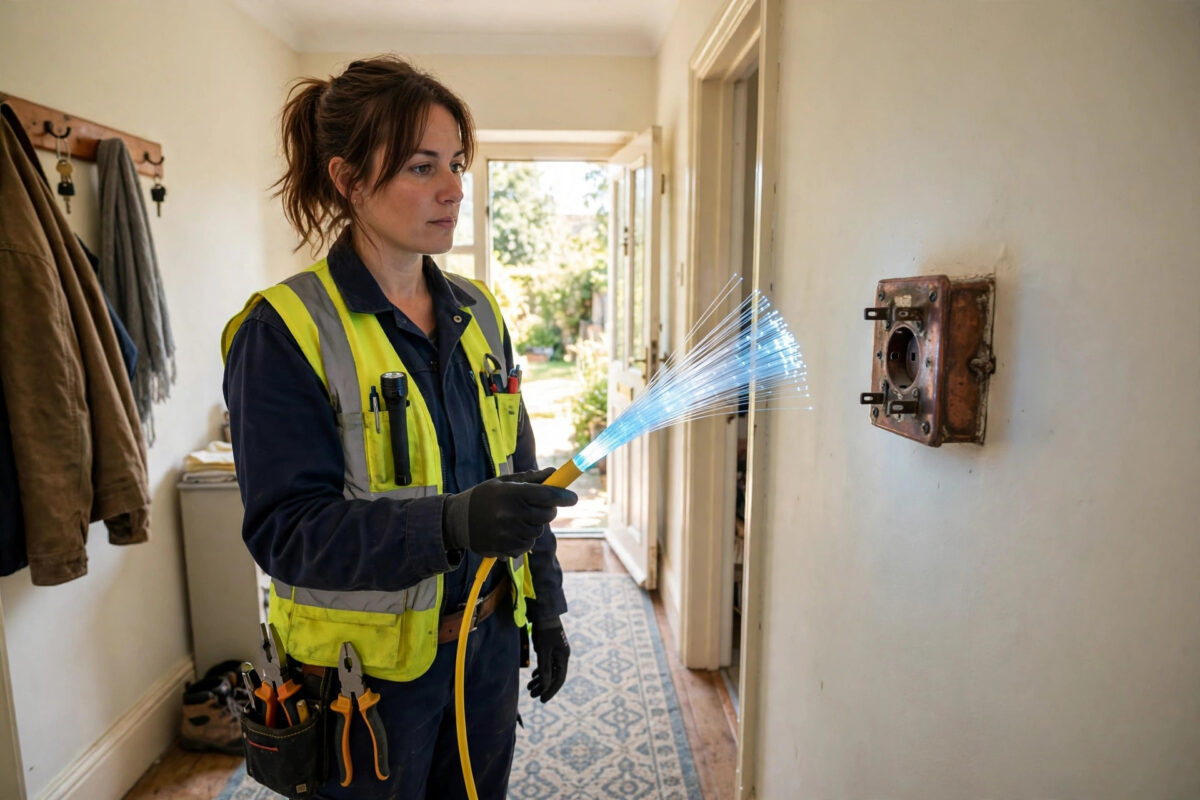
If your current broadband feels slow every evening, you have probably seen fibre deals promising ten times the speed for a similar price. The names are confusing, though, especially when providers call very different technologies by the same word.
This guide explains what fibre broadband actually is, how DSL works, and where the real differences show up in daily use. By the end you will know whether upgrading makes sense for your household.
Quick Answer
Fibre broadband sends data as pulses of light through glass strands, while DSL sends electrical signals over old copper phone lines. Fibre is faster, more reliable, and far better for uploads, so yes, full fibre is clearly better than DSL if it is available at your address.
What Is DSL Broadband?
DSL stands for Digital Subscriber Line. It reuses the copper telephone wires that were originally installed only for voice calls.
Your router converts internet data into high-frequency electrical signals. Those signals travel down the copper pair to the street cabinet and then to the exchange.
Because copper was never designed for this job, speed falls quickly with distance. A home 200 metres from the cabinet might get 60 Mbps, while a home two kilometres away might get 12 Mbps on the same package.
Typical DSL Speeds in Practice
Standard ADSL broadband usually delivers 8 to 17 Mbps download and under 1 Mbps upload. That is enough for one person browsing and streaming in HD, but little more.
The newer VDSL version, often sold as part-fibre, reaches 35 to 70 Mbps download and 10 to 19 Mbps upload. Performance still depends heavily on your line length and condition.
Weather, damaged joints, and electrical interference can all reduce DSL speeds. Rainwater in an old junction box is a surprisingly common cause of intermittent faults.
What Is Fibre Broadband?
Fibre broadband uses thin strands of glass or plastic to carry data as light. Light travels fast and loses very little strength over distance.
The technology behind modern networks is described in detail in Wikipedia’s overview of fibre to the premises and related fibre architectures, which covers the different ways fibre reaches homes.
Unlike copper, a fibre line does not pick up electrical interference from power cables or storms. Once installed, the connection tends to stay at the same speed day and night.
FTTC Versus FTTP: The Difference That Matters
FTTC means Fibre to the Cabinet. Fibre runs to the street cabinet, but the final stretch to your home is still copper, so you still face DSL-style limits.
FTTP means Fibre to the Premises, also called full fibre. The glass fibre runs all the way into your home to a small box called an ONT.
Only FTTP delivers the headline speeds of 150, 500, or 900 Mbps. When comparing deals, always check which type you are actually being offered.
Speed Compared Side by Side
Download speed is where most people notice the gap first. A large game update of 50 GB can take all night on ADSL but under 15 minutes on 500 Mbps full fibre.
Upload speed shows an even bigger difference. DSL uploads are often ten times slower than downloads, which makes cloud backups and video calls painful.
Full fibre packages are often symmetrical or near-symmetrical. A 300 Mbps download package might include 100 Mbps or more for uploads.
- ADSL: 8–17 Mbps down, 0.5–1 Mbps up
- VDSL / FTTC: 35–70 Mbps down, 10–19 Mbps up
- Full fibre 150: 150 Mbps down, 30 Mbps up typical
- Full fibre 500–900: 500–900 Mbps down, 70–110 Mbps up typical
For reference, Netflix needs about 5 Mbps for HD and about 15 Mbps for 4K. A single stream fits on DSL, but two 4K streams plus other activity quickly overwhelm it.
Latency, Reliability and Everyday Feel
Speed tests do not tell the whole story. Latency, measured in milliseconds, decides how responsive browsing, gaming, and calls feel.
A good full fibre line often shows 5 to 12 ms latency to a nearby server. DSL lines commonly show 20 to 40 ms, and interleaving for error correction can push that higher.
Gamers and people on video calls notice this immediately. Lower latency means less delay, fewer robotic voices, and smoother screen sharing.
Reliability also favours fibre. Copper lines degrade over decades, while fibre installed today should serve for many years without speed loss.
How to Check What You Can Actually Get
Do not rely on national adverts. Availability is decided street by street, so check your exact address before planning an upgrade.
- Run a wired speed test at a quiet time and note download, upload, and ping.
- Log in to your router and record the sync or connection speed it reports.
- Use your provider’s address checker to see if FTTP is listed for your postcode.
- Check at least two other networks, as alternative providers often build in different areas.
- Compare the guaranteed minimum speed, not just the advertised average speed.
While you test, it also helps to see every device currently connected to your Wi-Fi network so a forgotten tablet or TV is not skewing your results.
If the router sync speed is already low, the problem is the line itself. No new router can fix a long copper line.
Costs and Installation: What to Expect
Full fibre prices have fallen sharply. In many areas a 150 Mbps full fibre deal now costs about the same as a 50 Mbps part-fibre deal.
Installation is more involved than DSL. An engineer usually needs to run a new fibre cable from the street into your home and fit the ONT box.
Most installations take two to three hours. You will need a power socket near where the fibre enters, and your router connects to the ONT with a network cable.
DSL has one practical advantage here. If you already have a working phone line, a DSL service can often be activated remotely with no visit at all.
Do You Still Need a Landline Phone?
Traditional DSL and the phone service share the same copper line. Many older packages still bundle line rental even if you never make calls.
Full fibre does not need a copper phone line at all. If you want a home phone number, it will usually be provided digitally over the broadband connection.
Remember to check any devices that rely on the old line, such as care alarms or fax machines, before you switch.
Who Benefits Most From Upgrading?
Busy households benefit the most. Four people streaming, gaming, and working at once can easily need 100 Mbps or more in total.
Remote workers also gain a lot, mainly from the upload speed. Sending large files and backing up to the cloud stops being an overnight job.
Frequent streamers in 4K will see fewer buffering pauses. Two 4K streams alone need about 30 Mbps before anything else is counted.
A single person who only browses, emails, and watches one HD stream may honestly see little benefit. A stable 35 Mbps FTTC line already covers that comfortably.
The underlying limits of copper are explained well in Wikipedia’s technical history and explanation of digital subscriber line technology, which shows why DSL speeds plateaued while fibre kept scaling.
Common Mistakes to Avoid
The biggest mistake is assuming every product labelled fibre is full fibre. Many FTTC deals still depend on your old copper line for the final stretch.
Another common error is judging by download speed alone. If your calls freeze when someone backs up photos, upload speed is your real bottleneck.
People also forget about Wi-Fi. A 900 Mbps line fed through an old router in a cupboard can still feel slow in the next room.
Finally, do not cancel your old service before the new one is confirmed. Keep both dates in writing so you are never left without a connection.
- Check the small print: look for FTTP or full fibre, not just the word fibre.
- Test wired first: a cable test separates a line problem from a Wi-Fi problem.
- Count uploads: include cloud backups, cameras, and video calls in your needs.
Conclusion
Fibre and DSL may arrive on similar-looking monthly bills, but the technology underneath is completely different. Copper DSL is limited by distance and age, while full fibre removes both of those ceilings.
If FTTP is available at your home and more than one person uses the connection heavily, upgrading is almost always worthwhile. If it is not available yet, a good FTTC line remains a perfectly usable second choice.
Frequently Asked Questions
Is fibre broadband always faster than DSL?
Full fibre is always faster in practice, with typical packages from 150 to 900 Mbps. Part-fibre FTTC still uses copper at the end, so a short, clean FTTC line can overlap with entry-level fibre speeds.
Can I keep my phone number if I switch to full fibre?
Yes, in most cases your number can be moved to a digital voice service over fibre. Confirm the transfer with your new provider before the switch date and do not cancel the old service yourself.
Why does my neighbour get fibre but I cannot?
Fibre rollouts are built cabinet by cabinet and street by street. One side of a road can be live months before the other, especially where cables run through different ducts or poles.
Does fibre broadband work during a power cut?
No, the ONT and router both need mains power, just like a DSL router does. A small battery backup can keep them running for short outages if staying online is critical.
Will a new router make my DSL line much faster?
Only slightly, if your old router is faulty or very outdated. The sync speed is set by the line length and quality, so a new router cannot turn a 20 Mbps line into a 60 Mbps line.



Leave a Reply