
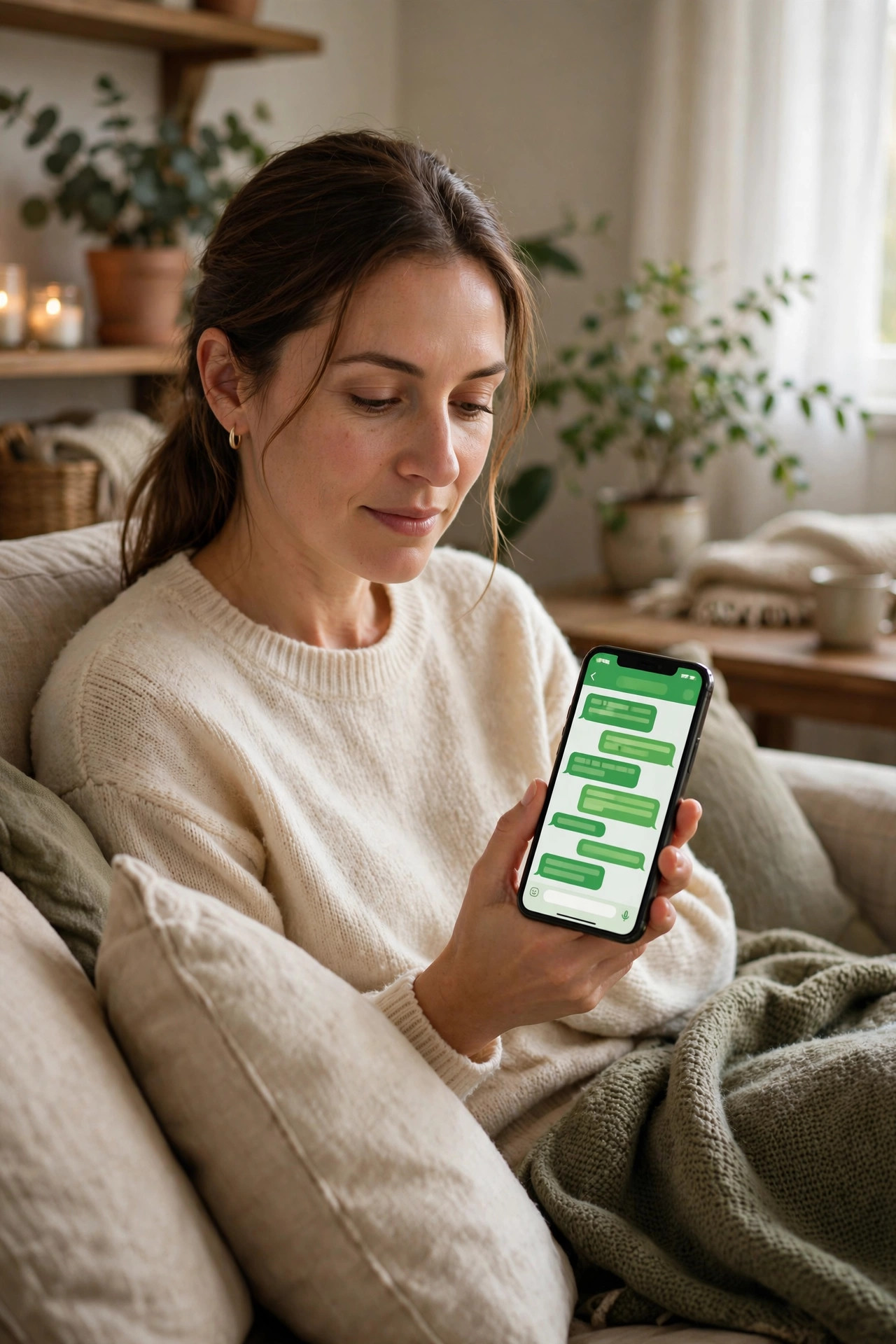
WhatsApp is where most of us talk to family, manage work, share photos, and even handle business payments. That is exactly why criminals target it. Taking over someone’s WhatsApp lets an attacker message all their contacts, ask for money, and spread scams that look like they come from a trusted person.
The most common takeovers do not involve advanced hacking. They rely on tricking you into sharing a six-digit code or leaving a simple setting switched off. The good news is that a few careful steps make your account much harder to steal.
This guide walks you through the exact protections to turn on today, how to recognise takeover attempts, and what to do if you think someone is already trying to get in.
Quick Answer
Protect your WhatsApp by turning on two-step verification with a strong PIN, never sharing your six-digit registration code with anyone, and enabling biometric lock.
Keep your phone and WhatsApp updated, review linked devices regularly, and be suspicious of anyone urgently asking for a code or money.
If someone asks for a code “by mistake,” it is almost always a scam. Stop and verify that person through a voice call.
How WhatsApp Accounts Actually Get Hacked
Most victims lose their account after sharing a verification code. The attacker tries to register the victim’s number on another phone. WhatsApp then sends a six-digit code by text to the real owner. The attacker, pretending to be a friend or support agent, asks for that code.
Once the attacker enters the code, they control the account. Your chats with that person may even use a previously hacked account from someone you know, which makes the request feel believable.
Other methods include SIM swap fraud, where a criminal convinces a mobile provider to move your number, and malicious linked-device sessions left open on a shared computer. Understanding these routes helps you block each one directly.
Warning Signs Someone Is Targeting You
You may receive a WhatsApp verification code you did not request. That alone means someone entered your number. Do not share it and do not enter it unless you are setting up WhatsApp yourself.
You might also get a strange message from a contact saying they sent you a code by accident, or a message from “WhatsApp Support” asking you to verify. Real support will not message you this way asking for codes.
Sudden logouts, contacts saying you sent odd money requests, or new linked devices you do not recognise are more serious signs. Act on them immediately using the recovery steps later in this article.
Essential Steps to Lock Down Your Account
Work through this checklist in order. It takes about ten minutes and covers the protections that stop almost every common attack.
- Turn on two-step verification. Open WhatsApp, go to Settings, then Account, then Two-step verification, and tap Turn on. Choose a six-digit PIN you do not use anywhere else and add an email address for recovery.
- Never share any code. Treat both the registration code and your two-step PIN like a house key. WhatsApp staff, friends, and delivery companies never need them.
- Enable fingerprint or face lock. In Settings, go to Privacy, then App lock, and turn on biometric unlock. This protects your chats if someone picks up your unlocked phone.
- Set a profile privacy baseline. In Privacy settings, limit who can see your profile photo, About, and Last Seen to your contacts. Less public information makes targeted scams harder.
- Review linked devices weekly. Tap the menu and open Linked Devices. If you see a browser or computer you do not recognise, tap it and log it out straight away.
- Protect your voicemail and SIM. Set a strong voicemail PIN with your mobile provider and ask about a SIM PIN or port-out protection. This reduces the risk from SIM swap attempts.
- Keep everything updated. Turn on automatic updates for WhatsApp and your phone system. Many fixes for account security arrive silently through updates.
After you finish, make sure you can still access your recovery inbox.
Privacy Settings Most People Ignore
Beyond the basics, a few privacy controls reduce your exposure. Turn on disappearing messages for sensitive chats if you discuss financial or personal details, and regularly clear old chats you no longer need on shared devices.
Check who can add you to groups. Setting group invites to “My Contacts” prevents strangers from adding you to scam investment or prize groups that are often used to spread phishing links.
You can also silence calls from unknown numbers. For more protections, see our overview of practical privacy settings for your phone and apps.
Staying Safe in Group Chats and Business Chats
Attackers love groups because one hacked account can reach hundreds of people. If a member suddenly shares an investment tip or urgent loan request that feels out of character, verify it outside WhatsApp before acting.
WhatsApp itself publishes detailed guidance in the WhatsApp Help Center and FAQ pages, including official advice on two-step verification and spotting impersonation accounts. Bookmark it rather than trusting advice forwarded in chats.
What to Do If You Think You Are Being Targeted
If you receive an unexpected code or suspicious request, pause. Do not reply with the code, do not click any link, and do not panic if the message seems urgent. Urgency is the attacker’s main tool.
- Call the person directly. Use a normal voice call to the number you already have saved. Ask if they really sent that message.
- Warn your contacts. Post a status or message your close contacts through another app to say your account may be targeted and to ignore code or money requests from you.
- Re-register quickly if you are logged out. Open WhatsApp and register your number again. Enter the code sent to you, then enter your two-step PIN if you set one.
- Log out all linked devices. Once you are back in, go to Linked Devices and remove everything you do not recognise.
- Change related passwords. If you reused any PIN or password, update your email password too, because email is often the recovery path for other accounts.
If you cannot regain access, contact WhatsApp support through the app on another device or the official website. Provide your number in international format and explain that your account was taken over. Recovery can take time, so prevention really is worth those ten minutes.
Tips for Families and Older Relatives
The people most at risk are often parents and grandparents who trust a message because it appears to come from family. Sit with them once and turn on two-step verification together. Write down the recovery process, not the PIN itself, and keep it somewhere safe at home.
Agree on a family code word for genuine emergencies involving money. If a message claims a relative lost their phone and needs urgent payment to a new number, ask for that code word or call the original number first.
Encourage them to ask you before sharing any code, even if the message says not to tell anyone. Secrecy is a hallmark of this scam, and breaking that secrecy stops it cold. Guidance from the FTC on recognising phishing and impersonation scams is also useful to share, because the same tricks appear across WhatsApp, text, and email.
Common Mistakes That Leave Accounts Open
The biggest mistake is sharing a verification code “just to help.” There is no harmless reason for anyone else to need your code. The moment you share it, you hand over the account.
Another common error is choosing a two-step PIN that is easy to guess, such as your birth year or 123456, and then reusing it for your phone lock. Use a unique PIN you can remember without writing it in a chat.
People also forget about WhatsApp Web on work or shared computers. Staying logged in on a device others can access is like leaving your unlocked phone on a table. Always log out and check Linked Devices after using a shared machine.
Finally, ignoring update prompts leaves known weaknesses in place. If storage is tight, delete old videos rather than postponing security updates for weeks.
Conclusion
Protecting WhatsApp does not require technical skills. It requires three habits: keep your codes private, keep two-step verification on, and verify unusual requests with a real voice call.
Take ten minutes today to work through the checklist, review your linked devices, and help one family member do the same. That small effort blocks the most common takeover method completely and gives you a clear plan if an attacker ever tries. Your conversations deserve that protection.
Frequently Asked Questions
Can someone hack my WhatsApp without the verification code?
It is much harder without the code. Attackers may try SIM swaps, malware, or an unattended linked-device session, which is why you should also protect your SIM, keep your phone updated, and review linked devices. For most users, guarding the code and PIN stops the realistic threats.
What happens if I forget my two-step verification PIN?
If you added an email address when you set it up, WhatsApp can send you a reset link. Without that email, you may need to wait before you can reset it. That waiting period is intentional to protect you, so always add a recovery email you control.
Should I use a third-party WhatsApp lock app?
Prefer the built-in fingerprint or face lock inside WhatsApp. Third-party lock apps often request broad permissions and may show intrusive adverts. Built-in tools are safer, better supported, and less likely to break after an update.
How do I know if someone is using my WhatsApp Web?
Open Linked Devices in WhatsApp to see every active session with its location and last active time. If anything looks unfamiliar, tap it and choose Log Out. Also watch for battery drain or read messages you do not remember opening.
Is it safe to use WhatsApp for banking or sending money?
WhatsApp chats are end-to-end encrypted, but the biggest risk is impersonation, not interception. Never send bank details or transfer money based only on a WhatsApp message. Confirm payment details through your banking app or a voice call first.



Leave a Reply