
The banking app is down, the outage has hours left in it, and life is not pausing: there is shopping to pay for, a train to catch, maybe a bill that cannot wait. This is the situation millions of people met on 20 October 2026, when a Google Cloud failure took UK banking apps offline together. The good news is that an app being down rarely means your money is unreachable — it means one door is locked, and there are other doors.
This guide walks through every realistic way to reach or use your money during an app outage, and the safety rules that matter more than ever on a day like this.
Quick Answer
Use your physical debit card — card payments and cash machines usually keep working because they run on separate card networks, not the app. Try your bank’s full website on a computer if only the app is affected, move or spend from a second account if you have one, and use cash for small essentials. For anything the bank must do, phone the number on your card. Never accept help from messages or calls offering to “restore access” during the outage.
Your Card Is Your First Lifeline
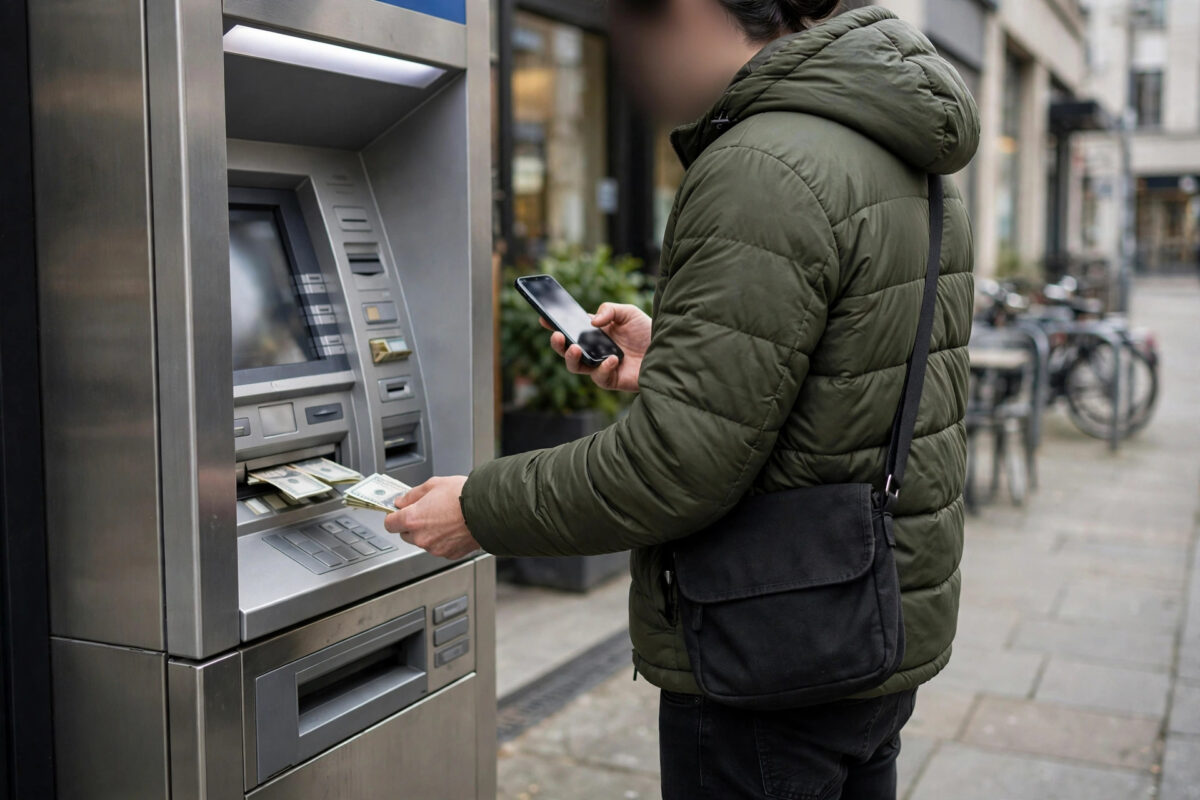
The most reassuring fact in any app outage: the piece of plastic in your wallet does not depend on the app. Card payments run through the card schemes’ own networks, and cash machines check balances through systems that are usually separate from the app’s servers. On the October outage day, plenty of people who could not open their banking app still paid for lunch and withdrew cash normally.
There are limits to know. Contactless has caps, and an ATM withdrawal cannot exceed your daily limit, so for a genuinely large payment you may still need the bank. But for food, fuel, transport, and a day or two of normal life, the card plus a modest cash buffer covers nearly everything.
Chip and PIN is the fallback inside the fallback: if contactless hiccups, inserting the card and using your PIN usually succeeds, because it forces a full authorisation. Memorising your PIN — rather than relying on viewing it in the app — is an outage-day superpower.
Other Doors Into the Same Account
An outage in the app does not always mean an outage everywhere. Try, in this order:
- The bank’s website on a computer or phone browser. App and web sometimes sit on different systems, and partial outages spare one or the other.
- Telephone banking. The number on the back of your card reaches automated services and staff who can check balances and, within security rules, move money.
- A branch. Old-fashioned and effective for anything urgent and large, with staff who can see the same incident notes you are living through.
- A second account or card. Money in another bank, a joint account, or a payment app with its own balance is untouched by your main bank’s bad day.
If you have no second account, today is the day to understand why people keep one. Opening a basic backup account afterwards — even one you keep nearly empty and top up monthly — converts the next outage from an emergency into a shrug. Our companion guide on how to check if your banking app is down or your account has a problem helps you confirm which kind of bad day you are having in the first place.
Paying Bills and People During the Outage
Direct debits and standing orders are processed by the bank’s back-end systems, not by your app, and they normally continue during app outages. The bills you set up last month do not need you to log in today, so do not double-pay them from another account in a panic.
For a person you owe money today, honesty plus a timestamp beats silence. Send a message explaining the outage — on a day when it leads the news, nobody doubts you — and pay the moment services return. If the payment was mid-flight when things failed, check its status after recovery before resending, to avoid paying twice. Guidance from MoneyHelper, the government-backed money guidance service, covers your rights and options when payments go wrong.
Safety Rules That Matter Most Today
Outages are a fraudster’s favourite weather. The scripts write themselves: texts saying your bank needs you to “verify to restore access,” calls from “the security team” asking you to move money somewhere safe while systems are repaired. Every one of them is a scam. Your bank will never ask you to move money to a safe account, reveal a full PIN or password, or log in through a link in a message.
During an outage, initiate every contact yourself: type the bank’s web address, use the number on your card, or walk into a branch. If a message creates urgency, that urgency is the tell. Money moved under panic is the hardest money to recover, and banks’ ability to help shrinks once you have authorised a payment to a criminal yourself.
Building Your Outage Kit for Next Time
None of this requires paranoia, just a small kit assembled on a calm day. A second account with a modest float. A physical card you actually carry. Your PIN memorised. A small amount of cash at home for the first hours of any disruption. The bank’s phone number saved in your contacts under its real name.
That kit, which takes an afternoon to assemble once, is the difference between reading outage headlines with interest and living them with dread. The October incident will not be the last shared-infrastructure failure; the prepared barely noticed it.
Common Mistakes to Avoid
- Assuming the app equals the account. Cards, ATMs, websites, phone banking, and branches are separate doors into the same money.
- Double-paying bills. Direct debits continue without your app. Check statuses after recovery rather than paying twice during it.
- Trusting outage-day messages. Every “restore access” link and “safe account” call is a scam. Contact the bank only through routes you initiate.
- Keeping everything in one bank. A single backup account is the cheapest resilience you will ever buy.
- Not knowing your PIN. If your PIN lives only inside the app, the outage locks your card’s best fallback too.
Conclusion
When the banking app goes down, your money mostly does not. Your card still pays, cash machines still dispense, regular bills still leave on schedule, and the bank can be reached by phone and in person. Add a backup account and a memorised PIN, refuse every suspicious message, and an outage becomes an interruption measured in hours rather than a crisis.
Frequently Asked Questions
Do direct debits still go out during an app outage?
Yes, in almost all cases. They are processed by the bank’s central systems, which are separate from the app. Your app being unable to display them does not stop them.
Can I withdraw cash if I cannot see my balance?
Generally yes. Cash machines run their own checks and usually work during app outages, within your normal daily limits. Keep the receipt so you can reconcile once the app returns.
A text says I must verify my account to restore access. Is it real?
Almost certainly not. Banks do not restore access through texted links. Delete it, and if you are worried, call the number on your card yourself.
I need to make a large payment today. What are my options?
Try the bank’s website first, then telephone banking, then a branch with ID. Staff can often process urgent payments through internal systems even while the app is down.
Is my money at risk of being lost in an outage?
No. Outages affect access and display, not the existence of your funds, which are recorded redundantly. Once services recover, check your transactions carefully and report anything genuinely wrong.



Leave a Reply