
VPN adverts are everywhere, promising total anonymity, military-grade protection, and freedom from every online threat. With claims that bold, it is fair to ask a simpler question: do you actually need one, and what does a VPN really protect in everyday use?
The honest answer is that a VPN is a useful, specific tool — not a magic shield. It does a couple of things very well, a few things partially, and several advertised things not at all.
This guide cuts through the marketing. You will learn exactly what travels through a VPN tunnel, who it hides you from, who it does not, and the situations where paying for one is genuinely money well spent.
Quick Answer
A VPN encrypts your connection and hides your activity from your internet provider and public Wi-Fi snoops, while masking your IP address from websites.
You need one most on untrusted Wi-Fi, for privacy from your provider, or to reach services while travelling. It does not stop viruses, phishing, or tracking by the sites you log into.
What a VPN Actually Does, in Plain English
Without a VPN, your device connects to websites through your internet provider. The provider can see which sites you visit, and each website sees your real IP address, which reveals your rough location and provider.
A VPN inserts an encrypted tunnel between you and a server run by the VPN company. Your provider now sees only scrambled traffic going to that server, and websites see the server’s IP address instead of yours.
That is the whole mechanism. Everything a VPN can and cannot do flows from those two changes: encryption on your local connection, and a different IP address presented to the wider internet.
What Gets Protected
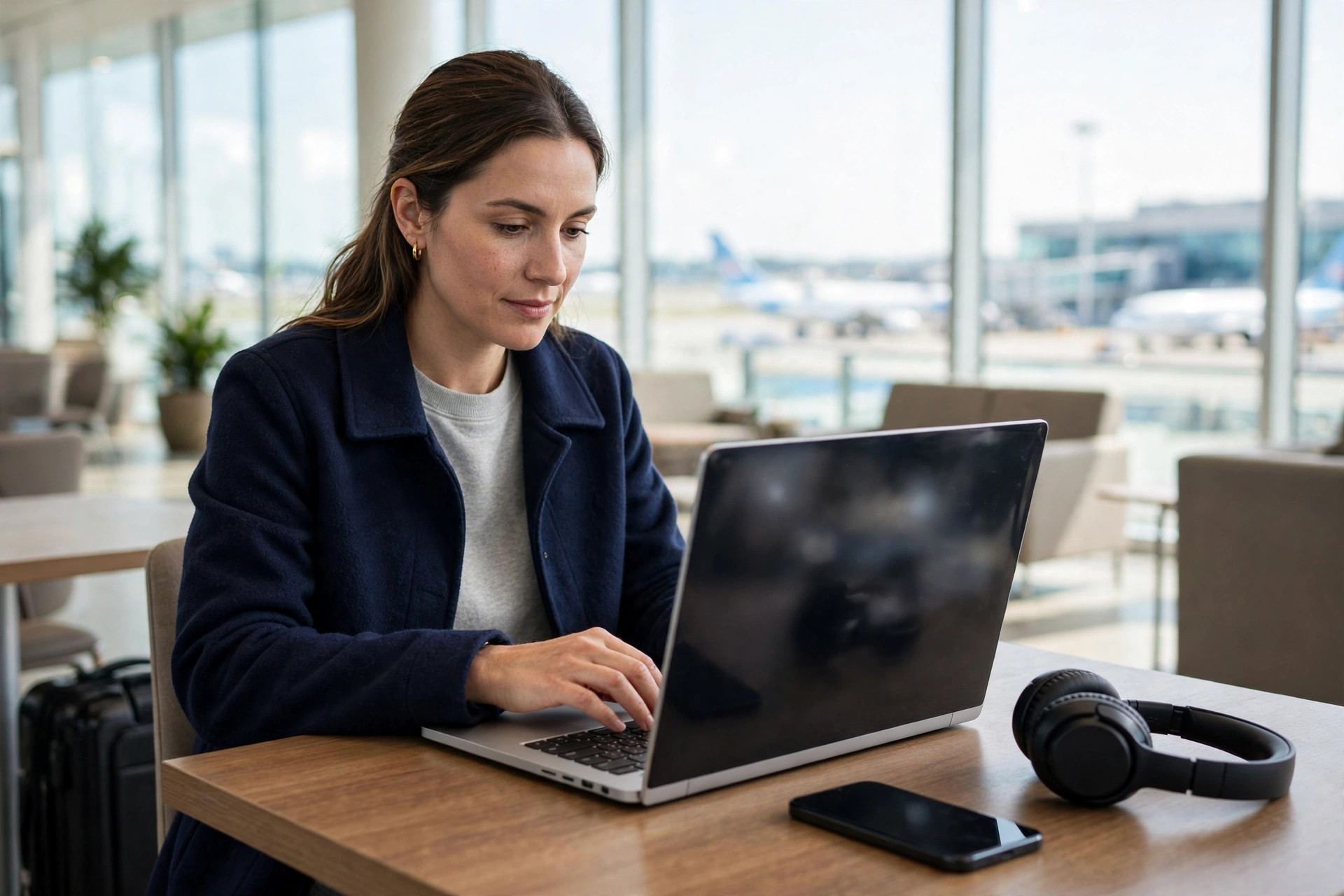
On public Wi-Fi in a café, hotel, or airport, encryption stops other people on that network from snooping on your traffic or attempting simple interception attacks. This is the VPN’s strongest, least debatable benefit.
At home, it prevents your internet provider building a detailed browsing profile for advertising or data sale. It also stops websites using your IP address alone to pinpoint your town or link visits across sessions.
What Does Not Get Protected
A VPN does not make you anonymous. If you log into Google, Facebook, or your bank, those services know exactly who you are, tunnel or no tunnel.
It does not block malware, fake login pages, or malicious downloads. It does not stop cookies and browser fingerprinting, which track you across sites even when your IP address changes.
Do You Really Need One? Honest Scenarios
Whether a VPN is worth paying for depends entirely on how and where you go online. Work through these common situations and see which sound like your life.
You Probably Benefit If You…
- Work regularly from cafés, trains, hotels, or airports on Wi-Fi you do not control.
- Travel and want to reach your usual banking, work, or streaming services without location blocks or fraud alerts.
- Want to stop your internet provider logging and profiling every site you visit.
- Use networks at school, work, or in shared housing where the network owner can monitor traffic.
- Download or upload sensitive work files outside the office as a freelancer or remote employee.
You May Not Need One If You…
- Browse almost entirely at home on your own secured network, visiting mainstream sites over HTTPS.
- Only expect protection from viruses or scams — an expectation no VPN can meet.
- Already use a trusted work VPN provided and managed by your employer for job tasks.
Many readers of our NetworkUstad privacy and security guides fall into the first group because of hybrid working. If that is you, a reputable paid VPN used consistently is a sensible purchase.
How to Choose a VPN Without Falling for the Marketing
The market is crowded, and the loudest advertiser is rarely the safest pair of hands. Judge providers on evidence, not slogans.
- Look for a clear no-logs policy backed by independent audits or a proven court record, not just a promise on a sales page.
- Check where the company is based and who owns it; ownership in this industry changes often and is not always disclosed prominently.
- Confirm it supports modern protocols such as WireGuard or OpenVPN, and offers a kill switch that blocks traffic if the tunnel drops.
- Make sure it works on all your devices at once under one subscription, including phones, tablets, and laptops.
- Prefer a paid service. Running secure servers costs money, and a free VPN usually earns it from advertising, data, or severe speed and data limits instead.
- Test it during the money-back period for speed, leaks, and reliability on the Wi-Fi networks you actually use.
The US Cybersecurity and Infrastructure Security Agency offers a useful reality check in its CISA guidance on choosing and using a VPN, including the point that you are shifting trust from your provider to the VPN company — not eliminating trust altogether.
Set Up and Use a VPN Correctly
- Install the official app from the provider’s website or your device’s app store — never from a random download site.
- Sign in, then open settings and turn on the kill switch before connecting for the first time.
- Enable auto-connect on untrusted Wi-Fi so protection starts without you remembering.
- Choose a server in your own country for everyday browsing to keep speeds high and avoid triggering bank security checks.
- Run a DNS leak test in your browser after connecting to confirm your requests travel through the tunnel.
- Keep the app updated, because VPN software is security software and old versions can carry fixed flaws.
If your connection drops or slows badly, try a different protocol in the app settings before blaming the provider. WireGuard is usually the fastest sensible default for modern services.
Free VPNs: The Real Cost
Free VPNs are tempting, especially when the paid marketing is so aggressive. Some free tiers from reputable paid providers are safe but limited in speed, data, and server choice.
Standalone free VPNs with no paid product are the risk. Research has repeatedly found free apps requesting excessive permissions, embedding trackers, or selling bandwidth and browsing data — the exact behaviour you installed a VPN to escape.
If money is tight, you may be better protected by skipping a VPN at home, using HTTPS everywhere, and saving the subscription for travel or public Wi-Fi heavy periods via a short monthly plan.
Common Mistakes People Make With VPNs
The biggest mistake is believing the adverts and dropping other defences. People click phishing links, reuse passwords, and skip updates because they feel protected — while the VPN watches, powerless, as they hand credentials to a fake site.
Another mistake is leaving the kill switch off. Without it, a dropped tunnel silently exposes your real connection mid-session, often on the public networks where protection matters most.
Logging into personal accounts and expecting anonymity is a third trap. A VPN hides your IP address; your account logins, cookies, and unique browser fingerprint still identify you to the services you use.
Finally, many people pick a provider purely on price or influencer discounts. A VPN sees everything you do, so trustworthiness matters more than a bargain. Choose boring, audited, and transparent over flashy.
Conclusion
So, do you really need a VPN? If you use public Wi-Fi, travel, work remotely, or dislike your provider profiling your browsing, then yes — a reputable paid VPN earns its small monthly cost.
If you browse mainly at home and expect a VPN to stop viruses and scams, save your money and invest effort in updates, unique passwords, and two-factor authentication instead.
Used with clear eyes, a VPN is a solid privacy tool. It encrypts your local connection and masks your address — valuable protections, as long as you remember where its protection ends.
Frequently Asked Questions
Will a VPN slow down my internet connection?
Slightly, because your traffic takes an extra encrypted hop. With a good modern provider and a nearby server, the drop is usually small enough that streaming and calls still work comfortably.
Is using a VPN legal?
VPNs are legal for personal and business use in the UK, US, and most of Europe, and millions of companies rely on them daily. A VPN does not make illegal activity legal, and a few countries restrict or ban their use, so check local rules when travelling.
Does a VPN stop my bank or Google tracking me?
No. Once you log in, a service knows your account regardless of your IP address. A VPN limits what your network provider and outsiders can see, not what the websites you deliberately use can record.
Can I leave a VPN on all the time?
Yes, and auto-connect is sensible on a phone that joins many networks. Watch for occasional issues with banking apps or local services, and split-tunnel those specific apps if your provider supports it.
What is the difference between a VPN and HTTPS?
As the overview of virtual private networks on Wikipedia explains, a VPN tunnels all your device traffic, while HTTPS encrypts only the connection between your browser and one website. They complement each other rather than replacing each other.



Leave a Reply