
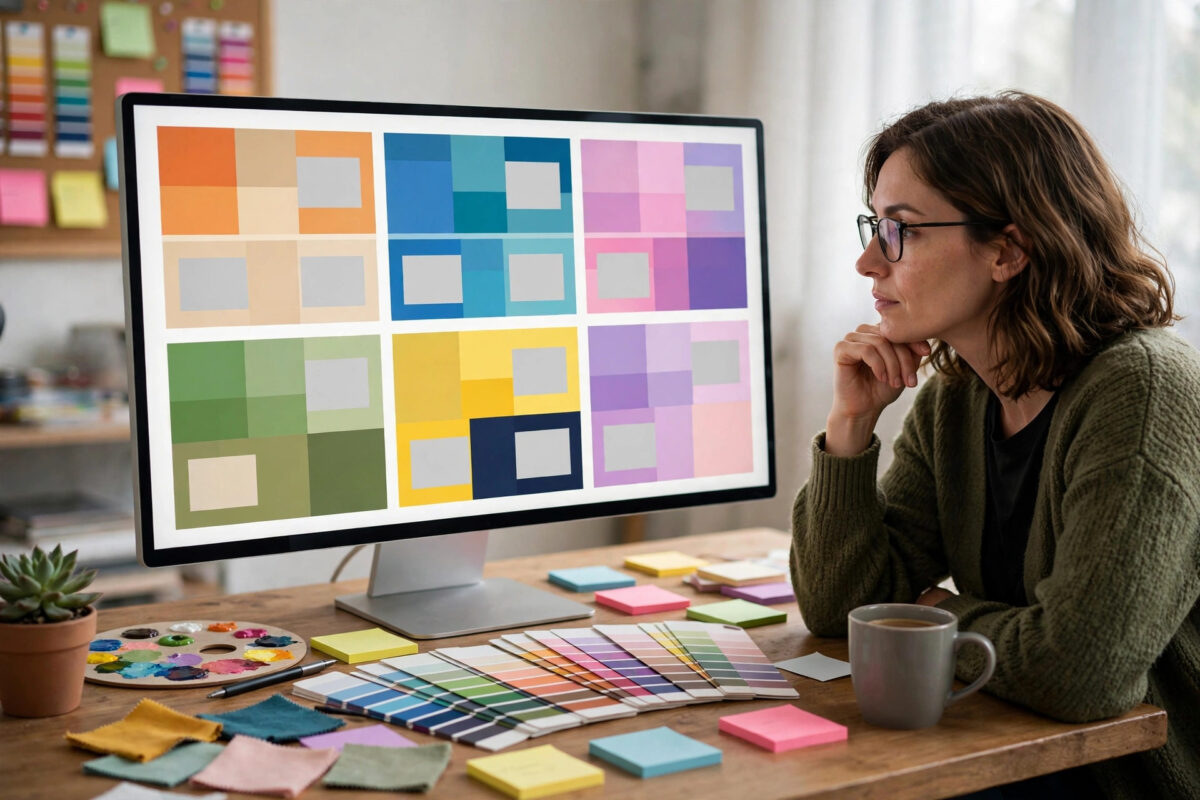
Your theme is your blog’s face: it controls how posts look, how fast pages load, and how easily readers can navigate on a phone. The WordPress theme directory holds thousands of free options, but quality varies wildly — some are fast, maintained, and beautifully coded, while others are abandoned, bloated, or quietly upsell walls. Choosing well at the start saves you a painful redesign later.
This guide lists the best free WordPress themes for blogs in 2026, explains what makes each one different, and gives you the checklist professionals use to judge any theme before installing it.
Quick Answer
The best free WordPress themes for a blog are Astra, GeneratePress, Neve, Kadence, and OceanWP for all-round quality and speed; Blocksy for modern design features; and WordPress’s own Twenty Twenty-Five if you want the default block-theme experience. All are free in the official WordPress theme directory, mobile-friendly, and regularly updated. For most new blogs, Astra or GeneratePress is the safest pick: fast, flexible, and free enough that most users never need the premium versions.
What to Look For in a Free Blog Theme
- Speed: A lightweight theme loads in a fraction of the time of a feature-stuffed one. This affects both readers and Google rankings.
- Regular updates: Check the “Last updated” date. A theme untouched for over a year is a security and compatibility risk.
- Active installs and ratings: Hundreds of thousands of users plus a 4.5+ star rating signals a theme that works in the real world.
- Responsive design: It must look right on phones, where most blog traffic now arrives.
- Customizer-friendly: You should be able to change colours, fonts, and layouts without code.
- Honest free version: The free tier should produce a complete, good-looking blog — not a demo that forces an upgrade for basic features like a logo.
Every theme below is available from the official WordPress theme directory, which reviews each one for basic quality and security standards — always download themes from there or the developer’s own site, never from random “free premium themes” sites, which are a notorious source of hidden malware.
The Best Free WordPress Themes for Blogs
1. Astra — best all-rounder for beginners
Astra is one of the most installed themes in WordPress history for good reason: it’s extremely lightweight (under 50 KB of resources, no jQuery), loads fast, and works smoothly with the block editor and page builders. The free version includes multiple blog layouts, header options, and colour controls that are genuinely enough for a polished blog. If you don’t want to think hard about this decision, pick Astra.
2. GeneratePress — best for speed purists
GeneratePress takes minimalism even further: a tiny footprint, clean code, and accessibility built in. The free version looks plain out of the box but is a dream for anyone who values performance and stability above built-in glitz. Bloggers who care about Core Web Vitals scores love it. Its premium version adds a powerful site library, but the free core is complete and honest.
3. Neve — best modern look out of the box
Neve (by Themeisle) gives you a contemporary, mobile-first design with a flexible header and footer builder in the free version — drag-and-drop rows for your logo, menu, and buttons. It’s fast, AMP-friendly, and its starter sites can be imported in minutes for a professional-looking blog immediately.
4. Kadence — best free features
Kadence packs surprising power into its free tier: a header/footer builder, smart layout controls, and deep integration with the block editor, including its companion Kadence Blocks plugin. If you want design flexibility without paying, Kadence is possibly the most generous free theme available right now.
5. OceanWP — best for feature-hungry blogs
OceanWP is a long-standing favourite with extensive free options and excellent WooCommerce support if you later add a shop. It’s slightly heavier than Astra or GeneratePress, but in exchange you get more built-in features and free extensions. A good choice if your blog may grow into something bigger.
6. Blocksy — best modern design
Blocksy is a newer, block-editor-native theme with a slick customizer, live preview of everything, and design details (hover effects, reading progress, smart sidebars) that make blogs feel premium. Its free version is generous, and it’s built for speed despite the polish.
7. Twenty Twenty-Five — best official default
WordPress’s own default theme is a full block theme: every part of the site — header, footer, templates — is editable with blocks under Appearance → Editor. Zero cost, zero bloat, guaranteed compatibility. It demands a little learning if you’re used to the classic Customizer, but it’s where WordPress itself is heading.
How to Install and Test a Theme Safely
- Go to Appearance → Themes → Add New, search the name, click Install, then Activate.
- Open the Customizer (Appearance → Customize) and set your logo, colours, and menu.
- Check three pages on your phone: the homepage, a single post, and any page with a form or table. Most theme problems are mobile problems.
- Run your homepage through PageSpeed Insights to confirm the theme is as fast as promised.
- Delete themes you’re not using. Keep only your active theme plus one default theme as a fallback — extra installed themes are just update-and-security chores.
Since most of your readers will judge the theme on a phone screen, pair this choice with the checks in our guide on making your website mobile-friendly — layout, tap targets, and readable text matter as much as the desktop view.
Common Theme Mistakes to Avoid
- Downloading “free” premium themes from random sites: Pirated themes commonly contain hidden spam links or backdoors. Official directory or the developer — no exceptions.
- Choosing by screenshot alone: A gorgeous demo often relies on paid plugins and professional photography. Check speed, reviews, and update history instead.
- Picking a theme stuffed with sliders and animations: They look impressive in demos and punish your load times forever.
- Ignoring the last-updated date: Abandoned themes break as WordPress evolves and become security holes.
- Hard-coding customizations into a theme you might switch: keep notes of your changes, and prefer Customizer settings and child themes so a theme change isn’t a rebuild.
Free vs Premium: When Is Upgrading Actually Worth It?
Every theme on this list sells a premium upgrade, and the honest answer is that most bloggers never need it. Upgrade only when you hit a specific wall: you need a header layout the free version can’t build, you want the theme’s full library of starter sites, or premium support would genuinely save you billable hours. Design taste alone isn’t a wall — with the Customizer, a page-builder-free block pattern library, and a little patience, the free versions of Astra, Kadence, and Blocksy produce blogs that visitors cannot distinguish from premium builds. Spend your first year and your first money on content and email tools; the theme upgrade will still be there when a real limitation appears, and by then you’ll know exactly which feature you’re paying for.
Conclusion
For most blogs, the decision is simple: Astra for the easiest all-round start, GeneratePress for maximum speed, Kadence or Blocksy for design flexibility, Neve for a modern look in minutes — all free, all from the official directory, all actively maintained. Install one, set it up properly, and then stop theme-shopping and start writing: readers return for content, and a fast, clean, mobile-friendly theme simply gets out of its way.
Frequently Asked Questions
Are free WordPress themes safe to use?
Yes, if you download them from the official WordPress.org theme directory or the developer’s own website — those are reviewed and updated. The danger is pirated “free premium” themes from random sites, which often contain malware.
Which free WordPress theme is the fastest?
GeneratePress and Astra are consistently among the fastest, with tiny page weights and no jQuery dependency. Twenty Twenty-Five is also very light. Real-world speed still depends on your hosting and images.
Can I change my WordPress theme later without losing content?
Yes. Posts, pages, and media stay intact when you switch themes. Layout settings, widget placements, and theme-specific features may need redoing, which is why picking a solid theme early saves effort.
Do I need the premium version of a free theme?
Most bloggers don’t. The free versions of Astra, GeneratePress, Kadence, and Blocksy build complete, professional blogs. Upgrade only when you hit a specific limitation you actually need removed.
How many themes should I keep installed?
Two: your active theme and one official default theme (like Twenty Twenty-Five) as a troubleshooting fallback. Delete the rest — unused themes still need security updates.



Leave a Reply