
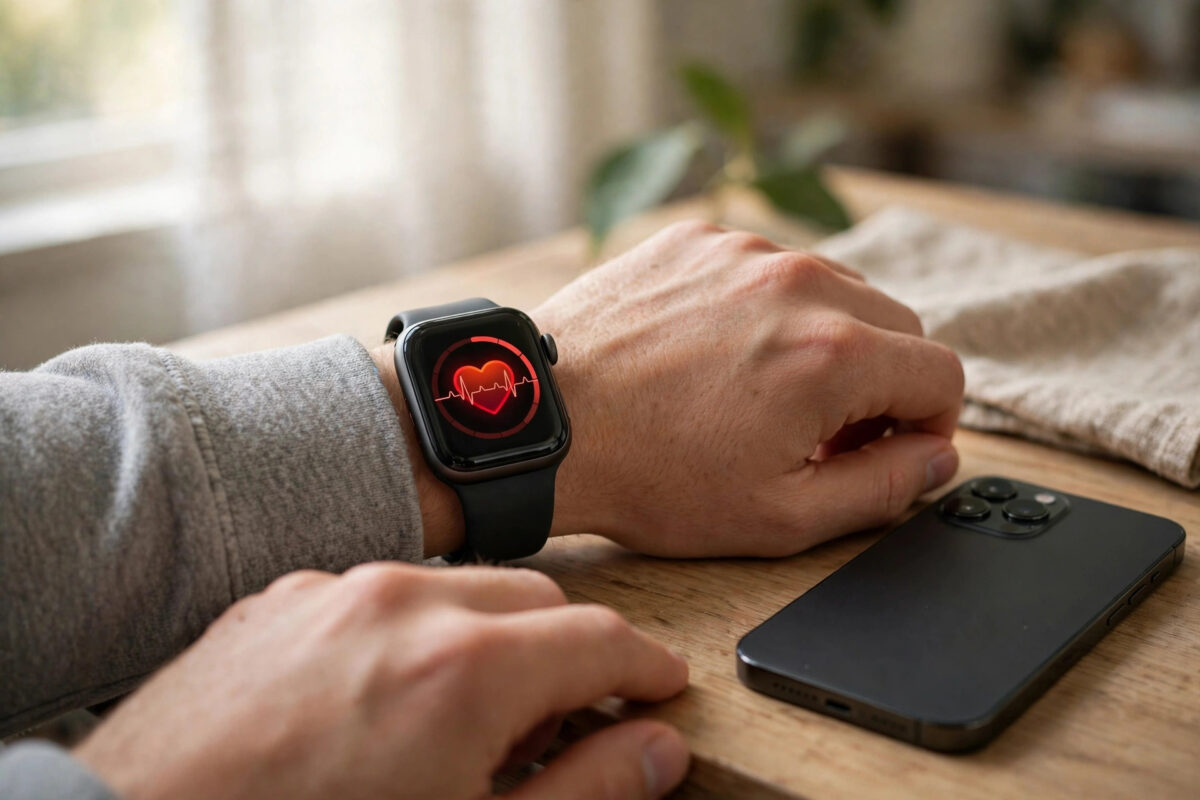
The ECG app is one of the most talked about health features on Apple Watch, so it is frustrating when you open your watch and the app is simply not there. You may have seen videos of people taking an electrocardiogram in thirty seconds, yet on your own watch there is no icon, no setup screen, and no clear explanation. This problem is very common, and in most cases your watch is not broken at all.
The reason usually comes down to where you live, where the watch was bought, and how local health rules work. This guide explains why the ECG app can be unavailable in your country, how to check the status for your exact model, and what you can and cannot do about it.
Quick Answer
The Apple Watch ECG app is unavailable in many countries because it is classed as a medical feature and needs approval from local health regulators before Apple can turn it on. Availability depends on your country or region, your Apple Watch model, and the region settings linked to your purchase. You can check by looking for the ECG app on your watch, opening the Health app on iPhone under Heart, and checking Apple’s official feature availability list for your country.
What the ECG App Actually Does
The ECG app uses the electrical heart sensor in supported models to record the timing and strength of the electrical signals that make your heart beat. It creates a single-lead electrocardiogram, similar to a basic lead I ECG in a clinic, though it is not a replacement for a full medical test.
Which Models Support ECG
Not every Apple Watch can run the ECG app, even in a supported country. You generally need one of these models:
- Apple Watch Series 4, Series 5, Series 6, Series 7, Series 8, Series 9, Series 10, and later full-size models with the electrical heart sensor
- Apple Watch Ultra and Ultra 2, which also include the sensor
Apple Watch SE models do not have the electrical heart sensor, so the ECG app cannot run on them anywhere. If you own an SE, the missing app is a hardware limit, not a country limit.
What the App Can and Cannot Tell You
When it works, the app can check for signs of atrial fibrillation, often called AFib, and record a normal sinus rhythm at the moment of the test. It cannot detect a heart attack or every heart problem. Always talk to a doctor about symptoms, no matter what the watch says. This limited purpose is why regulators treat it as medical software.
Why the ECG App Is Blocked in Some Countries
Unlike a step counter or a timer, an ECG feature makes a medical claim. Because of that, Apple must get clearance country by country, and the process is slow and detailed.
Medical Regulation and Approval
Each country has its own health authority. In the United States it is the Food and Drug Administration, in Europe there are medical device rules that apply across member states, and many other countries run their own review. Apple has to submit evidence, explain how the sensor and software work, and show who the feature is for. Until that approval is granted and Apple enables the feature for that region, the app stays hidden.
Availability can change over time. A country that did not support ECG two years ago may support it now after approval. Even a nearby country can be on a different timeline.
Region Is Based on More Than Your Current Location
Many people assume travelling to a supported country or changing the region in Settings will unlock the app. In practice, Apple ties availability to the country where the watch was purchased and to approval for that market, along with your iPhone region. Flying abroad, using a VPN, or switching your App Store country does not reliably enable it.
If you bought a watch abroad and then moved home, the feature may never activate. Imported models from unofficial sellers cause the same issue.
How to Check If ECG Is Available for You
Before you reset anything or contact support, run through these checks in order. They take only a few minutes and will tell you whether the problem is region, model, or setup.
- Confirm your model. On iPhone, open the Watch app, tap General, then About, and note the model name. Make sure it is not an SE if you expect ECG.
- Update everything. Install the latest watchOS on your watch and the latest iOS on your iPhone, because feature rollouts are tied to software versions.
- Look for the app. Press the Digital Crown on your watch to see all apps and search for ECG. Also check if it was removed from the home screen by accident.
- Check on iPhone. Open the Health app, tap Browse, tap Heart, and look for Electrocardiograms and a Set Up option. If setup is offered, follow the steps and enter your date of birth, as the app is limited to adults aged 22 and over in many regions.
- Check Apple’s list. Visit Apple’s official availability page to see if ECG is listed for your country for your watch generation.
- Check your region settings. On iPhone, go to Settings, General, Language and Region, and confirm the region matches the country where you live and bought the device.
For the official detail, read Apple’s guide to taking an ECG with the ECG app on Apple Watch, which lists the requirements and limits in plain language. You can also use Apple’s instructions for checking heart health features on Apple Watch if you want to compare ECG with irregular rhythm notifications, which have separate availability.
ECG vs Irregular Rhythm Notifications: An Important Difference
People often mix up two features. The ECG app is an on-demand test you start by touching the Digital Crown for thirty seconds. Irregular rhythm notifications work in the background and can alert you if signs of AFib are spotted over time.
They do not have identical country lists. Your country might support background notifications but not the ECG app, or the other way around. If you are troubleshooting, check each feature separately in the Health app. Similar confusion happens with other sensors, which is why guides such as the one on fixing an Apple Watch heart rate reading that is greyed out during workouts focus on one sensor problem at a time.
Age and Health Setup Limits
Even in a supported country, the app will not set up if your Health profile birth date makes you under 22. Check that date is correct. A wrong year is a common cause of a missing setup button.
What to Do If Your Country Is Not Supported
If the checks show your country is not on the supported list, be honest about your options. There is no safe, official switch to force the app on.
- Wait for approval and keep software updated, as Apple adds countries in batches when clearance arrives.
- Use the features you do have, such as heart rate tracking, Cardio Fitness, irregular rhythm notifications if available, and workout tracking.
- Talk to a clinician if you have symptoms. A clinic ECG is far more complete than a single-lead watch recording and is available regardless of app support.
- Be careful with second-hand imports. If ECG matters to you, buy your next watch from an authorised seller in your own country and confirm the model before paying.
Do not install profiles or paid unlocking services that promise to enable ECG anywhere. They can break updates and put your health data at risk.
Common Mistakes to Avoid
- Changing region repeatedly: Switching your iPhone region to another country can break App Store purchases, subscriptions, and payment methods without unlocking ECG.
- Assuming a VPN helps: ECG availability is not based on your internet address, so a VPN does not change the regulatory region of the watch.
- Buying the wrong model: Purchasing an SE and expecting ECG leads to disappointment. Always check for the electrical heart sensor.
- Resetting the watch first: Erasing and re-pairing will not add a feature that is not approved for your market, and it wastes time restoring apps and cards.
- Trusting unofficial sellers: A cheap imported watch may be locked to another market for medical features, even if everything else works.
Conclusion
If the ECG app is missing, the feature has probably not been approved for your country and model yet. Check your model, update your software, look in both apps, and confirm your country on Apple’s list. If your region is not supported, use the heart features you do have and rely on proper medical care for any concerns.
Frequently Asked Questions
Can I enable the ECG app by changing my iPhone region to the US or UK?
No, changing the region alone does not reliably enable ECG and Apple does not support it as a workaround. Availability is tied to regulatory approval and the watch’s original sales region, and changing regions can cause problems with purchases and subscriptions.
Will travelling to a supported country unlock the ECG app?
Usually not on its own. A short trip does not change where your watch was sold or your account region. Some users who permanently move and change all account details see changes later, but there is no guaranteed travel unlock.
Why does my friend with the same watch have ECG and I do not?
You may have different purchase countries, different models, different ages in the Health profile, or different software versions. Compare model name, purchase country, and watchOS version first, as one of those is almost always different.
Is the ECG app available on Apple Watch SE?
No. The SE range does not include the electrical heart sensor needed for ECG recordings, so the app cannot run on SE models in any country.
Where can I find the official list of supported countries?
Apple maintains a feature availability page that lists ECG and other heart features by country and model. Check that page and the Health app on your own iPhone, as those two sources reflect your actual setup best.
Leave a Reply