
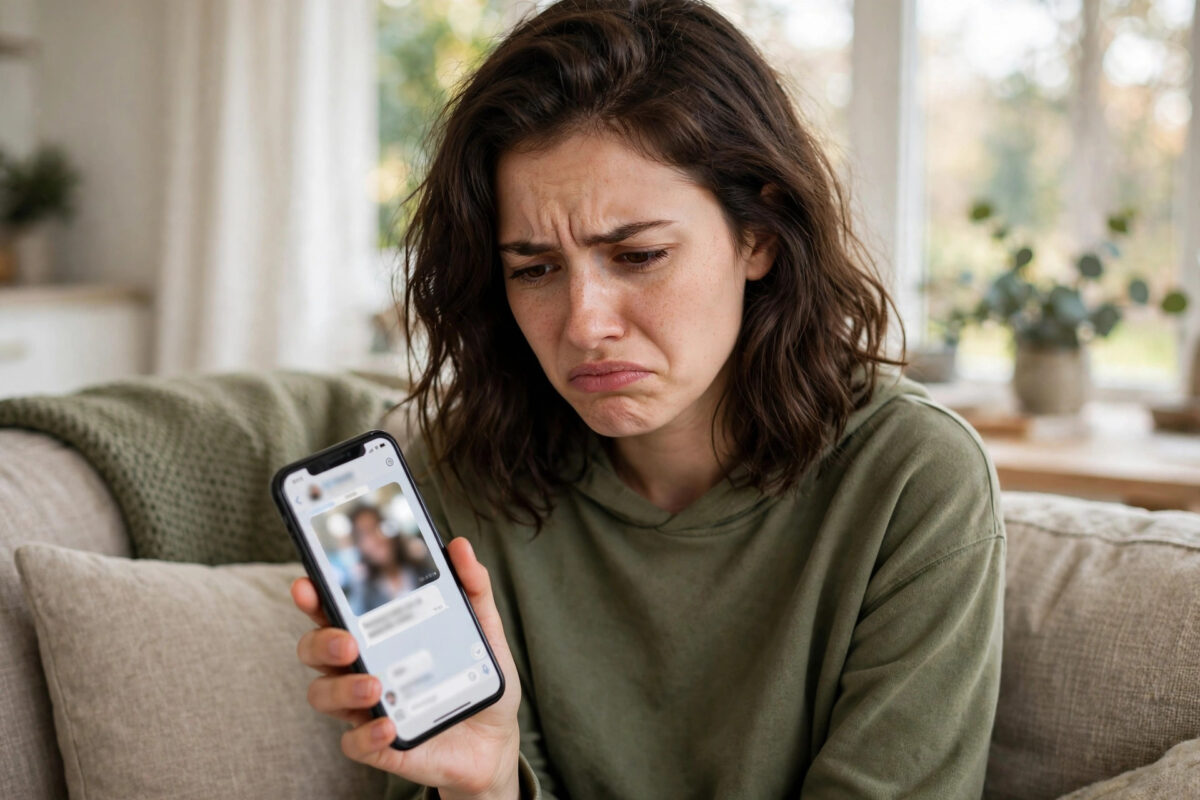
It is a strange problem. You can message everyone else on TikTok without trouble, but messages to one specific friend will not send. They sit unsent, show an error, or seem to disappear. Because it only happens with one person, it is easy to assume you have been blocked, but that is often not the case.
When a problem affects just one conversation, the cause is usually tied to that friendship, that chat thread, or that friend’s settings. Privacy choices, follow status, age limits, a corrupted chat, or a safety filter can all stop messages to a single person while everything else works fine. This guide walks you through the checks in the right order.
Quick Answer
If TikTok messages will not send to one specific friend, first check that you follow each other and that neither of you has blocked or restricted the other. Ask your friend to check their message privacy settings and to allow messages from friends. Then restart the chat by updating the app, clearing the cache, and starting a fresh conversation. If a link or word triggered a filter, try a short plain text message to test.
Why Messages Fail With Only One Person
TikTok direct messages have more rules than many people realise. Unlike a normal text message, a TikTok message depends on follow relationships, privacy settings on both accounts, age, and safety systems. A change on your friend’s side can break your chat even if you changed nothing.
Common Causes for a Single-Chat Failure
- Your friend changed who can message them
- One of you unfollowed the other, and settings only allow messages from mutual followers
- Your friend blocked, restricted, or muted the conversation by accident
- The chat thread itself is corrupted after an update
- A message containing a link, phone number, or flagged word was filtered for safety
- One account is under 16 or has messaging limited by age rules
- Your friend deactivated, deleted, or changed their username
Reinstalling the app will not help if your friend’s privacy setting is the cause. Work through both sides step by step.
Step 1: Check the Basics With That Friend
Start with simple checks you can do in under a minute. They rule out the most embarrassing and most common causes.
- Open your friend’s profile and confirm the account still exists and the username is correct.
- Check that you are still following them, and ask them, through another app if needed, to confirm they still follow you.
- Try viewing their latest video and liking it. If you cannot see their content at all, you may be blocked or their account may be private in a way that excludes you.
- Send a very short test message such as hello, with no links, emojis, or attachments.
- Try sending a message to a different friend to confirm your messaging works generally.
If the short test message sends but a longer one does not, the content itself is likely being filtered. If nothing sends at all to this one person, move on to privacy and block checks. More general messaging help is covered in our guide on fixing TikTok direct messages that are not working for problems that affect all chats.
Step 2: Check Block and Restrict Status on Both Sides
Accidental blocks happen more often than people admit. A tap in the wrong menu, a child playing with a phone, or a frustrated tap during an argument can block someone without either person realising the full effect.
- Go to Settings and privacy, then Privacy, then Blocked accounts.
- Check whether your friend appears on your blocked list. If they do, unblock them.
- Ask your friend to do the exact same check on their account.
- Remember that after unblocking, you may need to follow each other again before messaging works.
- Wait a few minutes after unblocking, then restart TikTok and try again.
Also check whether the conversation was reported. If so, TikTok may limit messaging between you while it reviews the report, and you will need to wait for that review to finish.
Step 3: Review Message Privacy Settings Together
This is the fix that solves the problem most often. TikTok lets each person choose who can send them direct messages, and a single change here breaks individual chats.
- On your phone, go to Settings and privacy, then Privacy, then Direct messages.
- Check who is allowed to message you. For testing, friends or followers you follow back are the key groups.
- Ask your friend to open the same screen on their phone and check their setting.
- If your friend is set to No one, messages from everyone, including you, will fail.
- If they are set to Friends only, make sure you are mutual followers, because TikTok counts friends as people who follow each other.
- After any change, both of you should close and reopen TikTok before testing again.
The official options are explained on the TikTok Support page for direct messages, including the age limits that apply. Note that users under 16 cannot use direct messages, and accounts aged 16 to 17 have tighter default settings. If your friend recently corrected their birth date, their messaging access may have changed as a result.
Step 4: Fix a Corrupted or Stuck Chat Thread
If settings on both sides look correct, the conversation itself may be stuck. This often happens after a major app update or if one of you changed username recently.
- Update TikTok from your app store, and ask your friend to update too.
- Go to Settings and privacy, then Free up space, and clear the cache.
- Restart your phone fully. Do not just close the app.
- Open the inbox, find the problem conversation, and try sending again from inside that thread.
- If it still fails, start a new message by going to your friend’s profile and tapping the Message button there, rather than using the old thread.
- As a last test, log out of TikTok, log back in, and try once more.
Only delete the thread if you have tried the steps above and do not need the old messages. Take screenshots of anything important first.
Step 5: Check if Your Message Content Is Being Filtered
TikTok filters messages to protect users from scams and spam. Links, contact details, and certain phrases can be blocked automatically, sometimes without a clear error. The chat looks fine for normal words but fails for specific content.
- Links to external websites, especially shortened links
- Phone numbers, email addresses, and payment details
- Repeated identical messages sent quickly to many people
- Words linked to scams, adult content, or regulated goods
- Photos or videos that break community rules
Test by sending three separate short messages: a plain greeting, a normal sentence about your day, and only then the content you originally wanted to share. If the first two send, your chat is fine and the original content is the issue. Rewrite it in your own words without links or contact details. Safety rules behind these filters are described in the TikTok Community Guidelines on integrity and authenticity.
Common Mistakes to Avoid
- Assuming you are blocked straight away: Privacy settings and unfollows cause this problem far more often than a deliberate block.
- Sending the same failed message repeatedly: Rapid retries can look like spam and trigger a temporary messaging limit on your whole account.
- Using a second account to bypass a block: If someone has chosen to block you, respect that choice. Using another account to contact them can break TikTok rules.
- Sharing personal contact details to get around a filter: The filter exists for safety. Move to a platform you both already use instead of forcing details through TikTok.
- Only checking your own settings: This problem needs both sides checked. Your settings can be perfect while your friend’s setting blocks you.
Conclusion
When TikTok messages fail for just one friend, think about that relationship and that chat, not the whole app. Confirm you still follow each other, check blocked lists on both phones, review direct message privacy together, and refresh the chat thread by updating and clearing the cache. Test with a short plain message to rule out content filters. In most cases, one of these checks restores the conversation in minutes, with no need for drastic steps.
Frequently Asked Questions
How can I tell if my friend blocked me on TikTok?
If you are blocked, you usually cannot see their profile content, follow them, or message them. However, a private account or a deleted account can look similar. The only respectful approach is to accept the limit if messaging and viewing both stop. Do not create other accounts to check or contact them.
Why can my friend message me but I cannot reply?
This one-way problem usually points to your friend’s privacy setting or a follow mismatch. They may be able to start chats because of how they found you, while replies are limited by who can message them. Check that you follow each other and that their direct message setting includes friends.
Do TikTok message requests affect this problem?
Yes. If you are not mutual followers, your message may land in message requests instead of the main inbox, and your friend may never see it. Ask them to check their requests folder. Once they accept and you follow each other, future messages should go directly to the inbox.
How long does a TikTok messaging limit last?
A temporary limit from sending too many messages or a safety review can last from a few hours to several days, depending on the reason. Stop retrying during the limit, because repeated attempts can extend it. If messaging to everyone fails for more than 48 hours with no warning shown, report the problem in settings.
Will deleting and reinstalling TikTok fix a single-chat problem?
Only if the cause is a corrupted app install on your phone. It will not change your friend’s privacy settings, a block, or an age limit. Try updating, clearing the cache, and restarting first, and save any drafts before reinstalling, as drafts stored on the device can be lost.



Leave a Reply