
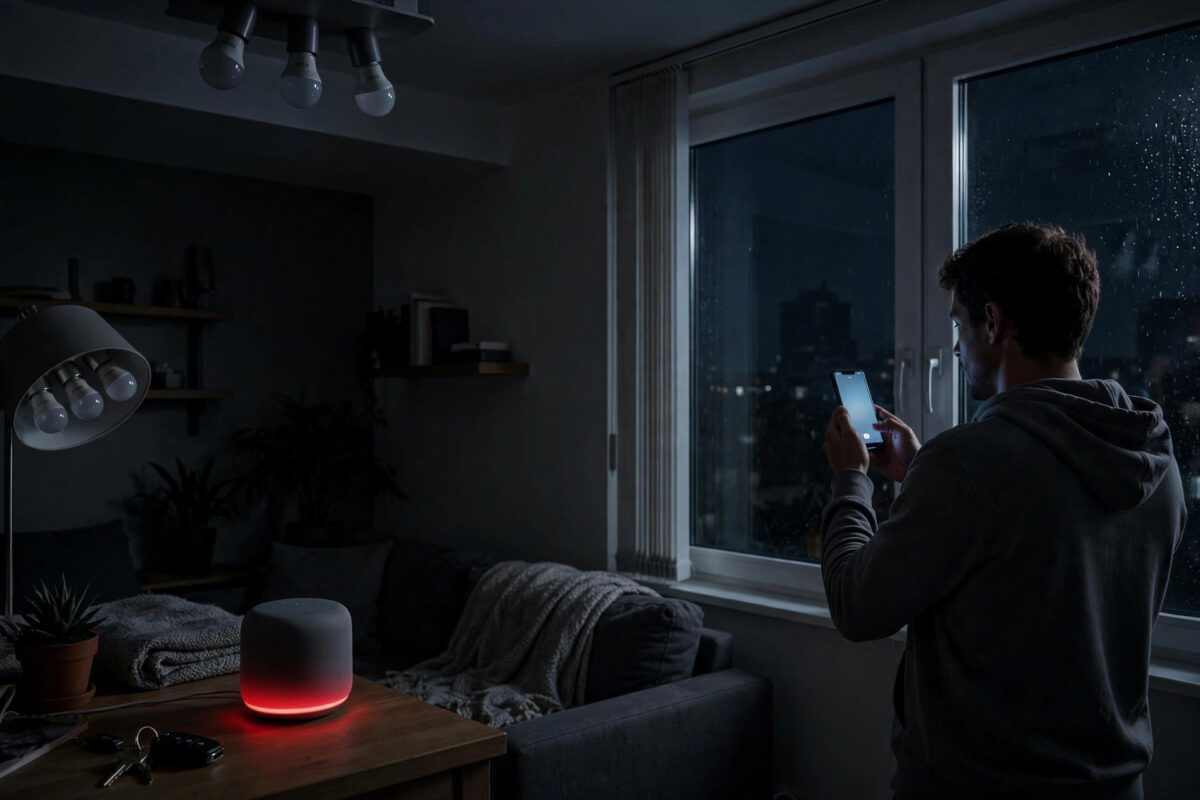
The broadband drops at 9pm, and suddenly your house goes stupid. Voice assistants stare blankly, the smart lights ignore the app, the doorbell shows offline, and even the thermostat seems to have forgotten the schedule. Nothing is broken — yet almost nothing works.
This is not bad luck or cheap gadgets. It is architecture. Most smart home devices were designed cloud-first, which means the command you give in your hallway travels to a data centre — sometimes on another continent — and back before a single bulb lights up.
Understanding which devices depend on the internet, which only pretend to, and how to build local control back into your home turns an outage from chaos into a minor inconvenience.
Quick Answer
Most smart home devices stop working during an internet outage because their apps, voice control and automations run in the manufacturer’s cloud, not in your home. When the connection drops, your Wi-Fi network still works locally, but cloud-dependent devices cannot be reached or controlled. Devices using local protocols like Zigbee, Z-Wave or Matter over Thread with a local hub keep working.
What Actually Happens When Your Internet Drops
Your home network and the internet are two different things. When broadband fails, your router usually keeps the local Wi-Fi network alive — devices can still talk to each other inside the house. What dies is the bridge to outside servers.
The Cloud Round Trip Behind a Simple Command
When you tap a light in most manufacturer apps, the command leaves your phone, crosses the internet to the vendor’s cloud, gets processed against your account, and is sent back down your broadband line to the bulb. Break any link in that chain and the bulb never hears a word. This design is cheap for manufacturers and great for controlling your home from abroad — but it makes a £9 bulb dependent on a server in another time zone.
Why Voice Assistants Fail First
Voice assistants are the most cloud-dependent devices you own. Speech recognition runs on remote servers because the processing is far too heavy for the speaker itself. No internet means no understanding at all — most assistants cannot even set a timer offline, although newer models handle a handful of basic commands like alarms locally. If Alexa or Google Assistant is your only way of controlling lights, an outage removes your light switches entirely.
Which Devices Keep Working — and Which Do Not
The divide follows the protocol. Knowing yours predicts exactly how your home behaves in an outage.
Usually Dead Without Internet
Cloud-only Wi-Fi devices suffer most: budget Wi-Fi bulbs and plugs controlled solely through a vendor app, most video doorbells for live viewing and notifications, Wi-Fi cameras that record only to cloud storage, and smart speakers as control points. Many of these devices do keep dumb functions — a smart plug still passes power, a bulb still works from the physical wall switch — but all smart features vanish.
Usually Still Working
Devices on local mesh protocols behave very differently. Zigbee and Z-Wave bulbs, sensors and switches paired to a hub inside your home — such as Hubitat, Home Assistant, or a SmartThings hub with local execution — continue running automations because the hub does the thinking on site. Philips Hue lights keep working through the Hue Bridge locally, including the app on your home network and physical Hue switches. Matter over Thread devices with a local border router similarly survive, which is a core design goal explained in the overview of the Matter standard on Wikipedia.
Simple non-cloud kit also shines during outages: programmable thermostats hold their schedule internally, and anything with a proper manual override still works the old-fashioned way. Our guide to setting up a reliable smart home network shows how separating smart devices onto their own network segment makes troubleshooting these failures far easier.
How to Make Your Smart Home Survive an Outage
You cannot stop broadband failures, but you can decide in advance how much of your home they are allowed to take with them.
- Audit your devices. List every smart device and note its app and protocol. Anything Wi-Fi-only and cloud-controlled goes on your vulnerable list.
- Keep physical controls. Never remove the wall switch for smart lighting, and choose bulbs and fittings that default to on after a power cut. Every essential light should work with no network at all.
- Move core automations to a local hub. Platforms like Home Assistant run rules on a small computer in your home, so motion lighting, heating schedules and security alerts keep working offline.
- Favour Zigbee, Z-Wave or Thread for replacements. When a cloud-dependent device dies, replace it with a local-protocol equivalent that pairs to your hub instead of a distant server.
- Set a static local routine for heating. Your thermostat should hold a sensible schedule stored on the device itself, so the house stays warm even if the app is unreachable for a day.
- Add a backup connection if the stakes are high. A 4G or 5G failover router automatically switches your home onto mobile data during an outage, keeping cloud devices alive. For homes with alarms, medical devices or home workers, this £15 to £25 a month is often justified.
- Test it. Pull the broadband cable for ten minutes one evening and walk the house. You will learn more in that test than from any product description.
The Hidden Role of DNS and Router Failure
Sometimes the internet is not down at all — your router’s DNS handling has failed, so devices cannot translate service names into addresses and everything reports offline. A reboot fixes it, which is why outages seem cured by switching things off and on.
True router failure is worse: if the router itself dies, the local network dies with it, and even local-hub systems lose their backbone unless the hub is wired and the switch stays powered. A small uninterruptible power supply keeping the router, ONT and hub alive for 30 to 60 minutes covers most power cuts, which cause more smart home failures than broadband faults do. The Ofcom resources on broadband reliability can help you judge whether repeated provider outages justify switching or claiming compensation.
Common Mistakes to Avoid
The biggest mistake is building a home where a cloud account is a single point of failure — lights, heating and locks all behind one app and one password. When that vendor has an outage, and major platforms have suffered several-hour cloud failures, your house fails with millions of others.
Second is removing physical switches or wiring smart bulbs so they only respond to voice. Guests, children and future-you during an outage all need a switch that just works.
Third is assuming a new device is local because it was expensive. Price does not equal architecture — check the protocol and whether automations are advertised as local execution before buying, especially for security devices you genuinely depend on.
Conclusion
Your smart home stops working when the internet drops because most of it was never really in your home — the brains live in the cloud, and your broadband line is the leash. Devices built on local protocols and hubs prove a better model exists.
You do not need to rebuild everything. Keep physical controls, move the automations that matter to local control, buy local-protocol devices from now on, and test with the cable pulled. The next outage then becomes what it should be: no Netflix for an hour, in a house that still lights, heats and locks exactly as it should.
Frequently Asked Questions
Does my Wi-Fi still work when the internet is down?
Yes, usually. Your router keeps the local network running, so devices can communicate inside the home and local-hub systems keep working. What you lose is anything that needs to reach servers outside your home.
Why do my smart lights still work from the wall switch?
Most smart bulbs default to behaving like ordinary bulbs when power is toggled at the switch. That is a deliberate fallback. You lose dimming, colour and app control, but basic light remains — which is exactly how it should be designed.
Which smart home system works best without internet?
Local-first platforms such as Home Assistant and Hubitat, driving Zigbee, Z-Wave or Thread devices, offer the strongest offline performance. Philips Hue with its bridge is also notably resilient for lighting.
Will a mobile broadband backup fix everything?
A 4G or 5G failover connection restores the cloud path, so even cloud-dependent devices work again. It adds a monthly cost and mobile speeds vary, but as an automatic backup it is the simplest complete solution.
Can a video doorbell work without internet?
Limited. The chime and button usually still function, but live video, phone notifications and cloud recordings need a connection. Some models with local recording to a home hub retain more function during outages.



Leave a Reply