
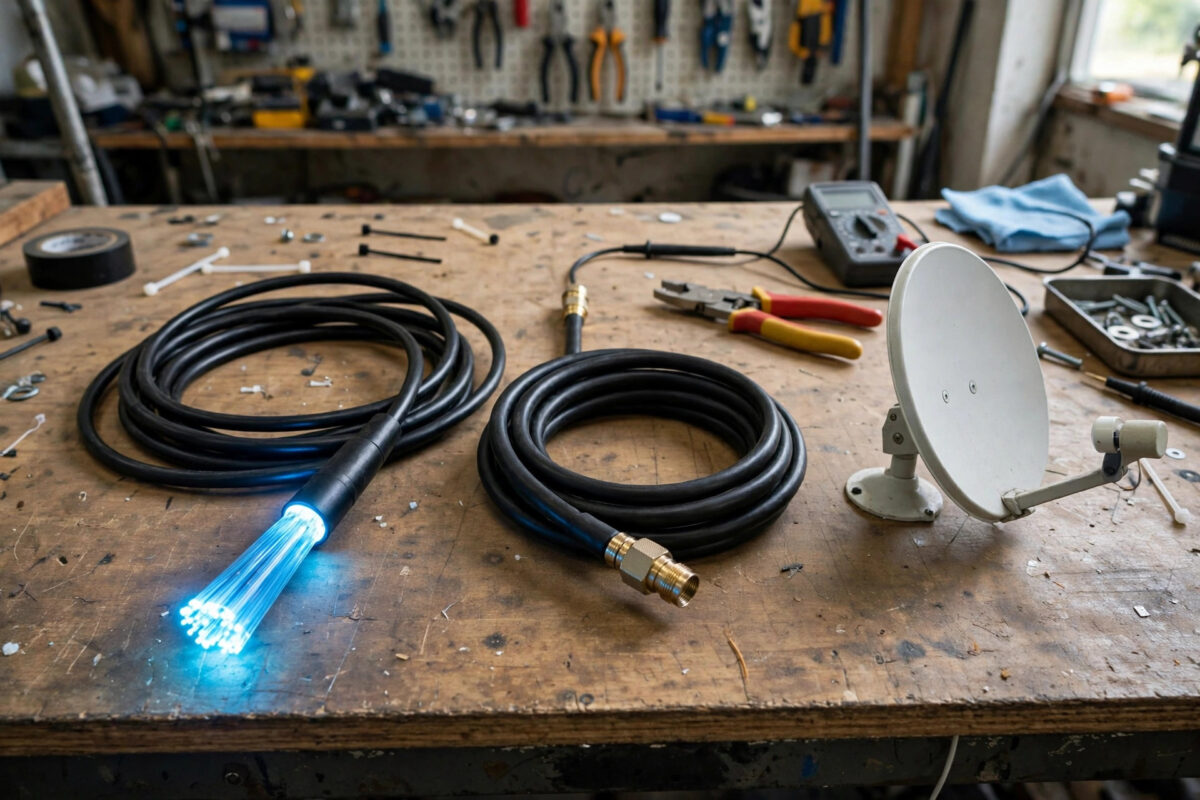
Choosing an internet connection used to mean taking whatever arrived at your street. Today many households can pick between cable, full fibre, and satellite, and the differences between them are far bigger than the headline download speeds suggest. Pick the wrong technology and you could be stuck with laggy video calls, evening slowdowns, or a contract that does not suit your home for the next eighteen months.
The right choice depends on four things: what is actually available at your address, how your household uses the internet, how much latency matters to you, and what you are willing to pay for installation and monthly service. This guide compares all three technologies honestly, with real-world figures rather than marketing claims.
Quick Answer
Choose fibre if it is available at your address, as it offers the fastest speeds, the lowest latency, and equal upload and download rates. Choose cable if fibre has not arrived yet and you need strong speeds for streaming and gaming at a reasonable price. Choose satellite only when neither fibre nor cable reaches you, because although modern satellite is fast, its latency and data policies make it the weakest option for gaming and live calls.
How Each Technology Actually Works
Fibre Broadband
Fibre carries data as pulses of light through thin glass strands. In a full fibre connection, often called fibre to the premises, that glass runs all the way into your home, which is why it is so fast and consistent. Typical packages range from 100 Mbps to 1,000 Mbps, with premium services reaching 1.8 Gbps or higher. Latency is usually 5 to 15 milliseconds, and upload speeds match download speeds, which matters enormously for video calls, cloud backups, and working from home.
Cable Broadband
Cable uses the coaxial copper network originally built for television. It is widely available in towns and cities and delivers strong download speeds, commonly 100 Mbps to 1 Gbps depending on the package. The weakness is asymmetry and sharing: uploads are often only 10 to 50 Mbps, and because capacity is shared with neighbours on your street segment, speeds can dip during the evening peak between 7 p.m. and 10 p.m. Latency typically sits at 15 to 30 milliseconds, which is perfectly fine for gaming and streaming.
Satellite Broadband
Satellite connections beam data between a dish at your home and satellites in orbit. Traditional geostationary services sit about 35,786 kilometres above Earth, which creates latency of 600 milliseconds or more and makes real-time gaming almost impossible. Newer low Earth orbit services fly far closer, cutting latency to roughly 25 to 60 milliseconds and delivering 50 to 250 Mbps in typical use. That is a genuine revolution for rural homes, but weather, obstructions, and fair-use policies still apply. The technical background is covered well in this overview of how satellite internet access works on Wikipedia.
Comparing the Numbers That Matter
Speed and Upload Performance
Download speed gets all the attention, but upload speed decides how you look and sound on a Zoom or Teams call, how quickly photos back up, and whether a household can manage two people working from home at once. Fibre wins outright with symmetrical speeds. Cable is adequate for one remote worker but can strain with two simultaneous video calls plus cloud syncing. Satellite uploads, often 5 to 20 Mbps, are the tightest of the three.
For context, a single 4K stream needs about 25 Mbps, a 1080p stream needs 5 Mbps, and a video call needs roughly 3 to 5 Mbps in each direction. A household of four streaming and browsing at once is comfortable on 100 to 200 Mbps from any technology, provided latency and consistency hold up.
Latency and Why Gamers Should Care
Latency, or ping, is the time data takes to travel to a server and back. Fibre at 5 to 15 ms and cable at 15 to 30 ms both feel instant. Low Earth orbit satellite at 25 to 60 ms is playable for casual gaming but noticeable in competitive shooters. Geostationary satellite at 600 ms rules out fast-paced gaming entirely and makes video calls feel like talking over a delay, with speakers constantly interrupting each other.
Reliability and Weather
Fibre buried underground is the most weather-resistant option and is unaffected by rain or wind. Cable is also robust, though local power cuts and cabinet faults can interrupt it. Satellite depends on a clear view of the sky: heavy rain, snow build-up on the dish, trees, and even a new building nearby can degrade or drop the signal. If you work from home and cannot afford outages, this difference alone may decide your choice.
Cost: Look Beyond the Headline Price
Fibre packages commonly range from budget 100 Mbps deals to premium gigabit tiers, and installation is often free on longer contracts. Cable is similarly priced, frequently bundled with television. Satellite tends to cost more overall once you include equipment: a standard kit can require a significant upfront payment or a monthly equipment rental on top of the subscription, and premium priority data tiers cost extra.
Always compare the full contract cost, including setup fees, router postage, mid-contract price rises, and the price after any introductory discount ends. Our breakdown of what counts as a good internet speed for your home will help you avoid paying for a gigabit package when a cheaper 200 Mbps service would serve your household identically.
- Check availability at your exact address for all three technologies, not just your postcode area.
- List your household’s heaviest simultaneous uses, such as two remote workers plus evening streaming.
- Decide whether low latency is essential, which immediately rules out geostationary satellite.
- Calculate the total cost over the full contract term, including equipment and price rises.
- Read the fair-use and traffic management terms carefully, especially for satellite plans.
- Choose the shortest contract that keeps the price fair, so you can switch when fibre arrives.
Which One Suits Your Situation?
For Remote Workers and Busy Family Homes
Fibre is the clear first choice. Symmetrical speeds, low latency, and consistent evening performance make it the only technology that genuinely improves as your household’s demands grow. If fibre is unavailable, cable is a strong second, provided you pick a package with at least 30 to 50 Mbps upload if two people work from home.
For Gamers and Streamers
Prioritise latency over raw download speed. Fibre first, cable second, low Earth orbit satellite third, and geostationary satellite not at all for competitive play. A wired Ethernet connection to your console or PC will improve any of these technologies more than a speed upgrade will, as detailed in guidance from the FCC broadband speed guide for households.
For Rural Homes With No Fixed-Line Option
Satellite is often transformative, turning an unusable 3 Mbps copper line into a connection that handles streaming, browsing, and calls comfortably. Check for obstructions before ordering, mount the dish with a completely clear sky view using the provider’s app, and consider keeping a cheap 4G or 5G backup for the worst weather days.
Common Mistakes to Avoid
- Buying on download speed alone: ignoring upload speed and latency leads to disappointing video calls and gaming, even on a nominally fast package.
- Assuming fibre means full fibre: some services marketed as fibre still use copper for the final stretch to your home, capping speeds at 40 to 80 Mbps. Confirm it is fibre to the premises.
- Forgetting the contract exit cost: satellite equipment terms and early termination fees can be substantial. Read them before signing, not after.
- Ordering satellite with an obstructed sky view: trees and rooflines cause constant brief dropouts that online checkers may not flag until installation day.
- Paying for speed your Wi-Fi cannot deliver: an old router may cap you at 100 Mbps no matter what package you buy. Budget for a router upgrade alongside a gigabit service.
Conclusion
The hierarchy is straightforward: full fibre is the best connection for almost everyone, cable is a capable and widely available alternative with slower uploads and mild evening slowdowns, and satellite is the lifeline for rural homes where nothing else reaches. Judge each option on upload speed, latency, reliability, and total contract cost rather than the biggest download number in the advert, and you will end up with a connection that still suits your household two years from now.
Frequently Asked Questions
Is fibre really worth it if cable is cheaper?
For most households, yes. Fibre’s symmetrical uploads, lower latency, and stable evening speeds make remote work and busy homes noticeably smoother. If the price gap is small, fibre is the better long-term value and usually future-proofs your home for a decade.
Can satellite internet handle Netflix and video calls?
Modern low Earth orbit satellite handles streaming and video calls well, typically delivering 50 to 250 Mbps with 25 to 60 ms latency. Traditional geostationary satellite can stream video but makes video calls awkward due to its 600 ms delay.
Why is my cable speed slower in the evening?
Cable networks share capacity between homes on the same street segment, so when neighbours all stream after dinner, speeds dip. This peak-time congestion usually returns to normal late at night and is far less common on full fibre.
Does satellite internet work in bad weather?
Light rain rarely causes problems, but heavy rain, thick cloud, and snow settling on the dish can reduce speeds or interrupt service briefly. A clear mounting position and keeping the dish free of snow minimises weather-related dropouts.
Which internet type is best for gaming?
Fibre is best, with 5 to 15 ms latency and no peak-time sharing issues. Cable is a close second. Avoid geostationary satellite for gaming, as its very high latency makes fast-paced online play effectively impossible.



Leave a Reply