
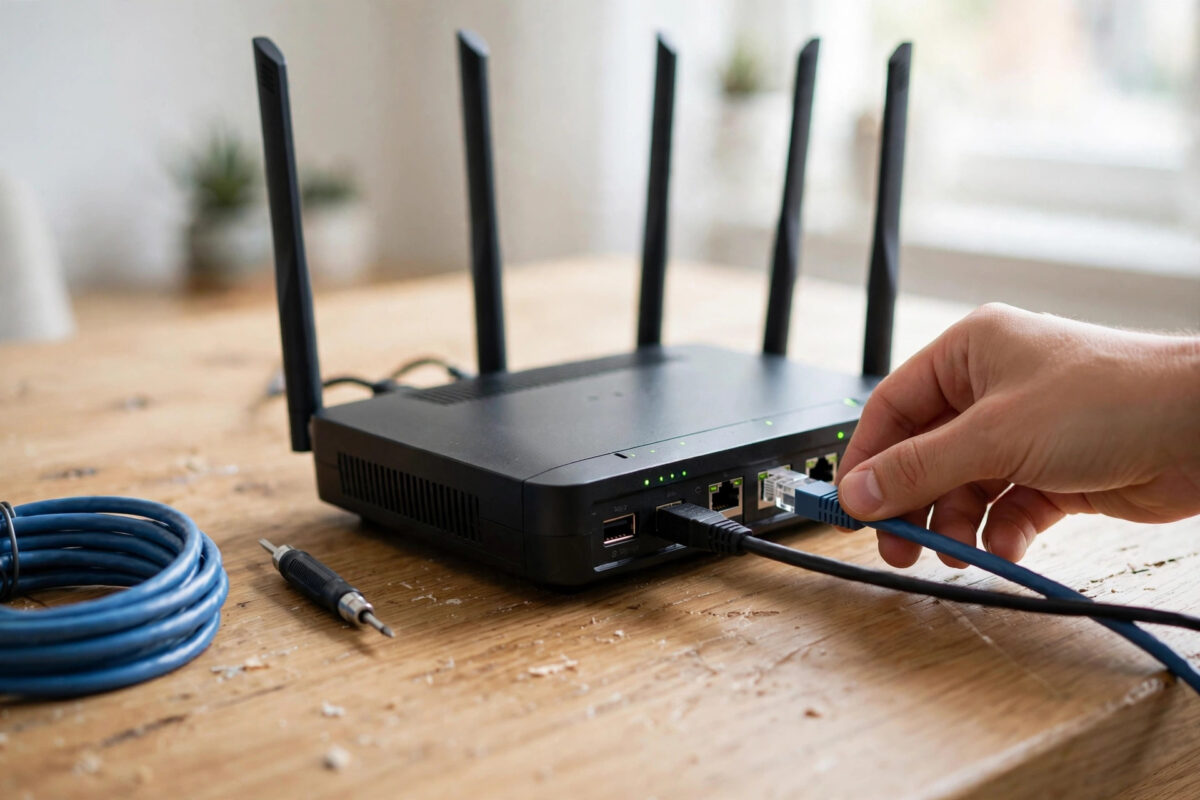
Few faults are more maddening than broadband that drops again and again. The video call freezes mid-sentence, the film restarts, the game throws you out, and by the time you look at the router, everything appears normal.
Intermittent faults are hard because they hide. Fixing them is about catching the drop in the act, working out where it happens, and then changing one thing at a time until the pattern breaks.
Quick Answer
First work out whether Wi-Fi or the broadband line is dropping. If wired devices drop too, restart the router, check cables and filters, test from the master socket, and log the times. If only Wi-Fi drops, focus on signal, interference, and router placement. Persistent line drops with a clean home setup need your provider to test the line.
Step One: Work Out What Is Actually Dropping
People say ‘the internet dropped’, but three different things can fail. Your Wi-Fi can drop, your router can lose its broadband connection, or a single device can lose its own connection.
Each has a different fix. Guessing wrong wastes days, so spend ten minutes diagnosing before you change anything at all.
Quick Tests That Separate the Causes
- When the next drop happens, check another device immediately. If every device is down, the problem is shared, not personal.
- Check the router lights during the drop and note their colours. A red or flashing broadband light points to the line.
- Connect a laptop by Ethernet cable and leave it in use. If wired stays up while Wi-Fi falls, your wireless is at fault.
- Note whether the Wi-Fi network name disappears during the drop. If it vanishes, the router is restarting or its wireless has failed.
- Write down the exact times of three drops. Patterns are evidence, and support teams respond to evidence.
To inspect lights, logs, and connection status properly, you will need the admin pages. This guide to logging in to your router admin page for the first time walks through finding the address, usually 192.168.0.1 or 192.168.1.1, and signing in safely.
Step Two: The Basic Fixes That Solve Most Drops
Start simple, because simple causes are the most common. Routers run for months, gather heat and software glitches, and are often connected through a tangle of tired cables and adapters.
- Turn the router off at the socket, wait a full 30 seconds, then turn it back on.
- Allow at least five minutes for it to reconnect and stabilise before judging the result.
- Check every cable is pushed firmly home at both ends, with no kinks, chew marks, or crushed sections.
- Move the router out of enclosed cupboards. Heat causes random restarts that look exactly like line faults.
- Disconnect extension leads and test the router on its original power supply if you have swapped it.
- Update the router firmware from the admin pages, following the maker’s instructions exactly.
Do these one at a time over a day or two if you can. Changing everything at once may fix the fault, but you will never know what caused it when it returns.
Step Three: Test From the Master Socket
If you have older copper-based broadband, your home phone wiring can be the villain. Extension sockets, old bell wires, and faulty filters introduce noise that knocks the connection off repeatedly.
- Find your master socket, usually the first socket where the line enters the house.
- Remove the faceplate carefully if it has a test socket behind it, and plug the router in there via a filter.
- Disconnect extension wiring from the test point, which the faceplate removal does automatically on many sockets.
- Run the router from the test socket for 24 to 48 hours and keep your drop log going.
- If drops stop, the fault is in your internal wiring or a connected phone device, not the external line.
Full fibre connections do not use phone sockets in the same way. For fibre to the premises, check the optical terminal instead: its power supply, the fibre cable’s gentle bends, and its status lights.
Step Four: If Only Wi-Fi Keeps Dropping
A router can hold its broadband connection perfectly while its Wi-Fi fails hourly. The log will show a continuous broadband session, which tells you the line was never the problem.
Common Wi-Fi Causes
- Interference: neighbours’ networks, baby monitors, and microwaves can swamp the 2.4 GHz band, especially in flats.
- Distance and walls: a marginal signal drops whenever doors close, people move, or interference rises slightly.
- Band steering quirks: some devices are pushed between 2.4 GHz and 5 GHz and lose connection in the handover.
- Overheating or age: ageing routers often fail on wireless first, rebooting radios while the rest keeps running.
- Move the router higher, central, and away from thick walls, metal, and other electronics.
- Split the bands with different names temporarily, then test each band separately for a day.
- Change the Wi-Fi channel to 1, 6, or 11 on 2.4 GHz, choosing the least crowded.
- Update the Wi-Fi drivers on laptops, which are forgotten far more often than router firmware.
- If one device alone drops everywhere, forget the network on it and join again fresh.
Step Five: Look for a Pattern in the Timing
When drops happen is a powerful clue. Drops at the same time daily suggest something scheduled: a heating system, a neighbour’s equipment, street lighting, or electrical interference switching on.
Rain-linked drops suggest water getting into an external joint or damaged cable. Drops in heat suggest ventilation. Drops when the phone rings, on older lines, suggest a filtering or wiring fault.
The consumer guidance from Ofcom on broadband problems and your rights is worth reading before a long dispute. It explains what providers must do and how complaints should be handled in the UK.
When to Call Your Provider — and What to Say
Call when wired connections drop from the master socket or test point, you have tried a restart and cable check, and you have a log of times and router light behaviour.
Say exactly that. Providers follow scripts, and clear evidence lets the agent skip steps. Ask them to check for line errors, disconnections on their side, and any known area fault.
- Give dates and times of at least three drops, in the provider’s timezone, from your log.
- State your tests plainly: wired, master socket, different cables, router restarted, firmware current.
- Ask for the line test result and a reference number, and write both down.
- Ask what happens next if drops continue, including engineer visits and timescales.
If a fault drags on unresolved, keep every reference. Repeated documented faults matter for escalation, compensation schemes, and in some cases leaving a contract early.
Common Mistakes to Avoid
- Only testing on Wi-Fi. You cannot prove a line fault from a wireless test in a back bedroom.
- Factory resetting immediately. You lose settings and evidence, and most drops are not caused by settings anyway.
- Buying a new router first. If the line or wiring is faulty, new hardware will drop in exactly the same way.
- Using endless extension leads. Long, cheap telephone extensions are a classic cause of unstable copper broadband.
- Ignoring the log. ‘It drops all the time’ persuades nobody; three dated examples with light colours do.
Conclusion
A dropping connection is fixed by separation, not guesswork. Separate Wi-Fi from line, device from network, and your wiring from the provider’s, using wired tests, the master socket, and a simple timed log.
Most home drops yield to restarts, cables, placement, or wiring checks. The rest become provider faults you can prove. Either way, methodical testing gets you a stable connection far faster than random changes.
Frequently Asked Questions
Why does my broadband drop at the same time every day?
Timed drops usually follow something electrical switching on or off: heating, lighting, or a neighbour’s equipment causing interference. Note what else happens at that hour and tell your provider about the pattern.
Can a faulty router cause drops even if the lights look normal?
Yes. Routers can freeze, overheat, or restart their Wi-Fi radios while lights recover quickly. If drops vanish with a borrowed or replacement router on the same line, you have your answer.
How long should I test from the master socket?
At least 24 hours, and ideally 48. Intermittent faults can hide for hours, so a short test proves little. Keep logging during the test so you can compare drop rates fairly.
Will a Wi-Fi extender stop my connection dropping?
Only if weak Wi-Fi is the cause. An extender cannot fix a dropping broadband line, and placed badly it can make wireless stability worse. Diagnose first, then extend if signal is the proven problem.
How many drops count as a fault worth reporting?
Several drops a day that interrupt use are always worth reporting, especially on wired connections. Occasional overnight reconnections can be normal network maintenance, but daily daytime drops are not acceptable.



Leave a Reply