
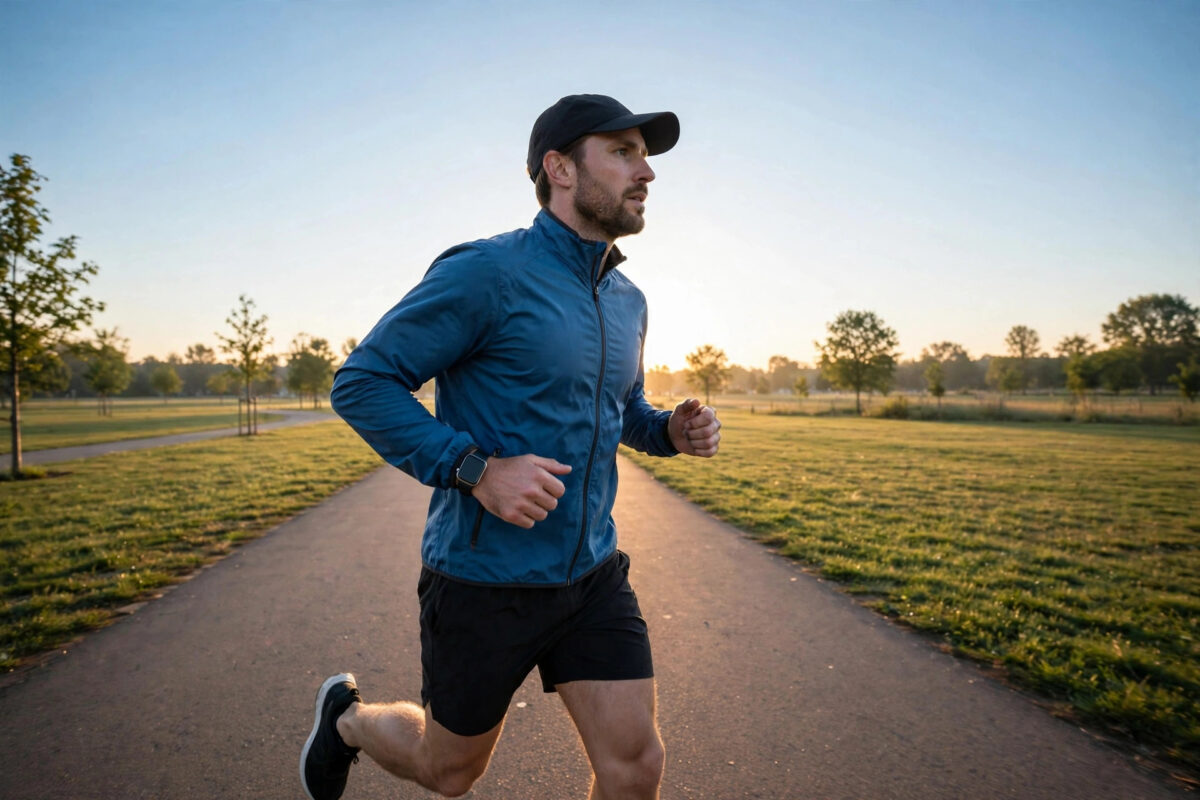
If your Apple Watch says you ran 4.6 kilometres but your running app, your friend’s watch, or a measured course says 5 kilometres, calibration is probably the issue. Small distance errors add up, and they also affect your pace, your calorie estimate, and your training records. The good news is that Apple Watch can learn your stride, but only if you give it the right data.
Calibration is not a hidden trick. It is a built-in process that improves when you run or walk outdoors with good GPS signal. This guide explains how calibration works, how to reset and redo it properly, and how to get more accurate outdoor run distances every time.
Quick Answer
To calibrate your Apple Watch, first check that Location Services and Motion Calibration are on, then reset calibration data in the Watch app, and complete several accurate outdoor walks and runs of at least 20 minutes each on flat ground with clear GPS. Use the Outdoor Run or Outdoor Walk workout in the Workout app, hold your iPhone or rely on your watch GPS, and keep a natural arm swing. Accuracy improves over a few sessions as the watch learns your stride.
How Apple Watch Measures Distance
Apple Watch combines several signals to work out distance. Understanding them helps you see why calibration matters and why one bad run does not ruin everything.
GPS, Accelerometer, and Your Stride
When GPS is available outdoors, the watch uses satellite data to measure speed and distance directly. At the same time, the built-in accelerometer tracks how your arm moves with each stride. Over time, the watch builds a personal stride model: how far you usually travel with each step at different paces.
That model becomes very important when GPS is weak, such as under trees, between tall buildings, or on a track with sharp turns. It is also how the watch estimates distance indoors on a treadmill, where there is no GPS at all. If the stride model was learned from poor data, every later workout inherits the error.
Why Your Distance Can Be Wrong
Common causes include walking with a buggy or stroller that stops your arm swinging, carrying your phone in one session and not the next, running on hills while the model expects flat ground, and wearing the watch too loosely. A big change in fitness, weight, or running style can also make an old calibration less accurate. Calibration is not set once for life; it should be refreshed when your routine changes a lot.
Before You Start: Checks That Make Calibration Work
Do these checks first. Skipping them is the main reason calibration fails for many runners.
- Update your iPhone and Apple Watch to the latest iOS and watchOS, then restart both devices.
- Enter your correct height, weight, sex, and age in the Health app, because the watch uses them as a starting point for stride estimates.
- On iPhone, go to Settings, Privacy and Security, Location Services, and make sure Location Services is on.
- Scroll to System Services in the same menu and turn on Motion Calibration and Distance. Without this, calibration data cannot improve.
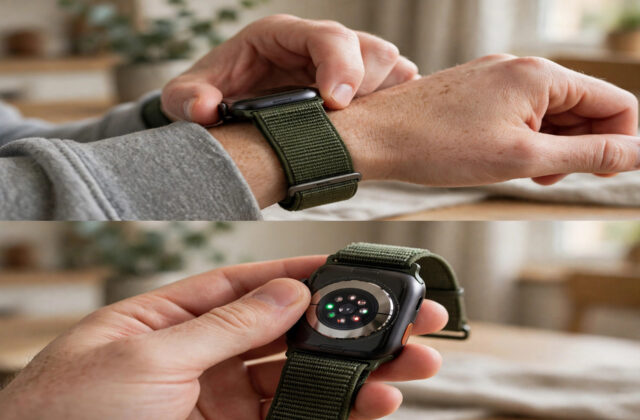
- Make sure your watch fits snugly, just above your wrist bone, not sliding around. A loose fit harms both heart rate and motion data, a problem also covered in advice on stopping an Apple Watch from repeatedly asking for its passcode on your wrist.
- Turn off Low Power Mode for calibration runs, as reduced sensor sampling can affect workout accuracy.
Apple explains these preparation steps in Apple’s official guide to calibrating Apple Watch for improved workout accuracy. Following that checklist before you reset anything gives the new calibration the best chance.
Step-by-Step: Reset and Recalibrate Your Watch
If your distances have been consistently wrong, a clean reset followed by fresh outdoor sessions works better than hoping the watch fixes itself.
Reset the Old Calibration Data
- Open the Watch app on your iPhone.
- Tap the My Watch tab, then tap Privacy.
- Tap Reset Fitness Calibration Data and confirm.
This removes the learned stride model. It does not delete your workout history, rings, or awards. Think of it as clearing a bad map so the watch can draw a new one.
Complete Proper Calibration Workouts
- Choose a flat, open route with a clear view of the sky. Avoid dense tree cover, tunnels, and tight city streets for these first sessions.
- Start an Outdoor Walk workout in the Workout app and walk at your normal pace for at least 20 minutes.
- On a separate session, start an Outdoor Run workout and run at your usual easy pace for at least 20 minutes.
- Repeat at a second, faster pace if you often train faster, because the watch learns better when it sees more than one speed.
- Let your arms swing naturally. Do not hold a rail, push a stroller, or keep your hands in your pockets during calibration sessions.
- If you normally run with your iPhone, calibrate with it. If you normally run without it, calibrate without it, so the conditions match your real training.
You do not need to do all of this in one day. In fact, spreading two to four good sessions across a week is better, because fatigue changes your stride late in a long run. After a few sessions, compare your watch distance on a known route, such as a standard 5K course or a measured track, and you should see the gap shrink.
For more detail on workout settings, see Apple’s guide to working out with Apple Watch and tracking your activity accurately, which covers workout types and GPS behaviour.
Tips for More Accurate Runs After Calibration
During Every Outdoor Run
- Wait a few seconds outdoors before pressing start, so GPS can lock properly. Starting inside or under a roof gives a poor first fix.
- Use the correct workout type. Outdoor Run and Outdoor Walk have different expectations from Other or Indoor Run.
- Keep the watch snug and on the same wrist you calibrated with. Switching wrists without recalibrating can introduce small errors.
- Avoid checking the watch constantly with a bent, still arm for long periods. Natural movement helps the sensors.
On Race Day and on the Track
Races are rarely measured in a perfect straight GPS line. You will run wide on corners, weave around other runners, and your recorded distance will often be slightly longer than the official course distance. That is normal and not a calibration failure. On a 400-metre track, GPS can cut corners on the bends, so use a track mode if available or accept small differences and judge your effort by laps rather than GPS splits.
Treadmill Runs Are Different
After good outdoor calibration, treadmill distances usually improve because the watch relies on your stride model. Still, holding the treadmill rail will ruin the estimate, and treadmills themselves are not always accurate. If you do a lot of indoor running, log a few careful sessions where you note the treadmill distance and compare trends rather than chasing a perfect match every time.
Common Mistakes to Avoid
- Calibrating for only two or three minutes: Short sessions do not give enough stride data. Aim for at least 20 minutes per session.
- Calibrating on steep hills: Hills change your stride a lot. Learn the base model on flat ground first.
- Walking while pushing something: If your watch arm does not swing, the accelerometer learns the wrong pattern.
- Forgetting Motion Calibration: If that system service is off, no amount of running will improve the model.
- Expecting instant perfection: Accuracy builds over several workouts. Judge the trend after a week, not after one run.
Conclusion
Accurate distance on Apple Watch comes from a simple partnership: good GPS sessions outdoors teach the watch your real stride, and that stride model then helps everywhere else. Check your settings, reset the old data if it is clearly wrong, and complete a few flat, 20-minute walks and runs with natural arm swing. Keep your fit snug and your routine consistent, and your pace and distance will become far more trustworthy for training and racing.
Frequently Asked Questions
How long does it take to calibrate Apple Watch?
Each calibration workout should be at least 20 minutes. Most people see a clear improvement after two to four good outdoor sessions spread across different days and paces, rather than after a single run.
Do I need to carry my iPhone to calibrate?
Only if that matches how you normally run. Newer watches have built-in GPS and can calibrate on their own. The key is consistency: calibrate in the same setup you use for real workouts.
Will resetting calibration delete my workouts or Activity rings?
No. Resetting fitness calibration data only clears the learned stride model. Your workout history, Activity rings, trends, and awards stay on your iPhone and watch.
Why is my watch accurate on walks but wrong on runs?
Walking and running strides are different. If you only calibrated with walks, the watch has little run data at your running paces. Add dedicated Outdoor Run calibration sessions at your easy and faster paces.
Should I recalibrate after losing weight or improving fitness?
Yes, it is worth doing if your weight, pace, or running form has changed a lot. A fresh calibration reflects your current stride and usually improves both outdoor and treadmill accuracy.
Leave a Reply