
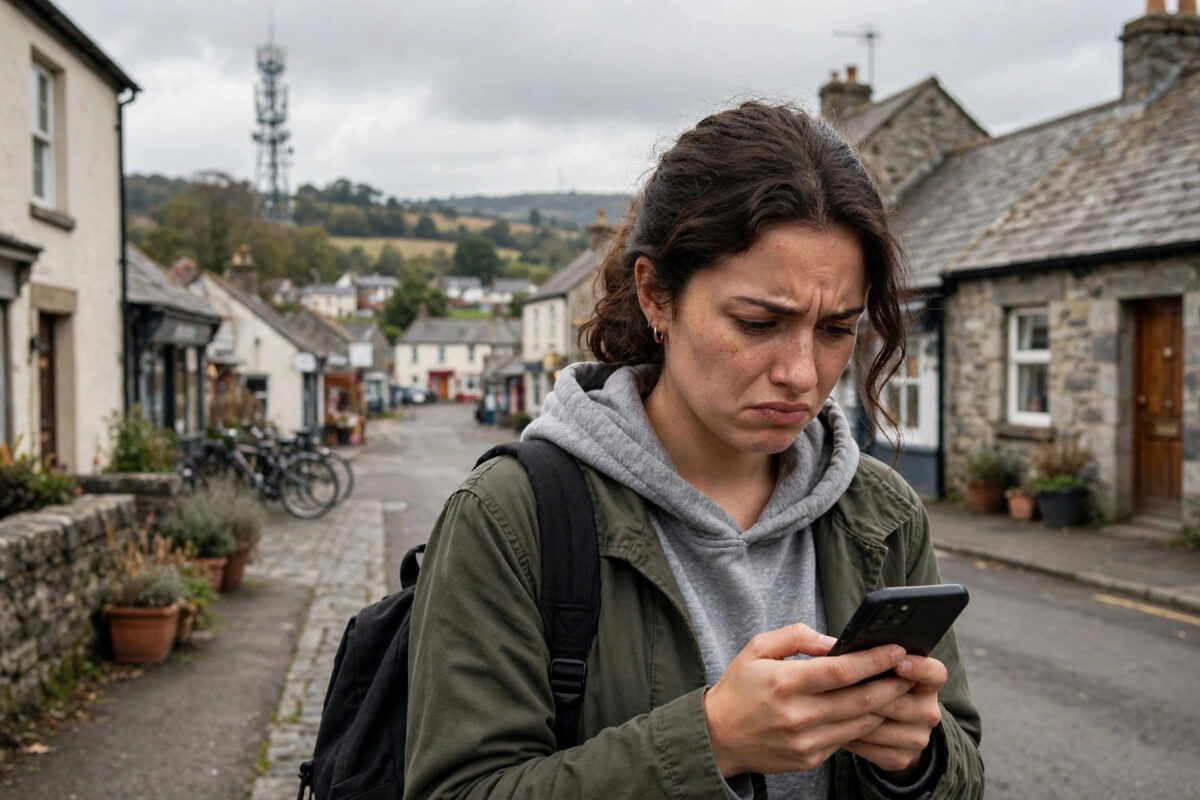
You are paying for 4G, the signal bars look fine, yet videos buffer, pages crawl, and video calls freeze. Slow 4G in a specific area is one of the most common mobile complaints, and it is rarely your phone’s fault. Mobile speed depends on the tower serving you, how many people are sharing it, the frequency band you are connected to, and even the building you are sitting in. This guide explains the real reasons 4G feels slow in some places, how to test which cause applies to you, and the practical fixes that actually make a difference.
Quick Answer
4G internet is usually slow in an area because of network congestion (too many users on one tower), weak signal or distance from the tower, your phone connecting to a slow low-frequency band, or a data plan limit such as throttling after a fair usage cap. Test your speed at different times of day and in different spots. If it is fast at night and slow in the evening, it is congestion. If it is always slow in one place, it is coverage or band related.
The Main Reasons 4G Is Slow in Your Area
1. Network Congestion
Every tower has a limited capacity that is shared by everyone connected to it. In the evening, when a whole neighbourhood streams video at the same time, each user gets a smaller slice. This is why the same street can give you 60 Mbps at 7 in the morning and 3 Mbps at 8 in the evening. Congestion is the number one cause of slow 4G in towns and cities, and it explains why mobile internet is fast at night but slow in the day for so many people.
2. Distance From the Tower and Obstacles
Signal weakens with distance, and hills, thick walls, metal roofs, and energy-saving window glass all block it further. Low-frequency bands travel far and pass through walls better but carry less data. High-frequency bands are fast but fade quickly. If your phone is clinging to a distant tower on a slow band, your speed suffers even with several bars showing, because bars measure signal strength, not available capacity.
3. Your Phone Is on a Slow Band
Networks combine several bands. Your phone may camp on the 800 MHz band (great range, modest speed) instead of the faster 1800, 2100, or 2600 MHz bands. Phone software usually prefers the strongest signal, not the fastest one, so a strong slow band can win over a weaker fast band.
4. Plan Limits and Fair Usage Throttling
Many “unlimited” plans slow you down after a fair usage amount, and cheaper plans may be deprioritised whenever the network is busy, meaning other customers get served first. Check your plan terms and your usage in your provider’s app.
5. Tower Problems or Maintenance
Sometimes the tower itself has a fault, is being upgraded, or has lost its backhaul connection. Speeds then drop for everyone nearby until engineers fix it. Most providers publish a network status checker where you can enter your postcode. The UK regulator Ofcom also offers a mobile coverage checker that shows predicted coverage by provider for any location.
How to Work Out Which Cause Applies to You
- Run speed tests at different times. Test early morning, midday, and evening in the same spot. Big swings mean congestion.
- Test in different places. Try upstairs, near a window, and outside. A big improvement outdoors points to building blockage.
- Check which band you are on. Use your phone’s field test mode or a network info app to see the current band.
- Try another SIM or network. If a friend on a different network gets fast speeds at your home, your provider’s coverage is the issue, not your phone.
- Check your data usage and plan. Rule out throttling before blaming the tower.
Practical Fixes That Help
- Move position. Even a few metres, or going upstairs, can switch you to a better band or tower.
- Restart the connection. Toggle aeroplane mode on and off. Your phone reconnects and may choose a better cell.
- Use Wi-Fi at home. If home 4G is weak, Wi-Fi calling and home broadband remove the problem entirely.
- Improve indoor signal. Our guide on how to improve mobile signal strength at home covers boosters, placement, and Wi-Fi calling in detail.
- Consider switching networks. Coverage varies street by street. A free pay-as-you-go SIM is a cheap way to test a rival network at your home and workplace before you commit.
- Report persistent faults. If speeds dropped suddenly and stayed low for days, report it. Providers cannot fix tower faults they do not know about.
When the Problem Is Your Phone, Not the Area
Before blaming the network, rule out your own device. An old phone may lack the newer 4G bands and carrier aggregation features that let modern phones combine channels for higher speeds. Two phones side by side on the same network can show very different results for this reason. If your phone is more than five or six years old, its modem may simply be the ceiling.
Software issues matter too. A phone that has not been restarted for months, is low on storage, or is running dozens of background apps syncing and updating can feel slow even on a fast connection. Check whether apps are using data in the background, install pending system and carrier updates, and restart the phone. Also check your SIM: a very old or damaged SIM can cause connection drops and renegotiation that look like slow speeds. Your provider will usually replace a SIM free of charge, and it takes only a few minutes in store.
Finally, test with the phone in different network modes. If your phone keeps hunting between a weak 5G signal and 4G, locking it to 4G temporarily can give a steadier, faster experience until 5G coverage improves in your area. Many readers find this simple change ends the frustration entirely.
Common Mistakes to Avoid
- Judging by signal bars alone. Full bars on a congested or slow band still give slow data.
- Buying a new phone first. If the tower or plan is the limit, a new phone changes nothing.
- Trusting one speed test. Always compare times and places before drawing conclusions.
- Using signal booster apps. Apps cannot amplify a radio signal. Only settings changes and hardware can help.
Conclusion
Slow 4G in your area almost always comes down to congestion, distance, bands, or plan limits. A few simple tests will tell you which one you are facing, and most causes have a practical workaround, from repositioning and aeroplane mode to Wi-Fi calling or testing a different network. Do not suffer in silence: measure first, then fix the real cause.
Frequently Asked Questions
Why is my 4G slow even with full signal bars?
Bars show signal strength only. If the tower is congested or you are connected to a slow low-frequency band, speeds stay low despite a strong signal. Test at a quieter time of day to confirm congestion.
Can the weather affect 4G speed?
Heavy rain and storms can slightly weaken high-frequency signals, but the effect is usually small. Sudden big slowdowns are far more likely to be congestion, a tower fault, or building blockage.
Will 5G fix slow 4G in my area?
If your area gets good 5G coverage, yes, because 5G adds a lot of extra capacity. But 5G range is shorter, so in weak coverage spots 4G may still be more reliable. Check your provider’s 5G map first.
How slow is too slow for 4G?
Healthy 4G usually gives 10 to 60 Mbps. Consistent speeds under 3 Mbps make video streaming and calls difficult and are worth investigating with the tests in this guide.
Does my phone case affect 4G speed?
Thick metal cases can slightly weaken the signal, and holding the phone over its antennas can too. It is rarely the main cause, but try removing a heavy metal case if your signal is borderline.



[…] reset, if data is still slow, the problem is probably not the APN at all. Work through our guide on why 4G internet is slow in your area to check coverage, congestion, and signal issues […]
[…] slowed sooner. This is all normal engineering, not a fault, which is why our article on why 4G internet is slow in your area lists congestion as the number one local cause of poor […]