
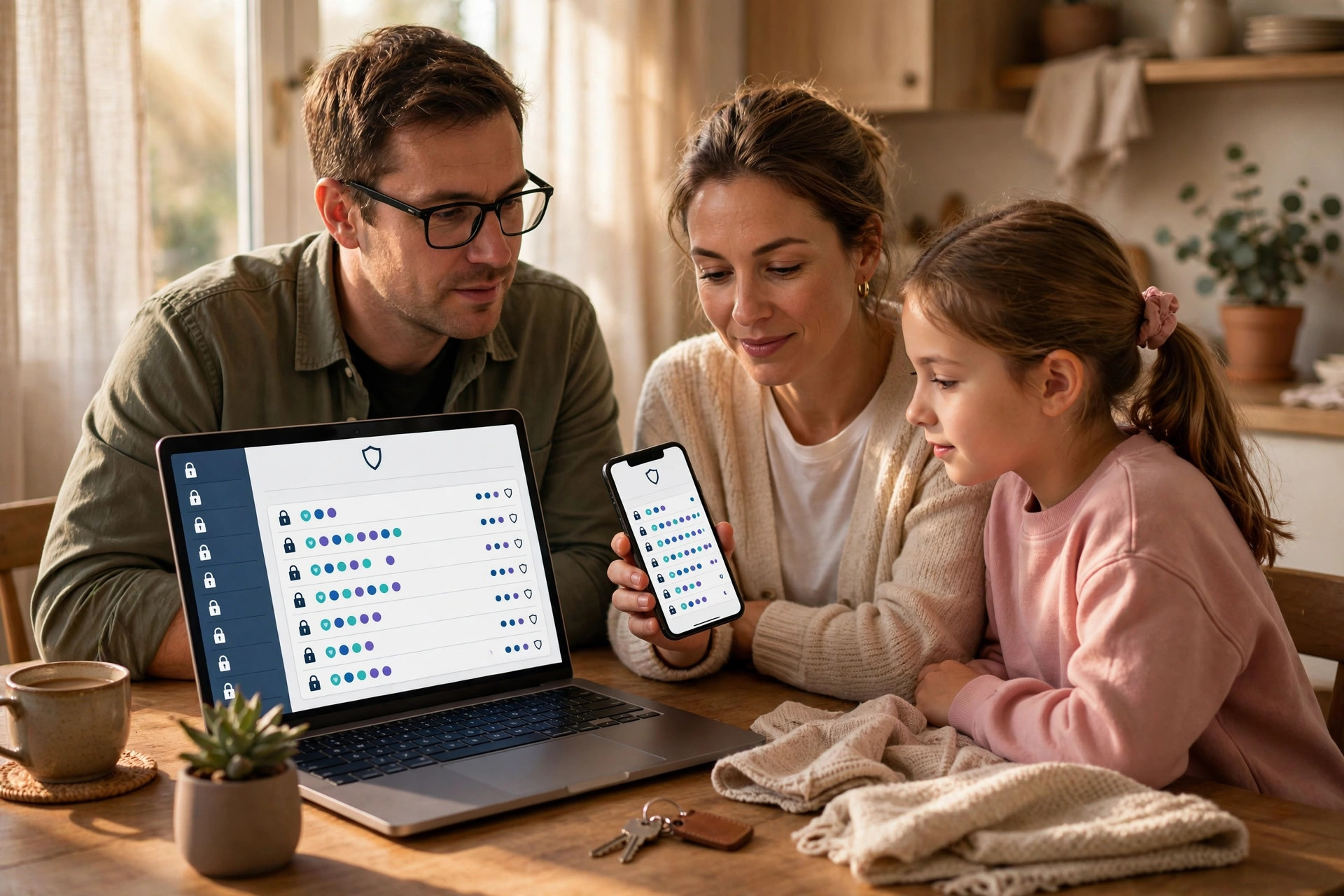
Sharing passwords inside a family feels unavoidable. Someone needs the streaming login while you are at work, a partner needs access to the home Wi-Fi code, or an older parent needs help with online banking and email.
The good news is that you do not need to choose between convenience and security. With a few simple tools and habits, you can give the right people access to the right accounts.
Quick Answer
The most secure way to share passwords with family is to use a reputable password manager with a family plan and shared vaults. Never send passwords by plain text, email, or social media.
Why Casual Password Sharing Is Risky
Most families share passwords casually because it seems harmless. In practice, casual methods create copies of your password in places you cannot control.
There is also the reuse problem. If the Netflix password you share is the same as your email password, anyone who learns one has learned both.
Finally, casual sharing gives you no way to take access back. If a relationship changes, a teenager moves out, or a device is replaced.
Step 1: Choose a Family Password Manager
A password manager is an encrypted vault that stores your logins and fills them in for you. Family plans let each person have a private vault for personal accounts, plus shared vaults for accounts the household uses together.
- Pick a reputable manager: Choose a well-known password manager that offers a family plan, end-to-end encryption, and apps for phones, tablets, and computers. Look for independent security audits and a clear recovery process.
- Create your account with a strong master password: Your master password protects everything else, so make it long and memorable — a passphrase of four or five random words works well. Never reuse it anywhere else.
- Turn on two-factor authentication: Protect the password manager itself with an authenticator app or security key. This stops someone who guesses your master password from getting in.
- Invite family members individually: Send invitations to each person’s own email address. Each member creates their own login to the manager — they never share your master password.
- Set up shared vaults by purpose: Create one vault for streaming and entertainment, one for household bills and utilities.
- Move existing passwords into the vault: Add your current logins, and use the manager’s built-in checker to find weak or reused passwords. Change those passwords one by one to strong, unique versions generated by the manager.
Once this is done, sharing becomes a matter of moving an item into a shared vault. The other person sees the login appear in their own vault.
Step 2: Decide What to Share and What to Keep Private
Not every account should be shared, even inside a family. A useful rule is to share access based on need, not convenience.
Accounts that are usually safe to share
- Streaming services for TV, music, and films
- Home Wi-Fi and smart home controls
- Household utility, council, and delivery accounts
- Shared shopping accounts used for family groceries
- Family photo storage and shared calendars
Accounts to keep private or protect extra carefully
- Primary email accounts, because email can reset almost every other password
- Banking and investment accounts — use the bank’s own authorised access or joint account features instead of sharing a password
- Government, tax, and health accounts
- Work accounts, which usually prohibit sharing under employer policy
- Your password manager master password and your phone passcode
For financial services, always prefer the official route. Many banks let you grant view-only access, set up joint accounts, or register a power of attorney. Sharing a banking password can breach the bank’s terms and may reduce your fraud protection, so check the official process first. Our guides to everyday online safety on NetworkUstad’s home security and privacy resources cover more ways to protect household accounts without taking unnecessary risks.
Step 3: Share Safely When a Password Manager Is Not an Option
Sometimes you need to share a single password once — for example, giving a trusted relative a code while you are travelling. If a password manager is not available, use the least risky method and clean up afterwards.
- Use a one-time secret link if your manager offers it: Many managers can create a link that shows the password once and then expires. Set the shortest expiry time available.
- Split the information: If you must use messages, send the username in one app and the password in another, and delete both messages immediately after the other person confirms they have saved it in their own manager.
- Use voice, not text, as a last resort: Reading a temporary password aloud on a call leaves no written copy. Change the password as soon as the task is finished.
- Change the password afterwards: For any one-off share outside a vault, treat the password as temporary. Replace it with a fresh, unique password stored properly in your manager.
- Never use email for passwords: Email is stored in multiple places, is often unencrypted in transit between providers, and remains searchable for years. The guidance from the Federal Trade Commission’s password checklist also stresses unique passwords and extra protection for email accounts for exactly this reason.
Step 4: Set Family Rules That Everyone Follows
Tools only work if everyone uses them the same way. Agree on a short set of household rules and revisit them once or twice a year.
- Everyone uses the password manager: No passwords in notes apps, screenshots, or browser sticky notes. If it is not in the vault, it does not get shared.
- No sharing outside the family vault: A password shared with you stays with you. If a friend needs access, the account owner decides and creates a separate, limited arrangement.
- Lock devices: Every phone, tablet, and computer that can open the vault needs a PIN, fingerprint, or face unlock and an automatic lock after a short delay.
- Review shared vaults every few months: Remove accounts nobody uses, remove people who no longer need access, and update passwords that have not changed in a long time.
- Have an emergency plan: Most family managers offer emergency access for a trusted person if you are ill or unreachable. Set this up in advance, choose the waiting period carefully, and tell the trusted person how it works.
For children, start with supervision rather than full sharing. Younger children should use accounts you manage, with passwords you hold. As they get older, give them their own vault space and teach them to create strong passphrases. The UK Information Commissioner’s Office provides helpful background in its guidance on creating strong passwords and keeping accounts secure, which is worth reading together as a family.
How to Handle Special Situations
Helping older parents
Older relatives are frequent targets for scams, so keep their setup simple. Use one shared vault for the accounts you help with, turn on login alerts.
When someone leaves the household
When a partner moves out, a lodger leaves, or a teenager gets their own place, review access promptly. Remove the person from shared vaults, then change the passwords for sensitive shared accounts such as Wi-Fi, smart locks, and delivery services.
After a lost or stolen device
Use the password manager’s dashboard to sign out the lost device, change the master password if you are concerned, and review recent account activity. Then change passwords for email and banking first, since those control access to everything else.
Common Mistakes to Avoid
- Sending passwords by text or social media: These messages are stored, backed up, and easy to forward by accident.
- Sharing your master password: Each family member needs their own manager login. The master password should never be shared.
- Reusing the family password everywhere: One leaked streaming password should never unlock email or banking.
- Sharing banking logins instead of using official access: Use joint accounts or authorised-user features provided by the bank.
- Giving everyone access to everything: Limit each shared vault to the people who actually need it.
- Forgetting to revoke access: Old access that nobody reviews is one of the most common causes of household account problems.
- Writing passwords on paper near the computer: A notebook by the router defeats the purpose of strong passwords.
Conclusion
Secure password sharing is less about hiding passwords from your family and more about controlling how access is given, used, and taken back. A family password manager with shared vaults removes the need for risky texts.
Start small if you need to: set up the manager today, move your five most important shared accounts into a vault this week.
Frequently Asked Questions
Is it safe to share passwords with family at all?
Yes, when it is done through a password manager’s shared vault with individual logins for each person. The risk comes from casual methods like texts, emails, and paper notes, which create uncontrolled copies.
Should I share my bank password with my partner?
Generally no. Use a joint account or the bank’s authorised access options instead.
What if a family member refuses to use a password manager?
Start by setting it up for them and showing how autofill actually saves time. Limit what you share with that person to low-risk accounts.
How often should we change shared family passwords?
Change them when someone leaves the household, when a device is lost, when a service reports a breach.
What should we do in an emergency if the account owner cannot sign in?
Set up the password manager’s emergency access feature in advance for a trusted family member, and keep account recovery details up to date. For critical services like banking and government accounts.



Leave a Reply