
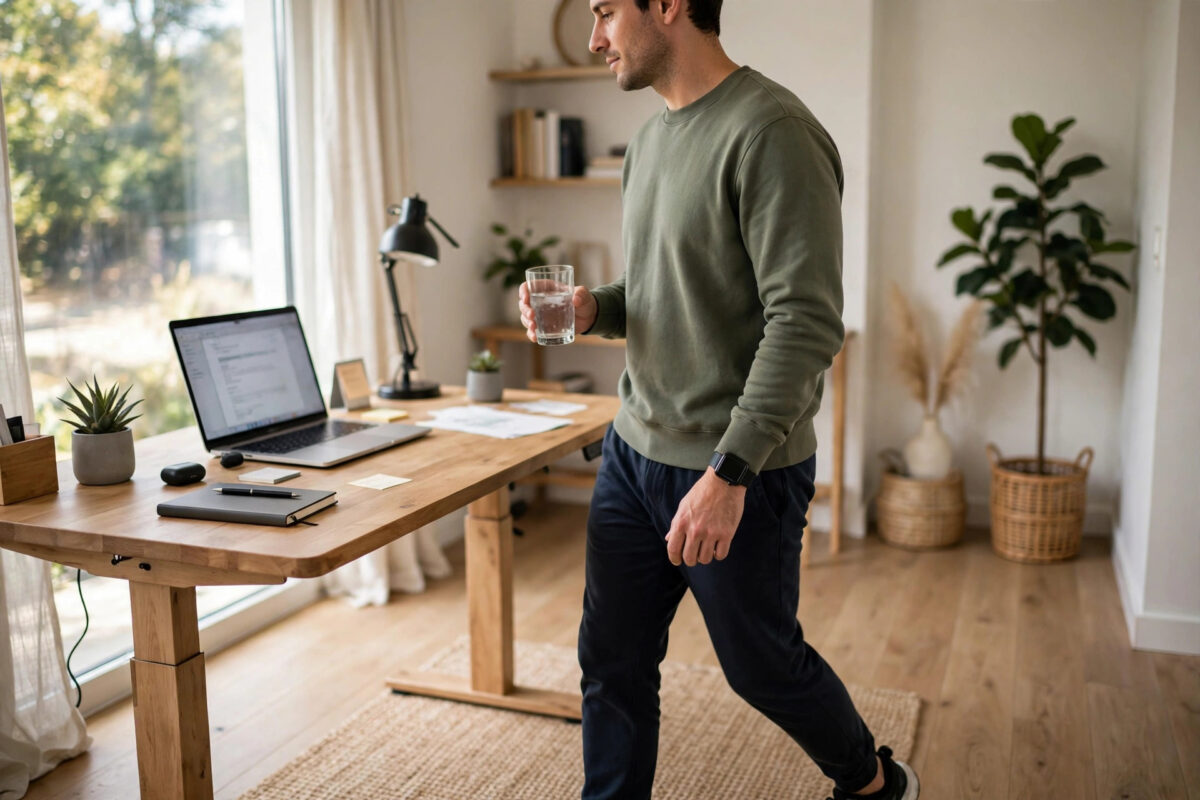
Standing desks are meant to help you move more during the workday, so it feels unfair when you stand for hours and your Apple Watch still tells you to stand. The blue Stand ring barely moves, the hourly reminders keep coming, and by the evening you have missed your goal despite barely sitting down. If that sounds familiar, you are not imagining it.
Apple Watch does not count standing the way most people expect. It measures a specific kind of movement in a specific window of time, and a standing desk can actually make that harder to trigger. This guide explains how stand hours really work, why a desk setup confuses the watch, and how to fix it without gaming the system.
Quick Answer
Apple Watch counts a stand hour only when it detects that you stood up and moved around for at least one minute within that hour. Standing perfectly still at a desk often does not register, because the watch looks for arm and body movement, not just an upright posture. To fix it, walk away from the desk for a minute each hour, let your arms swing naturally, check that Wrist Detection and your Activity settings are correct, and make sure the watch fits snugly.
How the Stand Ring Actually Works
The Stand ring is one of the three Activity rings, alongside Move and Exercise. Its goal is simple on the surface: stand for at least one minute in 12 different hours of the day. The detail that matters is how the watch decides you stood.
It Measures Movement, Not Posture
Apple Watch has no camera and no pressure sensor for your feet. It uses the accelerometer and gyroscope to detect motion patterns that look like standing up and walking. If you rise from a chair and take a short walk to get water, it counts easily. If you are already standing and barely moving, there may be no clear change for it to detect.
This is also why the watch can miss a stand hour when you are standing in a queue with your hands still, holding a child, or leaning on a counter. The watch is good at what it measures, but what it measures is movement, not whether your legs are straight.
The One-Minute Rule Inside Each Hour
Each stand credit belongs to a clock hour. You need roughly a minute of qualifying movement within that hour, and you cannot bank extra minutes for the next hour. Standing and walking for ten minutes at 10:55 does not cover the 11 o’clock hour if you then sit still until noon. This rolling rule surprises desk workers who stand in long blocks and sit in long blocks. Spreading movement through the day works better than one long standing stretch.
Why a Standing Desk Makes It Worse
A standing desk removes the very action the watch is best at spotting: the transition from sitting to standing followed by a walk.
- No sit-to-stand change: If you start the hour already standing, there is no clear stand-up event.
- Hands stay on the desk: Typing and using a mouse keep your watch arm almost still, even while your legs are working.
- Weight shifting is too subtle: Shifting from foot to foot or using an anti-fatigue mat is healthy, but the motion at the wrist is tiny.
- Leaning reduces motion further: Resting your forearms on the desk edge makes the wrist signal look almost identical to sitting.
None of this means your standing desk is useless. Standing still is still different for your body from sitting all day. It simply means the ring is an imperfect score for this style of working, and you need a movement habit to match how the watch counts.
How to Get Your Stand Hours Counted
You do not need to cheat the ring. Small, regular walks fix the problem and are better for you than standing frozen in one spot.
- Once each hour, walk away from the desk for at least one full minute. Get water, walk to a window, or do a short loop of the room.
- Let both arms swing naturally while you walk. Do not carry a laptop or hold your phone in your watch hand during that minute.
- Keep stand reminders on. On iPhone, open the Watch app, tap Activity, and make sure Stand Reminders are enabled so you get a prompt ten minutes before the hour ends if you have not yet stood.
- Check Wrist Detection. In the Watch app, tap Passcode and confirm Wrist Detection is on. Without it, Activity tracking becomes unreliable, and related wrist issues are covered in guidance on setting up fall detection on Apple Watch for an elderly parent, where correct wrist settings matter for safety features too.
- Wear the watch snugly, a finger’s width above your wrist bone, and on the wrist you selected in Settings. A watch sliding over a sleeve often misses motion.
- Remove thick sleeves or a jacket cuff from under the watch during work, so the sensors stay in contact with your skin.
Apple’s own summary in Apple’s guide to closing your Activity rings on Apple Watch confirms the one-minute stand rule and the role of reminders. If reminders never arrive, also check that notifications for Activity are allowed and that Focus modes are not silencing them during work hours.
Settings and Health Details Worth Checking
Wheelchair and Other Activity Settings
In the Health app, your profile includes details that change how Activity is counted. If your watch is set to wheelchair mode by mistake, stand hours are replaced by roll hours and the counting behaves differently. Open the Health app, tap your profile, check your health details, and confirm the wheelchair setting matches your real situation.
Make Sure Stand Goal and Hours Are Realistic
The stand goal is fixed at 12 hours, but your work pattern may make the timing hard. If you start work at 9 and your watch counts hours from midnight, early hours spent asleep or sitting at breakfast affect nothing more than the total pool. What helps most is planning movement breaks into the hours you are actually at your desk. A gentle hourly routine, such as standing calls plus a one-minute walk, usually fills the ring without effort by late afternoon.
If you use a Focus mode for work, add Activity to the allowed notifications list so the stand prompt can break through. Many users miss hours simply because the reminder was silenced until after the hour had passed. For general notification behaviour, Apple’s guide to changing Activity notification settings on Apple Watch explains where these switches live.
Healthy Ways to Work at a Standing Desk
Since you need movement anyway, build it into your desk routine in a way that helps your body, not just the ring.
- Alternate 30 to 50 minutes standing with short sitting breaks, rather than standing motionless for three hours.
- Use a timer or your stand reminder as a cue to refill water, which naturally creates a walk and helps hydration.
- Do a minute of easy calf raises or a short hallway walk during calls where you do not need to type.
- Keep your screen at eye level and keyboard at elbow height, so you are not leaning heavily on the desk with still arms.
- At the end of the day, review your rings honestly. If you moved regularly but missed an hour because you were in a long meeting, that is a limit of the metric, not a failure on your part.
Common Mistakes to Avoid
- Waving your arm at your desk: Shaking your wrist for a minute might trigger a credit once, but it builds no healthy habit and often does not register reliably.
- Standing still for hours: Long, still standing is hard on your legs and still may not count. Short walks beat marathon standing.
- Wearing the watch over clothing: A sleeve between skin and sensor weakens heart and motion tracking and can block Wrist Detection.
- Turning off stand reminders: Without the ten-minute warning, you will regularly discover a missed hour when it is already too late.
- Expecting credit for the next hour: Extra movement does not carry over. Each clock hour needs its own minute of movement.
Conclusion
Your watch counts a minute of upright movement in each hour, and quiet desk work with still arms does not always look like standing to a wrist sensor. Walk for a minute every hour, let your arms swing, keep reminders and Wrist Detection on, and wear the watch snugly. Your Stand ring will fill far more honestly.
Frequently Asked Questions
Why does my watch tell me to stand when I am already standing?
Because it has not yet detected a minute of qualifying movement in the current hour. Standing still at a desk can look like sitting to the motion sensors. A short walk with natural arm swing usually clears the reminder within a minute or two.
Can I change the stand goal from 12 hours?
The stand goal of 12 hours is fixed and cannot be lowered or raised like the Move goal. You can, however, focus on building hourly movement into the hours when you are awake and working, which is how the goal is designed to be met.
Does walking on a treadmill desk count toward stand hours?
Yes, gentle walking with natural arm movement is exactly the kind of motion the watch detects well. Just avoid holding the desk or rails the whole time, as a still watch arm can reduce the credit.
Will a software update fix standing desk detection?
Updates can refine motion algorithms, but the basic method will still rely on wrist movement rather than posture. Keeping your software updated helps, yet the hourly walk habit remains the reliable solution.
What if my stand hours still do not count after walking?
Check the fit, Wrist Detection, and wheelchair setting, then restart both watch and iPhone. If a full day of hourly walks records almost no stand credits, contact Apple Support, as a sensor fault is possible.

Leave a Reply